We remain fully operational. Our teams are working around the clock to ensure your deliveries continue safely.

下载应用程序





Buy anything from 5,000+ international stores. One checkout price. No surprise fees. Join 2M+ shoppers on Desertcart.
Desertcart purchases this item on your behalf and handles shipping, customs, and support to Taiwan.
🚀 Triple your screen, not your desk clutter!
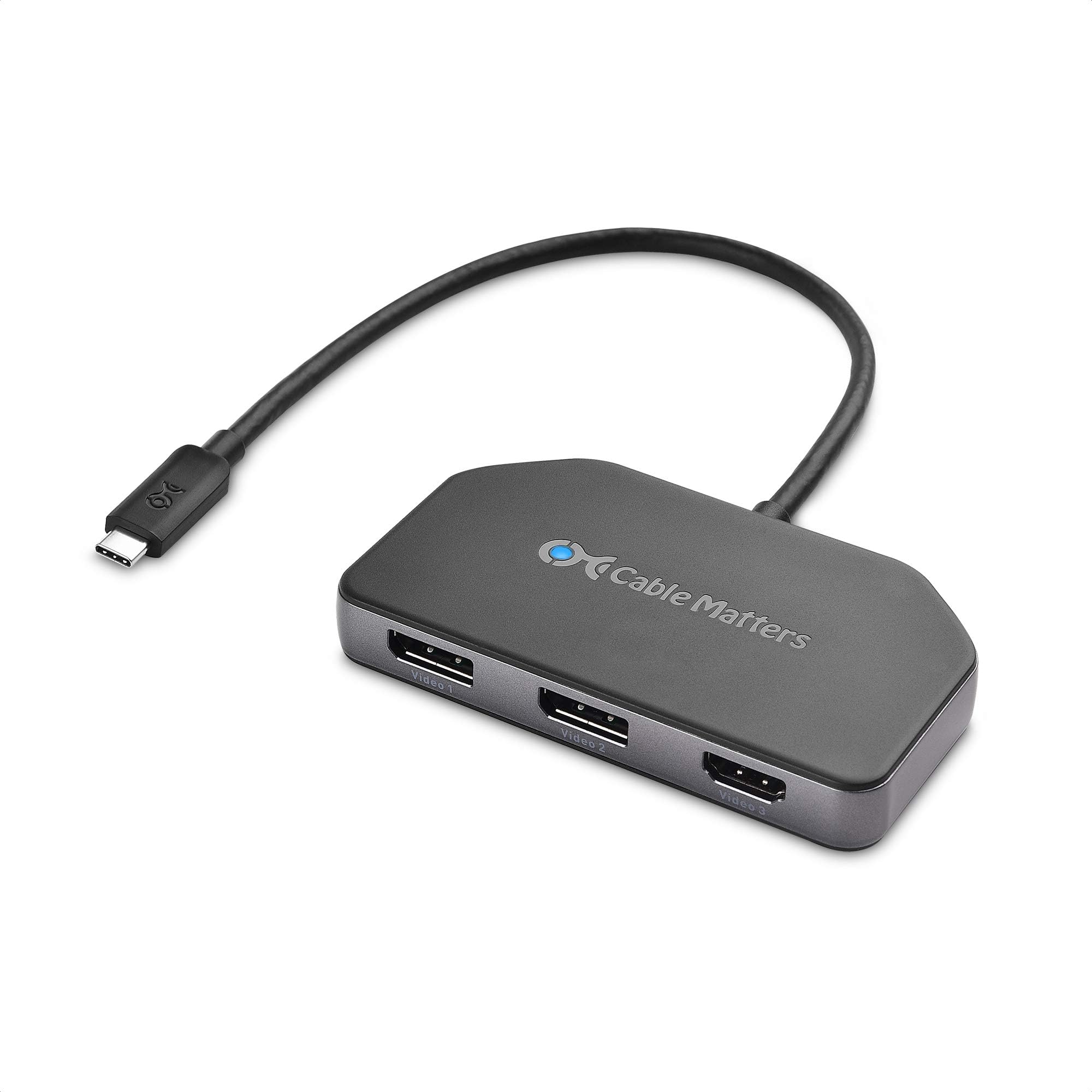
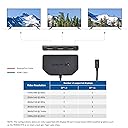
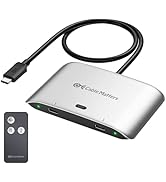
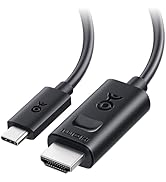
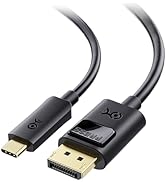
The Cable Matters 4K Triple Display USB-C Hub supports two DisplayPort 1.4 ports and one HDMI port, enabling triple 4K 60Hz monitors with HDR and DSC 1.2. It delivers up to 100W USB-C Power Delivery for laptop charging, is bus-powered with a flexible 12-inch cable, and is optimized for Windows devices with Nvidia RTX and Intel Ice Lake chips. Not compatible with Mac.




| ASIN | B07XYCHGQM |
| Additional Features | Powered |
| Best Sellers Rank | #194,868 in Electronics ( See Top 100 in Electronics ) #1,670 in Laptop Docking Stations |
| Brand | Cable Matters |
| Color | black |
| Compatible Devices | Laptops |
| Customer Reviews | 4.1 4.1 out of 5 stars (355) |
| Data Transfer Rate | 32.4 Gigabits Per Second |
| Hardware Interface | HDMI, USB Type C |
| Item Weight | 0.12 Kilograms |
| Manufacturer | Cable Matters |
| Mfr Part Number | 201365 |
| Minimum Required Operating System Version | Windows 10 |
| Model Number | 201365 |
| Number of Ports | 3 |
| Operating System | Windows |
| Total Usb Ports | 1 |
| UPC | 818707026816 |
| Unit Count | 1.0 Count |
A**R
Handy little item that des what you'd expect. Try different cables if it doesn't seem to be working!
Works great! Been using it for about 4 years now, minimal issues. At one point I had a screen flickering issue reported by other users (Glitchy artifacts on the monitor, screen going black), but that was resolved by swapping the display port cable I had attached to it. The power passthrough works great, I hadn't used it until recently, but it gets the job done.
J**M
Won't drive older DisplayPort 1.2 4k monitors
It's what I get for being on the bleeding edge at two different points in time. I have two Dell 2414Q 4K monitors that I can drive using DisplayPort 1.2 @ 60Hz. They are lovely monitors that I've had for 5(!) years now. I wanted to drive these monitors using a Surface Laptop 3 which a) does not have Thunderbolt 3 support but b) has some kind of strange USB-C to DisplayPort 1.4 hack that in theory should let me drive two 4K monitors at 60Hz. But I think that's only for DisplayPort 1.4 monitors, which my ancient Dell monitors clearly aren't. I was hopeful that this thing could solve this for me, but it can't do that. Right now, it can only drive one of my DisplayPort 1.2 monitors and only at a paltry 30Hz refresh rate. I don't know how many other folks are in the same boat as me, trying to build a decent multi-monitor docking station for a Surface Laptop 3 - at work I have two 2560x1440 Dell monitors running just fine using the Surface Dock, but that dock won't drive two 4k monitors at 60Hz. I really don't want to buy / replace these monitors. All options are pretty crappy (read: expensive) here: replace my 2414Qs with a pair of DisplayPort 1.4 monitors or switch to a different dock/adapter and use a Thunderbolt 3 equipped laptop instead. I tried to connect my 2017 13" Macbook Pro (which has Thunderbolt 3 support) to this, and it can't drive the monitors *at all*. I was hoping for some solution that will work with both the MBP and the SL3. Wishful thinking in 2020. This is going back, hopefully this review helps someone else who might be trying to thread the needle on this problem. Review is 5 star because I think this thing actually does work for the intended scenario. But my copy is going back.
C**S
Works for dual 4K at 60Hz
This is a good solution if you want to connect two 4K monitors at 60Hz to a single USB C port - just make sure your laptop or desktop computer can actually drive that much through a single USB C port. (Look for USB-C 3.1 Gen2 or better / Thunderbolt 3 - or better.) I am using this with a 15” Surface Laptop 3 with an Intel i7 processor. It all works well. The only downside I found so far is that the unit fails when my laptop is coming out of sleep mode. Instead of cleanly resuming, its status LED flashes rapidly until I either hit its reset button or unplug/replug the USB C plug at my laptop.
A**R
Works great
Works great
A**R
Like all the other negative reviews
Worked flawlessly for about 6-8 months and then all of a sudden, began to flicker then disconnect and reconnect my single HP X27q. I would have expected something to last a lot longer for the price point. I'm writing a super late review just because I'm tired of having 60hz instead of 165hz by connecting to an older one. Will keep looking for another product based on some other reviews
J**L
Works as expected.
So far so good. This solved my display issues from my laptop. Now I only have to plug in one cable and can get all three monitors to work.
R**W
Doesn't work fully with XPS 13 9300
Used it on a XPS 9300 which uses Ice Lake chips but for some reason, I have to replug and plug in the adapter for the monitors to be detected whenever I restart the computer. In addition, I can't seem to get DSC to work. With my 4k TV over HDMI and 1440p144hz and 1080p60 monitors plugged in at the same time, I can only get each monitor to run at 60hz at most.
D**R
Glitchy
I ordered this about a month ago. It worked okay for a bit. I had issues with my computer freezing up after going to sleep when this was plugged in. I don't have any issues when its not plugged in. Sometimes the two screens I have plugged in to the DP go black for a few seconds and then come back on. It's quite annoying. This only happened a few times when I first got it, now it happens several times a day. Also the two screens connected would, at times, have static in a portion of the screen for a brief moment, and then return to normal. If the hub is connected, it stays turned on even when the computer is shut down. This makes the hub get uncomfortably warm. It worked most of the time, but very glitchy.
S**M
For those looking for this info, this device will support only two 4K monitors running at Displayport 1.2. I am sure it is able to run three 4K monitors at Displayport 1.4, but I have not tested them. Refer to Displayport bandwidth limitations on Wikipedia, it is consistent with the same. My purpose got served, I'm happy.
G**E
Après avoir essayé des hubs USB C multi-fonctions qui ne géraient pas bien mes affichages externes (2 QHD + 1 FHD) je mets un commentaire pour dire que j'utilise ce modèle depuis 4 mois avec une complète satisfaction. Il ne fait que l'affichage mais le fait bien. Contrairement à un autre commentaire l'alimentation de mon laptop Dell Precision 5570 à travers le hub fonctionne bien (mais avec un message Windows disant que ce n'est pas à pleine puissance, logique puisque les 120W de l'USB C Dell ne sont pas un standard, le pc ne voit que 85W mais fonctionne bien). Payé 75euros en mars 2023 je vois que le prix a augmenté, dommage.
A**R
Pros Plug it and forget it. No setup or driver update. Plug it, it just works. Very stable with my config (32' 4K @60Hz over Display port + 21' 1K @60Hz over Display port) since I bought it (april 2021, 10 months ago) Magnet on the bottom makes it easy to attach under the metal tray holding my laptop DP 1.4 over USB-C. Sturdy aluminum case Cons Doesn't work for my Rift S (black screen). Not really surprising, though. Rift S is really finicky. I bought another (Cable Matters again) adapter with one single DP output and it works fine The unit can get really warm. This is probably normal as the aluminum case is used as a heatsink. Note : I have bought two of these (office, home) and one of them was defective - black screens for 3-4sec about every hour. Cable Matters support has been VERY polite, helpful and efficient processing my return request. A new unit has been shipped to me free of charge within a few days (the manufacturer warranty is 1 year).
J**N
Currently works very well. Both monitors running 2560 x 1440 at 4k60hz. Not had it long but works great for the price and quality.
G**D
It doesn't even manage 2x 4K @ 60Hz, only 2x 4K @ 30Hz. Last time I'm buying something from amazon...