We remain fully operational. Our teams are working around the clock to ensure your deliveries continue safely.

下载应用程序




Buy anything from 5,000+ international stores. One checkout price. No surprise fees. Join 2M+ shoppers on Desertcart.
Desertcart purchases this item on your behalf and handles shipping, customs, and support to Taiwan.
🎥 Elevate your video game—stream like a pro, stay secure, and never miss a moment!
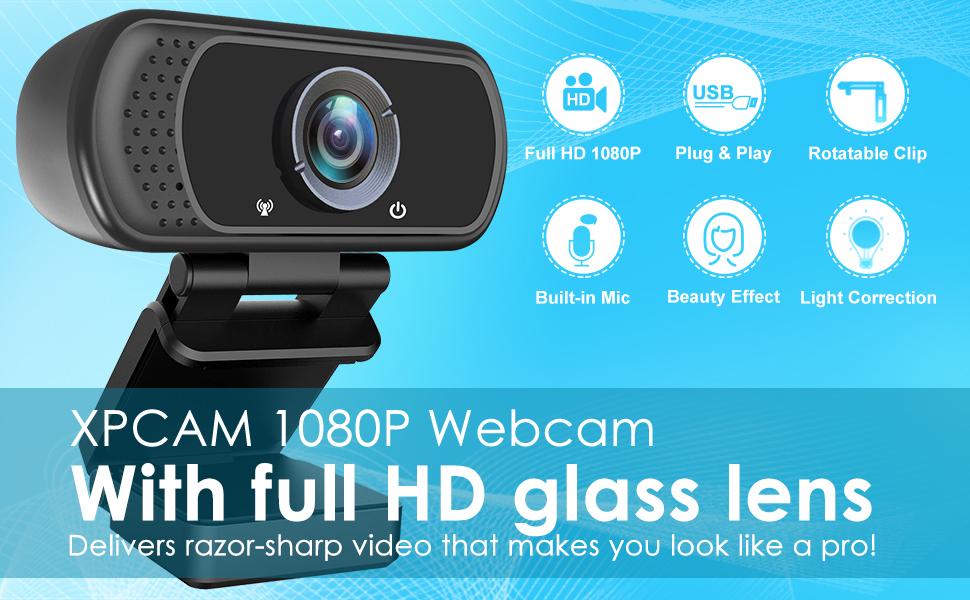
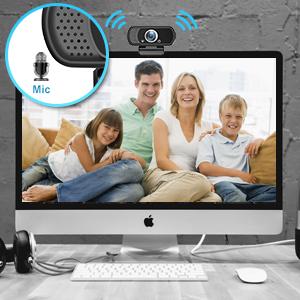
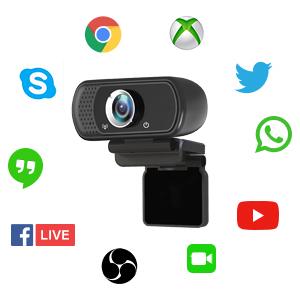
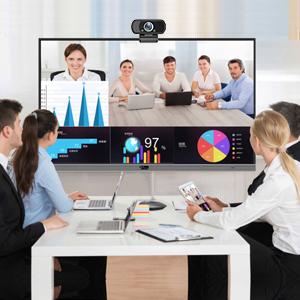
The XPCAM Full HD 1080P Webcam delivers professional-grade video with a wide 110° lens, HDR, and automatic light correction. Featuring a built-in microphone with a 10ft pickup range, universal mounting options including a tripod, and a privacy shutter, it’s designed for seamless plug-and-play use across laptops and desktops. Perfect for streaming, video calls, and online teaching, this compact USB webcam combines high-quality visuals with user-friendly privacy controls.


| ASIN | B082X91MPP |
| Antenna Location | streaming, online teaching, video calling, recording, conferencing |
| Are Batteries Included | No |
| Best Sellers Rank | #91 in Webcams |
| Brand | XPCAM |
| Built-In Media | Privacy Cover, Tripod, User Manual, Webcam |
| Camcorder Type | Video Camera |
| Color | Black |
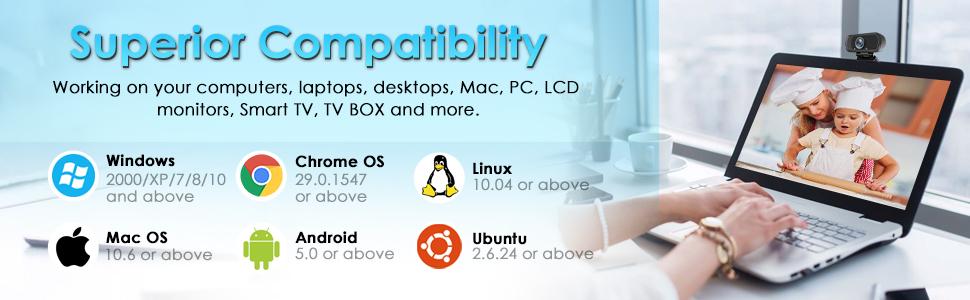
| Compatible Devices | Laptop, Personal Computer, TV with android 5.0 system |
| Connectivity Technology | USB |
| Customer Reviews | 4.2 out of 5 stars 11,663 Reviews |
| Display Resolution Maximum | FHD Pixels |
| Effective Video Resolution | 1080 Pixels |
| Exposure Control Type | Automatic, Manual |
| Features | H.264, Tripod Holder, image-stabilization, usb |
| File Format | h.264 |
| Flash Memory Bus Interface Type | SD |
| Flash Memory Speed Class | C2 |
| Flash Memory Type | Micro SD |
| Flash Memory Video Speed Class | V30 |
| Focus Type | Fixed Focus |
| Form Factor | Compact |
| Has Image Stabilization | No |
| Image Aspect Ratio | 16:9 |
| Image Capture Speed | 30 fps |
| Image stabilization | Digital |
| Item Dimensions D x W x H | 4.92"D x 2.95"W x 2.45"H |
| Item Weight | 4.05 Ounces |
| Lens Type | Wide Angle |
| Manufacturer | XPCAM |
| Maximum Aperture | 2 f |
| Maximum Focal Length | 40 Millimeters |
| Minimum Aperture | 0.5 Millimeters |
| Minimum Focal Length | 20 Millimeters |
| Model Name | XPCAM |
| Model Number | N5 |
| Number of Speakers | 1 |
| Operating System | Windows |
| Photo Sensor Technology | CMOS |
| Screen Size | 2.7 Inches |
| Sensor Type | CMOS |
| Shooting Modes | Automatic, Manual, Shutter Priority |
| Style Name | 1080P Webcam Black |
| Supported Audio Format | PCM |
| Supported Image Format | JPEG |
| UPC | 828217261379 |
| Video Capture Format | MPEG |
| Video Capture Resolution | 1080p |
| Video Resolution | 1080p |
| Viewing Angle | 110 Degrees |
| Warranty Description | 1 year |
| Water Resistance Level | Not Water Resistant |
| White Balance Settings | Auto |
| Zoom | Fixed |
D**.
Great camera. Easy to use and setup. Inexpensive but not cheap. Buy it if you need it.
I bought this camera to mount on a 3D Printer so that I can always view my prints. It is working perfectly for that. Very compact. I love the little tripod it comes with too. I'm using it for other purposes but it fits everything I connect to it well and feels study. Camera itself feels good, has a good output, and picks up voice fairly well. I used it to record a review video and the quality was on par with my others that were a little more expensive. Clear quality, clear indicators so you know when it is on or off for privacy reasons so it has security/privacy in mind, easy to install (plug and play - no drivers if your computer is modern) Great deal for the price. Will probably by more when the need comes. Buy it if you need it.
D**B
This is an excellent web cam.
It is easy to install -- just plug and play. The image quality is good. I do not know about the sound quality, but I can tell you the microphone does work. It is small and light weight. It fits nicely at the top of a desktop monitor. I taped it to the top of the monitor for added stability. There is no ON/OFF switch. If it is plugged into a USB-A female port, it is ON with a red light on the monitor. The camera must be turned on in some software & in your computer. I used Zoom. When the camera is ON, a green light illuminates on the camera. You can set it up and test it on Zoom without having a meeting. Create a Zoom account (for free), log in, go to SETTINGS at the top right, click on Video & Audio, and test your web cam. The plastic hood on the lens does not work well. The tripod that comes with it is too small and unstable to be of much use.
D**N
Pretty standard WebCam, does the job just fine
Pretty straightforward WebCam. Seem to do just fine. Recently, after plugging it in and moving it around quite a few times to my office and back. It has now malfunctioned. Will be ordering a new one. But for a cheap and easy WebCam, this will do the trick.
U**T
Quick setup and clear images
This webcam delivers great images that are clear and has a nice adjustable stand that can be used on any flat surface if you don't want to attach it to your monitor. The privacy cover attaches easily and blocks unwanted viewers when not using the camera. The sound quality is excellent. Echo cancellation is disabled on the dashboard, but can be corrected by moving the webcam away from other electronic devices. The long cord makes it easy to find the perfect spot. Works well with Zoom Workplace for PCs.
A**E
Budget camera. Image quality fair
I’ve owned this camera for slightly over a year now. The image quality is decent, but since it’s not a high-end camera, don’t expect anything extraordinary. Interestingly, the camera automatically turns off even with a slight touch or movement near the neck of the camera. I’ve checked for any loose connections, and everything seems to be in order. However, I suspect there might be a chip issue inside the camera that causes it to turn off occasionally. Fortunately, this isn’t a major problem for me because I can simply disconnect it from the USB port and reconnect it, and it will start working again.
A**A
Best Cam!
Best thing I bought. Kinda sad that the cord leading into the cam started messing up but gave me another excuse to use it for my streams for doggy cam.
A**X
Terrible mic, inconsistent video
Generally, this webcam has worked fine when using it for about 30 minutes at a time, but after that it either is marked as "USB device malfunctioned" or the video starts strobing and being completely unusable. After this happens, I have sometimes been able to fix it by unplugging the USB and plugging it back in, but more often than not, it just doesn't work at all as a video source. Also worth noting is that when I took the privacy cover off, it would take a few seconds to shift the lighting away from being a deeply purple saturated color. I am also not convinced that the video is 1080p, as it has nearly always been grainy enough that I could easily see the pixels especially around the edge of my face. The microphone is low enough quality that I have been informed nearly every time it defaults to being the audio source for my computer, and I have to manually change the source to my headphones which have a reasonably good microphone or built in computer audio when on my laptop. The first comment I got after getting the webcam was that it sounded like I was underwater. The microphone has been an issue since day 1, and the video worked for probably a month or 2 before starting to malfunction, being used at most once a week. The main redeeming quality is that the price was low enough that I don't feel terrible for having wasted $20 now that I'm going to buy another camera.
H**D
It works better than expected on Windows 10
This product actually exceeded my expectations quite a bit. There’s no issue on Windows 10, just plug it in and you’re basically done setting it up. Video quality with it is what surprised me. It’s definitely not a high end device by any means, so probably not worth it for a streamer, but it works great for work meetings/virtual appointments even in lower than average lighting. (Monitor on at ~400 nits, lights off and curtains drawn) I legitimately thought it was going to be garbage due to the price, but I’m glad I was wrong. Oh yeah, one more thing, if you have it on a monitor it’s fine and easily adjusted to stay on it, but I didn’t try the little tripod that comes with it. However, others have said it was real bad. Might be something to consider if you’re not going to be placing it on a monitor.
TrustPilot
2 个月前
3天前