We remain fully operational. Our teams are working around the clock to ensure your deliveries continue safely.

下载应用程序






🚀 Elevate Your Network Game!
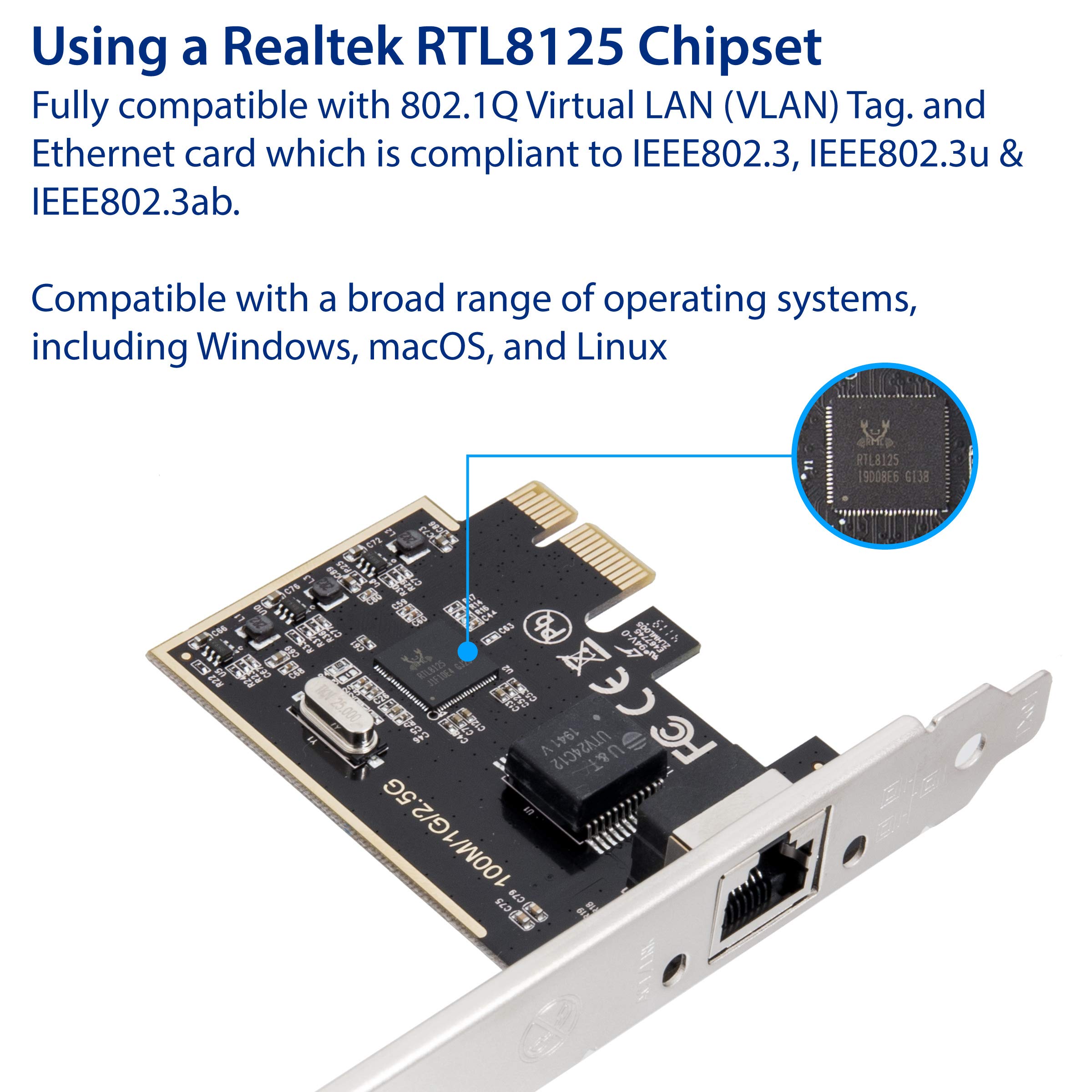
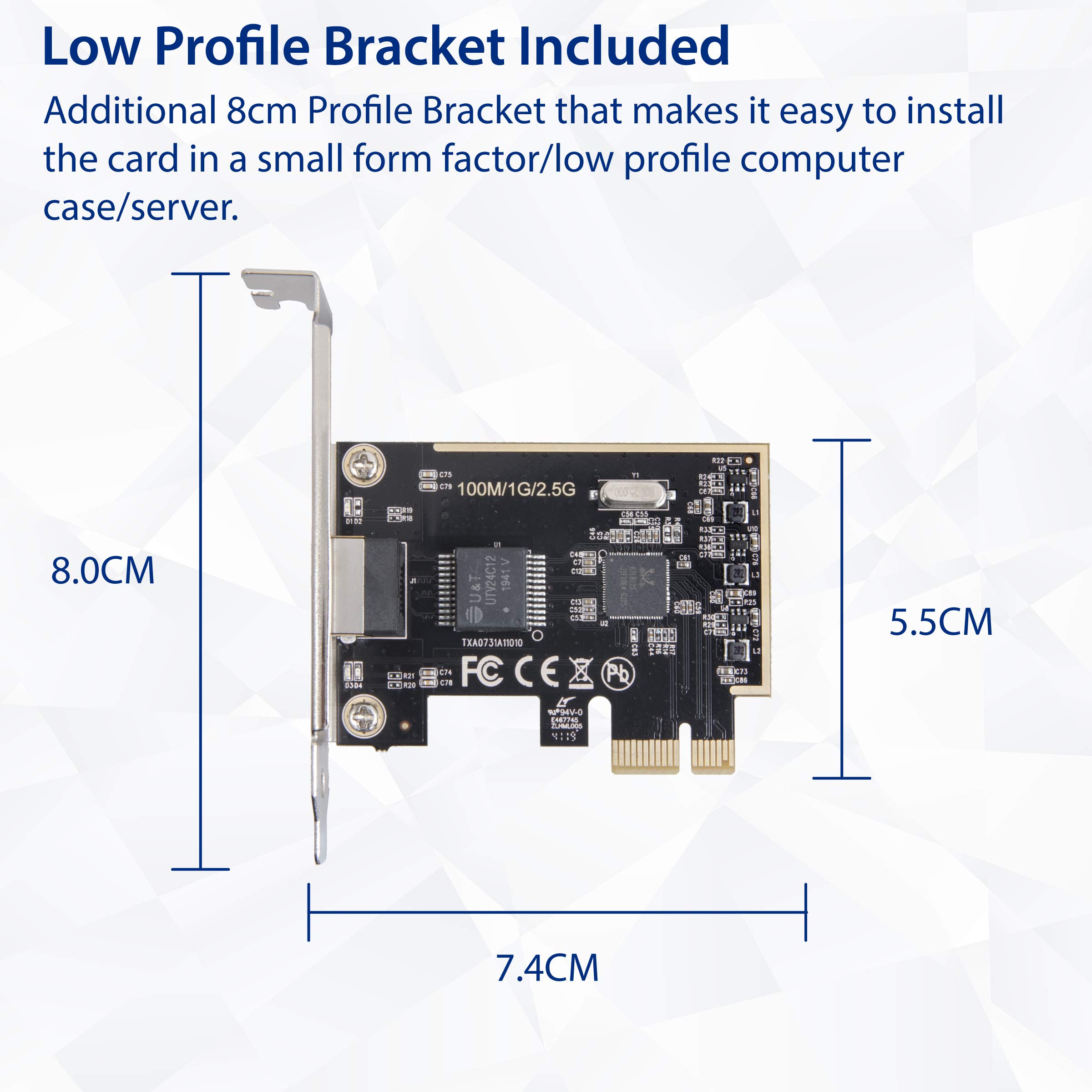
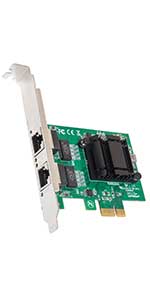
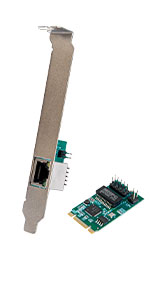
The 2.5 Gigabit Ethernet PCI Express Network Interface Card (SI-PEX24059) allows you to upgrade your PC's connectivity with speeds up to 2.5 Gbps. It supports various PCIe slots and is compatible with multiple operating systems, making it a versatile choice for both gamers and professionals. The card comes with a low-profile bracket for easy installation in compact cases and is backed by a 3-year warranty.




| ASIN | B07RF4SZ8R |
| Best Sellers Rank | #136,271 in Computers ( See Top 100 in Computers ) #394 in Network Cards |
| Customer reviews | 4.4 4.4 out of 5 stars (257) |
| Item model number | SI-PEX24059 |
| Label | I/O Crest |
| Manufacturer | I/O Crest |
| Product Dimensions | 10.92 x 1.27 x 13.97 cm; 90.72 g |
R**R
This upgrade to 2.5gig Ethernet is easy to install into a PCIe slot and drivers are included on the supplied mini CD. Many drivers are included including Windows 11, 10, Mac and Linux. Full speed is achieved using Cat 6 wire. Both full form and small form factor hardware included - easy to change out. Ethernet socket has two LED indicators for link and speed which is good since other cards may not have these indicators or have holes to see through to an LED on the inside surface of the card. The Realtek chip and the software may be able to go to 10gig in the future since there is some references in drivers and other information of the system. Maybe a firmware update in the future for this? Overall, this is a great product and very reasonable in price and support.
S**N
Acabo de instalar la tarjeta de red, si costo trabajo para que mi tarjeta madre la reconociera, aunque al ser pci, y puedes conectarla en los puertos pci-e 16x, posiblemente mi tarjeta no la reconoce de este modo, y fue necesario colocarla en los pci. con eso la detecto windows sin problemas, ya solo busque el driver directo del fabricante del chipset, el cual es Realtek, y permitió que funcionara un poco mejor. A comparación de mis anteriores test con el conector de red de la tarjeta madre, si varia la velocidad de internet, pero puede que con el tiempo se ajuste y me de mejores resultados. la primera foto es del antes, y la segunda con la tarjeta
A**R
Used to upgrade an older PC for use on a 2.5Gb network. Hardware installation was easy and took 10 minutes, and Windows 10 installed a driver for it so it worked straight away. However I was getting 280-odd MB/s incoming, but only 170-ish outgoing. So I installed the driver on the included CD (Realtek 8125 chipset) and that got full speed in both directions. So far seems like a great, economic way to upgrade.
D**E
My Dell has an on-board gigabit adapter and I was getting 947 Mbps Up and 944 Mbps Down, after I installed this card, I got 1619 Mbps Up and 1091 Mbps Down on Bell Fibe 1.5 Gbps service. It's only been a week but so far so good!! There is one weird thing about this card, the ethernet socket is upside down when the card is installed. If you mount it above a graphics card plug, the clearance is a little tight to access the tab, other than that it works great!
T**A
Very Happy with this. I get 1715 Mbps (1.71 Gbps) Download and 1045.00 Upload. I pay for 1.5 Gbps service down and 1 Gbps UP. The most important thing is to plug the ethernet cable to the modem in the correct port. I made the mistake of using a 1 Gbps port initially and that is what I got. It is now plugged into a 10 Gbps port which fixed the issue. My service is Bell Fibe via Optical Fiber Cable direct from the street to my modem.