We remain fully operational. Our teams are working around the clock to ensure your deliveries continue safely.

下载应用程序


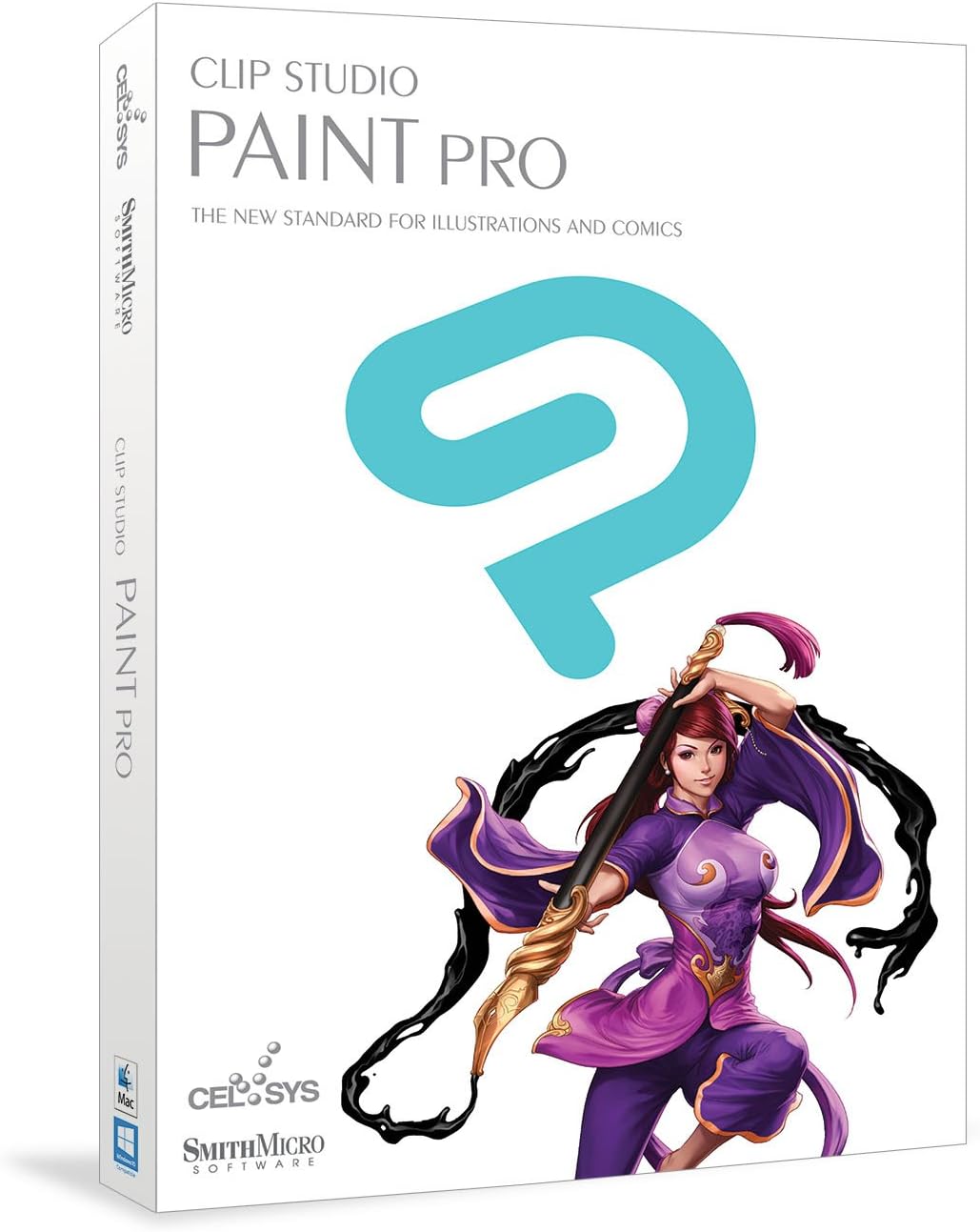
🎨 Unleash your inner manga maestro — create, animate, and captivate like a pro!
CLIP STUDIO PAINT PRO is the top-rated all-in-one software designed for manga and comic artists, offering a powerful, intuitive interface with advanced drawing tools, specialized comic layout features, and frame-by-frame animation capabilities. Compatible with pen tablets, it accelerates creative workflows while providing professional-grade precision and a rich ecosystem of user resources.


| ASIN | B01F70HGA4 |
| Best Sellers Rank | #2,388 in Software ( See Top 100 in Software ) #34 in Illustration #675 in Mac Software |
| Customer Reviews | 3.9 3.9 out of 5 stars (488) |
| Date First Available | April 12, 2016 |
| Is Discontinued By Manufacturer | No |
| Item model number | CLSP1HDVD |
| Manufacturer | Smith Micro Software Inc. |
| Product Dimensions | 7.56 x 0.56 x 5.31 inches; 1.92 ounces |
S**Y
Quite an amazing piece of software
I have been using Photoshop since version 1.0 and am deeply impressed by what Clip Studio Paint Pro can do that PS can't (or wasn't designed to, to be fair). I am still working through the (pretty steep) learning curve, but every few minutes, I am saying, "Oh, cool," or, "That's interesting." This seems to be the ideal software for 2-D drawing using a tablet. And I can already see ways to use Photoshop to enhance what I can do in Clip; they really do seem to be complimentary. Clip Studio Paint has amazing utilities like the built-in 3-D mannequin that let's you build a pose, rotate it in space, and trace over it. The ability to lay out any number of panels on a comics page in about ten seconds is also incredibly nice. Edge masking so you can draw only inside your panels is also cool. The ability to draw a line and then adjust its weight, tweak the curve, and so on is also a huge time saver. Downsides seem few so far. A few of the Japanese to English translations are clunky, but not really confusing. The online tutorials from the company are in Japanese with English subtitles, but not all of them are subtitled, which is problematic. It would be nice if they had English voice overs since it is hard to watch what the instructor is doing on screen while also reading the captions. But so far I have no real complaints. Nice work.
S**E
Sai tool was great. It was light
I'm a long time user of Paint tool Sai. Sai tool was great. It was light, have almost every function that other expensive programs have, and pretty easy to use. But every time I used sai tool to draw, something didn't feel right. Lines felt different from the line I actually made on my wacom tablet. It also felt less accurate and precise while coloring. I've tried every suggestions on the web to remove these problems I been having, but nothing really resolved this issue. So I decided to give Clip Studio a try with a doubt in mind that this tool won't be far different than sai. Then it blew my mind. No more awkward lines! Felt much accurate and precise coloring than sai. Still easy to use, Has extra features that Sai tool did not have, and plethora of resources made by other users that adds expandability of the tool! Only minor hassle was to get used to new hot key settings but then this was easily resolved by having a programmable keyboard! If you are looking for a good paint tool that doesn't break your bank or cause awkward sensation while drawing, Clip studio paint is worth a try. Pretty sure you won't regret it!
L**L
A program that has a lot of variety
Overall, the program offers a lot- a variety in tools for sketching and lining- in appearance, it looks almost like Photoshop. You can customize the settings/look of the program to however you feel is better for you, and if you are looking for a well-performing program for animation, it has its own settings for exactly that. Clip Studio Paint is a professional program and yet, it is easy to learn and work with. It can work on both Windows and Mac- and has a free trial to learn the ropes of it before purchase (free for 30 days on PC, does not apply to other devices, which are free for up to 6 months or every day depending on which device it is). In CSP, you can also change the pressure of the brush strokes and correct the line thickness and using the stabilizer to make linear look cleaner. In addition to customizing the look of the program, you can customize your brushes as well. It allows you to make comics, illustrations and animations with different canvas settings to fit your requirements. Lastly, the tools there are not just for animation and art but 3D modeling that can be used as reference and a model for pretty much anything.
C**S
SmithMicro used to be a great company that took pride in their high quality customer ...
I ordered the download for Windows and the serial number provided was refused by the program as invalid. When I attempted 8 times to contact customer service and begged for them to provide a working serial number but never got an answer other than an automated notice that a message was received. SmithMicro used to be a great company that took pride in their high quality customer service but that is obviously is a thing of the past. I have Clip Studio on my Mac but it was from a disc and I've never had a problem. I can no longer recommend SmithMicro because of their complete failure to respond to my requests. However Clip Studio formerly Manga studio is a brilliant program that I have enjoyed using for many years so I do recommend it.
K**T
It's not bad for the price
It's not bad for the price. I found that drawing in paint tool sai is still far smoother than doing so in this program, and coloring, and shading, and etc. However the money was far from wasted thanks to my favorite feature, the 3d doll models. I still haven't figured out how to zoom in on the model but you can click and drag to move or rotate parts of the "doll" to get a pose you need. Way better than digging through google images for the right picture. Now for other aspects of it: Have trouble making comic frames? This thing has you covered with 33 comic fram templates. It even has a bunch of word bubbles, speed/shock lines, and a couple miscellaneous things for comics. Have trouble drawing flowers, lace, grass, chains, and more? It also has you covered with brushes that do that, or if you want to draw one thing at a time with one of said brushes all you have to do is turn off the ribbon effect. Not satisfied with the default brushes? Well their website has you covered with a literal BUTTLOAD of individual and brush sets taht you can easily install into the program. It also has plenty of downloadable palettes as well, my faves being for skin and hair. Want to animate? This is the stickler since in pro you can TECHINCALLY animate but only up to 24 frames. I found taht out after looking around on their site, something I had not seen listed here. You want actual animation longer than that you need to get EX. So yeah it's definitely worth the 25 bucks so go ahead and grab it if you're just going to do illustration and comic work.
D**U
Honestly, this is the software I was fortunate enough to be spoiled by as my first drawing software, so when a server move at Wacom happened, and I couldn't get the final year of my 2 year trial (there's a story here, let's just say malware sucks and I made poor decisions in regards to backing up my key code) I went around and looked at many different free versions. I tried a bunch, too. Of the free software available in December of 2017, Krita had the best overall kit, but was laggy and poorly optimized for Windows. Medibang was the absolute best free software for line art, though it's color mixing was not that great. Both programs still don't measure up to Clip Studio Paint Pro, in my opinion. I'd definitely recommend it for anyone who can afford to spare $56 CAD.
F**E
El motor de pinceles de clip studio paint es el mejor de todos los programas de ilustración que he probado. Tenía pensado moverme a otro programa popular de ilustración pero regresé a este programa porque simplemente es mejor para ilustración y cómics. Tiene muchas pequeñas funciones que hacen todo el proceso desde roughs a los toques finales mucho mas fácil y fluido. La función de animación es bastante básica pero funcional y simple de aprender. En las ultimas actualizaciones el servicio de assets es muy bueno para encontrar los materiales que buscas. Excelente programa, muy recomendado para ilustradores y creadores de comics.
I**Y
Es un excelente software para ilustrar y a un muy buen precio. Lo super recomiendo. Viene en inglés pero pueden descargar la última versión en español y usar el código que trae.
A**O
Wish my stupidity hadn't kicked in and I bought this on their site instead. I was getting a tablet, so I purchased this on the spot, rash decision to just have a program with it. I mean every review people had for it was STELLAR and everyone I knew or admired used it. So I bought it. No regrets. HOWEVER. LADIES AND GENTLEMEN CLIPSTUDIO HAS ON WEBSITE SALES FOR %50 OFF ALMOST EVERY THIRD MONTH OR SO Buy it there. Don't spend your money here like I did lol. Great program, well worth it, but if you don't have the money to spend or don't want to throw down $200 go to the website, follow them on twitter and catch a tweet for when they're half price. God speed.
C**N
Me gustó el producto es muy adaptable para el dibujo digital, especialmente cuando se trata de cómics, práctico a la hora de usar pinceles y rellenar espacios, además de que puedes encontrar tutoriales en la página oficial que son muy útiles. Buena inversión
TrustPilot
1天前
2 个月前