We remain fully operational. Our teams are working around the clock to ensure your deliveries continue safely.

下载应用程序


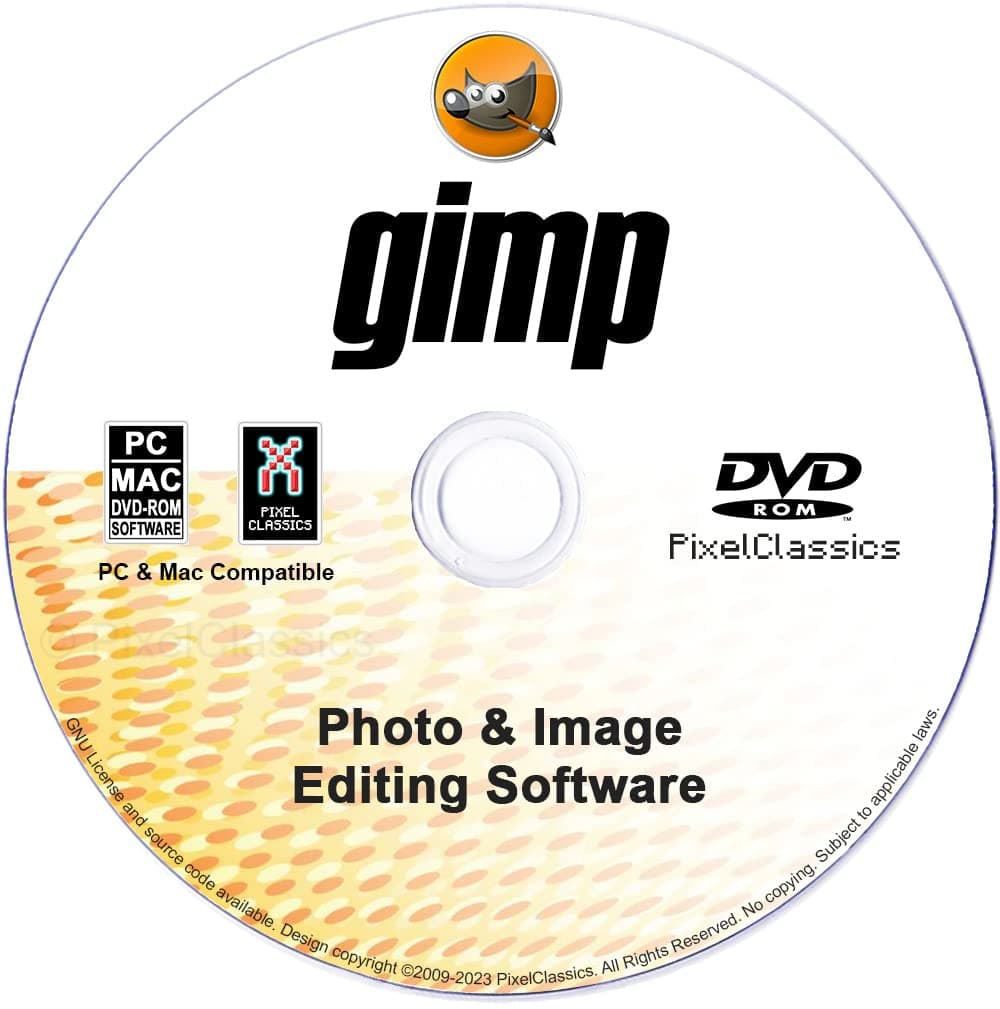
♾️ Unlock your creative genius—forever, no strings attached! 🎨
GIMP Photo Editor 2026 is a professional-grade, fully featured image editing software distributed on a multi-platform DVD-ROM. Compatible with Windows (XP to 11) and Mac OS, it supports a wide range of file formats including Adobe Photoshop .PSD files. With a lifetime license and free updates, it eliminates subscription fees. The package includes access to over 2.7 million royalty-free stock images, comprehensive user manuals, and quick start guides, making it ideal for both professionals and hobbyists seeking a powerful, cost-effective photo editing solution.
| ASIN | B06WP73RDN |
| Best Sellers Rank | #88 in Software ( See Top 100 in Software ) #5 in Photography (Software) #46 in Mac Software |
| Customer Reviews | 3.3 3.3 out of 5 stars (846) |
| Date First Available | February 16, 2017 |
| Item model number | AZUS0002-01A-FBA |
| Manufacturer | PixelClassics |
| Package Dimensions | 5.25 x 5.25 x 0.1 inches; 0.63 ounces |
D**N
Great program at a good price
I am not the most computer savvy person, but I like to touch up/crop/add text to, etc. my photos . I had always used a fairly simple program called Microsoft Picture It! which I had on disc. That did everything I needed. I just upgraded to a new PC with Windows 10 and found Picture It! to be incompatible and no longer available. I didn't want to spend a fortune for PhotoShop or any of the other programs I researched. Decided to try this. It was easy to load (even for my 65 year old brain) and has more photo processing than I'll ever use. Great deal.
B**R
Don't go there!
I bought this product to edit photos that range in age 80 years to present day. Black & white, color, Polaroid, faded and just plain old. This was suppose to be the best but it turned out to be the worst. The cd install was one of the worst I have seen. Errors during install and it said could not find the application to install the manual. This is even after I guided it to the correct folder. Apparently, the version installed is not the version the manual guide install was looking for. So I fought with there only to find that it did install? What the? The app opens to a home page that looks like code rather than something a user can navigate through. Very disorganized and displayed in small print across both sides of the screen. Never seen anything like this. It is going to be hard to use and/or navigate through trying decide where to go and do the things you want. Manual guide says it is 800 pages. Can you imagine trying to find something in that? Don't know who said it was the best but to me it is pure chaos. It's free but had to pay to have it shipped. Downloading it is out of the question due to the problems it causes. But I am stuck with it until I can find something useful. Don't go there, you'll be disappointed, like me.
M**!
Good Value
Received undamaged condition. Software design satisfactory. Two user levels available are difficult or professional. Software is functional but not intuitive. Help is available. Installs easily. Operates properly.
M**B
but I like having a copy on disc so if anything goes ...
Sure, you can get GIMP for free if you're willing to monkey with the download...but I like having a copy on disc so if anything goes south on one of my laptops i can load it on another quickly and efficiently. GIMP is also a great program, I took digital art and Photoshop classes in college, so if you can learn Photoshop, you can learn GIMP. The learning curve is kind of steep, but once you master it, you have powerful tools at your fingertips. GIMP is also a friendlier program, the layout is better, and doesn't have Photoshop's Darth Vader control panel with tiny icons that an older gentleman like myself can't see.
G**R
Good and bad, but no ugly
I am a user of Photoshop Elements. My 15 year old mac is showing signs of giving up the ghost, and the new mac won't run my old version of Elements. I have no interest in letting Adobe get their claws into me. I decided to give Gimp a try. I never used much of the capability of Elements, so I had hopes that Gimp would meet my limited needs. I just finished editing a series of mineral photographs with Gimp. In general it does what Elements did. It has some glitches. The tool bar sometimes is in a different location and partly unusable. On occasions the image jogs partly of the work area and won't go back. I can't use the pencil tool after using text. The instructions use different terms than are used on the display. However, the help feature is readily available to set you straight without going back to the instructions. In summary, it does what I need, but annoys the heck out of me at times.
M**N
Buyer Beware this is PROFESSIONAL SOFTWARE
I obtained this software because of online advice. Tried to install 3 times on the 3rd time it installed. Inspected the program and determined that it was not useable for my needs (I'm 76 yrs old) and not a professional photo editor and just trying to edit my family photos. I placed the undamaged program disk back in the original package and returned through the UPS system, there were no damages when turned over to UPS. Refund was termed as Damaged and refunded less than 2% of the cost. Then goes back on line as previously viewed for $2.00 less than original price. Buyer Beware.
R**E
CD programs
The CD programs work great, no problem loading on my computer and the programs are very efficient and easy to use
T**D
Not for this old man.
You have to have a damn good memory or a computer geek to use it, I gave up and removed it as I could not use it.
TrustPilot
1 个月前
2 个月前