We remain fully operational. Our teams are working around the clock to ensure your deliveries continue safely.

下载应用程序



🎮 Elevate Your Retro Gaming — Because Classics Deserve to Shine!
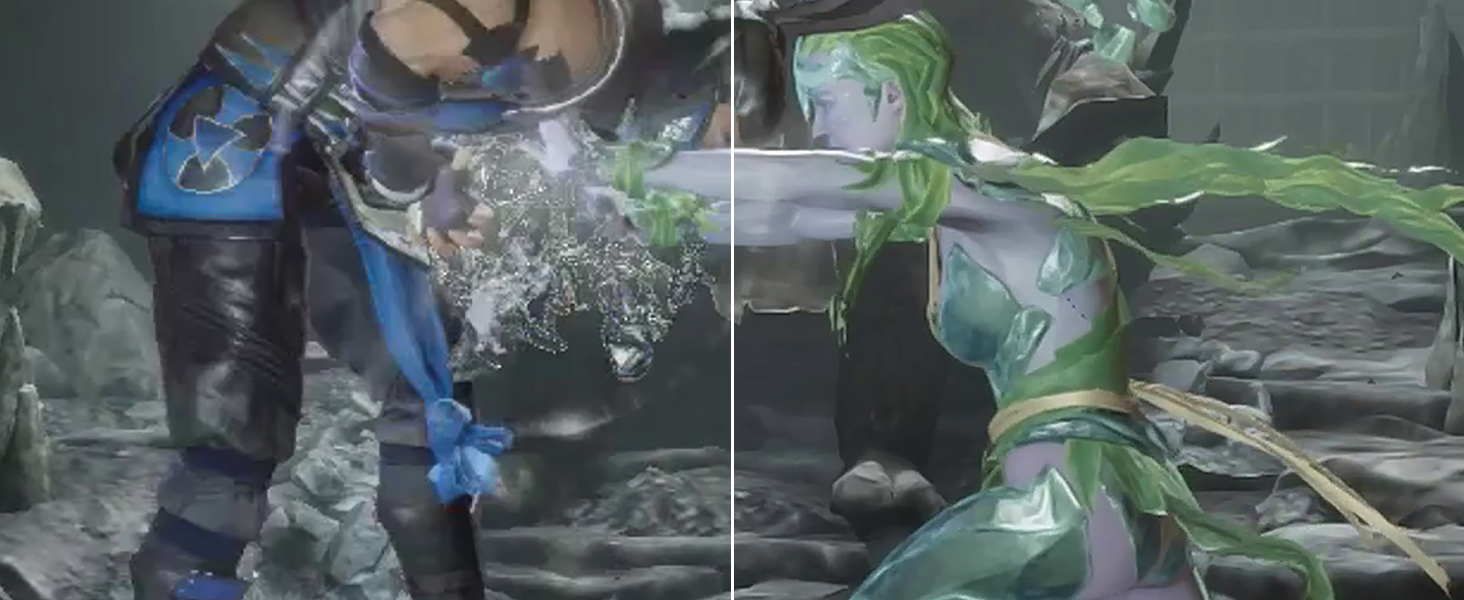
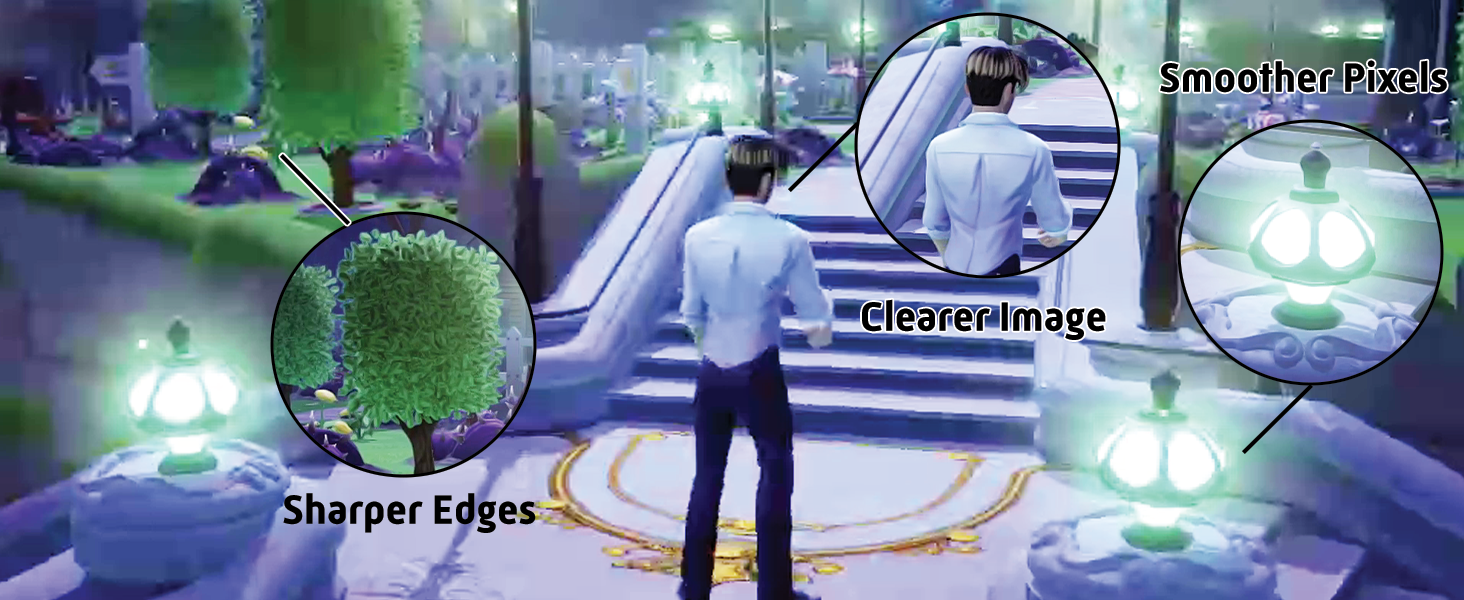
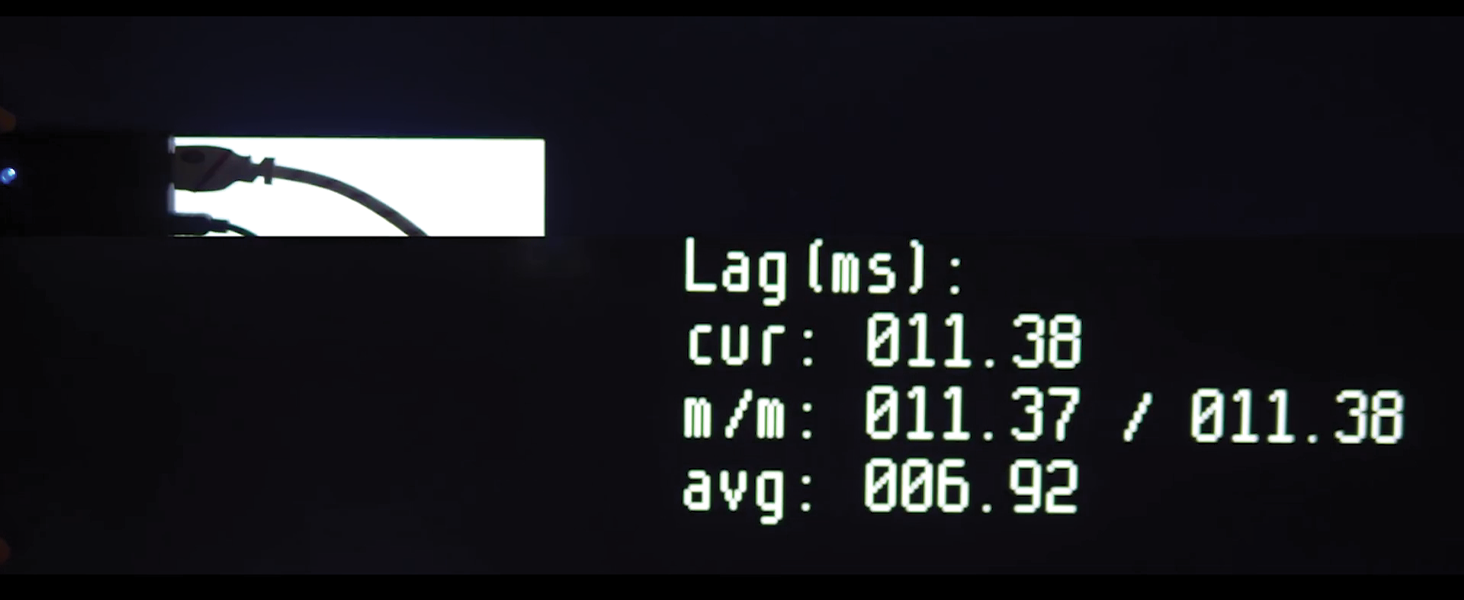
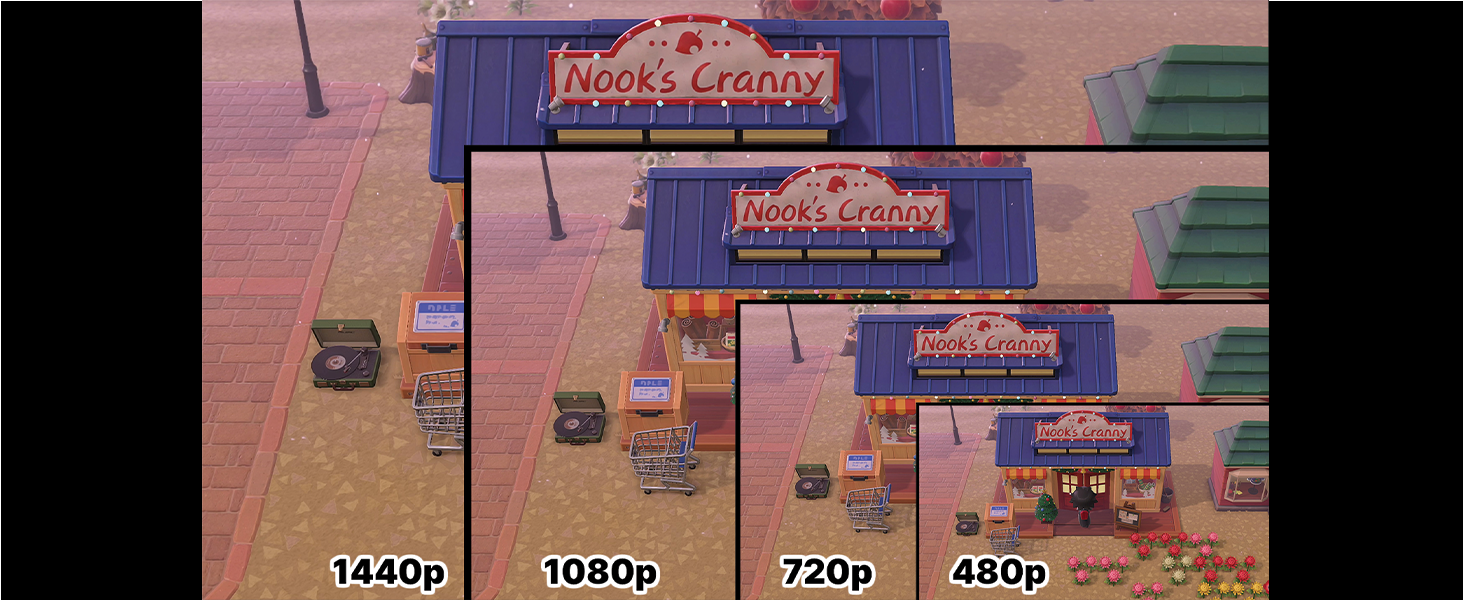
The Marseille mClassic is the world’s first plug-and-play graphics enhancer that upgrades classic and modern consoles by redrawing each pixel in real-time with patented Contextual Processing technology. Supporting up to 1440p/4K resolution with zero lag, it’s compatible with a wide range of consoles including Nintendo Switch, Xbox, PlayStation, and Wii. The device includes all necessary cables and features an easy on/off switch, making it the ultimate upgrade for gamers craving sharper, more vivid visuals without complicated setups.







| Language: | English |
| Model Number | MC9007-A |
| Number of Game Players | 1 |
| Number of Puzzle Pieces | 1 |
| Assembly Required | No |
| Batteries Required | No |
| Batteries Included | No |
| Material Type(s) | Information not Available |
| Colour | Black |
| Product Dimensions | 15.24 x 11.43 x 5.08 cm; 28 g |
| Item model number | MC9007-A |
| Original Release Date | 2023 |
| Manufacturer recommended age | 15 years and up |
| Manufacturer | Marseille |
| Country of Origin | USA |
| Item Weight | 28 g |
H**Z
Perfect for your high end tv
If u have those 55” 4K tv … u need to do something to the resolution that the switch can produce during dock… most high end tv can already upscale to 1 step better then what the switch output. But with this it improve 1 more step … so that is the layman way to put it .
V**O
Esperienza con Raspberry pi 4
Ho voluto sperimentare l’accoppiata pi 4 con l’emulazione psp. Parto subito col dire che mostri avranno notato la necessità di impostare una risoluzione 2x nelle impostazioni dell’emulatore PPSSPP per rendere la grafica più accattivante e comunque godibile su schermi da 15 pollici in su. Così facendo però, spesso si hanno cali di frame nelle fasi più frenetiche dei giochi, rendendo frustante il tutto. Ebbene la mia idea era quella di utilizzare l’emulatore con risoluzione 1x accoppiandolo con Mclassic. L’esperimento è riuscito pienamente: Mclassic permette di recuperare quando di perso si avrebbe nel passaggio da una risoluzione 2x ad una 1x…in più si ha un carico minore sulla cpu e gpu del raspberry con azzeramento dei cali di frame di cui parlavo prima. Pienamente soddisfatto. (Consiglio di impostare come risoluzione di uscita dal pi 4 la 480p, ci penserà Mclassic a fare il resto). Analoga prova fatta con l’emulazione dreamcast: anche qui si ha possibilitá di ridurre il carico su raspberry, potendo ridurre la risoluzione in uscita. Risultati di tutto rispetto….chiaramente con effetto uaaaoooo ridotto rispetto a psp ma comunque rispettabilissimo. Mi riservo di fare prove con n64
R**T
A solid graphical upgrade.
I recently bought a PS3 slim to play some older and exclusive games that simply aren't available on other consoles. However after playing for a few minutes I was disgusted at how truly awful the graphics are. I read about the MClassic and watched some YouTube videos so decided to give it a try and I have to say I’m quite Impressed. While playing GTA IV, a roughly 640p native game I noticed an immediate improvement to AA (Anti-Aliasing) and also an overall improvement in the picture detail as the MClassic upscales games from 720p or lower to 1080p. It can upscale to 1440p but my TV isn’t compatible. I seen a slight improvement to draw distance and sharpness but definitely not as much as my Sony TV’s “Reality creation” feature. When both the MClassic and the Sony TV’s super sampling work together you get a truly amazing picture. I recommend if you can run both the MClassic and some of your TV’s picture quality features then you absolutely should, but only if you can run this while in game mode. If your TV doesn’t have any options while in game mode then the MClassic on its own will still do a lot of the heavy lifting and will improve contrast, AA and upscaling, which is ideal. Remember to set your console to match that specific games resolution, so for example if your game runs at 720p, which almost all PS3 games do, then go into the PlayStation display settings and untick the 1080p and 1080i. This is so the PlayStation doesn’t use its own awful upscaling and instead it lets the MClassic do all the work. People online also said to change the option of RGB to limited, but I found no real difference between limited or full however you may see something different on your display. In terms of price it is an expensive product but if you are planning on playing an older console for a considerable amount of time then I would say it’s worth it and also your eyes will really thank you. If you’re simply dipping your toe in with the older consoles and only want to play a single game for a brief time, then maybe this isn’t for you as the enhancements can vary from game to game and you wouldn’t truly get the full benefit from the MClassic. One thing that’s slightly disappointing is the fact you have to power up the device instead of just running it via the HDMI port. This is of course necessary but it does leave a red wire sticking out the front of your console, at least for the PS3 Slim, which only has 2 USB’s on the front. As someone who hates wires sticking out this just isn’t ideal, but for me a worth while trade off for the picture quality it provides. You can put the usb into a compatible plug however I didn’t test this as I don’t have spare slot available. I did however try to put the usb into another console to power it that way and hide the wire but it simply wouldn’t work. The TV displayed a no signal, but when I put the USB back into the PS3 it instantly displayed on screen. Overall a solid improvement that excels in AA and upscaling to make your picture much more detailed and nicer on the eye. The draw distance and sharpness aren’t as impressive as an expensive TV’s super sampling tech, but if you can combine both then you will get a truly beautiful, clear and graphically enhanced image that makes its a joy to go back to older consoles and experience games at their absolute best.
W**M
Didnt work well
I think it needs something called EDID emulator to work and im not sure about that.
T**S
Pire avec que sans
A fuir ! Sur PS4 PRO : la HDR ne passe pas et les couleurs sont bloquées sur YUV420, donc pire que la gamme RGB complète. Sur Nintendo 64 : la qualité d’image n’est déjà pas top avec cette console, mais c’est pire en branchant ce MClassic. En gros cette appareil empire la qualité d’image et ne l’améliore donc pas. Je me suis fait avoir par toute les vidéo du net qui en font l’éloge. Ne vous faite pas avoir.