We remain fully operational. Our teams are working around the clock to ensure your deliveries continue safely.

下载应用程序


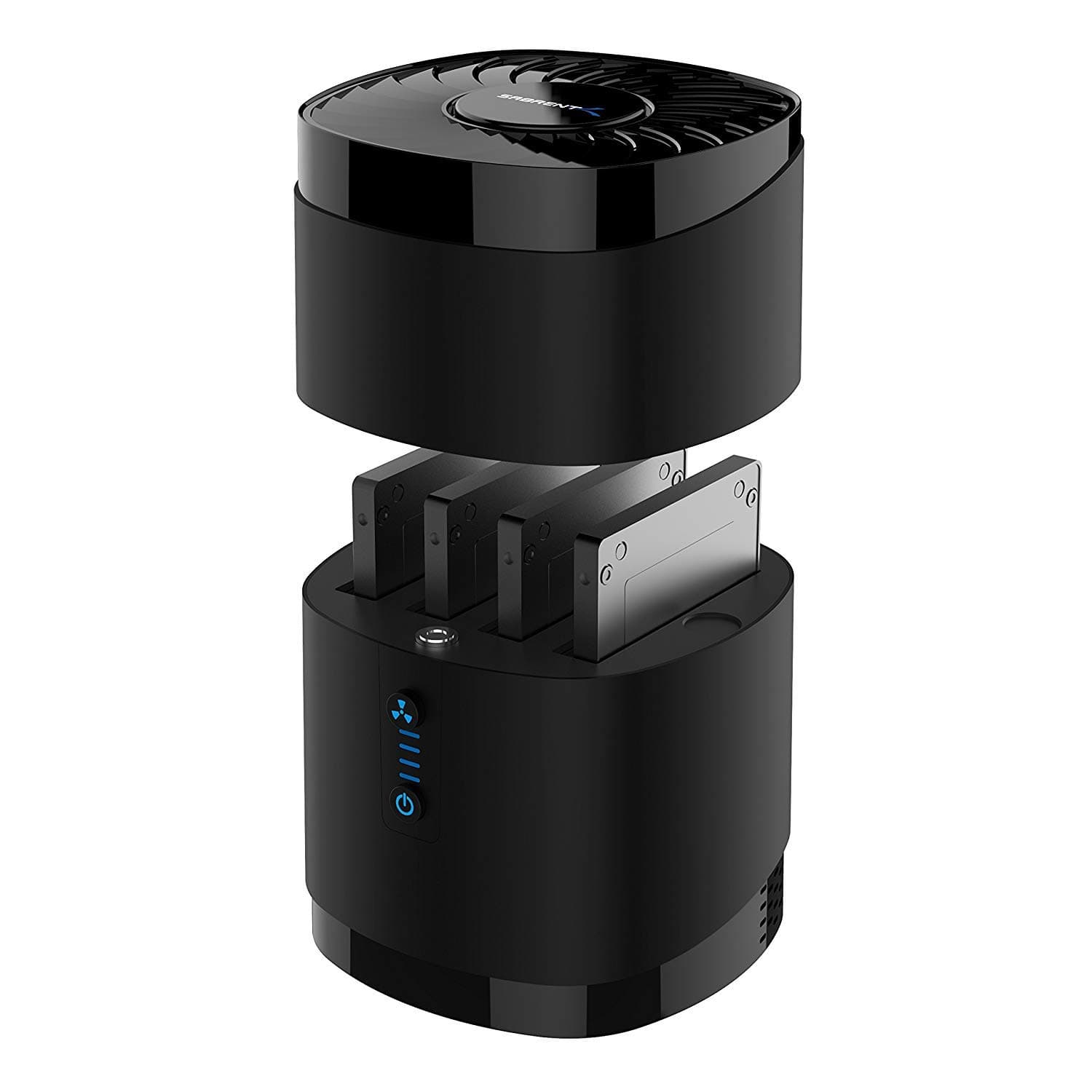
💼 Elevate your data game with speed, space, and style—dock like a pro!
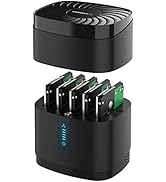
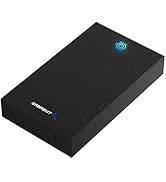
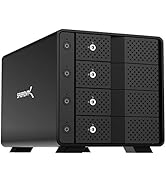
The SABRENT USB 3.0 4-Bay Docking Station is a professional-grade storage hub supporting up to four 2.5” SATA SSDs or HDDs (max 16TB each). It offers ultra-fast 5Gbps USB 3.0 transfers, tool-free drive swapping with a magnetic cover, and a whisper-quiet cooling fan for reliable 24/7 operation. Compatible across major OS platforms, it’s the ultimate solution for high-capacity, hassle-free data management.


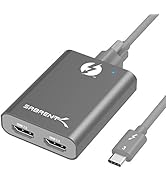
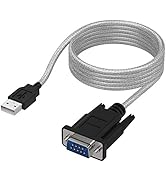
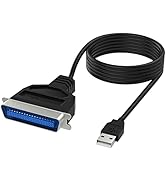
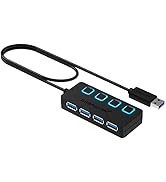
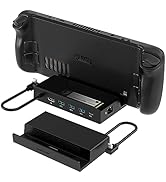
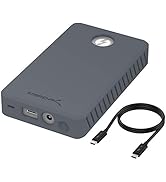
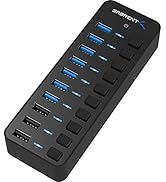
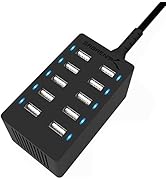
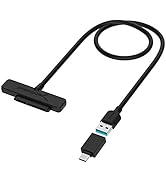
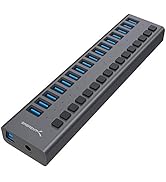
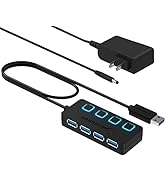
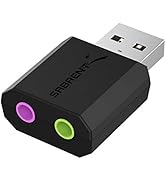
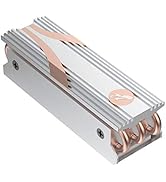
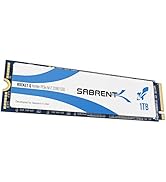
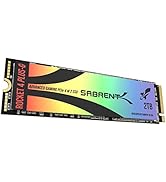
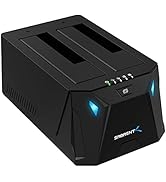
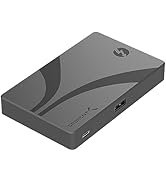
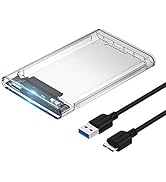
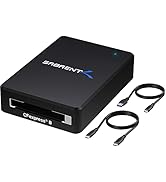
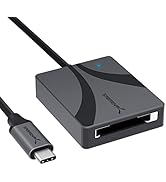
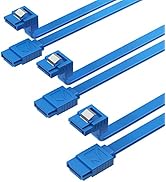

| ASIN | B0711L68MS |
| Best Sellers Rank | #3 in Hard Drive Docking Stations |
| Brand | SABRENT |
| Built-In Media | Docking Station |
| Color | Black |
| Compatible Devices | Laptops, Tablets, Desktops |
| Customer Reviews | 4.3 4.3 out of 5 stars (5,135) |
| Data Transfer Rate | 5000 Megabytes Per Second |
| Enclosure Material | Plastic |
| Global Trade Identification Number | 00819921013187 |
| Hard Disk Form Factor | 2.5 Inches |
| Hardware Interface | SATA 1.5 Gb/s, SATA 3.0 Gb/s, USB |
| Hardware Platform | Mac |
| Item Dimensions L x W x H | 4.4"L x 4.4"W x 6.3"H |
| Item Weight | 16.2 Ounces |
| Manufacturer | SABRENT |
| Memory Storage Capacity | 88 TB |
| Supported Devices Quantity | 4 |
| UPC | 819921013187 |
| Warranty Description | 1 year limited |
M**E
GREAT product! Fast and reliable when used with a variety of drives.
GREAT product! I should have purchased this years ago! This worked like a champ. I was able to drop in a variety of drives and read/write to/from them. The speeds were fast and I had no errors or problems.
E**N
Good product
Works great. It’s easy to cycle and format drives. I use it for archival storage. It’s plug and play, with fast speeds.
R**D
Tested and verified - 20TB drives are supported by the 2-bay, USB-C model (model EC-CH2B)
Tested and verified: 20TB drives are supported by the 2-bay, USB-C model (model EC-CH2B) of this Sabrent SATA hard drive docking station. I have been using it for two weeks with two Seagate Exos X20 20TB SATA hard drives, using the full capacity of the hard drive all the way to the top, and this docking station works flawlessly without a hiccup. I am running it on a Windows 11 laptop. I fully formatted the two 20TB drives using a full (very slow and complete) Windows NTFS format, not a quick format, just to make sure that the docking station can access the full capacity of the drive, and it formats successfully. Then, I completely filled the drive with data, all the way to the end, and read all the data back again, and it all verifies and works perfectly. I am posting this info in this review because the specs for this say that it supports up to 16TB, but doesn't mention 20TB. That's just because the manufacturer has only tested it on drives up to 16TB (I'm pretty sure that 20TB drives were not yet available when the manufacturer wrote up the specs). Conceptually, since this docking station has enough hardware addressing lines for 16TB drives, it will also work with 20TB drives (and higher capacities), but now I've actually verified this for myself. I really like this little SATA docking station. It's compact, so I can pack it up with me when I travel. It's quite inexpensive, which is a nice bonus. It doesn't need a user manual - like other SATA docking stations, you just plug it into a USB-C port on your computer, and it just works. It gives you two (potentially very large) hard drives connected to your laptop or desktop computer, to use for backups, or to store large external data files. Super easy and reliable. The one feature I wish this docking station had was 10Gbps data transfer speed, per the USB 3.x Gen 2 standard. Alas, this docking station only supports the slower and slightly older 5Gbps speed, which is USB 3.0 Gen 1. Truthfully, this is not a big deal, because the SATA III standard for hard drives only supports 6Gbps anyway, so the 10Gbps is overkill, and the 5Gbps speed of this docking station is almost as fast as the 6Gbps maximum speed of SATA III. But still, faster is better. There is another dual-bay SATA docking station here on Amazon that supports 10Gbps - it is the StarTech Dual-Bay SATA Docking Station (10Gbps) . However, I discovered that for some reason that StarTech dual-bay docking station is not compatible with the USB-C shipset in my Clevo laptop. So, I got this Sabrent dual-bay docking station instead, and it works great.
J**S
Great little unit for multiple SATA drives to USB 3.
Great little unit. Hold four SATA drives and ports through one USB 3.0 port. Works flawlessly. Well built, nice magnetic top. The cooling fan is helpful, and you can switch it on/off independently. I read complaints about fan noise -- I don't think its too bad at all. Just a slight white noise, almost like one of those white noise sleeping machines. About 55db. Makes me feel like a nap. Have dropped 5 different SATA HDs in there of different ages and sizes, current to 10+ years old, 240GB to 1 TB, all recognized and working flawlessly. Sometime a little tricky getting odd-thickness (too thick or thin) drives to seat, just be cognizant. Great value too. Clone drives, or group them to increase storage size. I'm storing old movie clips on them.
S**E
Super Convenient and Fast for My Drives
I got the SABRENT USB Type C SATA Dock to connect my 2.5” and 3.5” SATA drives externally, and it’s been fantastic. Setup was a breeze—just plug and play with no extra drivers needed. The USB-C connection makes transfers fast and stable, and it supports both SSDs and HDDs easily. I love that it can handle both sizes of drives, so I can swap them out whenever I want without hassle. The build quality feels solid and the dock holds the drives securely. I’ve used it for backups and data recovery with zero issues. If you work with multiple SATA drives or want an easy way to access old drives, this dock is super handy and reliable. Definitely recommend it!
B**Y
Three Units Failed, No Power — Warranty Support Refused Resolution
I’m writing this review based on my experience with the Sabrent DS-UC1B USB SATA hard drive docking station, and the pattern I’ve seen across multiple units. DS-UC1B Drive Dock Experience The dock worked normally for the first few days after purchase. After that, it sat unused for a couple of months. When I went to use it again—just after the Amazon return window had closed—the unit was completely non-functional. No power light No sound No response with or without a drive installed Tested with multiple known-good SATA drives Tested using the original USB cable and original AC power adapter The device showed no signs of life whatsoever. I went through the warranty process and received multiple replacement units (three total). Every single unit exhibited the exact same issue: no power and no LED activity under normal conditions. I tested: Multiple wall outlets The original power adapter and cables Known-working hard drives With and without drives installed Under identical conditions, other devices worked normally. The issue was isolated specifically to this dock. Warranty Experience I provided detailed troubleshooting information to support, including a full breakdown of my setup and testing process. Despite this, the final response was that the issue was “environment-related,” and no refund or alternative resolution was offered. At that point, I had: Tested three separate units Provided extensive documentation Followed all requested troubleshooting steps And still received no resolution. Broader Reliability Concerns Separately, I have also experienced failures with two Sabrent 512GB NVMe SSDs within their warranty period. While this review is focused on the DS-UC1B, that additional experience contributes to my concern about long-term reliability across the brand. Final Thoughts This is a simple plug-and-play device. It should not require extensive environmental diagnostics to function, and repeated failures across multiple units should not result in a denied warranty claim. Hardware failures can happen with any brand, but the combination of: Multiple defective units Consistent failure behavior Lack of resolution through support makes this difficult to recommend. I wanted to like this product, and on paper it’s a good value. Unfortunately, reliability and support matter more—and based on this experience, I cannot recommend the DS-UC1B.
F**9
La unidad funciona muy bien, conectada en un Mac Mini M4 reconoce los 4 discos sin ningún problema y la velocidad de transmisión de datos es también muy buena. Recomiendo la compra por el precio que tiene y la calidad.
M**O
I am using 2 of these since about 2 to 3 month and they just work fine.
J**É
Funciona perfectamente. Los acabados no están muy acorde respecto al precio, por lo que cuesta podría tener unos acabados un poco mas premium, se siente muy plasticoso y muy ligero aunque cumple su función. La velocidad de transferencia es correcta, copiando archivos pesados desde el PC a uno de los discos alcanza sobre los 650mbs, copiando archivos pesados a 2 discos a la vez la velocidad se divide entre los 2.
D**N
Great product, no issues whatsoever, will definitely buy this brand again!
C**N
Ottima doccia station facile da usare , usb 3 velocissima ,alimentatore potente.
TrustPilot
1 周前
2 周前