We remain fully operational. Our teams are working around the clock to ensure your deliveries continue safely.

下载应用程序


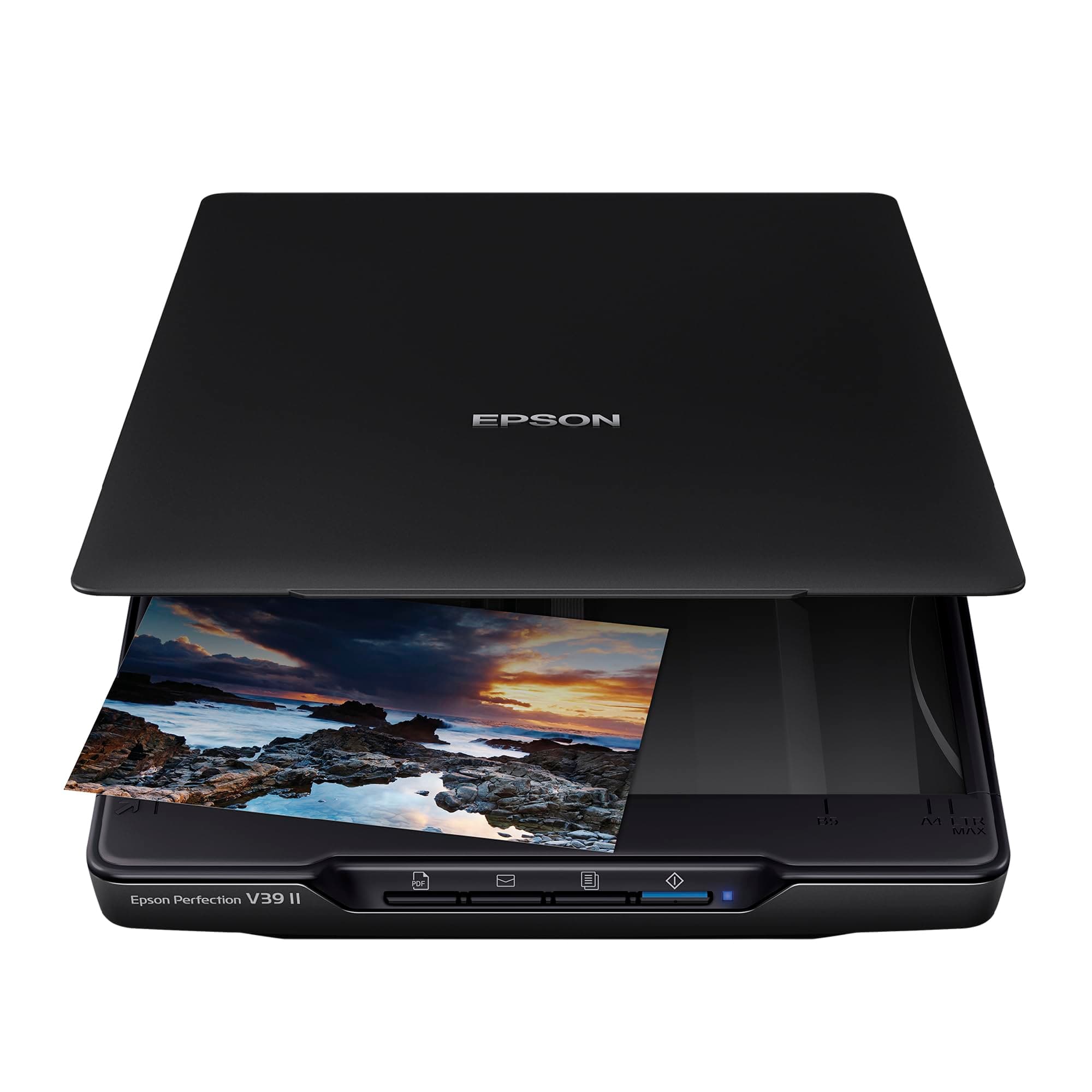


📸 Elevate your scanning game—because your memories deserve perfection!
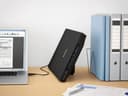
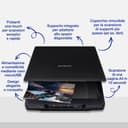
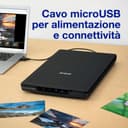
The Epson Perfection V39 II is a compact, high-resolution photo and document scanner featuring 4800 dpi clarity, powered and connected via Micro USB for convenience. Its integrated upright stand saves desk space, while four one-touch buttons speed up frequent scanning tasks. Ideal for professionals seeking detailed scans with minimal setup, it supports A4 media and offers a lightweight, portable design backed by a 12-month warranty.





| ASIN | B0BZML1ZVX |
| Best Sellers Rank | 3,669 in Computers & Accessories ( See Top 100 in Computers & Accessories ) 4 in Document Scanners |
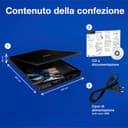
| Box Contents | Instruction manual, cable or connector. |
| Brand Name | Epson |
| Color Depth | 24 bits |
| Country of Origin | China |
| Customer Reviews | 3.8 3.8 out of 5 stars (509) |
| Global Trade Identification Number | 08715946715308 |
| Item Dimensions D x W x H | 44D x 31W x 9H centimetres |
| Item Weight | 1 Kilograms |
| Light Source Type | LED |
| Manufacturer | Epson |
| Media Type | Photo |
| Minimum System Requirements | Windows 7 |
| Model Name | V39ii |
| Network Connectivity Technology | USB |
| Optical Sensor Technology | CIS |
| Paper Size | A4 |
| Product Warranty | 12 MONTHS |
| Resolution | 4800 |
| Scanner Type | Document |
| Standard Sheet Capacity | 1 |
| Unit Count | 1.0 count |
| Wattage | 50 watts |
N**N
Scanning Fine
Installed easily and works fine, great value although strangely it only operates via the computer as the buttons on the scanner don't seem to function,but not a problem.
K**K
Awful, cheap and nasty rubbish.
we bought this to use with a Mac, and the software initially installed ok and the scanner worked fine for a few days. I managed to scan about 100 photos and left it overnight, ready to start the following day. I opened the Mac to find an error message from the scanner software, that it was disconnected from the scanner. No amount of tinkering would get it to work. I disconnected the cable, rebooted the Mac again, and it came back! I managed a few more photos and had to leave it to do other things for a while, but when I came back to it, it had disconnected again, and I had to unplug/reboot everything again to get it working again. This went on and each time it became more difficult to get it going again, and today I came to it and was unable to get it working at all. Right on the very last day of the return window. Some things to note about the scanner. Build quality - The scanner is very flimsy and plasticky. The lid is more of the same. Scanning speed is average to slow, depending on your settings, but in general, this is not a quick scanner at all. The software is ok, nothing special, but does not work well with MacOS Ventura 13.6. If you have a lot of photos to scan and use a Mac, look elsewhere. This scanner is junk.
M**N
At this price it's an excellent scanner
Does exactly what it says on the tin really - very good scanner. Easy to use with a windows pc. Output has been very good and used in a multitude of adobe programs such as lightroom. I wouldn't say this is a pro level scanner but it certainly is better than I expected for the money
M**Y
Good quality scans
The bad: Software looks very dated, basic features only at this price point. You only get to see thumb nail images after scanning. There's no touch up features. Scanning not the fastest. Old fashioned micro USB instead of the more robust square Type B USB. The good: Small and compact scanner which can be stood upright to save desk space. Fits in a laptop bag, great for students. Lid can be removed if needed, good for scanning books. There are some useful scanning options such as grey scale, black and white, good for scanning sheet music, books, etc. Multiple pages can be scanned into one PDF. Scanning quality is excellent. PDF output is also excellent. Much better image quality than the ancient Canon Lide scanner that it replaced. I would have preferred to spend a bit more to get something more premium, but at this price point, I can't complain too much as the scan quality is very good.
B**5
Good scanner
Works well.. Good scan images. Easy to use and setup. Works ok with a laptop with a Snapdragon processor.. (unlike a Canon scanner I bought and had to return, as the drivers weren't compatible with Windows 11 and Snapdragon processors).
M**R
Works well
Works well, took a bit of setting up, but U am 72. Not fussed on the fact that there is no on/off switch, which means it's on all day unless I unplug it.
D**S
Does not work with current Apple computers
This scanner does not connect with current Apple computers (tried with a MacBook Pro M4 Silicon, USB-C). I tried the supplied cable (micro-USB to USB-A) with an official Apple USB-A to USB-C adapter, then direct micro-USB to USB-C cables (two types), the computer will not see the scanner. Software and drivers downloaded from Epson will not see the scanner, the scanner doesn't not power on. The scanner cannot be added to the computers scanner list. I’ve been working with computers for 40 years, I know what I’m doing, this scanner does NOT work with current Apple computers. Note to Amazon : please update your Amazon description and contact Epson.
O**E
It's a great scanner!
I have to say, I am very impressed with this scanner. I also have the cannon LIDE 400 and in my opinion the epson is a very good machione. It's fast, it gets the job done, the eco system is great ( I have an Epson printer so I just select which device to use). It switches on when I boot up my computer. Don't be put off by the USB protocal used, it does the job! Just make sure you download the correct driver i.e. V39 II not the original one! Other than that, it's a great scanner! PS - the Black Friday offer did sway it for me!
D**E
Excellent scanner pour ceux qui souhaitent notamment numériser des photos, y compris de petites tailles. Le choix des divers formats (JPEG, tiff, etc.) et définitions permet des scans de très hautes précisions (on peut même voir très nettement les fibres du papier sur une photo déchirée). Attention toutefois au logiciel à télécharger, car il y a deux versions, et pour ce modèle V2, seule la dernière mise à jour fonctionne. Ainsi, si vous chargez, le logiciel indiqué dans le mode d'emploi (prévu pour le tout premier modèle), le scanner clignote, ne démarre pas puis s'éteint... À part ça, léger et peu encombrant, cet Epson V39 II rempli parfaitement sa fonction, y compris, je pense, pour les plus exigeants. Bien à vous.
M**H
I have a Epson printer/scanner, which works very well, but needed something faster at higher resolution to scan in old photos. I needed a flat-bed scanner as a scanner with feeder would not work with the photos I have. I have only scanned in about 200 photos so far, and am 100% happy with the quality and scanning speed.
L**E
La scansione è perfetta, io trovo solo un po poco intuitivo il programma di gestione, ma tutto sommato il giudizio è positivo. Si alimenta con USB quindi non ha tasto di accensione né presa di corrente, si trasporta facilmente e occupa poco spazio. prima attaccarlo e di configurarlo bisogna scaricare i driver nel PC.
S**H
Simple to use and decent quality
N**O
Sinceramente me ha impresionado, para escanear fotografía utilizaba una impresora multifunción y esta impresora la ha superado ampliamente, mayor resolución, profundidad de color, corrección de rayas, un SW que permite ajustar parámetros de la fotografía y sobre todo la velocidad de escaneo, sorprende que resoluciones bajas, 300, supera ampliamente la velocidad de la multifunción, resoluciones atlas se toma su tiempo, con un excelente resultado. Normalmente las multifunción no pasan de 1200, aquí tenemos hasta 9000 si no me equivoco. Lo mismo ocurre con documentos, menor tiempo de escaneo que un buen resultado. El tamaño perfecto, no es un "trasto" y el precio, por las funcionalidades que ofrece, muy correcto. No quiero quiero decir que las impresoras multifunción no sirvan, pues cumplen perfectamente su función, pero cuando necesitas escanear un volumen importante de fotografías y que sean los mas similar al original, debemos utilizar los dispositivos adecuados.