We remain fully operational. Our teams are working around the clock to ensure your deliveries continue safely.

下载应用程序


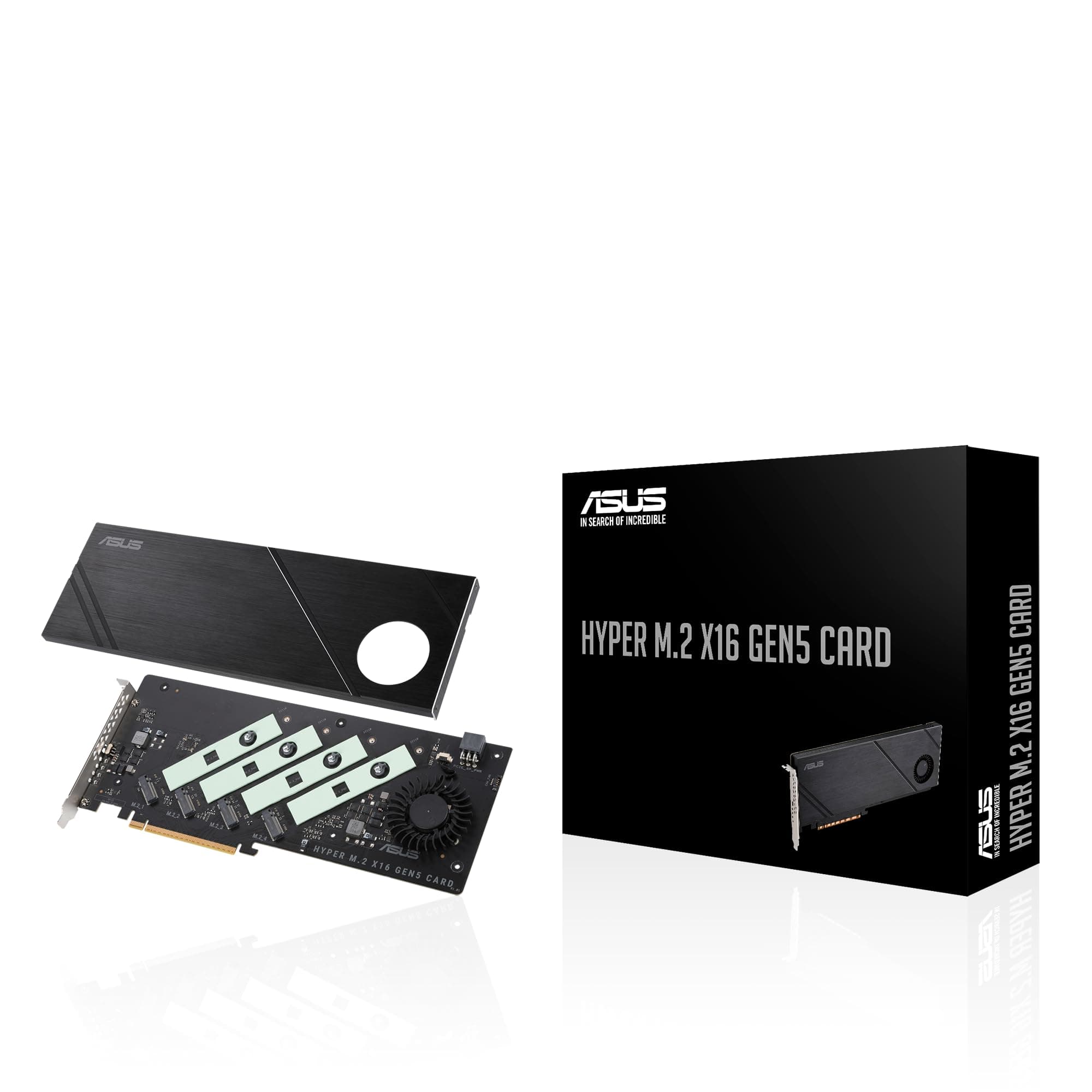

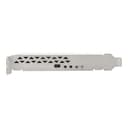
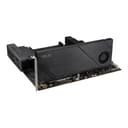
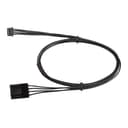
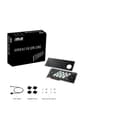
⚡ Unlock lightning-fast storage with ASUS Hyper M.2 x16 Gen5 – because speed waits for no one!
The ASUS Hyper M.2 x16 Gen5 Card is a high-performance PCIe 5.0 expansion card that supports up to four NVMe M.2 SSDs, delivering a combined bandwidth of up to 512 Gbps. Designed with server-grade PCB and advanced cooling solutions including a large heatsink and active fan, it ensures sustained peak performance without thermal throttling. Compatible with both AMD and Intel platforms, it supports RAID configurations for bootable arrays, making it an essential upgrade for professionals demanding ultra-fast, reliable storage expansion.




| ASIN | B0CKH9FWRQ |
| Best Sellers Rank | #2 in RAID Controllers |
| Brand | ASUS |
| Compatible Devices | Laptop, Personal Computer |
| Customer Reviews | 4.3 4.3 out of 5 stars (125) |
| Hardware Interface | PCI Express x16 |
| Item Dimensions L x W x H | 4.8"L x 0.5"W x 11"H |
| Item Weight | 1.9 Pounds |
| Manufacturer | ASUS |
| Model Number | HYPER M.2 X16 GEN5 CARD |
| Operating System | Windows, macOS, Linux |
| UPC | 197105353282 |
| Warranty Description | 3 Years |
M**R
Fast. Boots fast. Reads/writes fast.
This is well made and works very well. Faultless / flawless so far. Do use the various heat management apparatus to keep your NVME in temperature range (they slow down if they get hot). Takes a PCIE3 or better slot, bifurcated 4x4x4x4 (may have to specifically/manually set from BIOS screen.)
T**H
Need more m.2 slots?, try this!
As someone who needed more super fast storage this was the perfect solution. I had already used up all four m.2 slots on the motherboard and needed to add more storage capacity. So far I have only used two of the slots and it seems to be working great but there have been some reviews saying trying to use all the slots doesn't work as well but I have not had any issues out of it. The speeds are also just as good as the ones directly on the motherboard and it was very easy to install. And being that it is from Asus you can expect a quality product that has good value.
J**D
Works fine even on PCIe 3.0 bus, as long as it supports bifurcation
Not currently able to test maximum throughput as I've put this in a PCIe 3.0 slot on a superMicro motherboard. Setup 4x4x4x4x bifurcation and all 4 slots recognized and working. Heatsink setup is substantial, though probably overkill for my use given the airflow and machine-room location -- likewise have not powered the fan in quite room, so cannot judge the sound from it. Overall construction is very solid. It is also a very large card, so be sure you have the space for it!
P**D
This is not a gaming PC friendly card
The card works incredibly well, be sure to set your PCIe and NVME to 'Raid' mode in BIOS, and install in the top PCIe slot unless your motherboard supports 4x4x4x4 bifurcation on all PCIe slots. Setting your PCIe slot to 'raid' mode will limit all other PCIe slots to x4 speed and will effectively neuter your video card. This includes PCIe 4.0x16 slots on a system with both PCIe 5.0 and PCIe 4.0. This card is backwards compatible with PCIe 4.0 as long as your MB supports PCIe bifurcation. This card is made more for developers than gamers or light PC users.
P**N
Minimal use case
Card works okay for what it is. Does need bifurcation for it to work. I thought I would have a use case for this but I was wrong. I lost the packaging so I'm stuck with this oddball card that I can't really do anything with.
D**C
Works well; be aware of limitations
The product does exactly what it says it does -- you can install up to four NVME sticks. It's a full-sized card, with a fan and a heat sink to keep the NVMEs cool. If you need to build a high-performance file server, this would be one way to do it. Be advised, the maximum number of NVME devices depends on how much available PCIe bandwidth your motherboard has. It will not support as many NVME devices if you lack the PCIe bandwidth. You may encounter problems if you add this to a computer that already has a high-performance video card or other accessories that use most of your PCIe bandwidth.
G**X
Crazy Fast!!
Super fast card. The speeds and temps are incredible when using gen 5 drives but note you need an additional power connection and the card itself is slightly (just slightly) larger than a transitional single slot pci card. I had to reorganize some things in my case to get it to fit. Once in though, holy smokes this thing is FAST.
J**S
great design functional value quality
Very useful for scanning multiple nVME SSDSs simultaneously (had a major computer virus infect multiple drives) cut down scanning drive time from days to hours. The PCB clearly delineates where PCIe lanes are going so you don't get cross BUSS interference with other cards. The board also has twist locks, so swapping out drives takes no time.
J**.
La peor compra de mi vida. Utilizando Intel 9 13900K con una tarjeta madre Asus ProArt Z790 wifi creator y no es compatible. La instale en el primer slot, con bifurcacion activada y no aparece 4x4x4x4 sólo 8x8 por lo que sólo lee 1 SSD no 2 ni mucho menos 4, me arrepiento totalmente de esta compra y como pasó el mes ya no pude devolverlo difícilmente volveré a comprar algo de Asus
S**I
Fits well with my b650x ax gigabyte and amd rygen 9 7900 , birufication is needed to run it , I am using 4 samsung evo 990 Looks premium
R**2
I you have a board that supports X4X4 on the 2nd PCIe slot at 5.0 this is a no brainer. I will list reasons for and against. 1. It is slim 2. It fits 4 5.0 M2 drives 3. It has a 4 pin PWM header 4. It is the best solution for cooling 5.0 M2s.. 5. It is built much better than the previous Generation. 6. It works automatically in my As Rock board Cons. 1. It must be a MB that has at least 2 PCIe slots wired to the CPU for more than 1 drive to be recognized by the OS. 2. On X670E and X870 there are only 4 or 5 boards that support this and they are all expensive. 3. It has no on board controller like the WD AN1500. If you know what this is and are tired of the M2 sitting under your GPU adding to the thermal load in the case making the fans spin that much faster? Then this is the solution. I have some Crucials connected and the blaze through operations. It is the fastest drive to download and install Epic Games.
M**E
Of course this is like the previous generation cards that require PCIe bifurcation on the slot it’s put into. A lot of consumer motherboards these days do 1x8/2x4 in the first/second slot respectively. This means this device can be useful to optimize IO with limited PCIe slots and lanes while still having a graphics card in the first slot. In my case I have a B550 board with only one usable NVMe slot due to having a peripheral on my 3rd PCIe slot. Having this card allows me to make use of the unused second slot to add an additional 2 NVMe drives at full speed. This is nothing special and now there are many cards that do this but what I like about this card is that it is the only one I’ve found so far that supports Gen 5 speeds making it a long term purchase. It is packaged with a few goodies, including extra mounting screws and also foam spacers for single sided drives to get adequate pressure against the front side thermal pads. Another goodie which is very cool (literally) is a connector to motherboard fan headers which would allow software control of the fan speed. Personally I don’t use the fan at all since I’m only using two PCIe 4.0 drives which don’t get that hot compared to 5.0 drives. Finally, I was surprised to see a 6-pin PCIe power header on this board. My two drives seem to work fine without this plugged in but I can see it providing extra power if there were 4x Gen 5 drives running at full power. All in all, I’m happy with this purchase as it should hopefully come useful for a long time so long as I intend to upgrade to PCIe 5.0 components some day.
A**R
Good product