We remain fully operational. Our teams are working around the clock to ensure your deliveries continue safely.

下载应用程序


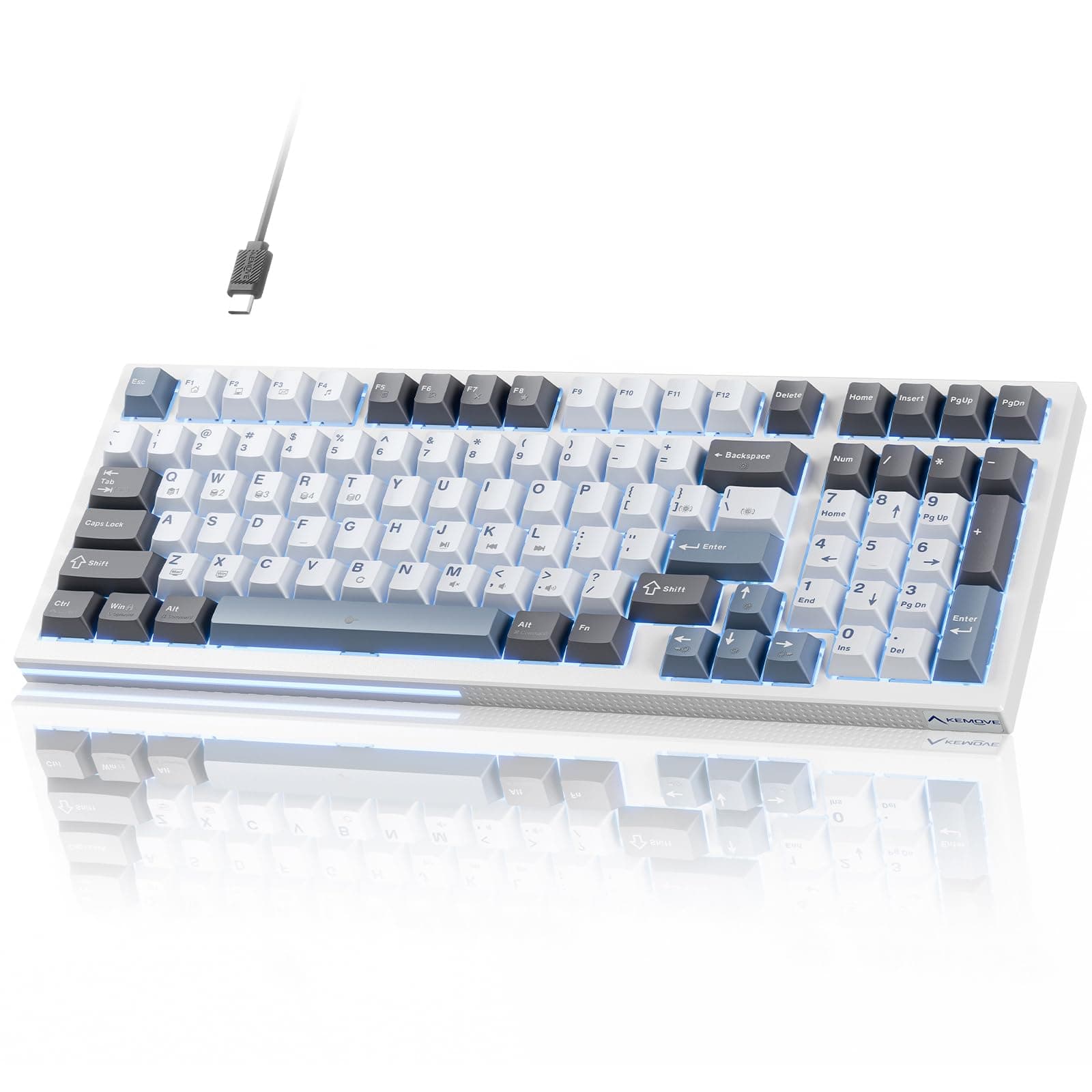
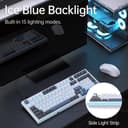
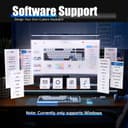

⌨️ Elevate your desk game with precision, style, and power!
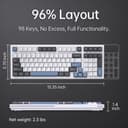
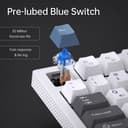
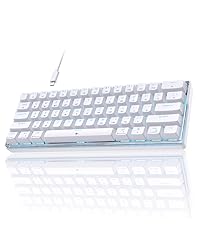
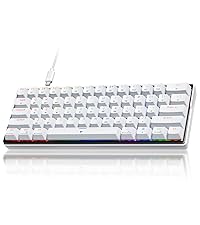
The KEMOVE K98SE is a compact 98-key mechanical keyboard featuring pre-lubed blue switches for tactile, clicky feedback, and 15 customizable LED backlight effects. Designed for professionals and gamers alike, it offers multi-profile programmability, full-key anti-ghosting, and durable double-shot keycaps with sound dampening foam to ensure a premium, efficient typing experience in a sleek, space-saving form factor.



| ASIN | B0CM5RBBWS |
| Additional Features | Backlit |
| Antenna Location | Gaming |
| Brand | KEMOVE |
| Built-In Media | Keycap Puller, USB Cable |
| Button Quantity | 98 |
| Color | blue and white |
| Compatible Devices | PC |
| Connectivity Technology | USB-C |
| Customer Reviews | 4.1 4.1 out of 5 stars (111) |
| Enclosure Material | Polybutylene Terephthalate |
| Hand Orientation | Ambidextrous |
| Item Dimensions L x W x H | 39.1L x 14.2W x 3.6H centimeters |
| Item Weight | 2.4 Pounds |
| Keyboard Backlighting Color Support | Single Color |
| Keyboard Description | Mechanical |
| Keyboard Layout | QWERTY |
| Manufacturer | KEMOVE |
| Model Name | K98SE |
| Model Number | Teal Switch |
| Number of Keys | 98 |
| Power Source | USB |
| Style Name | Contemporary |
| Switch Type | Clicky |
| Theme | Gaming |
| Unit Count | 1.0 Count |
K**N
SEE UPDATE BELOW: Love and hate this Keyboard. Very affordable and is perfect in size for limited desk space and ease of functionality, it is wonderful to type on. Have had just over a month and several of the keys have stopped working. The switches are not changeable. It is a shame too as its a really nice keyboard otherwise. Can no longer return. What a waste. **UPDATE: Being new to mechanical keyboards, the error was all mine! I had unknowingly locked the keyboard resulting in the J, K, L and M keys to stop working! The seller reached out to help, the issue was resolved and I am incredibly grateful. Please see the response I received and perhaps it may help you as well! "The operation to lock and unlock the Fn key is done by pressing Fn + Spacebar. (Please refer to the manual for details.) It seems that you previously pressed Fn + Space, which locked the Fn key. After this function is activated, the letters such as J, K, L, M, etc., become inactive, but the multimedia functions underneath can be accessed directly by pressing the keys alone, without the need to combine them with the Fn key. You can also determine if the Fn key is locked by checking the backlight. When the Fn key is locked, its backlight will not illuminate." THANK YOU!!! I have another keyboard in my cart for another computer set up. Very highly recommend this item!!
A**W
I like this keyboard. I am a dispatcher and I really enjoy the key sounds and quick response. I like the backlight options too. It’s a little heavy so I leave it at the office and don’t take it home every day. The space bar click noise is a little obnoxious but the rest of the keys are satisfying!
S**M
ive had this keyboard for quite a while and it is great!! noisy, but thats what i signed up for. 0 complaints. love this thing!
A**I
Muy buena calidad se puede editar muy bien la maneja de la luz en todo sentido. Recomendado
D**A
It actually exceeded my expectations. This is my first mechanical keyboard. I really feel the difference and to start with this keyboard is perfect. I'm from Colombia and I need to use the 'ñ' and some other symbols that we use here, that they are not represented in the keyboard but muscle memory does the work. If you are not familiar with differences betweens Spanish and English Keyboard, I recommend to take a look at that first, but has everything you need for an alphanumeric keyboard