We remain fully operational. Our teams are working around the clock to ensure your deliveries continue safely.

下载应用程序


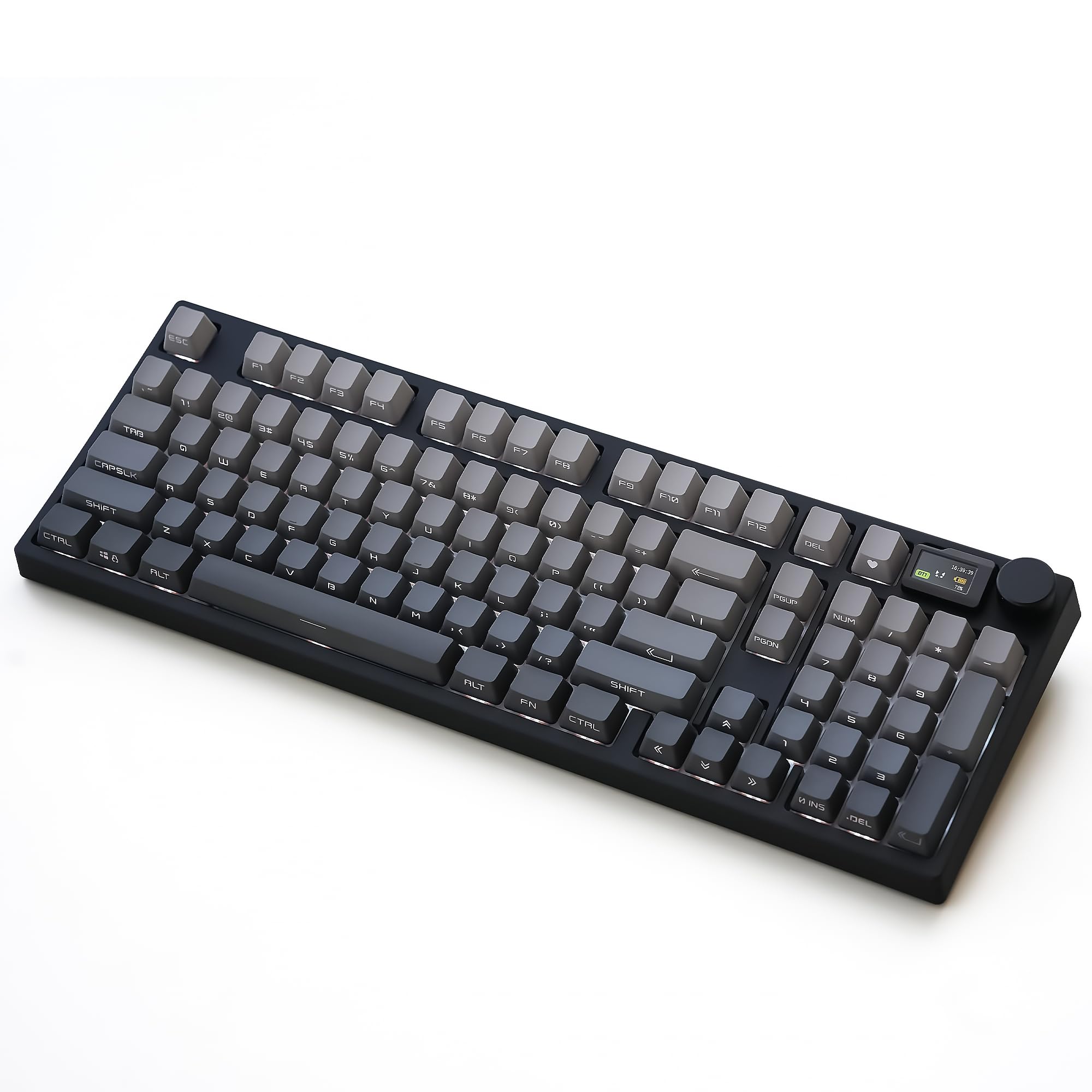
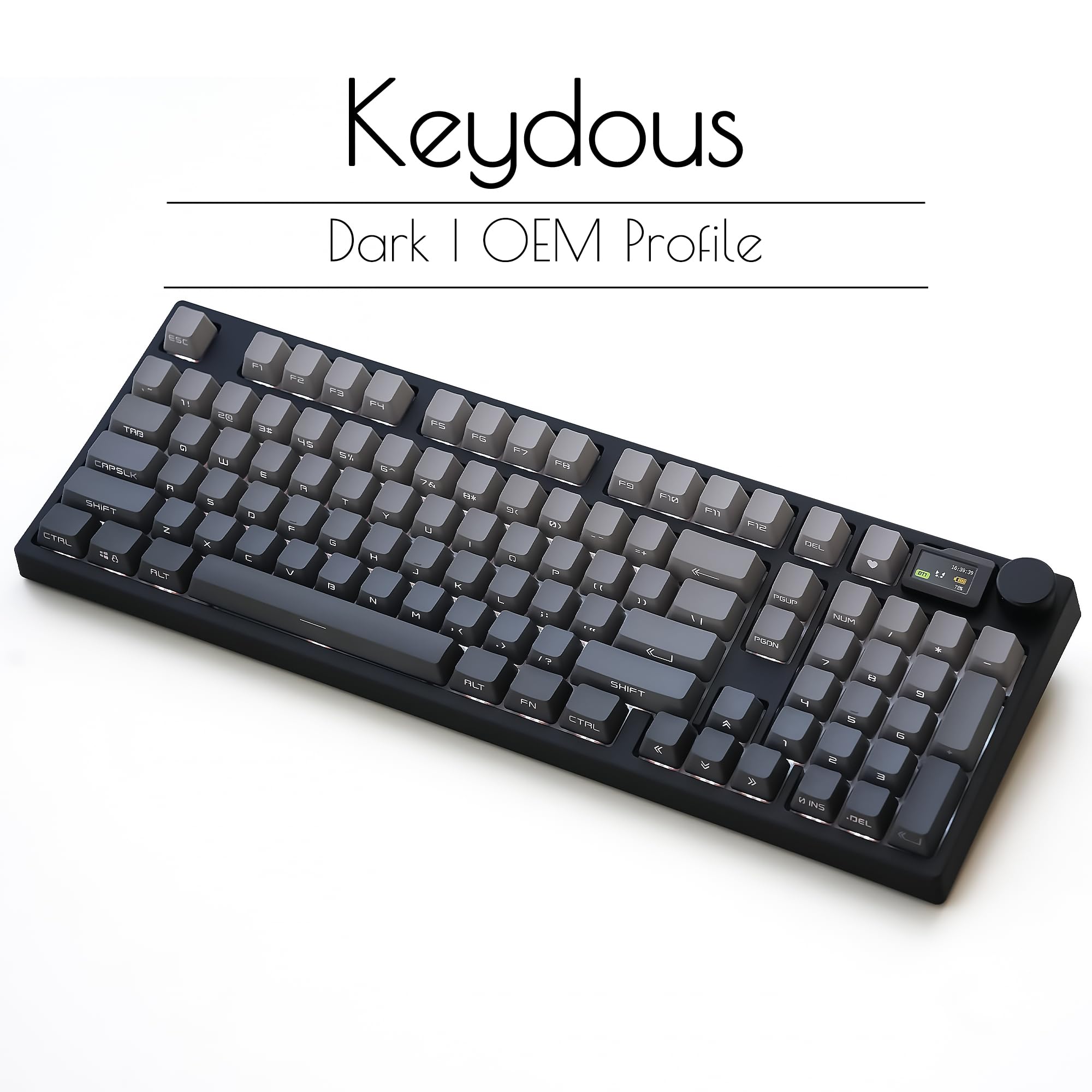


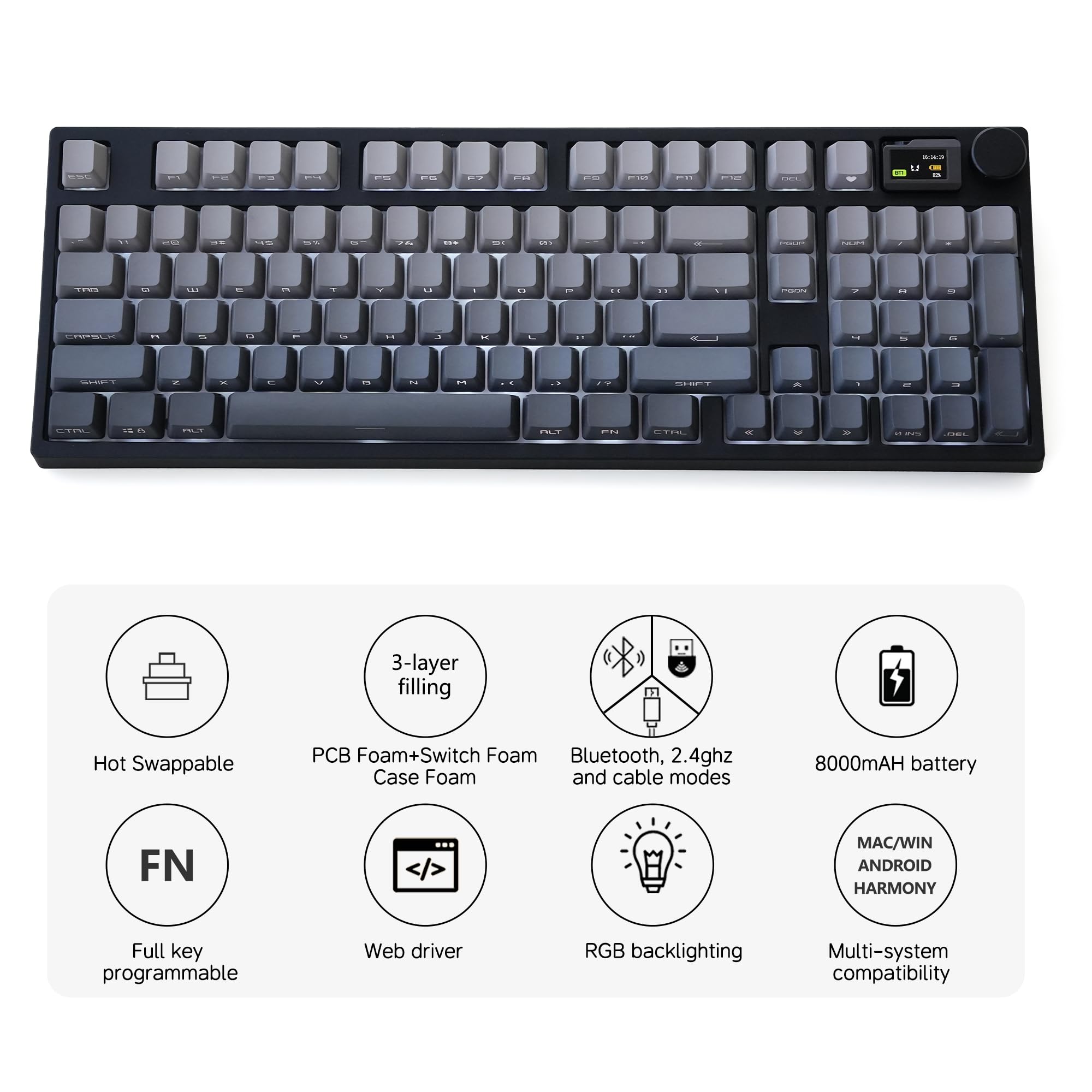
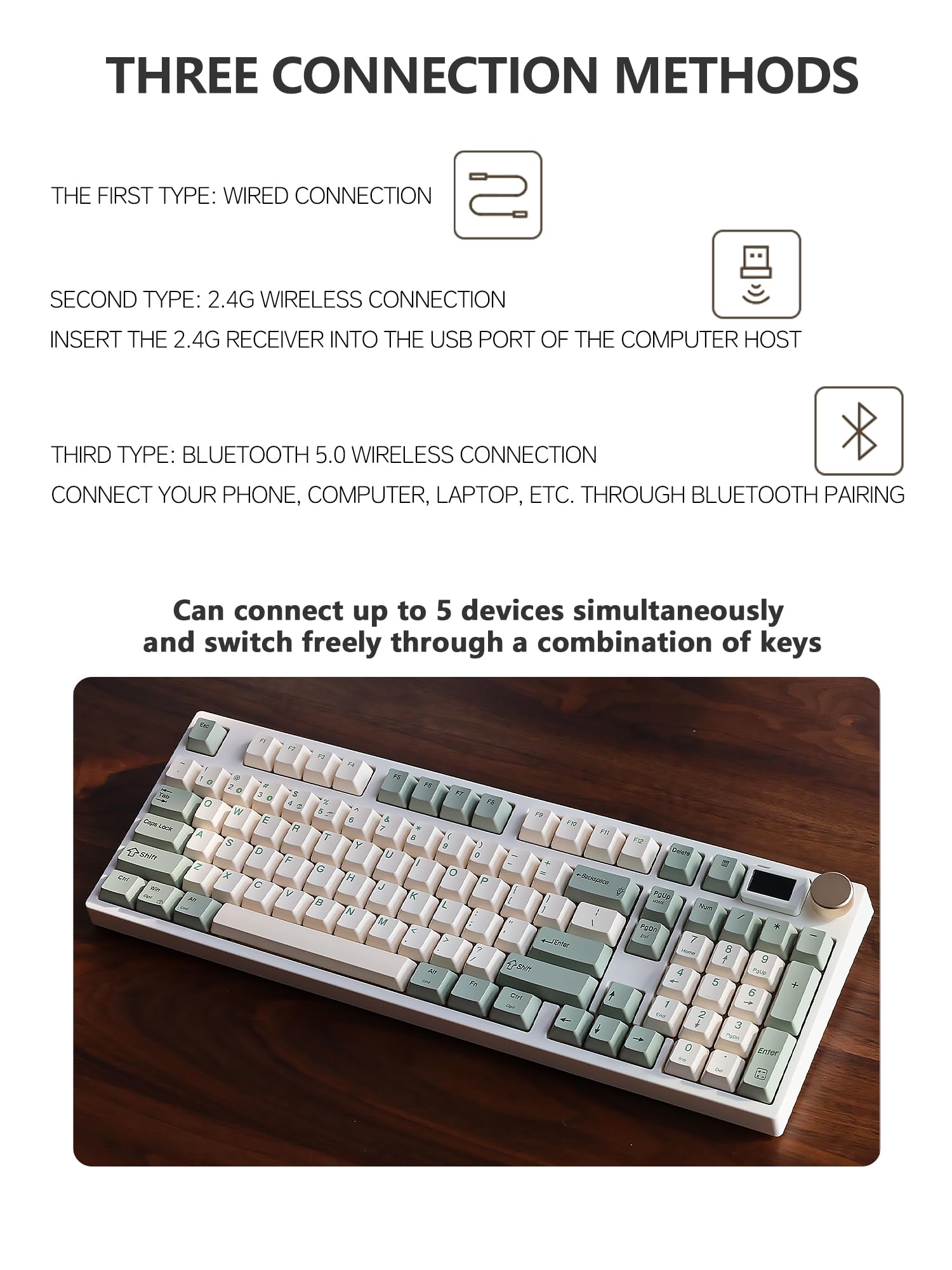
⌨️ Elevate your desk game with the NJ98 — where style meets supreme customization!
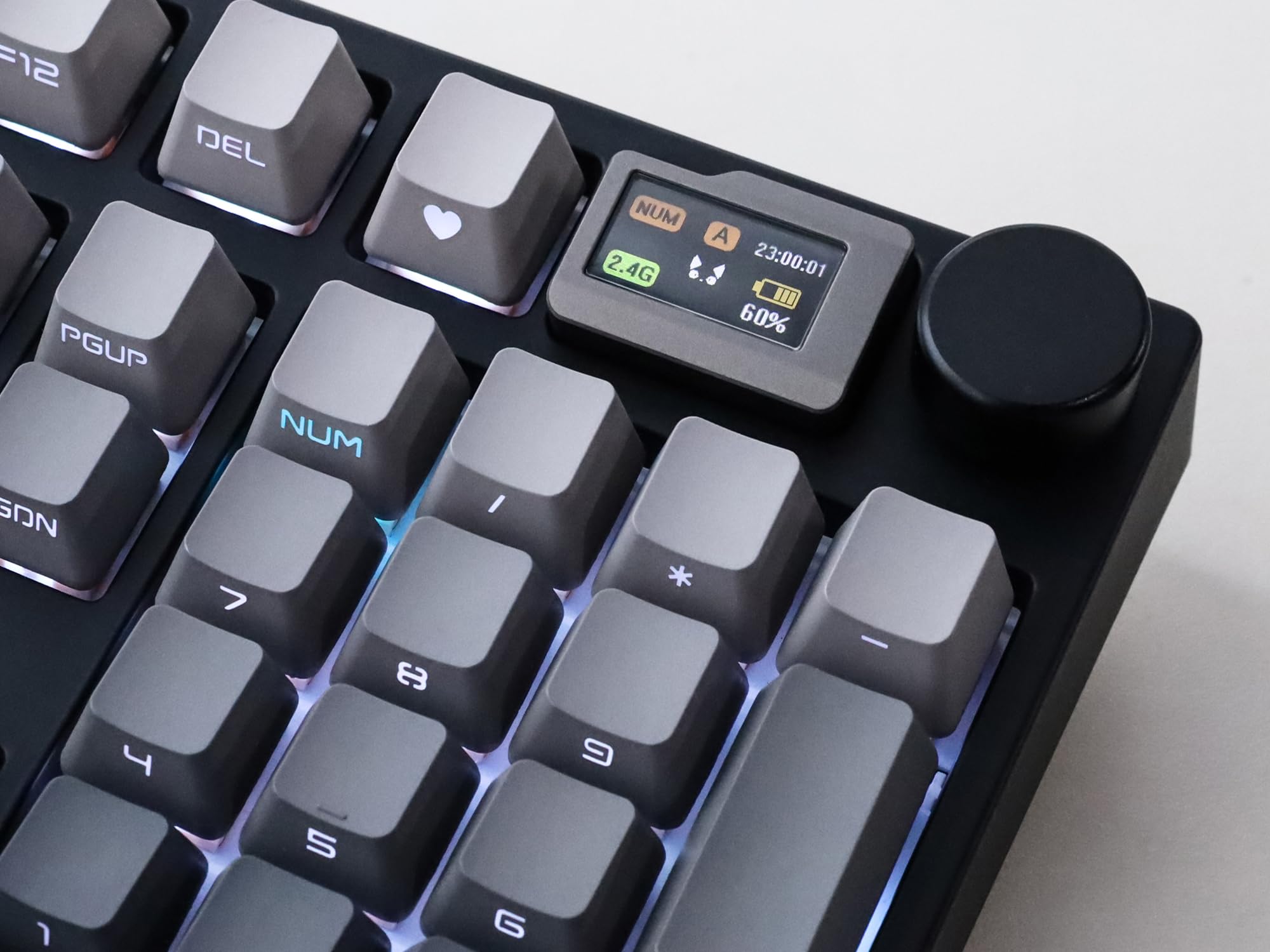
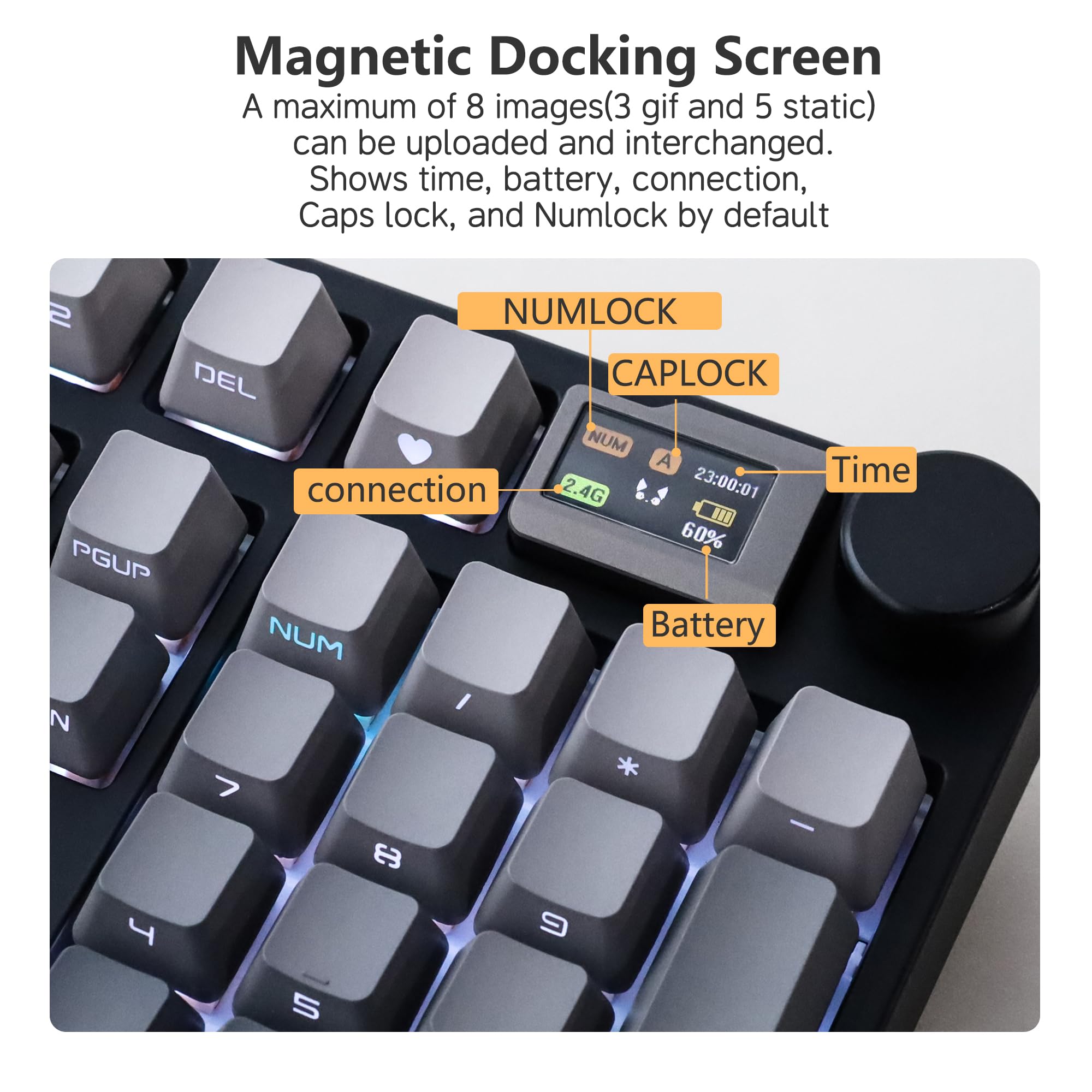
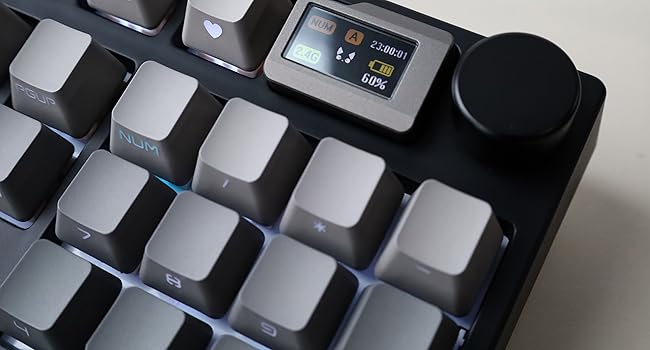
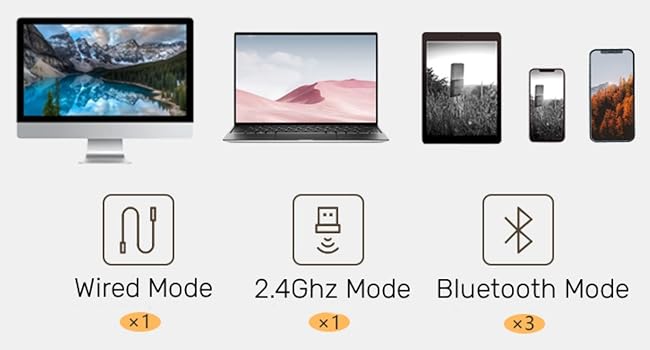
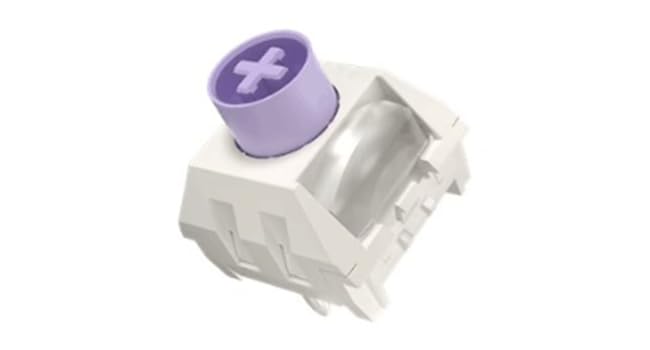
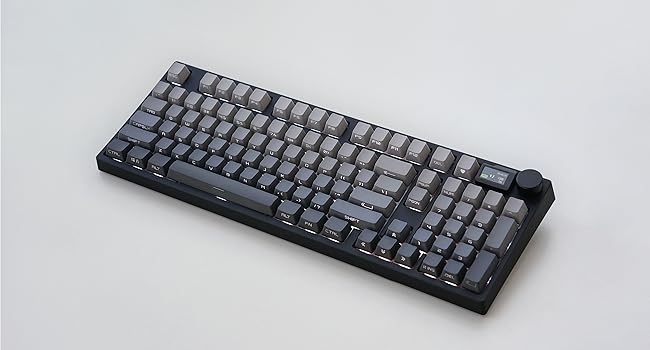
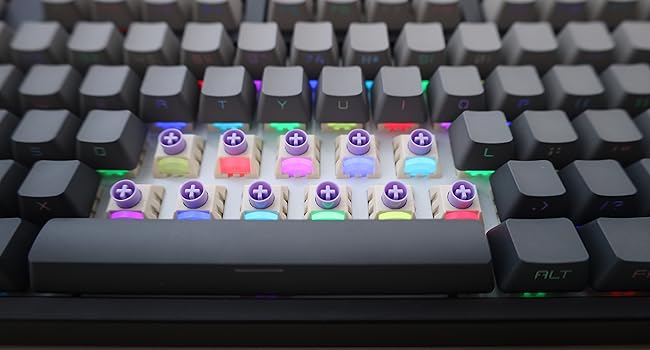
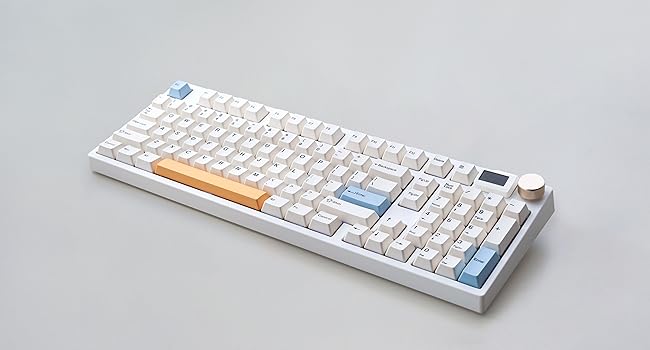
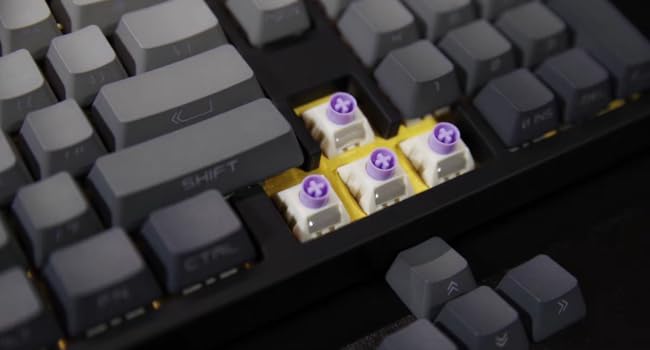
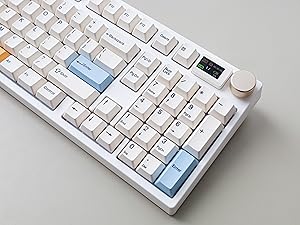
The Keydous NJ98 is a sleek 96% wireless mechanical keyboard featuring a customizable OLED screen, hot-swappable PCB compatible with popular switch types, and durable PBT keycaps. It supports Bluetooth, 2.4GHz wireless, and wired connections, enhanced by vibrant south-facing RGB lighting and a handy volume knob, making it the ultimate tool for professionals craving both performance and personalized flair.



| ASIN | B0D1Y96NTW |
| Additional Features | Hot-Swappable |
| Brand | keydous |
| Built-In Media | Hot Swappable PCB, PBT Keycap |
| Button Quantity | 104 |
| Color | Dark |
| Compatible Devices | Computer,mobile phone,laptop |
| Connectivity Technology | Bluetooh, 2.4ghz, wired |
| Customer Reviews | 4.8 4.8 out of 5 stars (9) |
| Enclosure Material | Polybutylene Terephthalate |
| Hand Orientation | Ambidextrous |
| Keyboard Backlighting Color Support | RGB |
| Keyboard Description | Mechanical |
| Keyboard Layout | QWERTY |
| Manufacturer | keydous |
| Model Name | NJ98 |
| Model Number | NJ98 |
| Number of Batteries Required | 1 |
| Number of Keys | 98 |
| Number of Sections | 1 |
| Power Source | Battery Powered |
| Style Name | Modern |
| Switch Type | Linear" or "Clicky" or "Tactile |
| Theme | Customizable Keyboard |
| Unit Count | 1.0 Count |
S**E
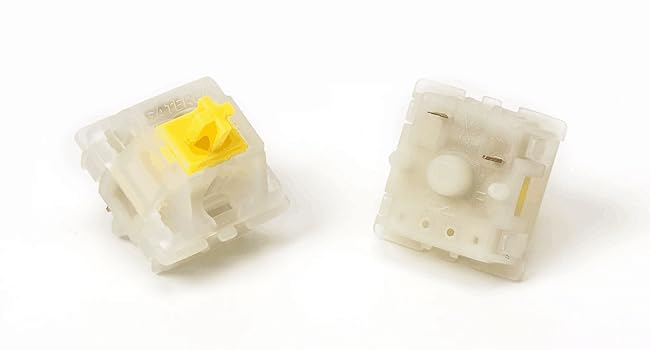
This keyboard is amazing love everything else except the switches that I chose which was the gateron milky yellow pro switches like those switches are too quiet for me not sure how the other or the taro switches sounds like can't say that for sure but the gateron milky yellow pro switches are pretty quiet to me which does not sounds bad but not for me because I prefer a loud keyboard if you guys ever wanted to switch the switches out you can I switch mines with the gateron smoothie switches which is very loud and creamy and sounds and feel amazing if you guys ever wanted to try that but any switch you guys can switch the switches on the keyboard but anyways if you guys wanted the quiet keyboard the gateron milky yellow pro switches is for you if not I would suggest the other switch like the taro one which I cannot say for sure don't know what that sounds like just letting you know that if you chose the gateron milky yellow pro switches those switches are very quiet so yeah that's why I gave it a 4 stars because it's too quiet for a keyboard I love the gif screen and the volume knob and the aesthetics of this keyboard and love the numpad too which I love but anyways I will still continue to use this keyboard it really is amazing just not the fan of the sound of this keyboard which is the gateron milky yellow pro switches but like I said you can always switch out the switches if you needed too anyways hope this helps :)
D**E
I wanted a keyboard with a great touch and this on fit the bill. It is also weighted so it does not slide around. The lights are also really neat.
N**D
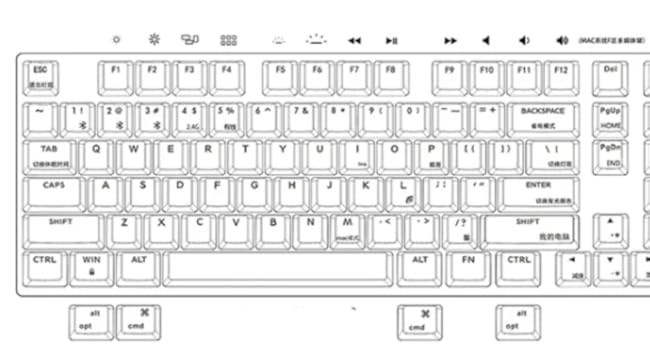
PLEASE NOTE: If you get this keyboard and want to reprogram keys or change what is in the tiny screen, you need to go to the product website and download the drivers. This data is not in the product manual. I really love this keyboard. The keys feel good when I am typing. The design is unique. It is heavy duty and it is heavy. I love that. This is a relatively quiet mechanical keyboard. The volume control knob is a nice touch. I didn't think I would use it at first, however I have found that it has been very useful and a nice alternative to changing the volume via the computer. It is wireless. This is awesome. You can connect it via Bluetooth or via a 2.4G dongle. Just AWESOME. I love that with a mechanical keyboard like this. It has a little screen on the upper right corner next to the volume control knob. It is useful to be able to tell what the battery life is. It also tells the time. You can put photos in it (although I can't see the use of this, it is really pretty small). Apparently, you can use the screen as a calculator as well. The controls for this feature seem somewhat complex, and seeing that I have an onscreen calculator I don't see what the use of this is. Battery life is pretty good. I use it for a good part of the day for my work, and it seems like it lasts a few days before I have to plug it in. I actually totally love this keyboard. There are a few things to note about this product, however: - The keyboard layout is a little different than I'm used to. It is not a full-size keyboard. I didn't realize this when I was purchasing it. There are some keys that are nonexistent which I use quite often normally, and I've had to rework how I get around these things (specifically the "END" and "HOME" keys don't exist, and the menu key is also not there). - The keyboard came with very generic instructions, and these were mainly in regards to how to change the RGB settings and a few other settings. There were no instructions on how to reprogram keys, how to change the tiny screen photo, things like that. - Unfortunately the customer support seems pretty nonexistent. I wrote an email asking about these things and never heard back. I took matters into my own hands and got it figured out. However, all the pros about this keyboard really outweigh these few cons and I believe this keyboard has earned 5 stars.
N**S
Being an old school computer geek, this keyboard brings me back to when I first started using computers. The keyboard has some weight to it but I like that. Typing is smooth and responsive. The lcd display is a nice added touch. I also like the fact you can swap between PC and Mac. Overall, a great keyboard for the money.
K**A
Not only is this solidly built, it feels solid because of how heavy it is which is a good thing for reliable typing. I like the color choices, the feel of the keys, and the sound they make when pressed. Being able to dim the lights as low as this can get is quite nice, but the display does not dim with the keys so ends up being incredibly bright late at night. Having to get used to the letters being on the front of the key caps instead of the top where your fingers press is an odd thing when someone partially types by sight, but it didn't take more than a couple days to get used to. I got this keyboard for myself, but my wife ended up commandeering it from me because her keyboard started going on the fritz right when this one arrived... oh-well, at least I got bonus points! Highly recommended.
TrustPilot
2 个月前
2 周前