We remain fully operational. Our teams are working around the clock to ensure your deliveries continue safely.

下载应用程序




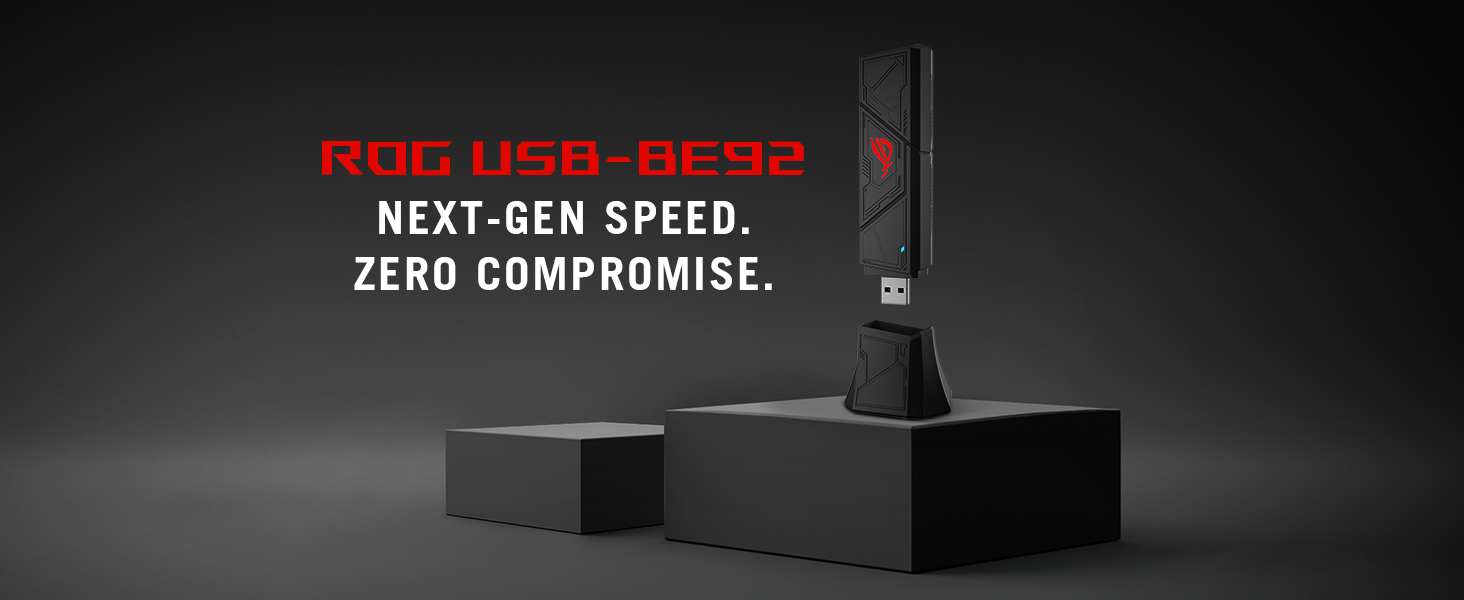
🚀 Upgrade your WiFi game to warp speed with ASUS ROG USB-BE92!
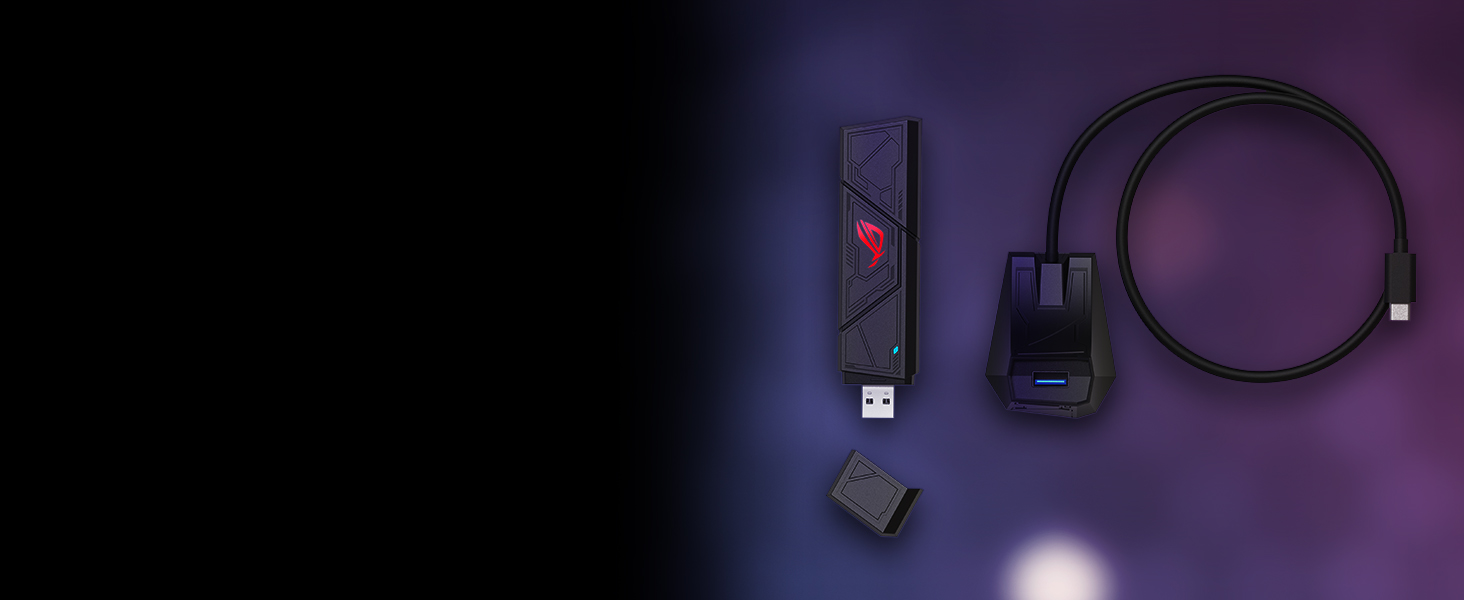
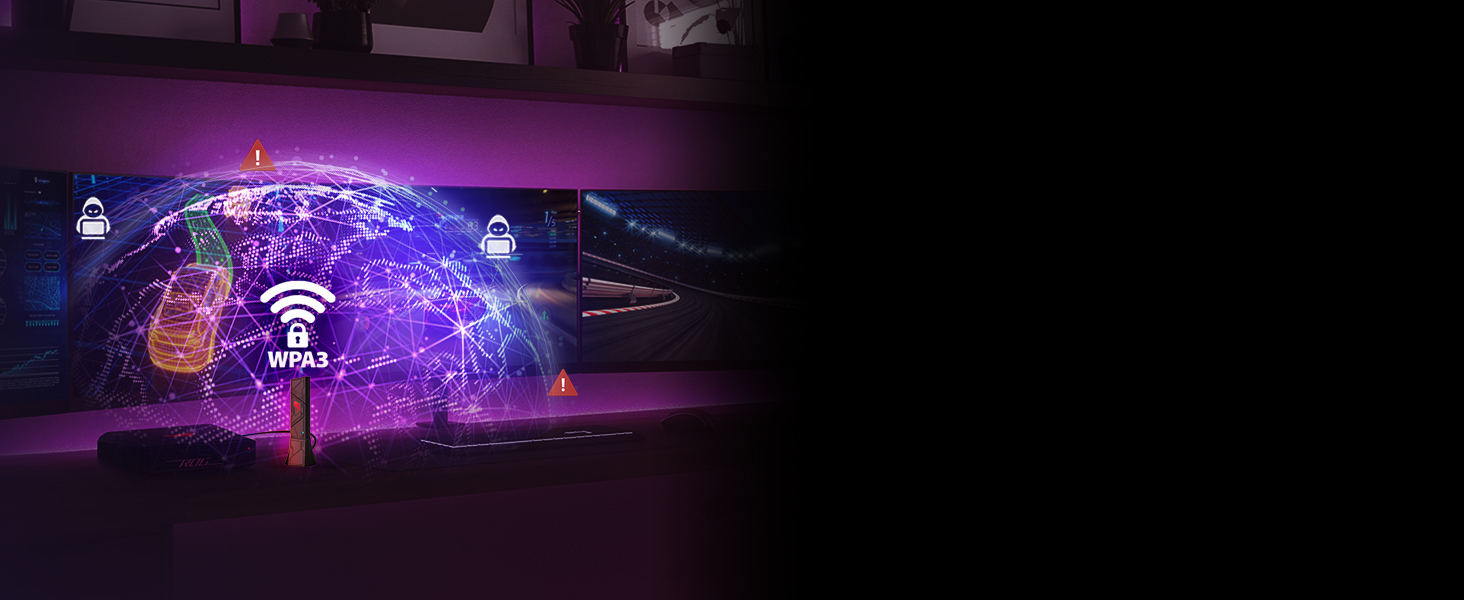
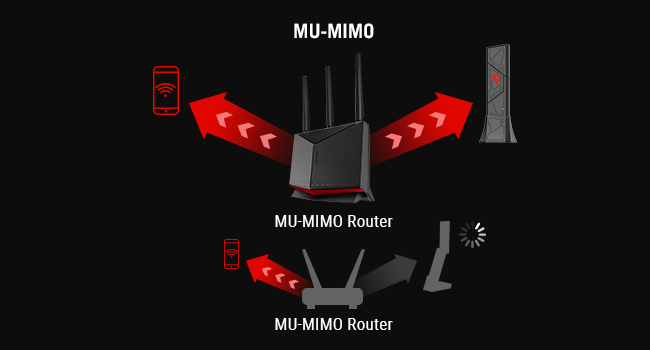
The ASUS ROG USB-BE92 is a cutting-edge WiFi 7 USB adapter delivering up to 6,500 Mbps across tri-band frequencies (2.4, 5, and 6 GHz). Featuring 160MHz channels, 4096-QAM modulation, and Multi-Link Operation (MLO), it ensures ultra-fast, low-latency wireless connectivity. Compatible with USB Type-A and Type-C ports, it supports WPA3 security and advanced network efficiency technologies like OFDMA and MU-MIMO, making it ideal for gamers and professionals demanding stable, high-speed internet on Windows systems.



| ASIN | B0F7W58JVJ |
| Best Sellers Rank | #151 in USB Computer Network Adapters |
| Brand | ASUS |
| Built-In Media | ROG USB-BE92, user manual |
| Color | BLACK |
| Compatible Devices | Support Microsoft Windows only |
| Compatible Operating System Family | Windows |
| Customer Reviews | 4.0 4.0 out of 5 stars (72) |
| Data Transfer Rate | 6500 Megabits Per Second |
| Hardware Interface | USB 3.0 |
| Item Dimensions L x W x H | 0.7"L x 1.2"W x 4.4"H |
| Item Weight | 0.1 Pounds |
| Manufacturer | ASUS |
| Mfr Part Number | ROG USB-BE92 |
| Minimum Required Operating System Version | Windows 10 |
| Model Number | ROG USB-BE92 |
| UPC | 197105706170 |
| Warranty Description | 3 year |
M**Y
Makes your connection as good as it can be - fast and stable, no installer required
The important facts: It will give you a stable, fast connection to a wireless router over WiFi 7 and earlier, it runs off the USB bus so it's powered, it doesn't require a big installer it actually self-installs when you plug it in, it is best used with the USB-C cradle for performance, the light is sorta edgy "look at me" gamer design but it's functional, it's rather good. Pricy, but if you're looking at this, you probably have suffered onboard motherboard WiFi for long enough, this dear friend is what you need, it will vastly improve your gaming experience and is worth every penny.
J**L
SOLVES E2600 Controller WiFi Road Block
I have a Dell XPS 8940 containing a "KILLER E2600 Gigabit Ethernet Controller" Version 10.79.1003.2025 (10th Generation Chipset with MS Windows 10 OS capable of 1,000mbs (1gb) speed). Unknown to me at the time was the fact this particular item (and similar) was infamous for issues with "Throughput Oscillation;" showing an initial BURST: +900mbs then immediately dropping to the 350~450mps range...a hair-tearing situation that neither COX nor ALLO could resolve. I did NOT want to spring ++$3,000 to buy a new CPU. After 2 full days of running this to ground, I had a solution to change a number of the E2600 Controller's Properties. This solved the thru-put issue and I'm hitting high 900's speeds with Ethernet. However, I wanted to sever the WiFi side of the Ethernet and did so by purchasing this ROG USB-BE92 WiFi Adapter. HOLY Roller skates Batman! This thing is LIGHT-SPEED! I have now leaped from the 250~350mbs pit up to the speed stratosphere with WiFi as well!!!! Could not have asked for better! 100% impressed and satisfied! (PS - it looks GOOD as well sitting on top of my CPU!!).
S**J
No driver available
The ASUS ROG USB-BE92 presents itself as a premium, next-generation networking device, but in practice it falls short in several fundamental areas—most notably in usability, driver reliability, and overall user experience. The most glaring issue is the poor driver implementation and distribution. A product in this category should function with minimal friction, yet this adapter requires users to actively hunt for working drivers, often encountering incomplete, mislabeled, or non-functional packages. Even when the correct driver is found, installation can be inconsistent, requiring manual intervention, repeated attempts, and technical workarounds that should not be necessary for a modern peripheral. Compounding this problem is the lack of reliable plug-and-play functionality. Instead of a straightforward setup, users may experience partial detection, missing device features, or the adapter appearing in the system without functioning correctly. This creates a fragmented experience where the hardware is visible but not usable until extensive troubleshooting is performed. There are also serious concerns about software maturity and quality control. The inconsistency across driver versions and the absence of a stable, unified installation path indicate a lack of proper validation and testing. For a device positioned as cutting-edge, this level of instability is difficult to justify. From a user perspective, the product places an unreasonable burden on technical knowledge. Instead of delivering a polished, consumer-friendly experience, it effectively requires users to act as system integrators—manually sourcing drivers, identifying hardware IDs, and troubleshooting driver conflicts. This is not acceptable for a mainstream peripheral, regardless of its advanced capabilities. While the underlying hardware may support high-performance networking in ideal conditions, the real-world experience is undermined by software shortcomings and a lack of dependable support infrastructure. The end result is a product that promises convenience and performance but delivers frustration and inconsistency. Bottom line: This adapter is difficult to recommend. Its performance potential is overshadowed by poor driver support, unreliable installation, and a lack of user-friendly design, making it unsuitable for most users and barely acceptable even for technically experienced ones.
T**E
A good Wi-Fi 7 adapter with a cool design for gaming.
This ASUS Wi-Fi adapter presents a viable option for upgrading your PC to Wi-Fi 7. It includes a convenient USB-C stand for the main adapter module, which should optimize performance. You can also connect the main unit to a USB-A port on your PC, although this method may result in slightly reduced performance compared to using USB-C. The range is generally satisfactory, though occasional connectivity issues may require reconnecting to your network. Installation is straightforward; upon plugging the device into your PC, a prerequisite will install, which you'll need to run from File Explorer. After that, the device should be set up, and there's no specific software from ASUS for this adapter. Regarding durability, it's constructed from hard plastic. Overall, it's a commendable adapter, but the price is somewhat elevated. Considering its gaming-oriented design and ease of setup, I would recommend it.
L**G
Skeptical before buying due to bad experience of usb wifi adapters in the past. However, Extremely consistent connection even if you don't use wifi 7 (only Wifi 6E in my case) , easy setup and so far so good.
L**S
Mi access point es compatible con WiFi 7 a través de la banda 6Ghz y el ancho de banda efectivo es de 2882Mbps. Es importante descargar los drivers desde la página de Asus ROG. Recomiendo que lo conecten a un puerto USB C 3.2 o USB4.
S**N
Works well so far
B**N
Good so far
S**E
Its doesn't drop the wife.. the entire USB device constantly disconnects from the PC. And don't buy from a non amazon seller,, its impossible to return.