We remain fully operational. Our teams are working around the clock to ensure your deliveries continue safely.

下载应用程序


📚 Elevate your reading game with color, power, and portability!
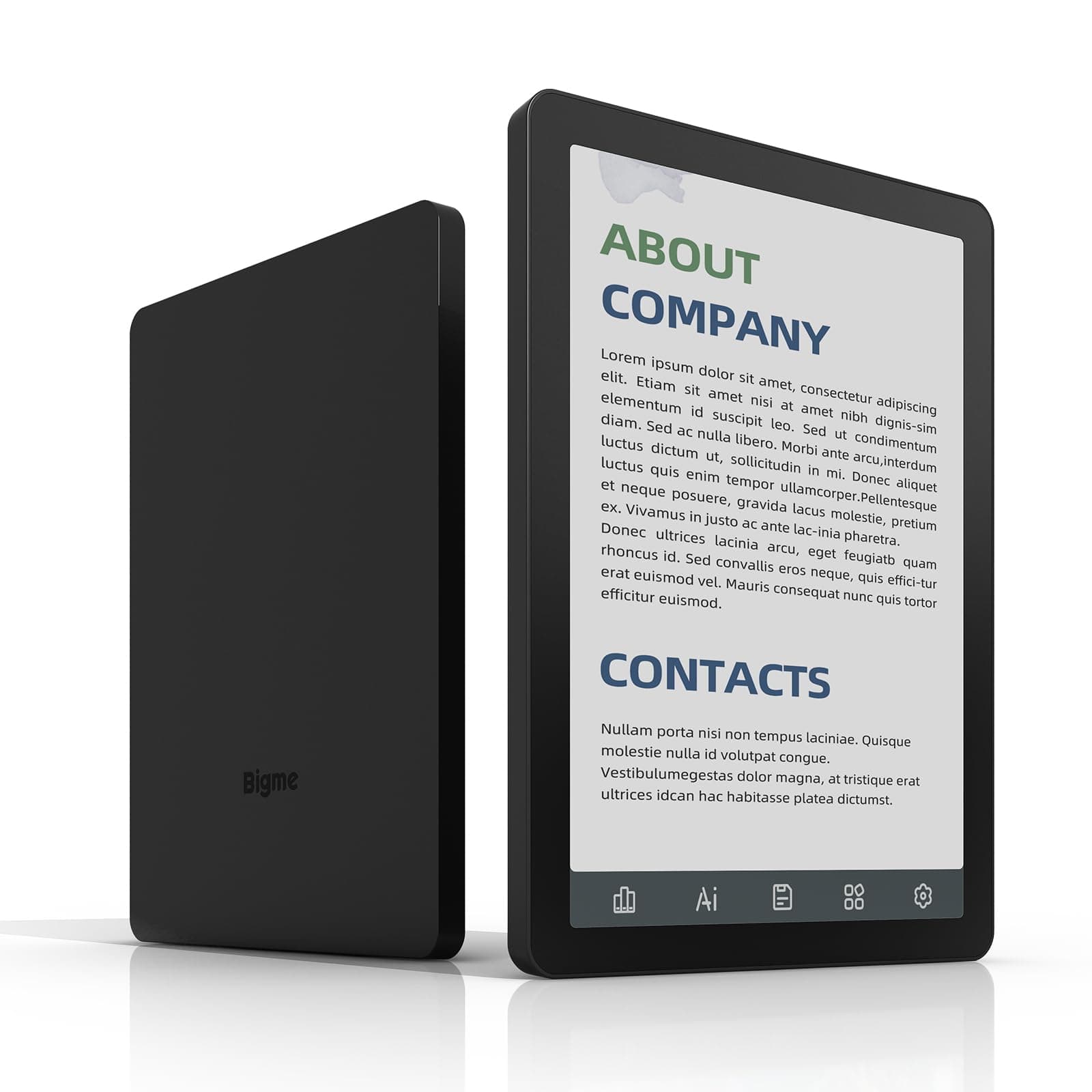
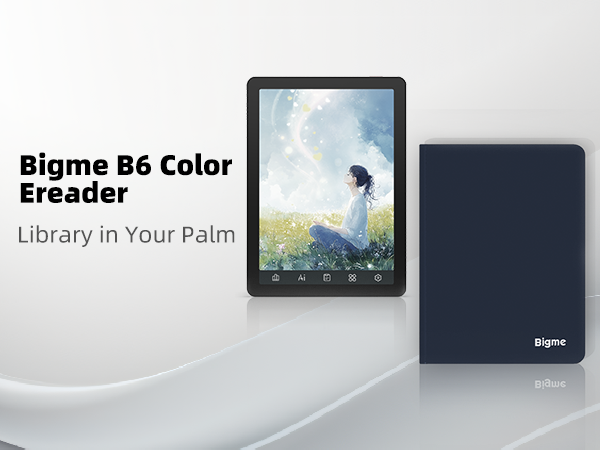
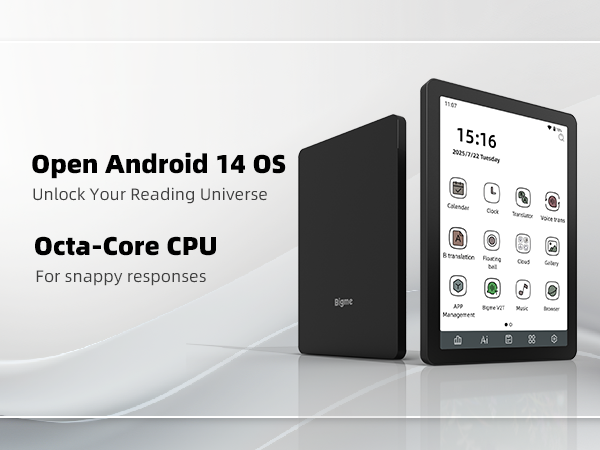
The Bigme B6 Color Ebook Reader features a 6-inch color E-paper display delivering vibrant yet comfortable reading, backed by 64GB storage and 4GB RAM for smooth multitasking. Powered by Android 14, it supports a wide range of reading apps and customization, functioning both as an e-reader and tablet. Lightweight and compact, it’s designed for professionals and students who demand versatility and portability in their digital reading experience.






| ASIN | B0FMFNVT6T |
| Best Sellers Rank | #17,835 in Electronics ( See Top 100 in Electronics ) #36 in eBook Readers |
| Brand | Bigme |
| Built-In Media | E-reader, Protective Case, User Manual |
| Color | Black |
| Compatible Devices | Android |
| Connectivity Technology | Bluetooth, Wi-Fi |
| Customer Reviews | 3.9 out of 5 stars 48 Reviews |
| Display Technology | Color Epaper, Electronic Ink |
| Human-Interface Input | Buttons |
| Item Dimensions L x W x Thickness | 5.88"L x 4.25"W x 0.28"Th |
| Item Weight | 176 Grams |
| Manufacturer | Bigme |
| Memory Storage Capacity | 64 GB |
| Model Name | US-B6 |
| Native Resolution | 300 PPI |
| Other Special Features of the Product | 4gb Ram, 64gb Storage, Android 14 Os, Color Screen, E-ink Display |
| Screen Size | 6 Inches |
| Warranty Description | 1 year |
A**A
Compact and Versatile
It is a good device. Colors are muted but that is the nature of color ink screen. Nice size for travel and you can add the apps you like. See photos.
K**E
It's pretty good, but not perfect.
Don't expect amazing color, especially compared to physical art or OLED/LCD screens. The color looks washed out if you use the built-in front light. However, if you treat it like actual paper and use external lighting (like a lamp or overhead light), the colors look pretty good. If you mainly read black-and-white content, keep in mind that the added color layer makes the B&W contrast take a hit compared to dedicated B&W readers. Any extra layers—like screen protectors or digitizers—change how the e-ink looks. It runs Android 14, which has it's pros and cons. I personally chose to de-Google the device. I disabled the Google Play Store and installed F-Droid and the Aurora Store instead. This allows me to keep the device with no screen lock or security. I’m not worried about Google itself, as it requires a password to purchase things, but I’m unsure about external apps. For example, if I downloaded Uber Eats and signed in with my Google account, I’m not sure about the security of ordering from my account. To be safe, I’m not signed into a Google account at all. I wanted an Android e-reader specifically to use Kavita off my home-lab. I tried syncing with Koreader, but it wasn't my favorite experience. Be aware that Android will tank the battery faster than e-readers with custom lightweight operating systems because of Wi-Fi, Bluetooth, and background services. I get a few days of battery life, which is fine for me, but it might be a shock to those coming from traditional Kindle-style readers. Standard B&W manga looks great. I usually keep contrast at 14, which is "perfect" for most content. However, some colors struggle. For a side story in "Dealing With The Mikadono Sisters," the light red was hard to see, and I had to bump the contrast up to 45. Manhwa & Webtoons... They are readable in my opinon, but e-ink isn't really made for the long-scroll color format. Even if you convert them to a standard comic format, I wouldn't recommend this device if that’s your primary reading material. And most people I think would just recommend getting a cheap android tablet. Standard books, text, novels are where e readers have always shined. I know people who use a 4" e reader and love it. And not something I wouldn't worry about. 6" screen is good if you have my "young eyes," but I think most people will see it as too small. (This is for manga and comics, normal text should be fine on even something like a 4" e-reader.) Most physical manga is closer to 7" or 8". Outliers exist like art books, hard cover, and just big sized (in dimension) manga at 9" - 10". There is the other side of the spectrum like Accel World being 5", which is why I'm good with a 6" e-reader. I wish the physical buttons at the bottom weren't there. They are permanent fixtures. Using Kavita in full screen hides the notification bar and makes manga fit almost perfectly; if those buttons were gone and the screen stretched, it would be a perfect fit. They can be reprogrammed though, if you want to. Or disabled (but not gone), if you accidentally hit them. I think a 7" e reader would be the perfect size ratio for travel. The speaker... is there. Really for system sounds, maybe use it for a podcast / audio book? I don't have my sound on at all. There's Bluetooth if it's not good enough. This maybe a "hot take", but I actually hope we keep bezels on e-readers forever. Unlike a phone, I want something I can actually grab onto without touching the screen. I know many tablets have shrunk bezels as most use it to watch content on it. But I am disappointed in seeing 2 in 1 laptops shrink their bezels (Microsoft Surface). Also saw someone say they couldn't change the date & time from China. Latest OS: Settings -> System -> Date & Time -> Select Time Zone
F**C
Works for NYTimes, Manga, and Web browsing. Just adjust expectations for eink
I wanted a Eink reader that will allow me to read the news on the NY Times or Wall Street Journal App / Google chrome web browser. Works great! You do have to be mindful how slower eink is compared to your phone. But man does it look great outside. When you are inside you most of the time need the blue yellow back light, which will drain the battery. First complaint, the battery life. After two days it will be dead if you use it during a car road trip. Second complaint, adjusting warm and cool light settings takes a bit of fidgeting to get a neutral white color. This is because there are two sliders for yellow and blue light. This is nit picky, but I wish it has a auto adjust feature like iPhones.
O**A
ughhhhhh my high hopes still there but idk
Not perfect by any means. But this device is slept on. I’ve been enjoying it and it’s only been a couple of hours. Battery is not good, and yes it lags a little. Colors are washed out but I personally don’t care. It had me reading right away, and I’ve had both kobo and kindle. They just weren’t doing it for me, but they do have better screens and better battery life. I don’t usually write reviews but I think this is worth trying out especially if you don’t care about specs too much. Still enjoying but hasnt even been a week and for some reason there are pinholes. These bother my eyes. Please help. I will have to return.
S**L
Can't change the time
Easy to set up and I absolutely love it. But I cannot change the clock to USA time it is stuck in China and it does lag a litte more than I thought. But not enough to be a problem with reading my book or comics.
R**A
Small and compact
Love my new e-reader! Small enough to fit anywhere and you can download any other app because it had google playstore.
A**O
OK hardware, terrible software
The hardware is OK, but it's hindered by the abysmal software, to the point I was constantly dealing with problems, restarts, and eventually had to do a factory reset. I went back to my ereader, and would not recommend anyone buys this device unless they are willing to spend a considerable amount of time dealing with the software.
J**S
Decent size reader, horrible color display.
OK e-reader software wise, though I should have gotten the black and white version. The color screen layer is pretty bad. Very fuzzy, low resolution makes everything look horrid. Reading black and white pages is fine, but even then, the color layer does affect the B&W display quality. Get the B&W model if you really want a decent reader. Mine will probably be shelved or donated before long, as the color mode just isn't usable. It looks like the first color e-ink screens from 10 years ago. That is how weak and fuzzy it is.
TrustPilot
4天前
1天前