We remain fully operational. Our teams are working around the clock to ensure your deliveries continue safely.

下载应用程序


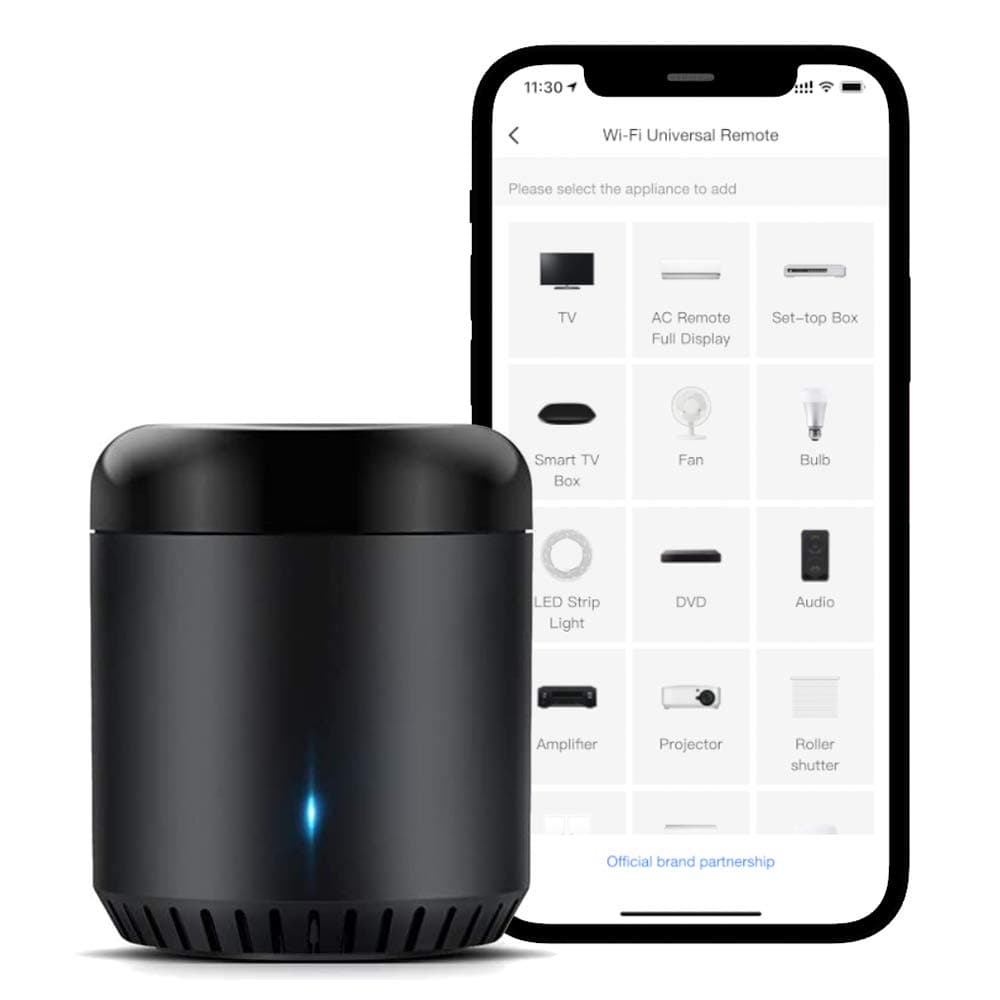
🏠 Control your entire IR universe with a tap or a word!
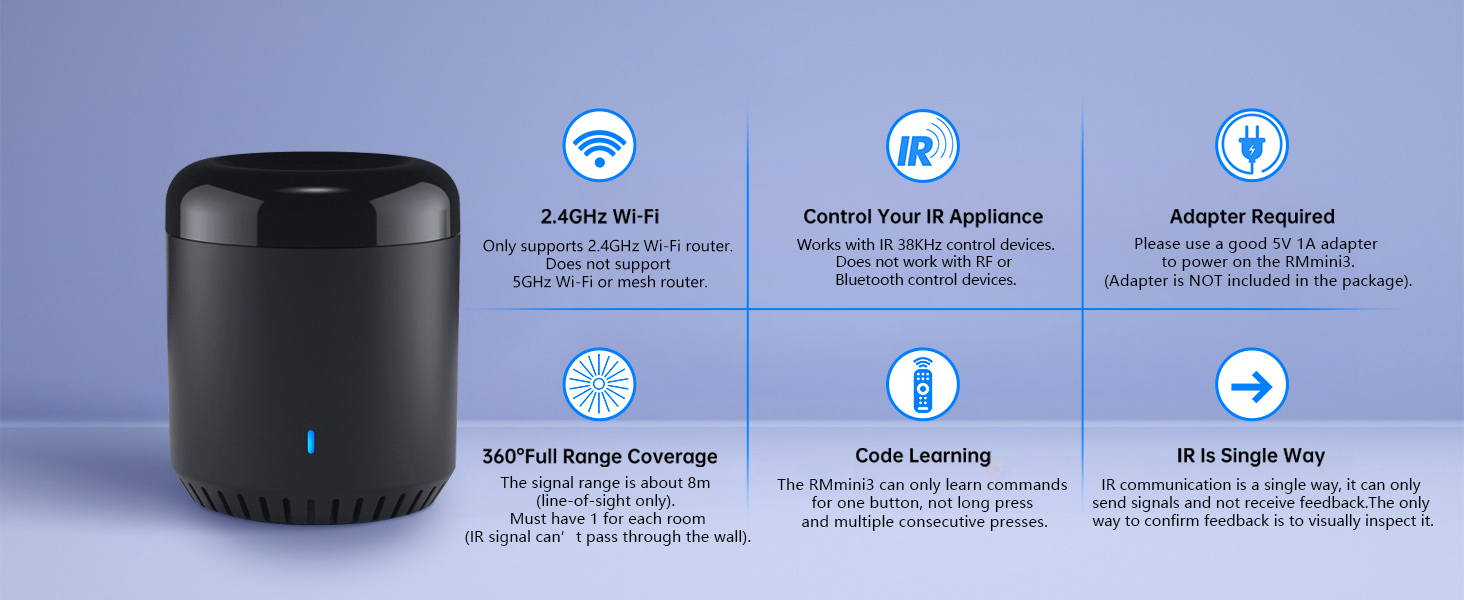
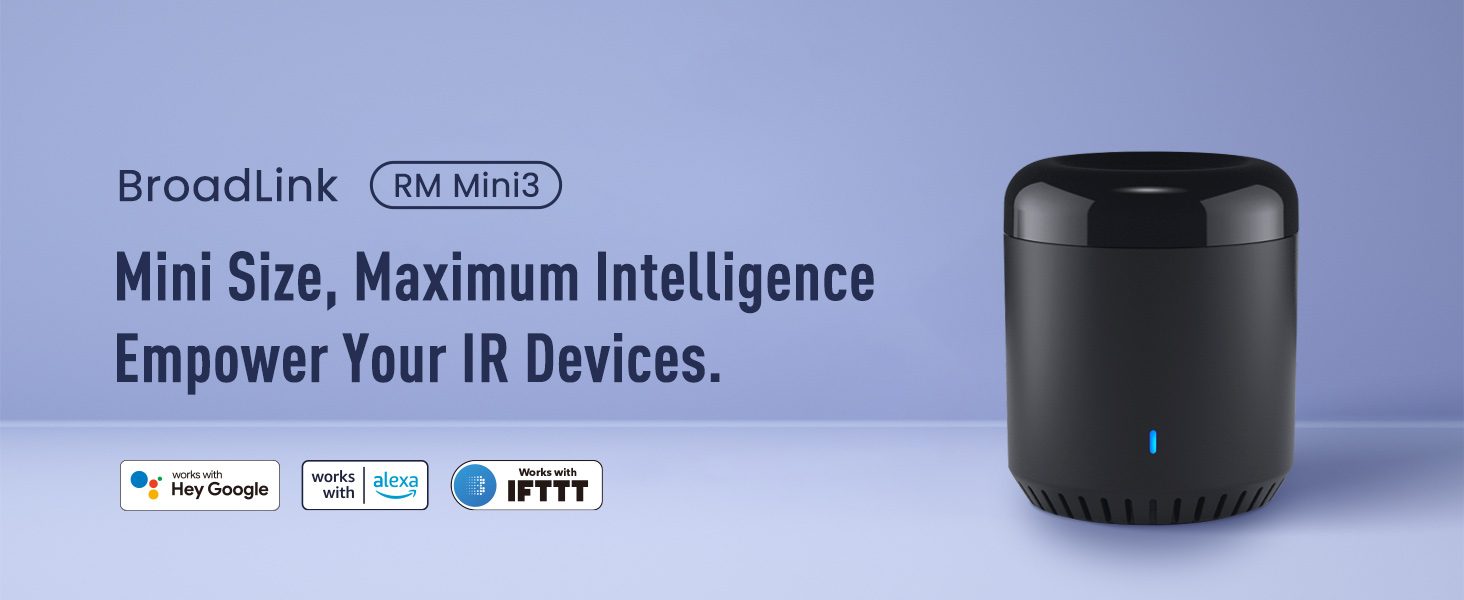
The Broadlink RM Mini 3 is a compact Wi-Fi smart home hub that transforms your traditional IR devices into smart appliances. Supporting over 50,000 IR-controlled devices and compatible with Alexa, Google Home, and IFTTT, it offers cloud-updated functionality and customizable automation via the BroadLink app. Designed for 2.4 GHz Wi-Fi networks, it enables remote control and scheduling of TVs, ACs, and more, making your home smarter and more efficient.






| ASIN | B07K2DHXB6 |
| Additional Features | Support 2.4G Wi-Fi, Universal |
| Battery Type | No battery |
| Best Sellers Rank | #30,754 in Tools & Home Improvement ( See Top 100 in Tools & Home Improvement ) #53 in Home Automation Hubs & Controllers |
| Brand | Broadlink |
| Button Quantity | 3 |
| Color | Black |
| Compatible Devices | IR 38K Devices |
| Connectivity Technology | Infrared, Wi-Fi |
| Controller Type | App Control |
| Customer Reviews | 4.1 4.1 out of 5 stars (1,485) |
| Item Dimensions L x W x H | 2.17"L x 2.17"W x 2.56"H |
| Item Weight | 0.14 Kilograms |
| Manufacturer | Hangzhou Gubei Electronics Technology Co.,Ltd. |
| Maximum Number of Supported Devices | 50000 |
| Maximum Range | 26.2 Feet |
| Mfr Part Number | 8541545902 |
| Model Name | 8541545902 |
| Model Number | 8541545902 |
| Smart Home Compatibility | Smart Home Compatible |
| UPC | 602168425093 |
M**A
Works wonderfully
Setting up device in the app wasn't super smooth, but that is expected with these sort of devices (also, required me to reset the device to connect to my wifi), but besides that, works exactly as you would like it to! This allows me to make my heater "smart", so I can turn it off/on and increase/decrease temperature without having to be at home (i.e., save on my electricity bill)! And you can use this device to remote control multiple things at once, so if you have lots of remote controlled devices, it's super worth it to make devices smart! Alexa integration is ok, can power off/on easily but the temp up/down is a bit quirky... though I won't be using it via alexa, so I don't care. Also, it has a micro-usb port; not sure why in this day and age micro-usb are used, rather than usb-c... it comes with a cord though, but usb-c would be much better.
J**E
Broadlink IR Remote Review
This is a fantastic device for consolidating control over multiple appliances. It worked seamlessly to manage my TV, AC, and other IR-based devices. The remote itself is reliable and versatile, but the biggest downside is the app. While it was once intuitive and efficient, it no longer works well, leaving the device underutilized. If the app were updated, this would easily be a 5-star product.
B**N
Great app, but hardware requires reset for wifi connection
I bought two hubs and neither one would broadcast or connect Wi-Fi. I almost returned them but happened to reset one while it was plugged in and boom, that's all it needs. Unbelievable that this isn't mentioned anywhere in the setup. The app is quite amazing with Google Home. I have the broadlink hub set up to control an LED strip and I can tell Google to change the color, turn up the brightness, turn on/off. They also have predefined IR buttons that other users have set up so you don't need to set up 20 different buttons. I also have a routine set to turn on my bedroom TV before I go to bed and then shut it off 1 hour after that automatically within Google home.
G**B
Automation to start/stop Holiday Projector
I bought the Broadlink Mini 3 to automatically start and stop my rear screen video projector for Halloween and Christmas projection show in my front window. I bought this device not really knowing if it would actually do the desired job. I was happy to learn that this IR blaster allowed me to connect a non-listed video projector and map all the IR remote control buttons to the Mini 3. From there, I was able to define 2 "scenes"; one to turn on the projector, wait 10 seconds for it to boot up, then define the button sequence to start the desired video from a USB thumbdrive. The other scene turns off the video projector with transmission of 2 button presses of the power button. Each of these "scenes" are started independently at a specific time every day. Once setup, the Broadlink iPhone app is pretty intuitive. Also, the "scenes" are saved to the cloud thus you do not have to have your phone or app running for the automation to work. However, the only setup "hiccup" I ran into was not knowing what "type of device" is the Mini 3 considered in the app. In the Broadlink app, the mini3 is considered a "remote control". From there you can scroll down and find the Mini 3 and complete the setup configuration. I did not need to configure this to Alexa or Google so no feedback on that. Also note there is a power cable provided but there is NOT a power block to plug in the wall.
M**T
Wifi connection problems can be worked around
As others have mentioned, it's pain to configure these devices to connect to your wifi. The configuration app won't allow you to add the device if your phone is on a 5Ghz network. It stops with a warning with no way to bypass it. Many modern wifi systems combine the SSID for 2.4GHz and 5GHz networks and don't allow you to separate them as the app suggests. This is how I worked around that problem. I installed the Broadlink app on my phone, configured an account and tried to install the app. It failed as described above. Smartphone Wifi hotspots use 2.4GHz. I configured a wifi hotspot on my phone using a different SSID (wifi network name). Some recommend using the same SSID as your home network, but that didn't work for me. I installed the Broadlink app on a second phone that's already configured for my home Wifi network and logged in using the same Broadlink account I created from the other phone. I connected the second phone to the 2.4GHz hotspot on my first phone. I ran through the setup to add the RM mini 3. When it got to the step where it displayed the name of the Wifi network, just past where the 5GHz warning is displayed, I turned off the hotspot on my first phone and waited a few seconds. The SSID in the app changed to my regular home Wifi network name and I was able to complete the install. This was a pain, but I was able to complete the setup for 2 other devices without major issues. Once the devices are setup, they'll show up in the app on your first phone too. The same is true for any "appliances" and routines you setup. I'm using these devices to control cheap projectors for Halloween displays. I set schedules to power up, start the videos, and power off later in the evening. There are no options to add pauses between the steps in the routines. This is a problem because it takes a few seconds for the projectors to boot. I created separate routines for power on and play with different start times to work around that problem. These devices are an inexpensive solution for what I needed to do. They're not perfect, but if you can get past the frustrating wifi issues, they may work for you as well. I don't want to give this less than 3 stars because it might put people off, but if you don't consider yourself a techie, this probably isn't the product for you. It's not uncommon for cheap smart home devices to use 2.4GHz because of its longer range. It is uncommon for it to be this much of a headache. Once they're setup, the RM mini 3s work as expected.
A**R
I bought a Hornbill smart lock on sale in October. Unfortunately I didn't notice when I purchased it that you need a gateway for voice control. The Hornbill documents do not recommend a specific gateway so I chose this one. It works great! Connected to my wifi quickly, synced up with the smartlife app and Alexa and now I can voice control my lock.
C**U
Je l'ai jumelé avec mon a/c de chambre et il et maintenant contrôlé par mon google home
D**A
Have only set up my TV and my air conditioner so far takes a little bit of learning in order to train it either or directly to your device or to your remote control for your device. Doesn’t have all of the brand names ie my air purifier but still getting used to it. Eventually, I hope to replace all my remotes with it.
J**Y
J’ai retourné le produit, parce que il n’était pas compatible avec certains appareils que j’utilise qui ne sont pas des marques nécessairement connues.
V**I
Does not work on 5g wifi.
TrustPilot
1 个月前
1 周前