We remain fully operational. Our teams are working around the clock to ensure your deliveries continue safely.

下载应用程序




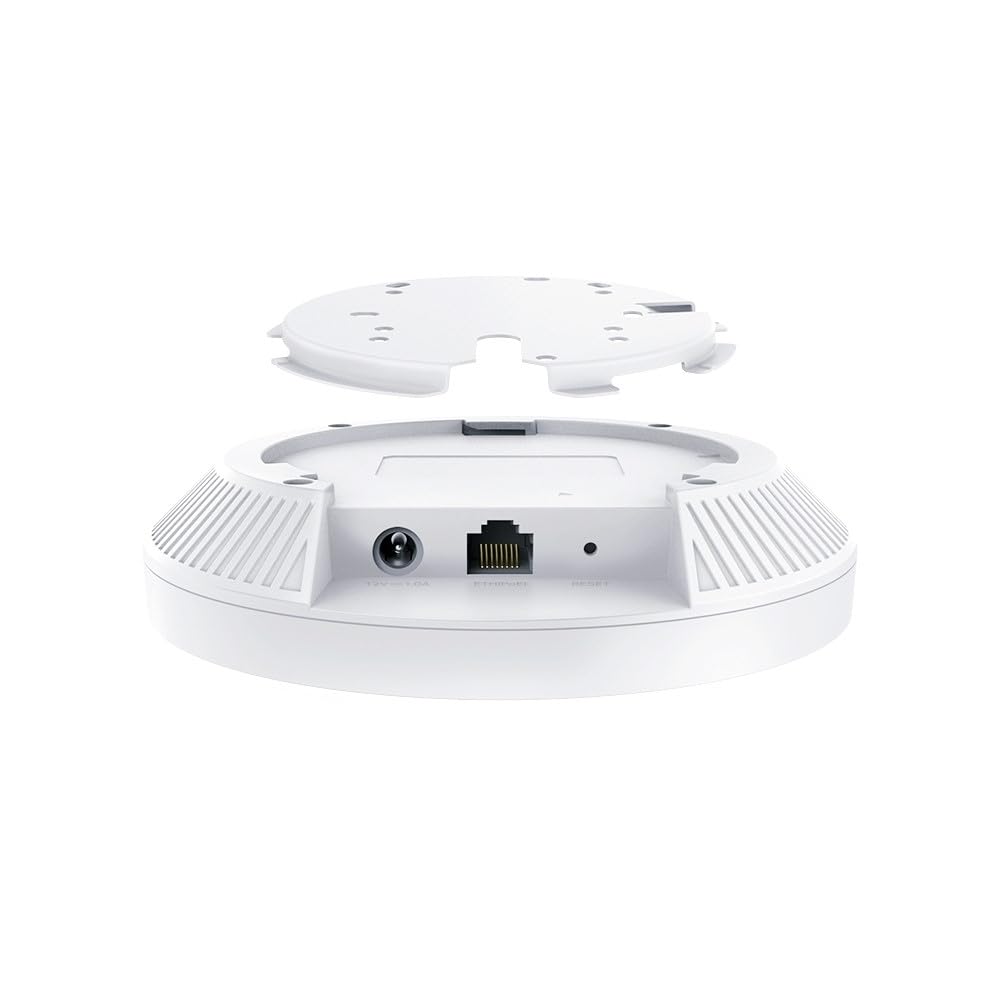

🚀 Elevate your Wi-Fi game with ultra-range, ultra-speed, ultra-secure connectivity!
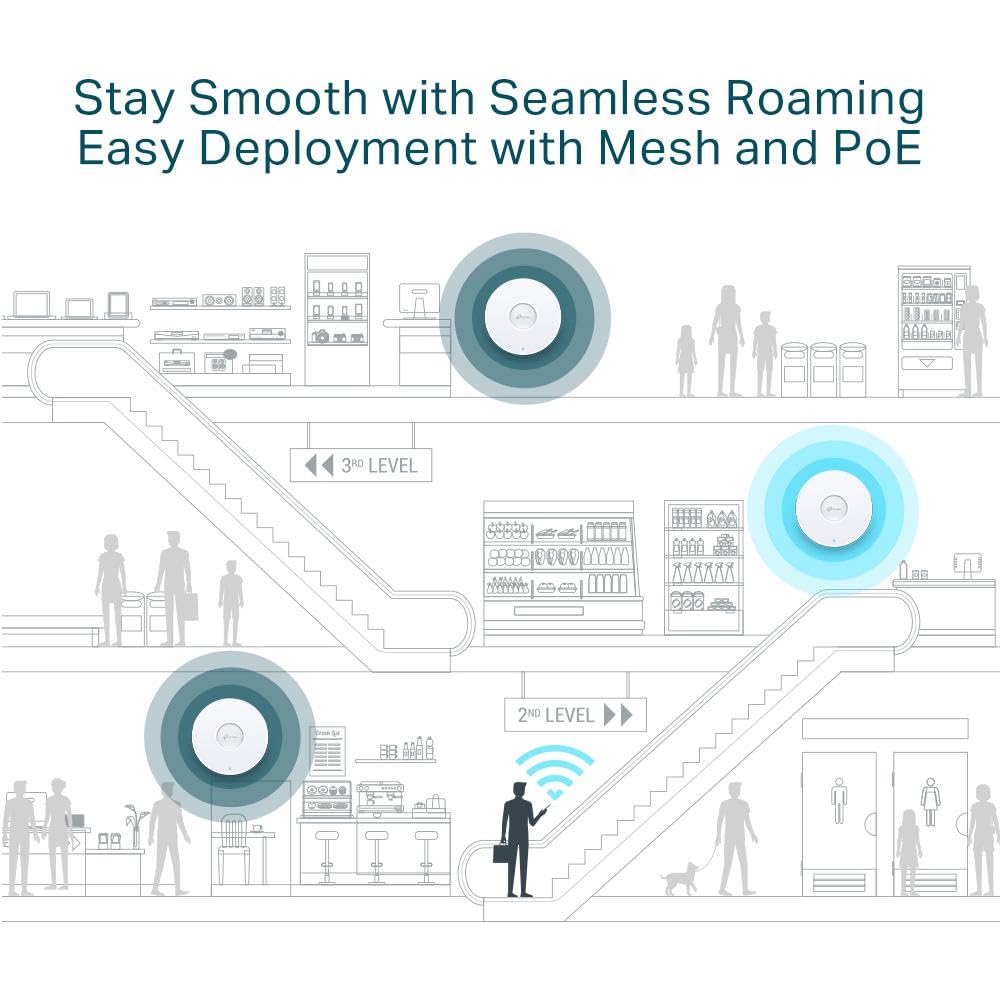
The TP-Link EAP653 UR is a high-performance Wi-Fi 6 access point delivering AX3000 speeds with advanced 1024-QAM and HE160 technology. Designed for professional-grade coverage, it supports PoE+ for flexible deployment and features Omada cloud management for effortless remote control. With AI seamless roaming and WPA3 security, it ensures fast, reliable, and secure wireless connectivity across large spaces, perfect for modern smart homes and busy offices.


| ASIN | B0DKSM68BC |
| Are Batteries Included | No |
| Batteries | 1 AAAA batteries required. |
| Best Sellers Rank | 33,886 in Computers & Accessories ( See Top 100 in Computers & Accessories ) 101 in Wireless Access Points |
| Brand | TP-Link |
| Colour | White |
| Connectivity Type | Wi-Fi |
| Customer Reviews | 4.3 4.3 out of 5 stars (5,710) |
| Date First Available | 17 Aug. 2024 |
| Guaranteed software updates until | unknown |
| Item Weight | 440 g |
| Item model number | EAP653 UR |
| Lithium Battery Energy Content | 2.6 Watt Hours |
| Lithium Battery Packaging | Batteries contained in equipment |
| Lithium Battery Weight | 5 Grams |
| Manufacturer | TP-Link Corporation Pte. Ltd. |
| Number Of Lithium Ion Cells | 4 |
| Operating System | Omada |
| Product Dimensions | 22.8 x 24.5 x 6.5 cm; 440 g |
| Series | EAP653 |
| Voltage | 28 Volts |
| Wireless Type | 802.11n |
S**E
Exceptional product
Works better than expected. I bought this for my annex and somehow it improved the internet in the house as well. download speed at furthest point (through two walls, a kitchen and 12m) is 70mb and closer is well over 150mb. meshes seemlessly with the main house and provides wifi in garden too
M**.
660 HD - Great home Wi-Fi with really long reach !
I’ve tried way too many routers and wireless access points to improve on my BT home hub 2 and all have been a failure and not lived up to the hype of the advertising resulting in poor network reach and speed. I finally gave this one a go. Turned off my home hub 2 Wi-Fi but kept the router and plugged this in via Ethernet. Very easy to set up and configure. It has 8 internal aerials and runs at a good output. I now have great Wi-Fi coverage across the house on 2 floors running 2.4ghz on n-only I get 600mbps. No need to turn on the 5ghz and no need to turn in the Wi-Fi 6 as I don’t need it yet. Been running faultlessly with no drop outs and with the capacity to run hundreds of clients it copes seamlessly with the 30 or so devices in the house. Be careful which you buy - the 660hd has the best aerial configuration even compared to higher Tp link models. You can check out the full specs on the TP Link website. I’m happy with this. No more rumblings from the family about the Wi-Fi - it just works.
S**Y
Excellent Outdoor AP
I was on the lookout for an outdoor access point to extend my wireless coverage to the garden and also to extend my mesh network to the garage. As an existing Omada user the EAP-225 Outdoor fit the bill exactly. The device was a breeze to setup, connected to my PoE switch and was immediately detected and adopted into my setup via the controller, applying all of my exiting network and SSID configurations. I did run into one technical issue but Xandrex from support was able to resolve almost immediately. I would highly recommend.
T**G
Great signal
I've had this unit for a year now and it's provided my whole garden with wifi. Just had an issue with connectivity today (turns out it wasn't the access point but a problem with the BT router) but TP link provided great online support and XANDREX was very helpful at going through potential problems. If you want a garden wifi set up this has been great.
T**O
works
it does work
B**R
These bridges are solid especially if you’re on the Omada platform. Easy to setup (about 45 minutes to mount and program) strong reliable, fast connectivity and throughput and man are they inexpensive. Omada has always been my go to alternative to Ubiquiti for budget networks for customers if they don’t want any of the extras Ubiquiti offers (cams, access control, etc). Install notes for these: 1. They are pole mount only (necessary for alignment), purchase this or similar (this is cheapest I found and is the one in the photos): https://amzn.to/49wPTwI 2. My install was less than 25 ft. So can’t speak to distance advertised. But at this distance, I’m getting speeds as seen in photos. 3. Ensure you are mounting the units and setting the dip switch relative to their job. Master/slave. The dip switch is small and preset for master/slave but you can switch them if you accidentally mount them reversed. 4. Update them immediately as there are missing settings on the old firmware. I wasn’t able to modify channel width which affected speed. After update, I increased channel width and pulled off the speeds pictured. 5. The units are POE and my slave unit was plugged into a generic TP link POE switch that also powered my access point inside the accessory building. 6. ISP provides 600mbps to this customer and the AP used pushes out a max of about 400-600 so 488 was almost zero throughput loss from the bridges in my opinion.
H**G
worked well. 2.4G travels further than 5G.
K**R
Morreu após menos de 1 ano de uso. Não estava exposto à chuva nem ao tempo. Simplesmente parou de funcionar. O RMA da TPLink não responde.
S**Y
Got two of these HD models and I love the OFDMA features of the AP's. I needed to fix some channel utilization issues that were high which is why I bought a HD model and that fixed my high utilization issues completely! Got two of these serving my home completely blanketed in multi-gig performance and value with excellence! Gotta recommend this to anyone who wants to get decent Wi-Fi 6 without breaking the bank!
A**.
I recently upgraded my home WiFi network with the TP-Link EAP660 HD and have been blown away by the improved speed and coverage. The WiFi 6 technology provides faster speeds and greater capacity than my previous router, and the range extender function allows me to reach areas of my home that previously had weak signals. The setup process was straightforward and the Omada app made it easy to configure and customize my network settings. The app also allows me to remotely monitor and manage my network, which is convenient when I'm away from home. The design of the TP-Link EAP660 HD is sleek and modern, and the LED indicator lights provide a helpful visual guide for diagnosing any issues with the router. The EAP660 HD also features advanced security features, including WPA3 encryption and a guest network, which gives me peace of mind when it comes to protecting my personal data. In terms of performance, I've noticed a significant improvement in both download and upload speeds, especially when multiple devices are connected to the network at once. The signal strength is also impressive, with minimal signal dropouts or interruptions. Overall, I highly recommend the TP-Link EAP660 HD for anyone looking for a high-performance, secure, and easy-to-use WiFi 6 router. It's been a game-changer for my home network!
TrustPilot
2 周前
4天前