We remain fully operational. Our teams are working around the clock to ensure your deliveries continue safely.

下载应用程序



Buy anything from 5,000+ international stores. One checkout price. No surprise fees. Join 2M+ shoppers on Desertcart.
Desertcart purchases this item on your behalf and handles shipping, customs, and support to Taiwan.
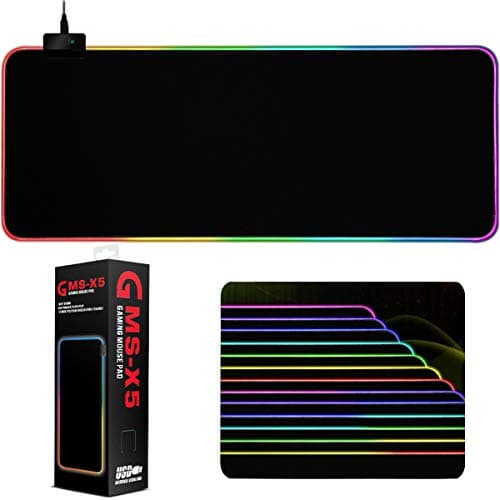
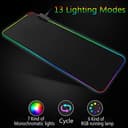
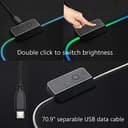
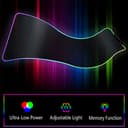
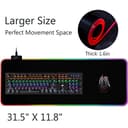
Instruction: 1. Connect the pad to a USB port 2. Press the button 3 seconds to turn it on/off 3. Then press once to change the modes 4. Press twice quickly to change the intensity of lightness 5. It will remember your last mode when you turn it off 13 Modes: Red, Blue, Green, Purple, Cyan, Yellow, White, Alternating Wave, Synchronizing Wave, Alternating Flash, Alternating Red Changing Flash, Synchronize Breathing, Alternate Breathing Warm Tips: 1. Please clean it with a dry cloth but not alcohol or detergent. 2. Please keep it away from fire. Operating conditions: 1, Operating temperature: -25℃~65℃'+10℃ 2, Storing temperature:-40℃~70℃'+10℃ 3. Operating humidity: 10 - 90% rh 4. Storing humidity: -5 - 95% rh Package Lists: 1* Mouse Pad 1* Micro USB Cable (5.9 feet)
TrustPilot
1天前
2天前
4天前
1 周前