We remain fully operational. Our teams are working around the clock to ensure your deliveries continue safely.

下载应用程序


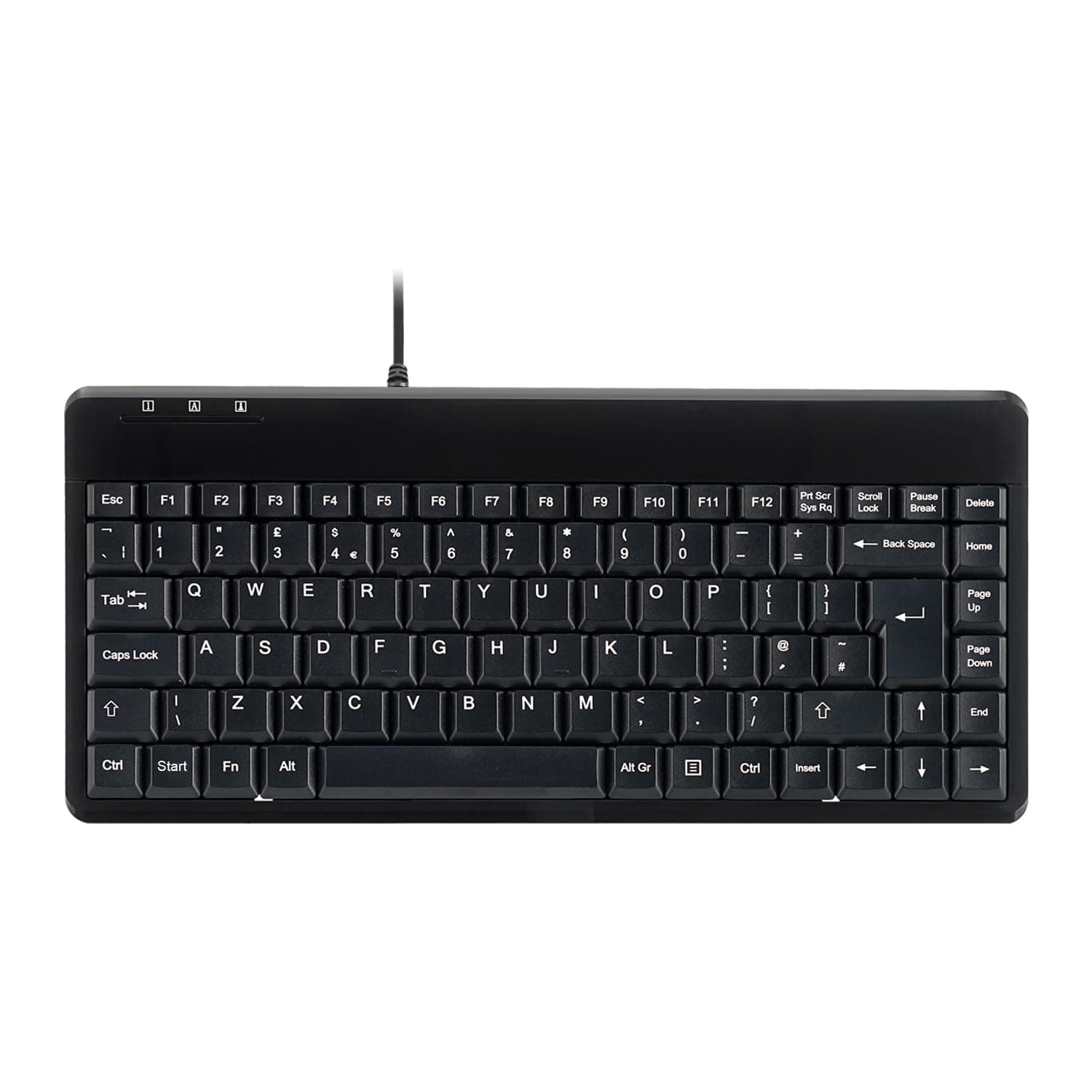

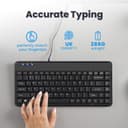
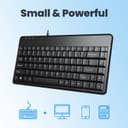
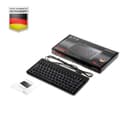
Specifications Compatible with Windows XP, Vista, 7, 8, 10 or later Certificated with CE, FCC, & RoHS Standard Work with IBM PC or Compatible System Switch Life Cycle: 10.000.000 Times Feature Suitable with Industry and Professional Application Piano Black Panel Design Durable UV Coating Membrane Keys 1.8M CableLayout: UK Review: True it is just a very reasonably priced, compact keyboard and should be judged as such. I've given it five stars because it is well made and simply works well. Review: Nice typing on it. 2 USB ports also on the keyboard. Very handy.
| ASIN | B008HE7V6M |
| Additional Features | 2 USB Hubs |
| Antenna Location | Office |
| Best Sellers Rank | #118,383 in Computers ( See Top 100 in Computers ) #3,472 in Computer Keyboards |
| Brand | Perixx |
| Built-In Media | USB Cable |
| Button Quantity | 88 |
| Color | USB with 2 Hubs |
| Compatible Devices | Laptop, PC |
| Connectivity Technology | USB |
| Customer Reviews | 4.5 4.5 out of 5 stars (1,700) |
| Enclosure Material | Acrylonitrile Butadiene Styrene |
| Global Trade Identification Number | 04049571140933 |
| Hand Orientation | Ambidextrous |
| Item Dimensions L x W x H | 31.5L x 14.7W x 2.1H centimeters |
| Item Weight | 0.41 Kilograms |
| Keyboard Description | Multi Functional |
| Keyboard Layout | QWERTY |
| Manufacturer | Perixx |
| Model Name | PB-409HUK-10839 |
| Model Number | 10839 |
| Number of Keys | 88 |
| Number of Sections | 1 |
| Power Source | Corded Electric |
| Series Number | 10839 |
| Style Name | Contemporary |
| Switch Type | Tactile |
| Theme | Office |
| Total USB 2.0 Ports | 2 |
| Unit Count | 1 Count |
| Water Resistance Level | Not Water Resistant |
J**N
True it is just a very reasonably priced, compact keyboard and should be judged as such. I've given it five stars because it is well made and simply works well.
M**M
Nice typing on it. 2 USB ports also on the keyboard. Very handy.
A**D
I’m giving this 5 stars because it did exactly what I needed it to do, and the price was very reasonable. The compact size was perfect for my setup, and despite being small, it’s comfortable to type on. It didnt give me the WOW factor but I cant think of anything to mark it down. It’s simple, effective, and worked straight out of the box without any issues. For the price, I couldn’t ask for more—it’s a no-frills keyboard that gets the job done perfectly. If you’re looking for something reliable and budget-friendly, this is a great option!
H**D
I've been trying to get a replacement for a USB mini keyboard for ages, since my original's right ctrl key packed up. Why is this relevant? Because this keyboard was all I could find that was similar: the 'Del/Home/PgUp/PgDn/End/-> column on the right side, small form factor, Fn key. It's got lots of sniny black bits and the keys are excellent, better than the old one. And the USB ports work fine. BUT No power button; not recognised on bootup; Fn+F1 (which did standby on the old KB) does nothing and can't be remapped; oh and the 'Num Lock' key is labelled 'Pause Break'. The lack of a Windows logo is a bit fishy too, not that I mind, it's just fishy. So altogether, it's not 100% satisfactory. If these things matter to you, be advised. The lack of a power function and non-BIOS is quite a biggie, actually. So once WinXP (yes, XP) had run through 5 or 6 install approval dialogs, presumably for the USB slots, I tried to enable Hibernate, to see if that made a difference to the power settings, because you see, there aren't any on this KB. This meant that (1) my triple-monitor display was messed up (2) Windows remapped all my USB drives and (3) I had to completely reinstall from a Macrium image. All for a keyboard. At least it was only £20. And the very next day, the one I'd been trying to replace for a year turned up on eebeeay. For £6. Ain't that the way?
M**C
I really like this little keyboard! The typing experience is great, and it fits on my small round dining table for my work from home days. The one thing that would improve it would be a small amount of separation between the main keyboard area and the column of keys on the right; so your right hand could hang slightly over the edge of the Enter key and aid with touch typing.