We remain fully operational. Our teams are working around the clock to ensure your deliveries continue safely.

下载应用程序




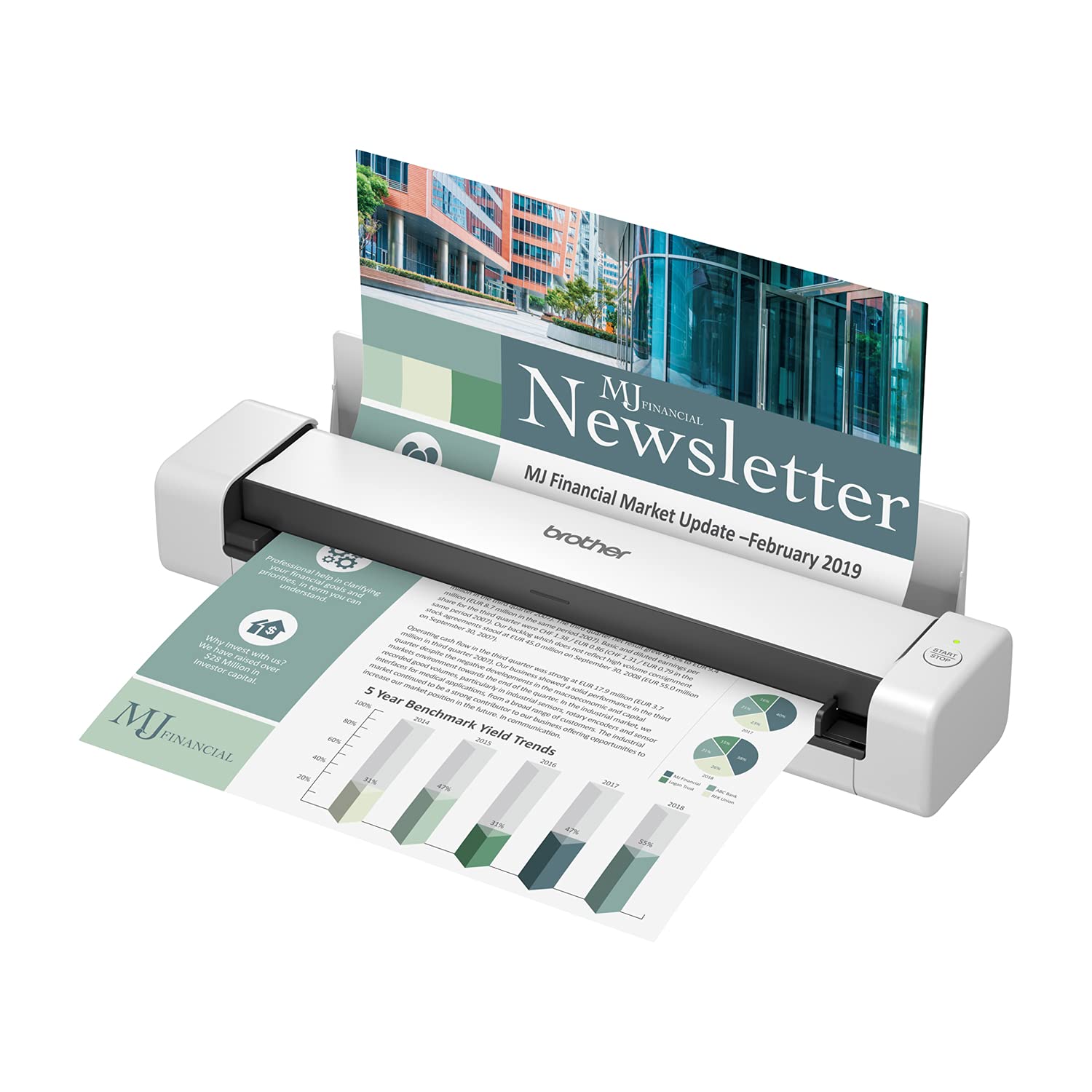
🚀 Scan smarter, not harder—your mobile office just got an upgrade!
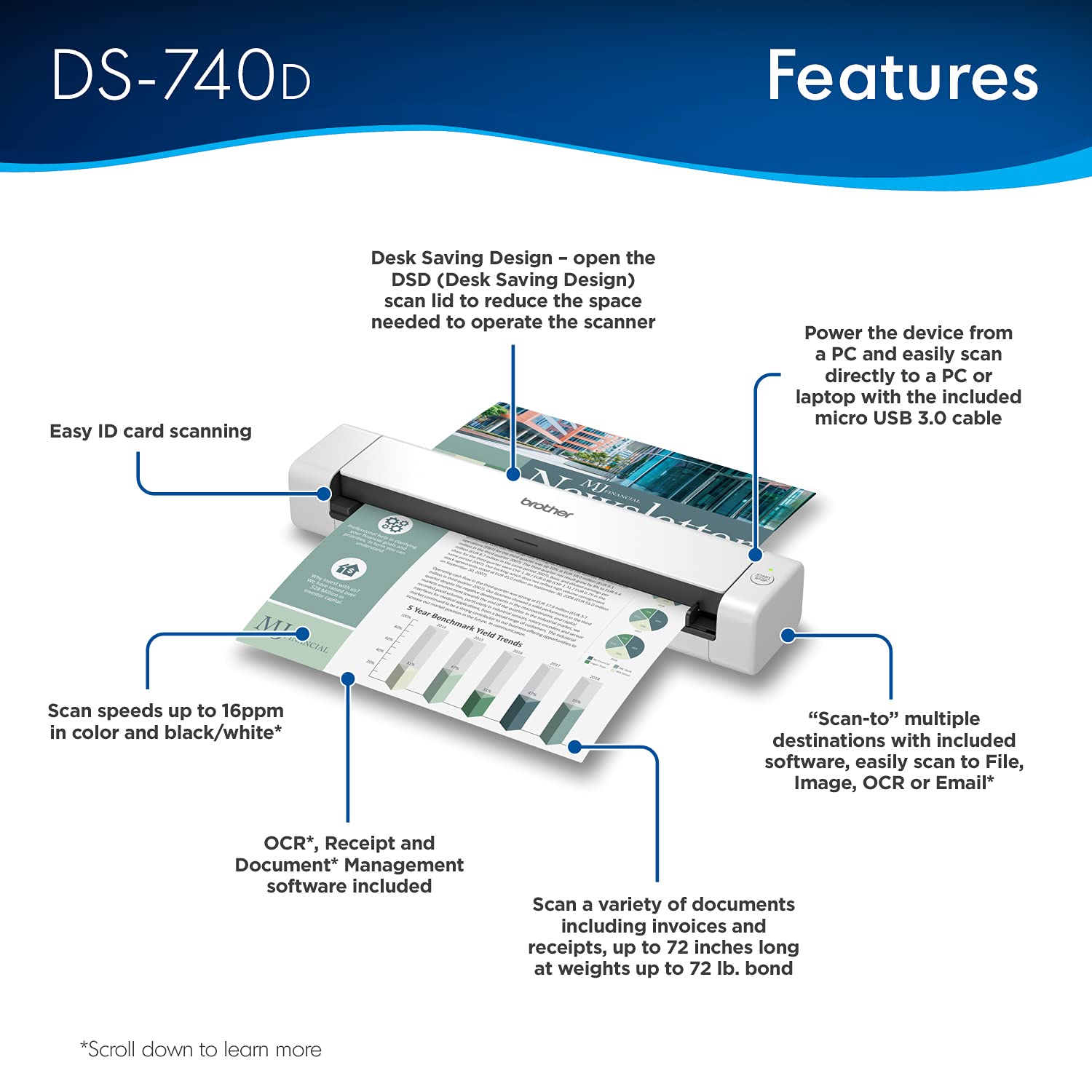
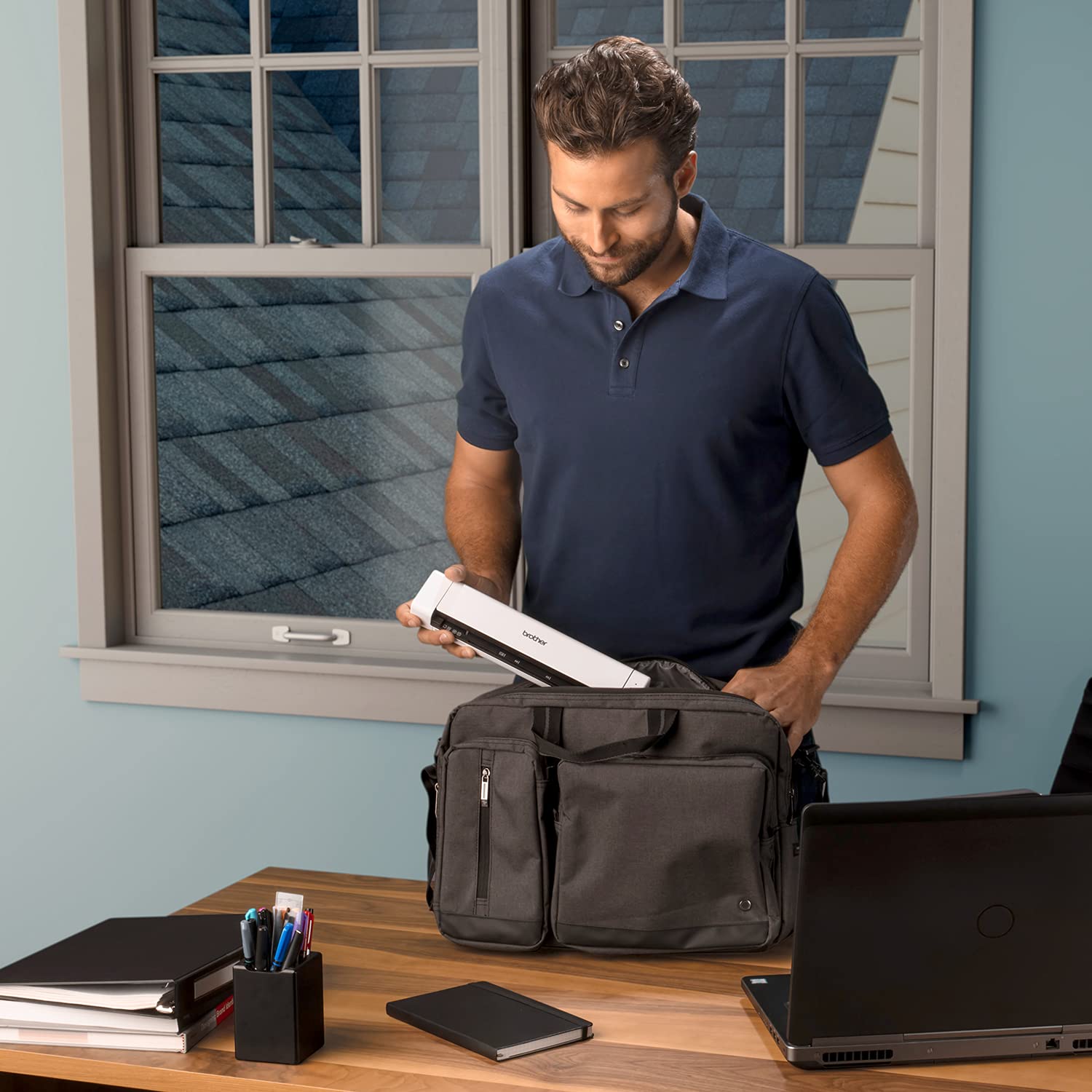
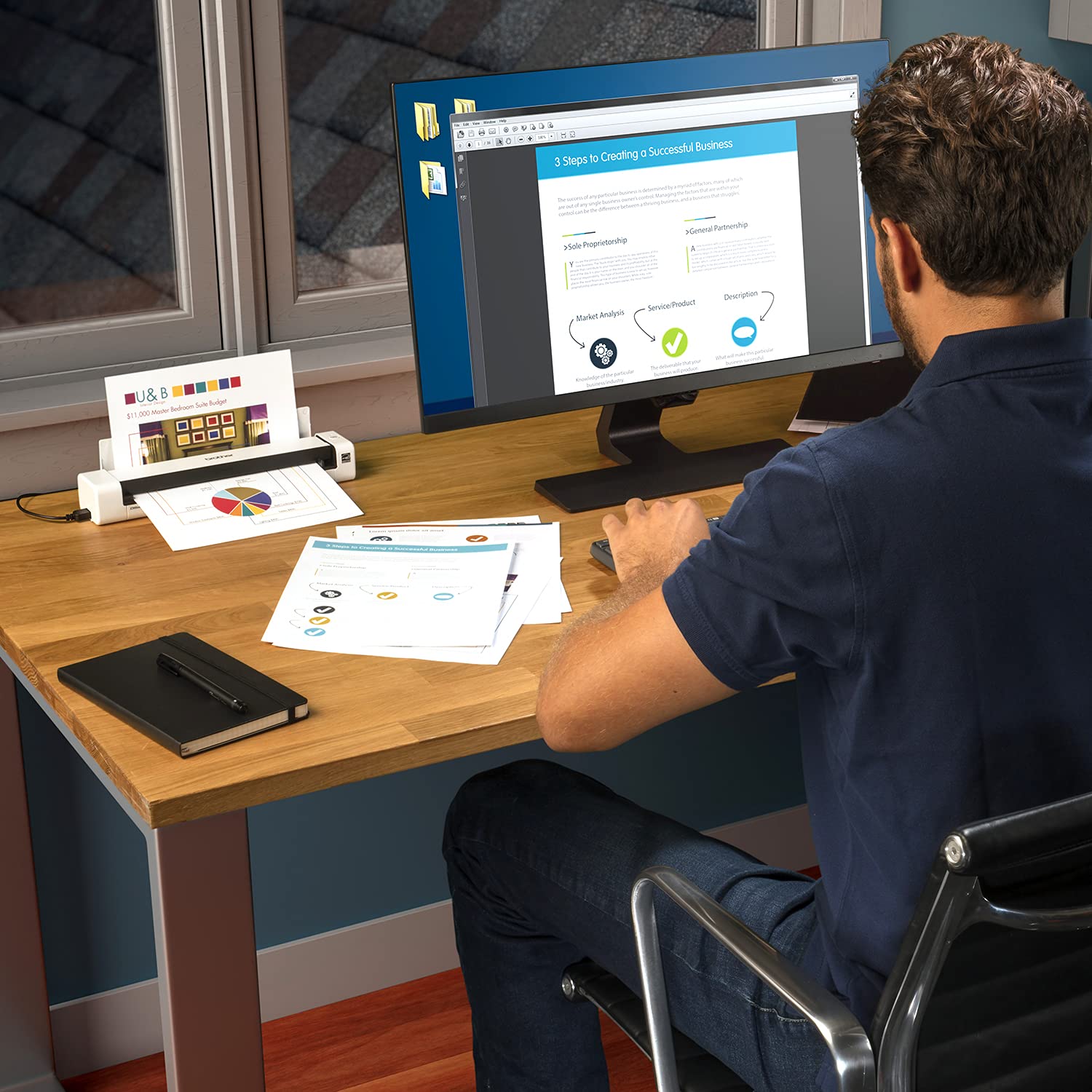
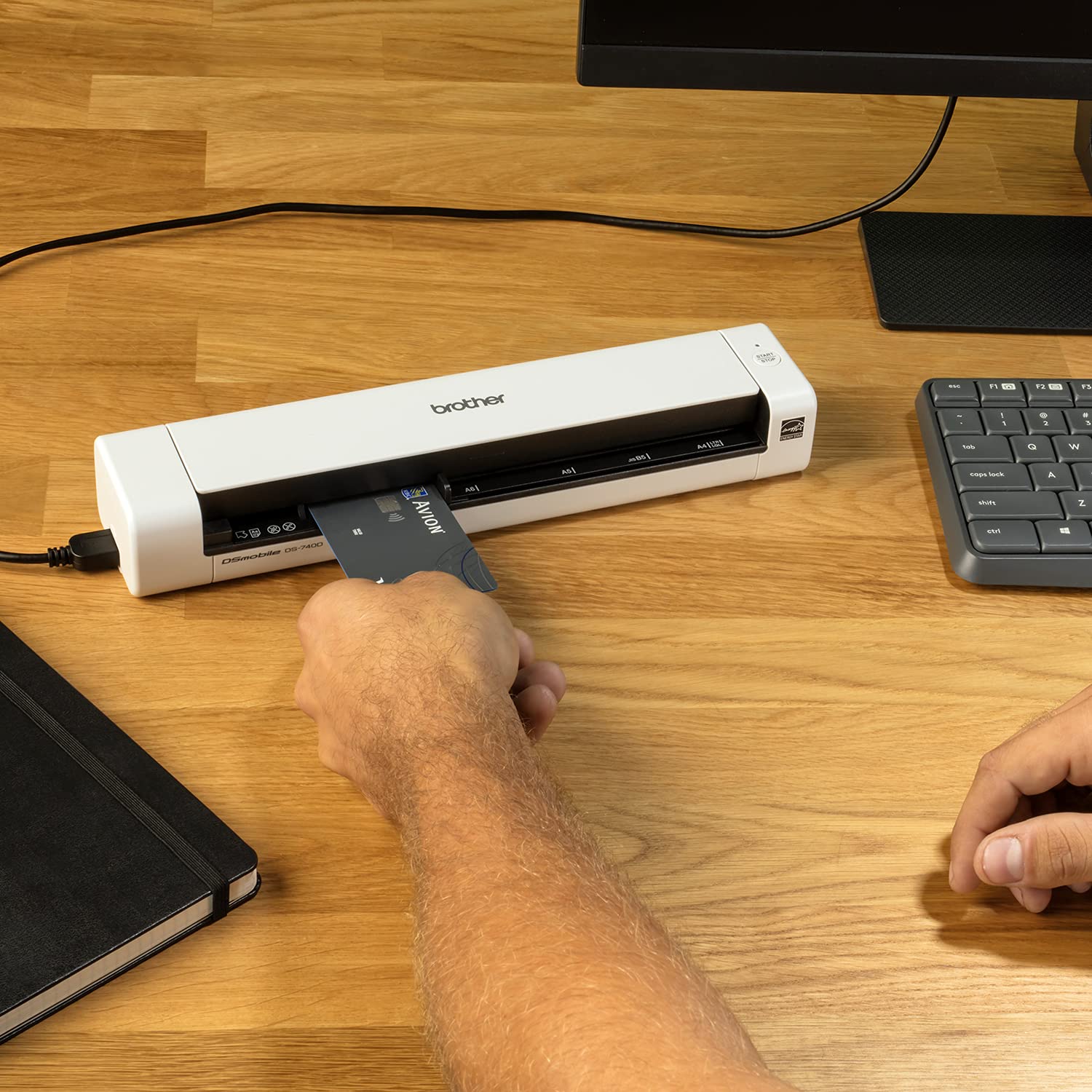
The Brother DS-740D Duplex Compact Mobile Document Scanner is a premium renewed device designed for busy professionals who demand speed, portability, and versatility. It scans single and double-sided documents at up to 16 ppm in color or black & white, fits easily into any workspace or bag, and runs powered solely by USB 3.0. Compatible across Windows, Mac, and Linux, it includes advanced image optimization and OCR software, making it the ultimate on-the-go scanning solution with reliable Brother support.

| ASIN | B09G4YZ2P4 |
| Are Batteries Included | Yes |
| Batteries | 1 Lithium Ion batteries required. (included) |
| Best Sellers Rank | 271,305 in Computers & Accessories ( See Top 100 in Computers & Accessories ) 317 in Document Scanners 6,213 in Renewed Computers & Accessories |
| Brand | Brother |
| Customer Reviews | 4.2 4.2 out of 5 stars (166) |
| Date First Available | 13 Sept. 2021 |
| Guaranteed software updates until | unknown |
| Hardware Platform | Laptop, PC |
| Item Weight | 649 g |
| Item model number | RDS740D |
| Lithium Battery Energy Content | 4.56 Watt Hours |
| Lithium Battery Packaging | Batteries contained in equipment |
| Manufacturer | Brother |
| Number Of Lithium Ion Cells | 1 |
| Operating System | Linux, Mac, Windows |
| Product Dimensions | 30.23 x 6.35 x 4.57 cm; 648.64 g |
| Series | Duplex Compact |
P**E
Decidí a comprar éste escáner ya que la marca en sí, es garantía; y no me equivoqué. La calidad del documento es muy buena y lo hace en cuestión de segundos :) Yo requiero escanear documentos en tamaño legal y este escáner sí lo hace. 10 de 10
D**.
This is a nice little duplex scanner. I bought the factory refurbished model, and for a quick minute I thought that might have been a mistake. After every page, the scanner took 20+ seconds to be ready again. I'm using Linux (Fedora), so I thought maybe it was a driver problem. Or maybe I got a dud unit. I watched the udev monitor and realized the scanner seemed to be power-cycling after each page. Odd. Turns out, it was the port on my laptop. I plugged it into a different USB port ON THE SAME LAPTOP and the scanner works great! No long delay between scanning subsequent pages. No strange udev messages. Linux folks, Brother has Linux drives on their product support website (*.deb and *.rpm). Install is simple. I used Gnome's "Document Scanner" at first as the scanning front end. You have to select "All Pages From Feeder" (not "Single Page") in order for the two-sided (duplex) functionality of the 740D to work. You MUST ALSO select "Both" from the preferences dialogue. I eventually switched to "gscan2pdf", which is more flexible in terms of scan post-processing. In the "Scan" dialogue on the "Scan Options" tab, the "Scan Source" option allows you to perform two-sided (duplex) scanning. Select the option ending with "left aligned" for single-sided and "left aligned - duplex" for two-sided.
M**S
A good little scanner. It’s portable and efficient. It scans effectively. The software is easy to install and easy to use.
K**K
Ya tengo más de 3 años y sigue operando muy bien
F**.
Rapidisimo y comodo de usar. Como es portable lo puedes llevar con la laptop y escanear lo que se te ocurra. Tiene gran resolucion y es MUY facil de manejar. Mejor compra que he hecho!