We remain fully operational. Our teams are working around the clock to ensure your deliveries continue safely.

下载应用程序









Buy anything from 5,000+ international stores. One checkout price. No surprise fees. Join 2M+ shoppers on Desertcart.
Desertcart purchases this item on your behalf and handles shipping, customs, and support to Taiwan.
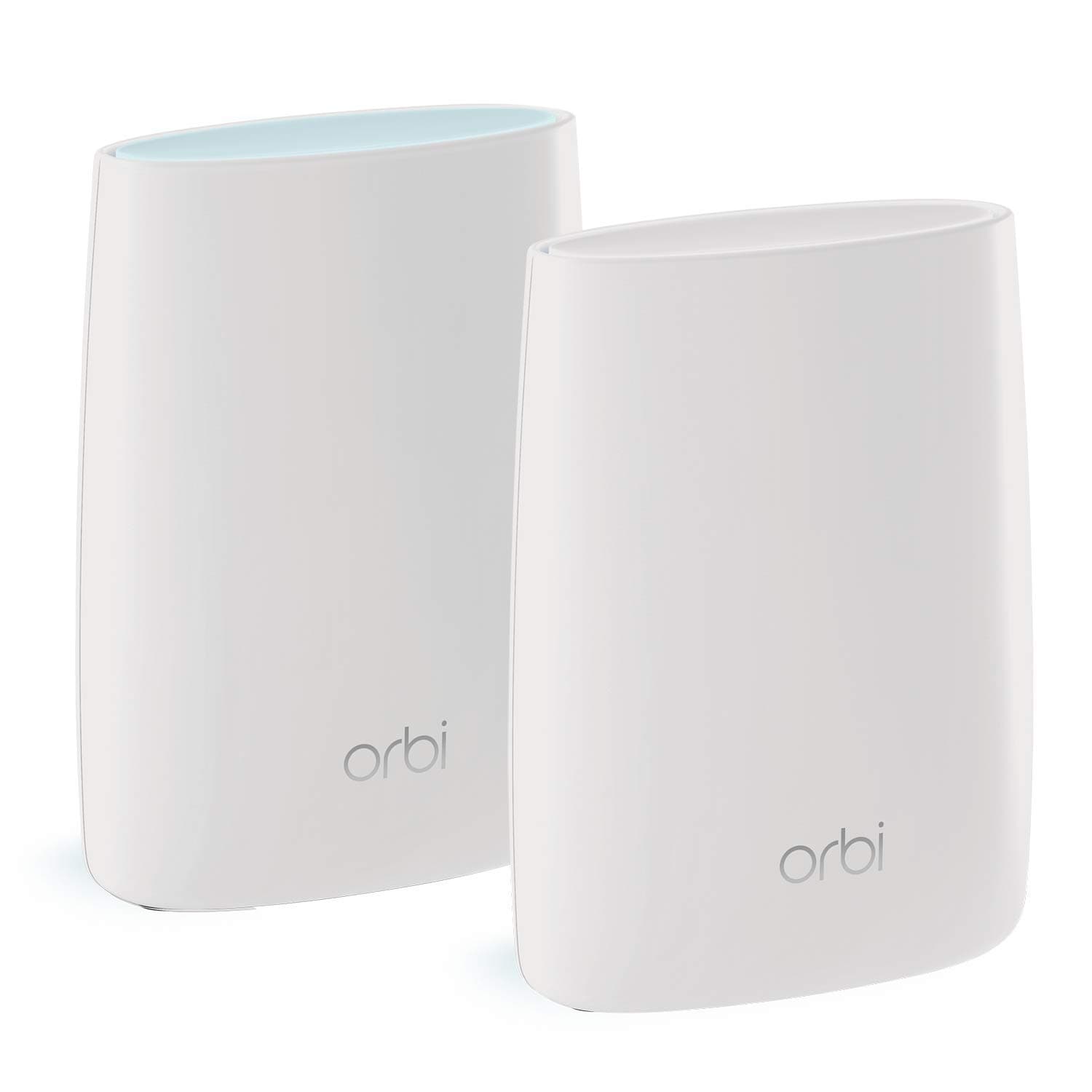
🚀 Elevate your home WiFi game—fast, secure, and seamless everywhere you roam!
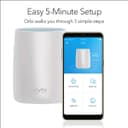
The NETGEAR RBK50 Mesh WiFi system delivers tri-band WiFi 5 coverage up to 5,000 sq ft, supporting 25+ devices with speeds up to 3 Gbps. Featuring a dedicated backhaul band, advanced security powered by BitDefender, and smart parental controls, it ensures fast, secure, and seamless connectivity throughout your home. Easy to set up via the Orbi app and compatible with all major ISPs, it’s designed for professionals demanding reliable, high-performance WiFi that just works.


| ASIN | B01KVRRSNI |
| Antenna Location | Gaming, Home |
| Antenna Type | Fixed |
| Best Sellers Rank | 4,269 in Computers & Accessories ( See Top 100 in Computers & Accessories ) 18 in Whole Home & Mesh Wi-Fi Systems |
| Brand Name | NETGEAR |
| Colour | white |
| Compatible Devices | Laptop, Personal Computer, Smart Television, Smartphone, Tablet |
| Connectivity Protocol | Wi-Fi |
| Connectivity Technology | Ethernet |
| Control Method | App |
| Controller Type | Amazon alexa |
| Country of Origin | China |
| Coverage | Up to 5,000 sq ft |
| Customer Reviews | 4.2 4.2 out of 5 stars (1,854) |
| Data Transfer Rate | 3 Gigabits Per Second |
| Frequency | 5 GHz |
| Frequency Band Class | Tri-Band |
| Has Internet Connectivity | Yes |
| Has Security Updates | Yes |
| Is Modem Compatible | Yes |
| Item Dimensions L x W x H | 16.3L x 22.6W x 7.9H centimetres |
| Item Weight | 1.96 Pounds |
| LAN Port Bandwidth | 1 Gbps |
| Manufacturer | Netgear |
| Manufacturer Part Number | 714163 |
| Maximum Upstream Data Transfer Rate | 1300 Megabits Per Second |
| Model Name | Netgear AC3000 |
| Model Number | RBK50-100UKS |
| Number of Antennas | 4 |
| Number of Ports | 4 |
| Operating System | Windows |
| Other Special Features of the Product | Guest Mode |
| Router Network Type | mesh |
| Security Protocol | WPA2-PSK |
| UPC | 606449116373 |
| Wi-Fi Generation | Wi-Fi 5 |
| Wireless Compability | 802.11ac |
P**Z
Super simple setup & amazing performance!
I have Virgin Media 200Mb/s broadband. I have finally had enough of SuperHub 2 AC, so decided to upgrade my router. I have also ordered Virgin’s Hub 3.0, but decided I will only keep it as a back up, just in case if SH 2 AC fails. Please remember you still need your Virgin Media router, but on the plus side it will only run in MODEM mode, for which it is more than good enough! Anyway back to subject of Netgear ORBI. In two words: JUST WORKS! Brilliant Wifi router! Super simple setup, comes with easy quick guide to help you. You can use your smartphone with an Orbi App to go through setup process, which is a joy! I literally had it up and running in 10mins! No issues, no problems with installation! Super simple! I have two floors in my home, so I needed something that will resolve dead WiFi spots and poor/no reception in certain areas. I have tried Nighthawk R7800, which is a brilliant router, but unfortunately it still left me with poor/no reception in some areas! I tried to locate it differently, tried to set up aerial in various ways/angles, but no joy! And with ORBI... reception is absolutely amazing! 100% coverage, no dead wifi spots at all! In most places, nearly all places I get my maximum broadband speed! In the few spots, where before there was poor/no reception I now get very good signal and still super quick broadband (50-100Mb/s)! Also Single SSID is a brilliant think too! No need to switch and choose between two WiFi networks! ORBI uses band steering, which means it connects your devices in a best way possible (2.4G or 5G) depending on signal strength and performance. You don't have to worry about changing your networks! It works seamlessly and efficiently! I think this is probably the best solution there is at the moment. It is pricey, but is so worth it! Best thing is, that it transforms your WiFi around the home so quickly and in a simple way and you don’t have to be a geek to set it up within minutes!! Brilliant bit of tech!! Well recommended!!
C**S
Straightforward to setup and consistently fast Wifi speeds
I’ve got BT Fibre broadband (home hub 5) which connected about 50 devices...including Philips Hue, Sonos, Sky Q, Xbox, Alexa and a number of Apple devices. I used Powerline plugs to connect the main Sky Q and Xbox devices to the hub. The home hub worked okay but the wifi speeds would often drop out. I found I was turning the Powerline plugs off and on to restore connections and in worst case scenarios rebooting the router itself. The Orbi Wifi router and 2 x Orbi Satellites was a lot of money but well worth the investment. I luckily had an OpenReach broadband fibre modem in the loft from when I first had my broadband connection. I found Orbi struggled to work with the Homehub even in AP mode. However once I overcame that hurdle, the rest of the setup was very straightforward. I plugged the Wifi router into the modem (as per the clear instructions), waited for the Orbi router to shine a solid white and plugged the Ethernet cable from the router into my PC so I could complete the wizard based setup. Don’t worry though, its also possible to do this by connecting to its wifi siid and default password. The setup was very easy and of course if you rename the siid to match what your wifi was before...and use the same password, then all your existing devices at home will just start to work again without having to re-enter any details. All that was left to do was to put my other two satellites in the house. One was on the landing upstairs and the other was in the lounge and you turn these on and they connect automatically which is confirmed when the light on these turns a solid blue (which doesn’t stay on forever). The wifi signal has been really strong, fast and reliable ever since...for all my devices. The only consideration will be if your existing router is a combined modem and wifi router (e.g. BT home Hub). Its possible to turn off the wifi for the home hub...but Orbi still Struggled until I replaced it with just the OpenReach modem which then had an ethernet cable from the modem to the Orbi router. After that, its been brilliant. Maybe other home routers (other than BT) may have better config options to allow it to become a modem only setup, allowing Orbi to focus on being a Wifi router....which with its three channels, it does really well. I recommend!
S**S
Einrichtung ist einfach und ein super Empfang
B**O
Musste neues System haben . Hatte vorher das Tenda mx15pro wahr eigentlich damit zufrieden lief gut . Doch von Garantie Ende gabs da Probleme mit Tenda die haben kein Guten Support! Also dachte ich mir ich kauf was neues und bin aufs Orbi 370 gestoßen und muss sagen mehr als begeistert . Decke mit 4 Orbis eine Wohnfläche von 275 Quadratmeter ab Teil weiße noch bis ins Gartenhaus 👍🏽. Die Einrichtung ist einfach und echt unkompliziert. Bist jetzt lauft alles top sind 1 Monat im Einsatz
O**9
Top au niveau rapidité (jusqu'à 350Mb/s) . Top au niveau répartition signal entre base et satellite donc le récepteur (ordi, téléphone...) reçois toujours le meilleur signal possible.
V**R
Great product. Works like a charm!
J**M
Good product