We remain fully operational. Our teams are working around the clock to ensure your deliveries continue safely.

下载应用程序



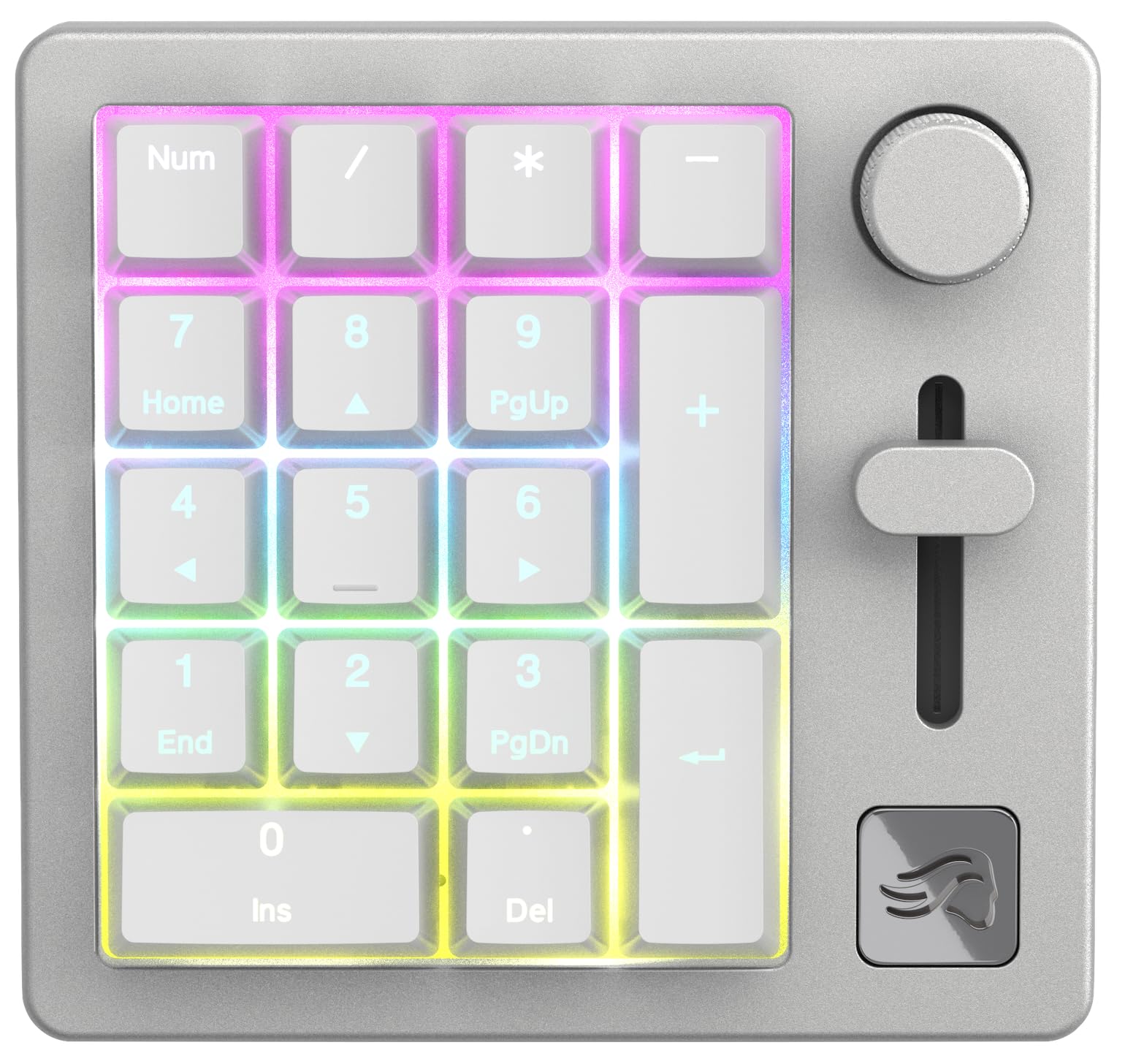
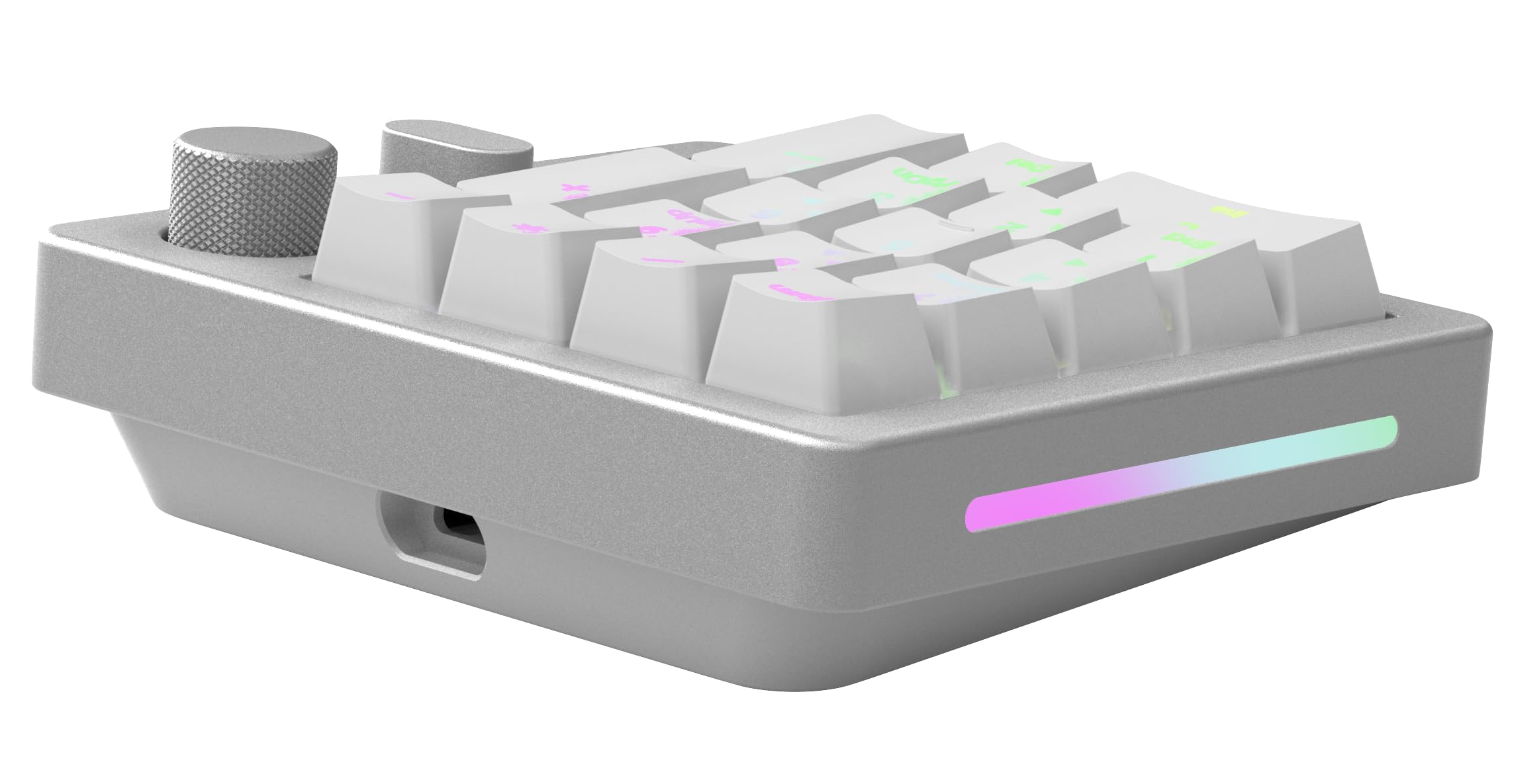
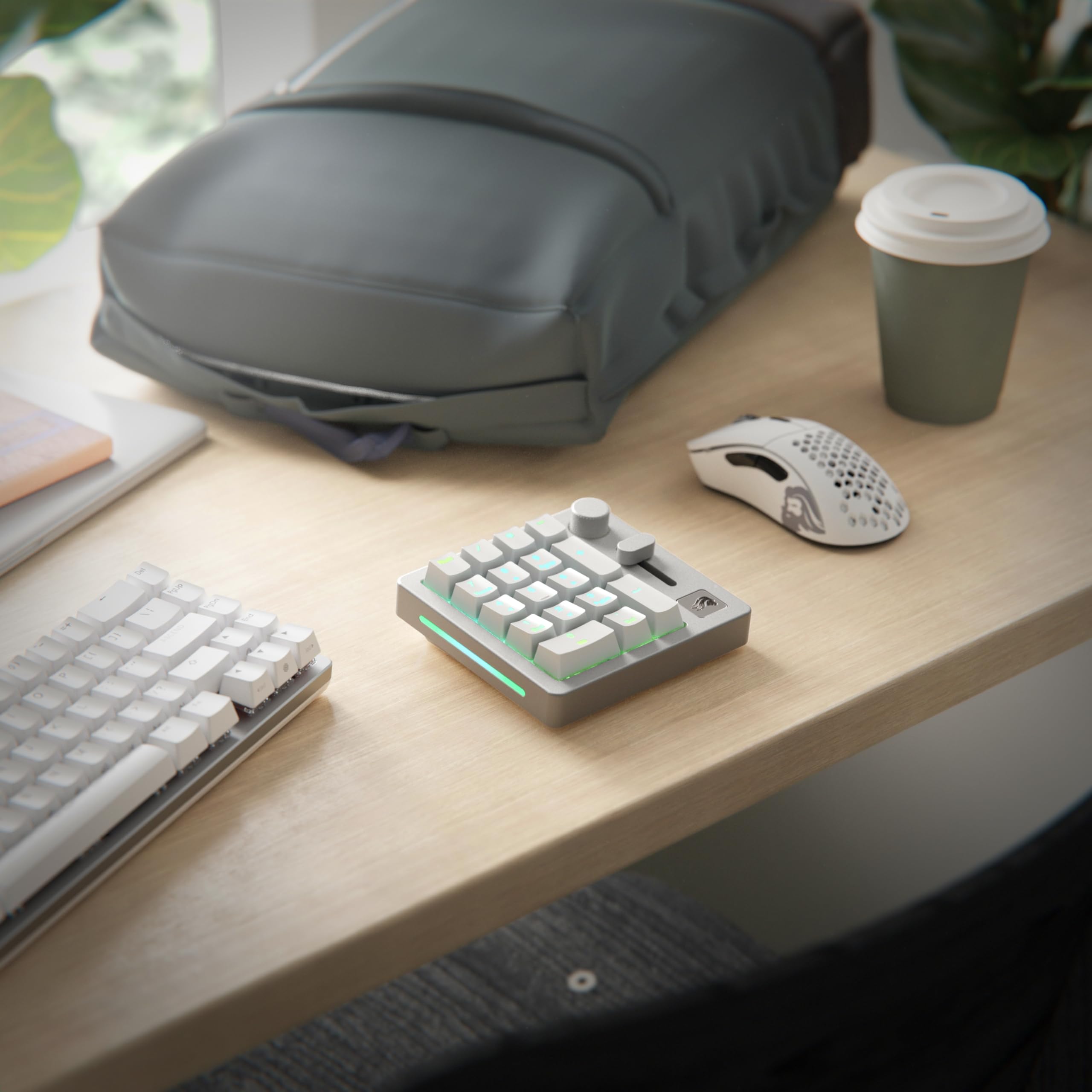
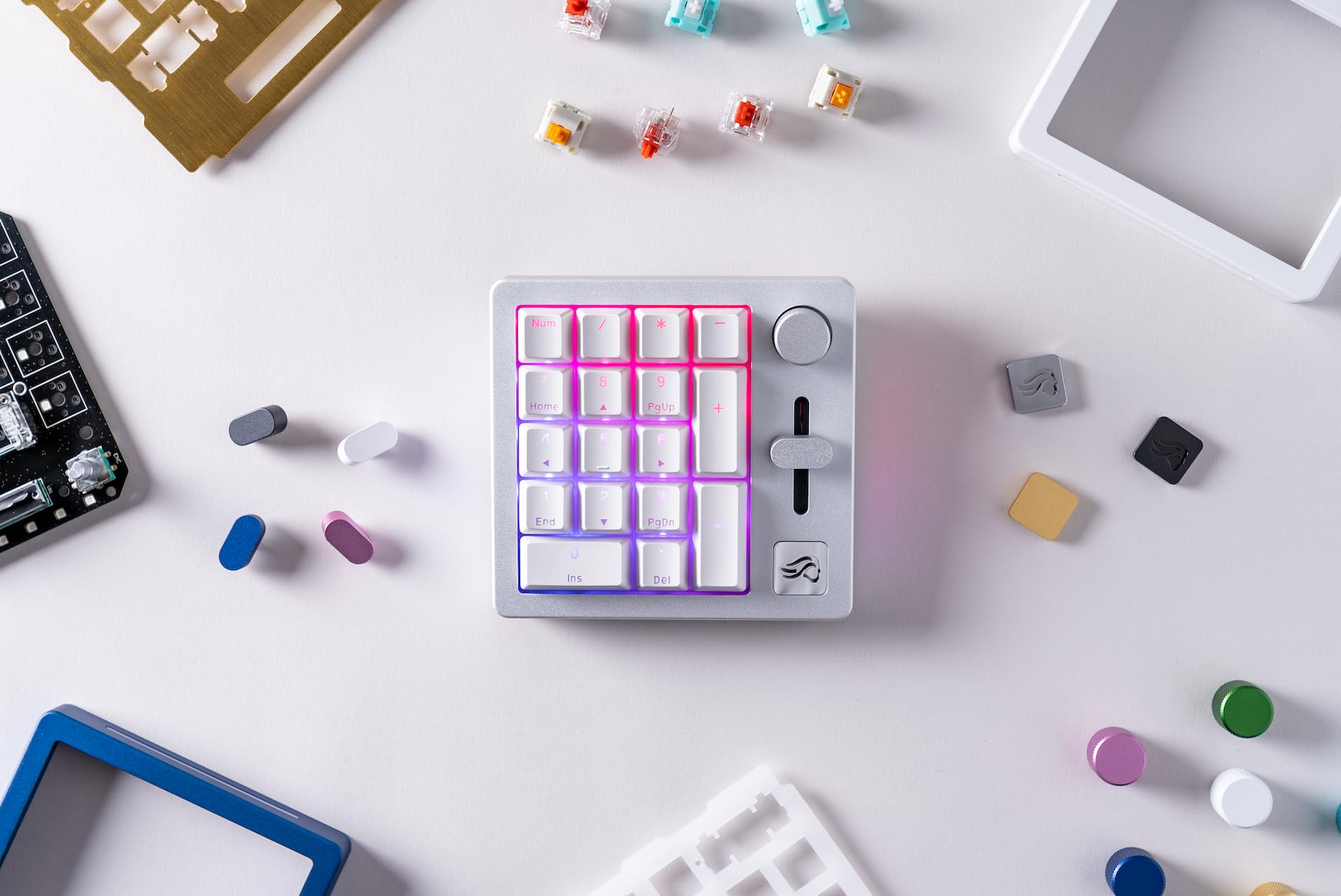
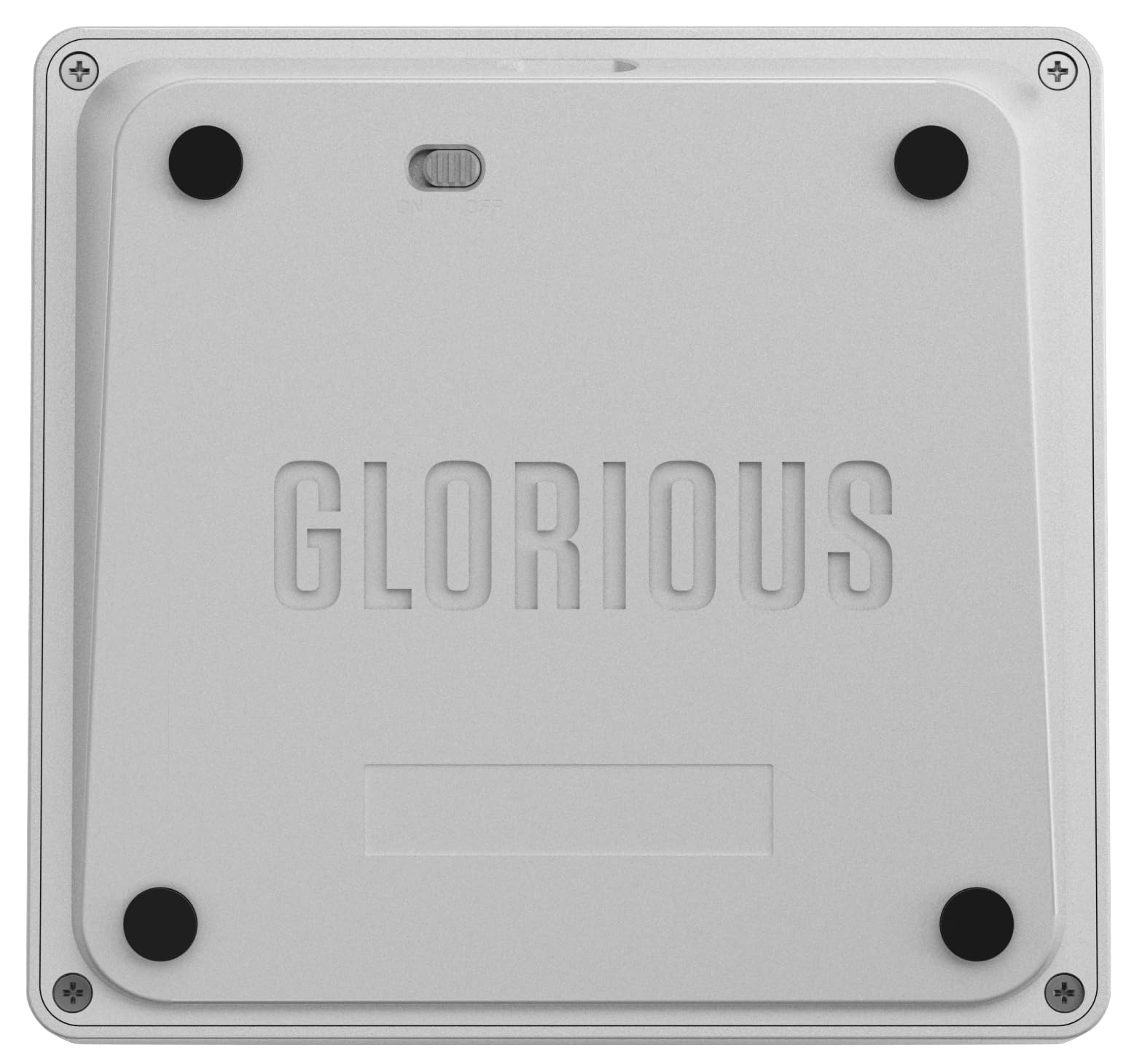
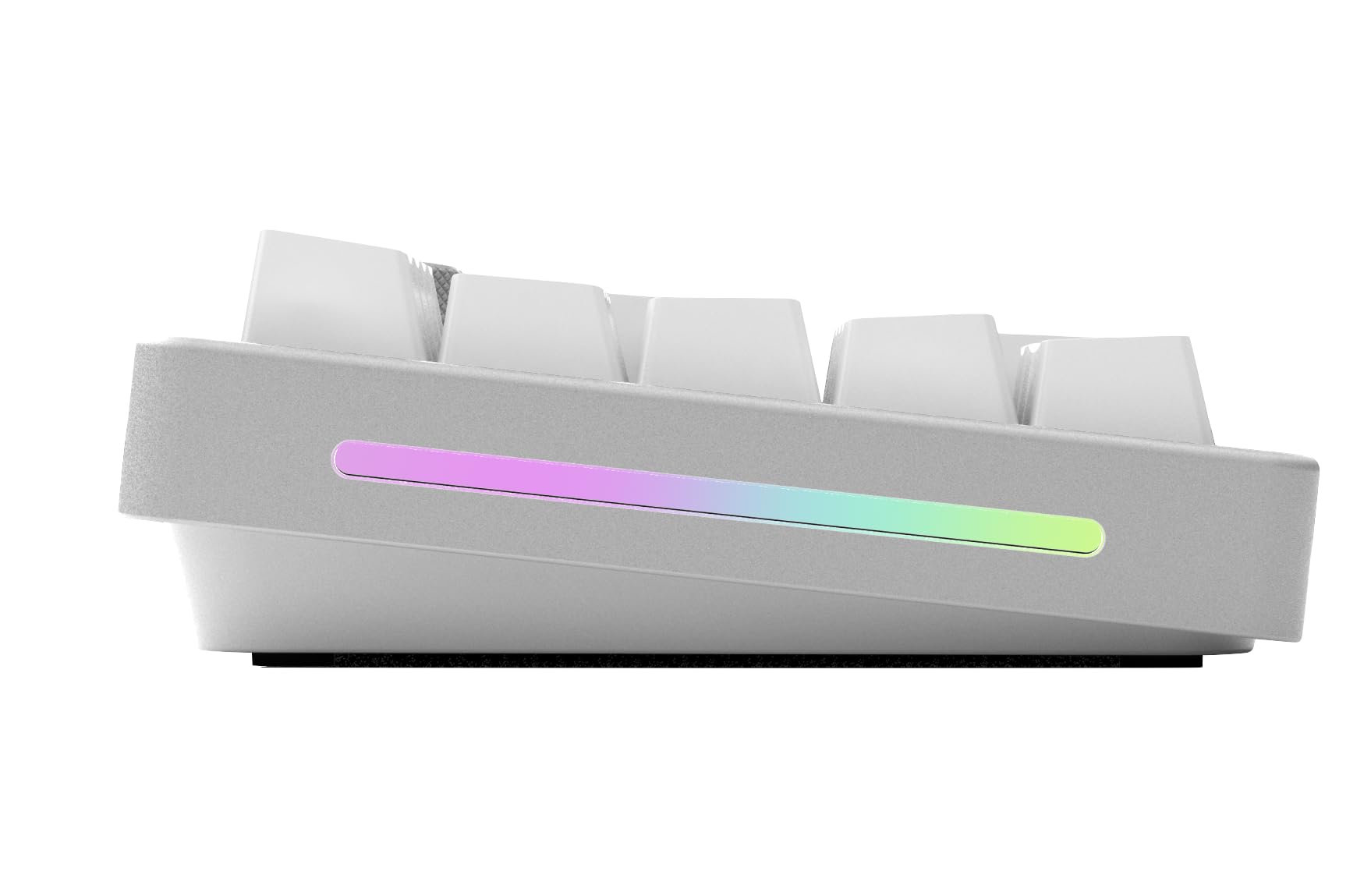
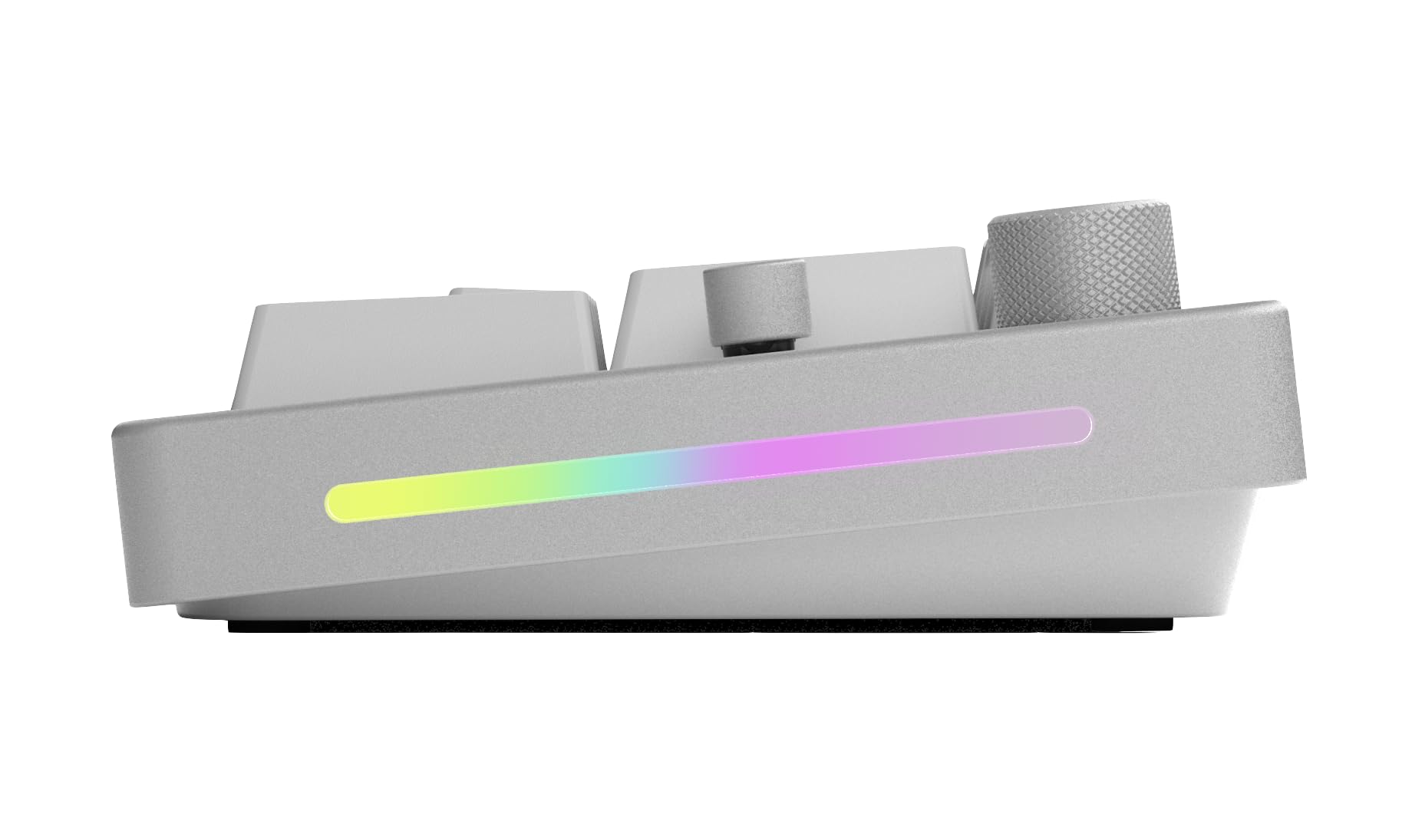
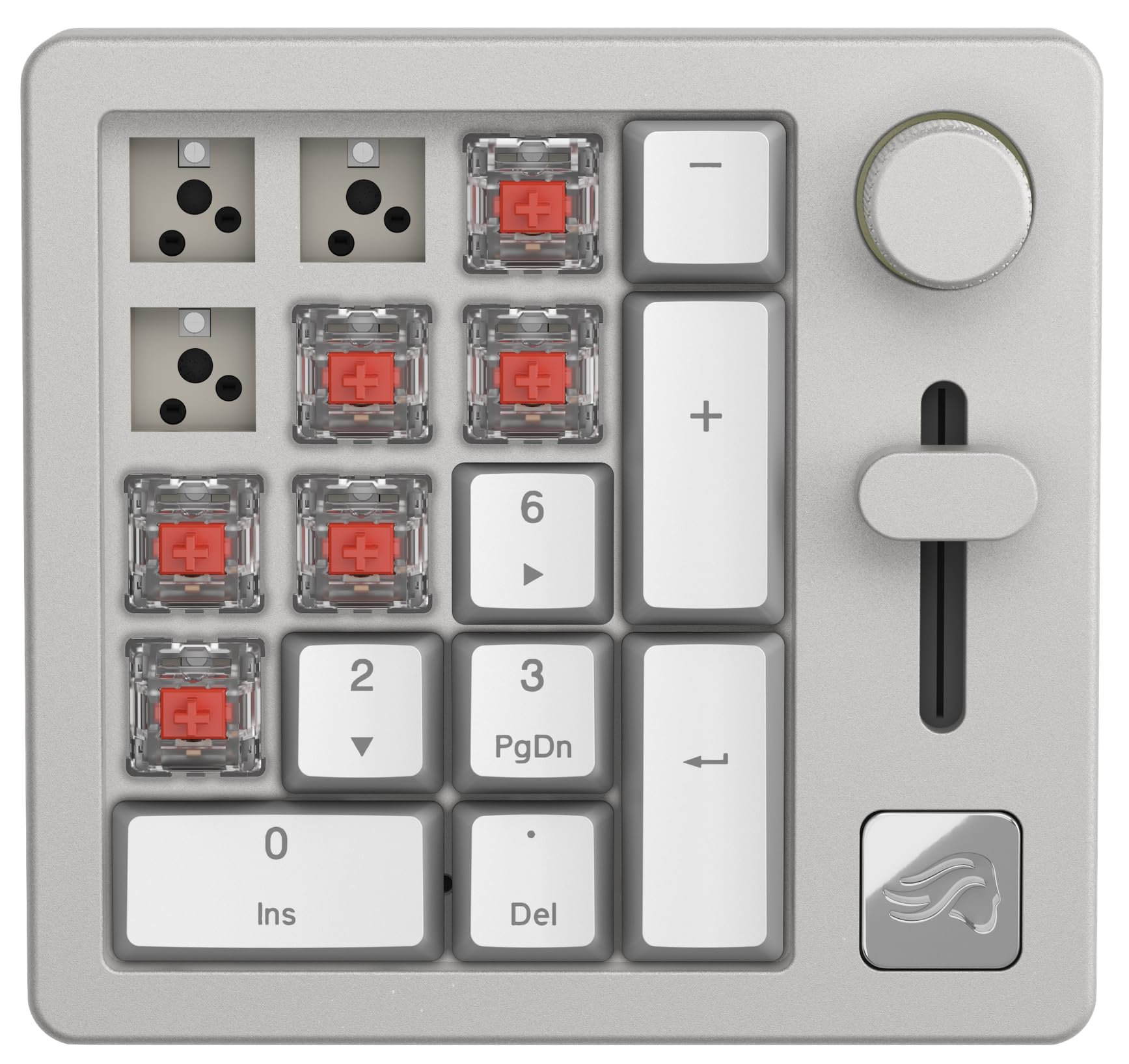

✨ Elevate your desk game with the ultimate customizable numpad ⚡
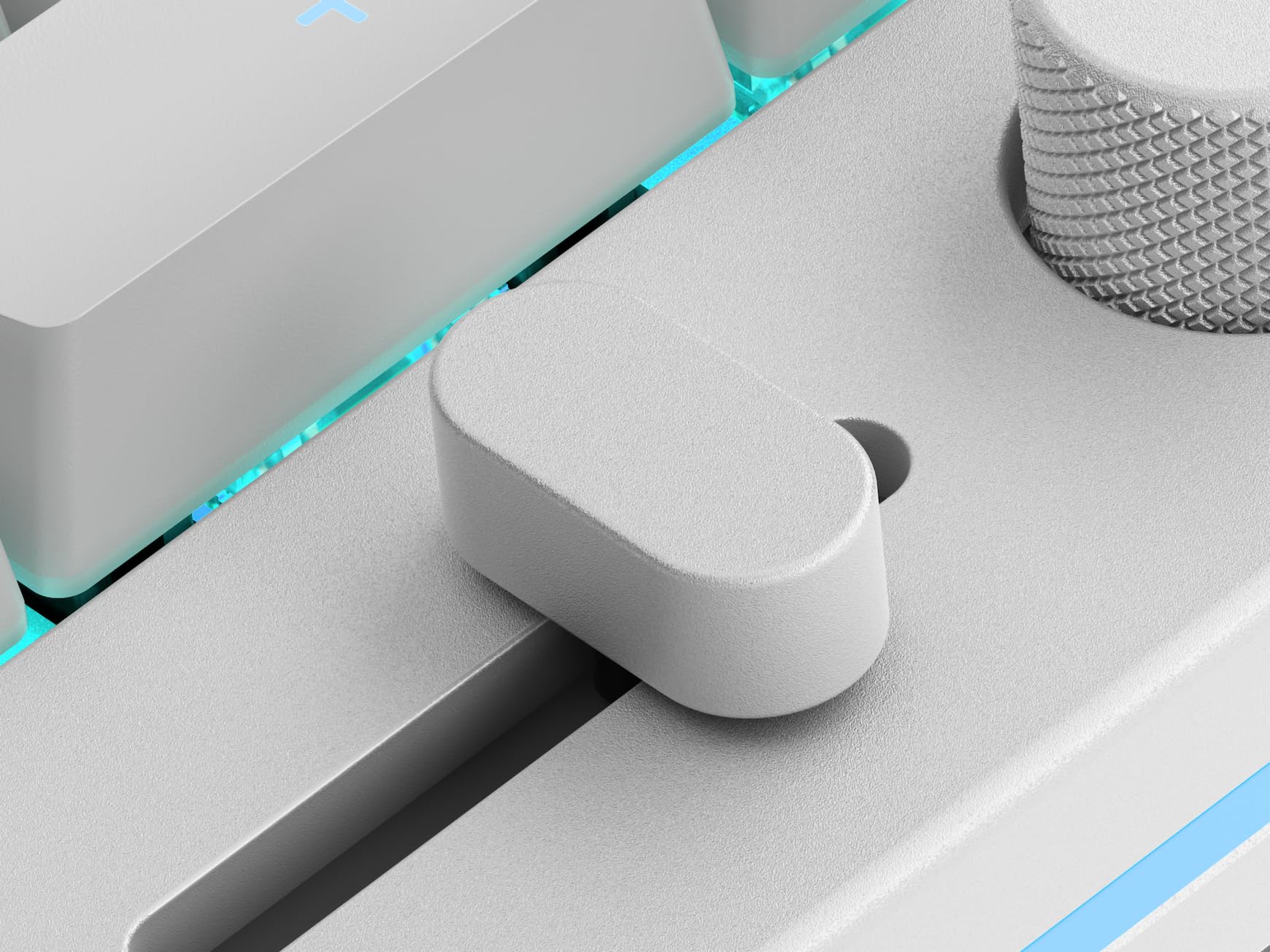
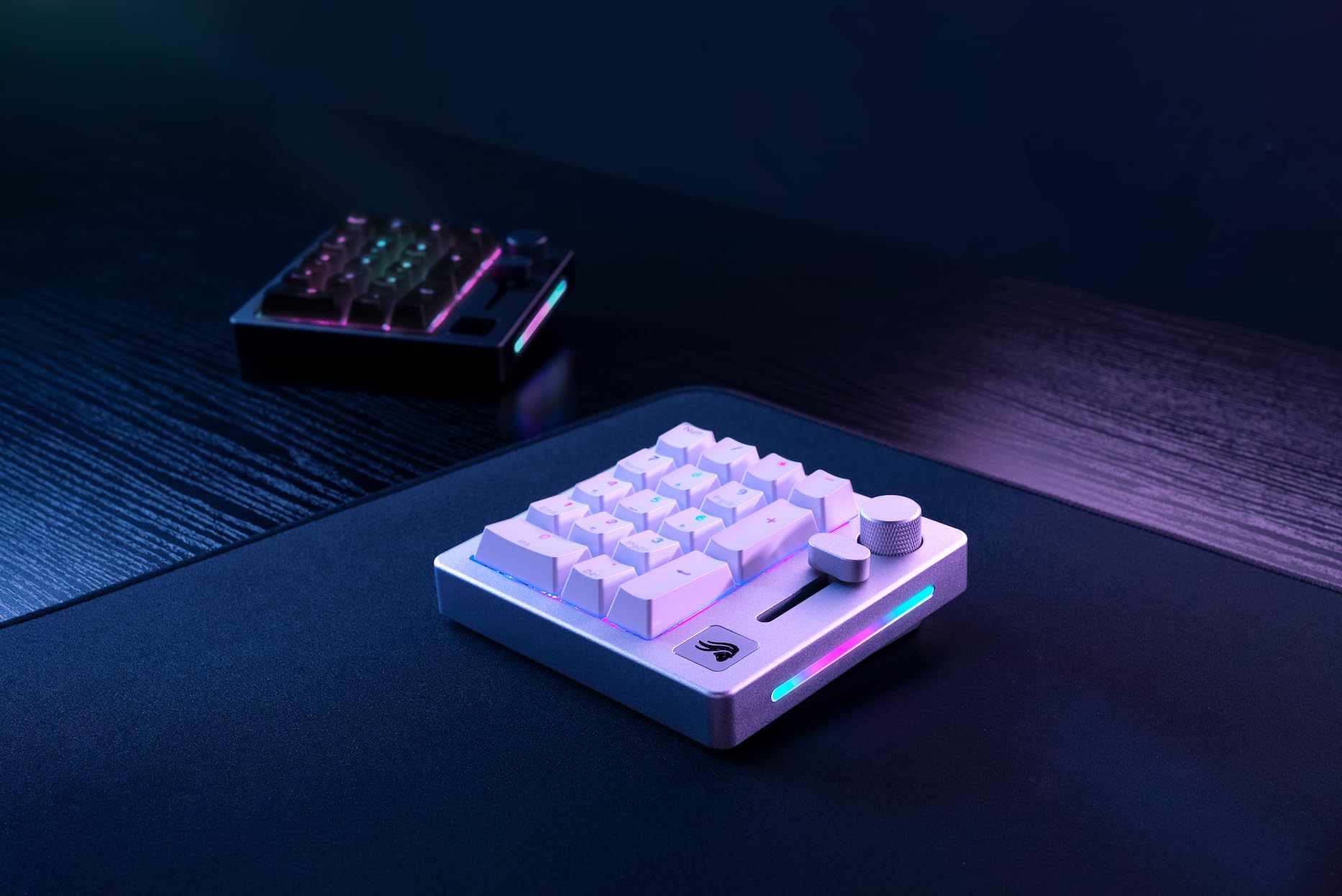
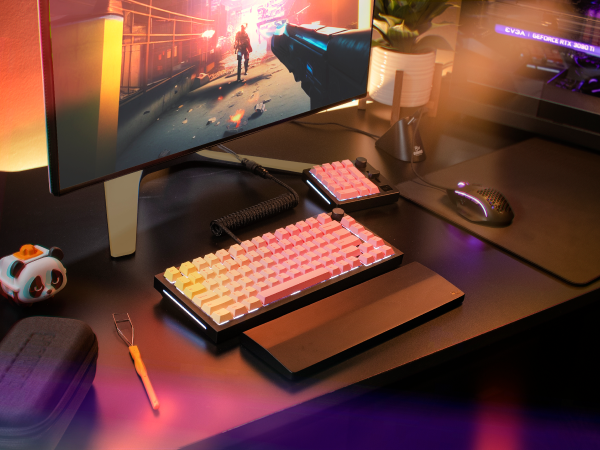
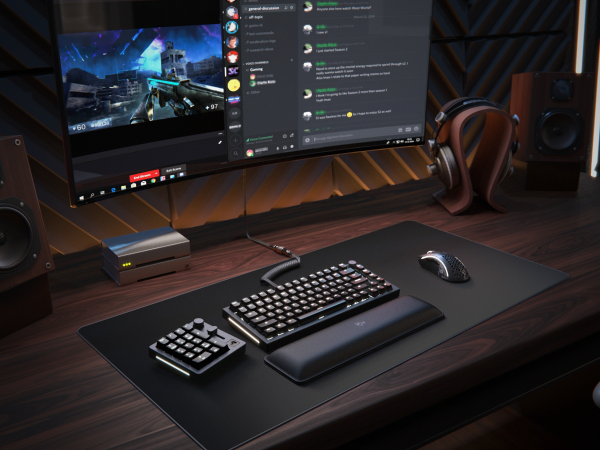
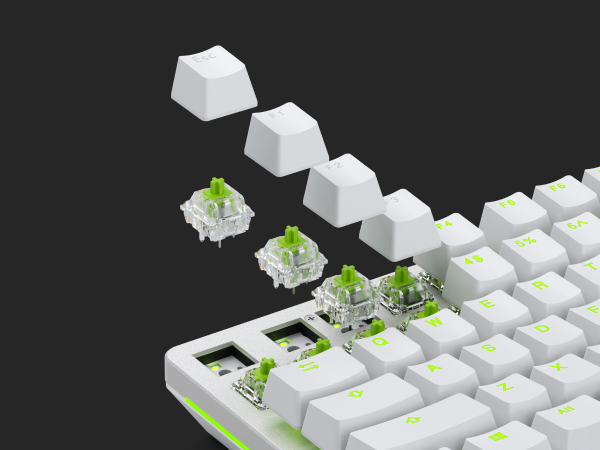
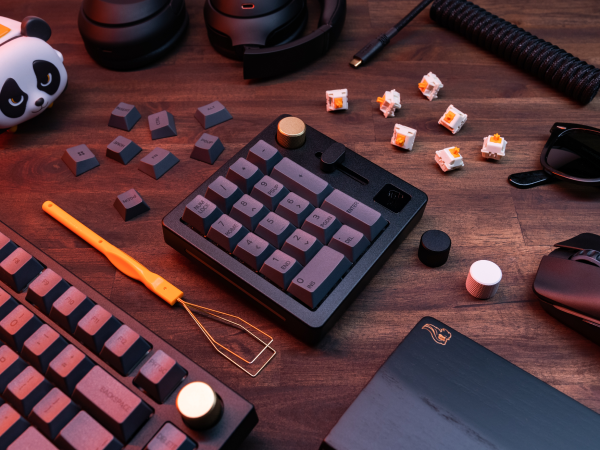
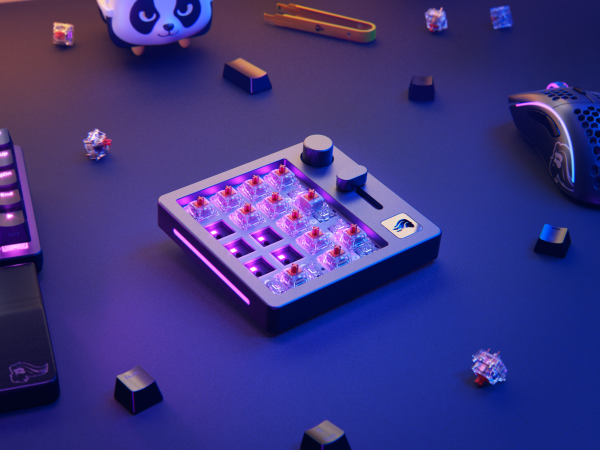
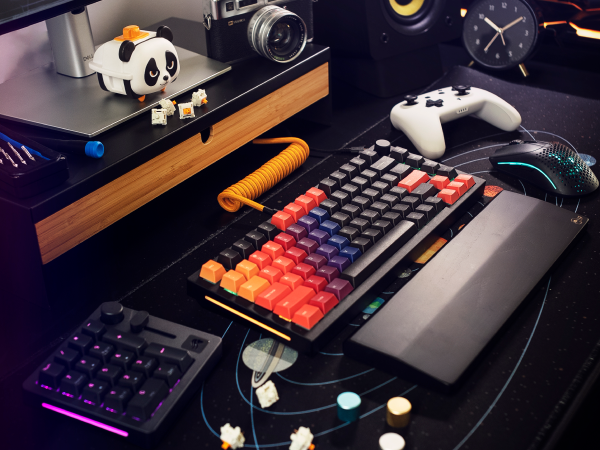
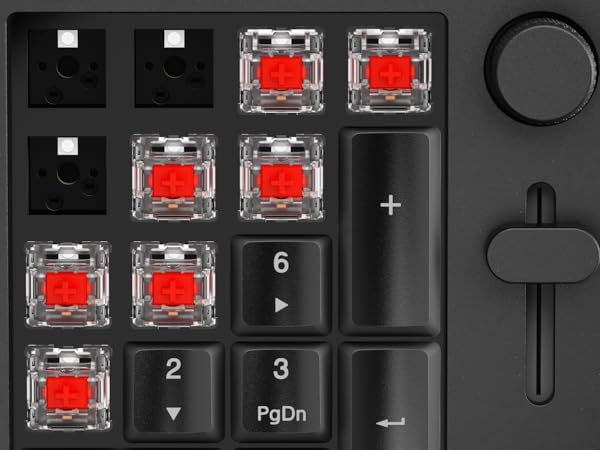
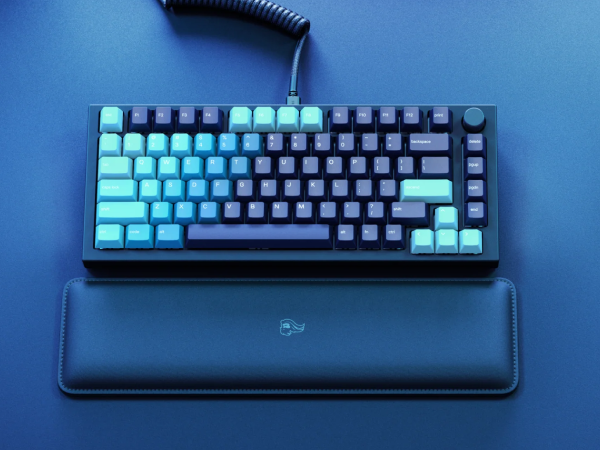
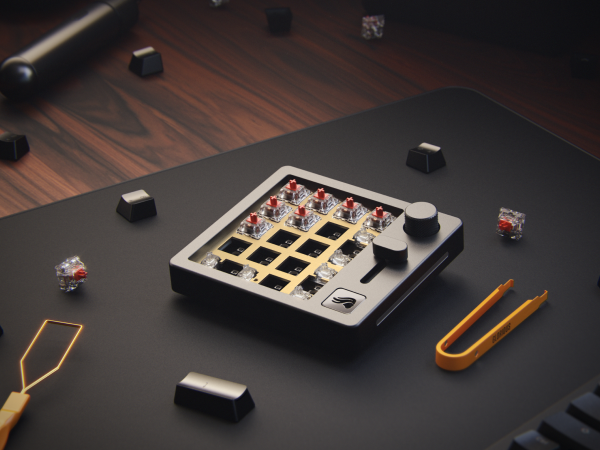
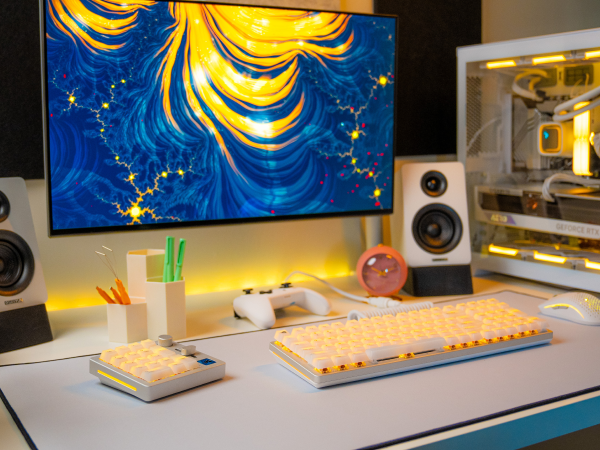
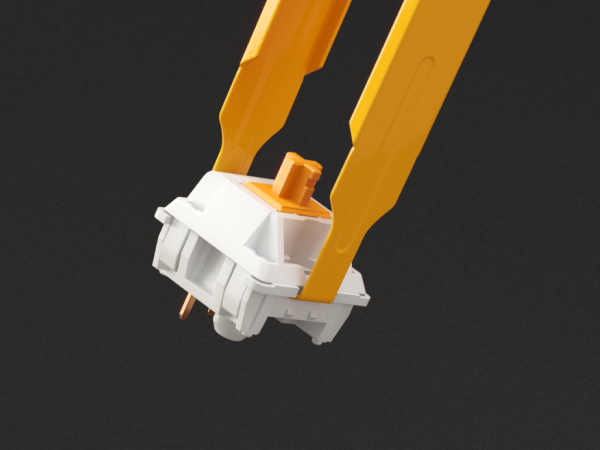
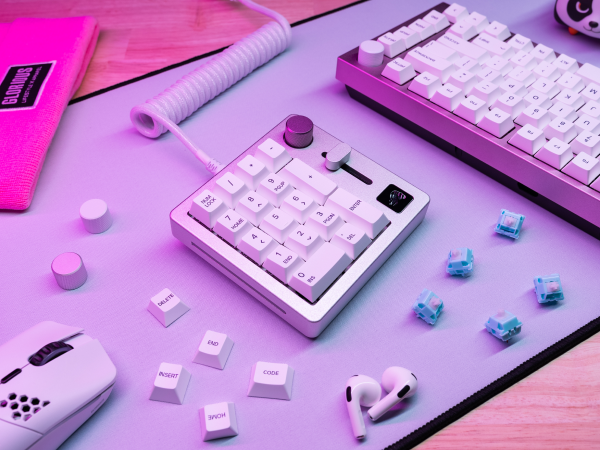
The GLORIOUS GMMK Mechanical Numpad is a premium 10-key programmable keypad featuring a CNC aluminum body, hot-swappable Glorious Fox Linear switches, and customizable RGB lighting. Designed for professionals and gamers, it offers 17 fully remappable keys, a clickable rotary volume knob, and slider controls. With dual wired USB-C and Bluetooth 5.0 LE connectivity, it supports seamless multi-device use across major OS platforms. Its long battery life (up to 76 hours without RGB) and durable build make it a versatile, high-performance accessory for enhancing productivity and gaming setups.







| ASIN | B0B9NTHFS3 |
| Additional Features | 5-Pin Hot Swap Support |
| Antenna Location | Gaming, Office |
| Best Sellers Rank | #14,881 in Video Games ( See Top 100 in Video Games ) #97 in Mac Gaming Keyboards #178 in Numeric Keypads |
| Brand | GLORIOUS |
| Built-In Media | USB Cable |
| Button Quantity | 17 |
| Color | White Ice |
| Compatible Devices | Desktop, Laptop, PS4, PS5, Xbox |
| Connectivity Technology | USB-C |
| Customer Reviews | 3.1 out of 5 stars 140 Reviews |
| EU Spare Part Availability Duration | 2 Years |
| Enclosure Material | Anodized Aluminum |
| Global Trade Identification Number | 00810069972053 |
| Hand Orientation | Ambidextrous |
| Item Dimensions L x W x H | 4.72"L x 4.49"W x 1.57"H |
| Item Type Name | Keyboard Numpad |
| Item Weight | 517 Grams |
| Keyboard Backlighting Color Support | RGB |
| Keyboard Description | Gaming |
| Keyboard Layout | QWERTY |
| Language | Multiple Languages |
| Manufacturer | Glorious |
| Model Name | Glorious Numpad Prebuilt - White Ice |
| Model Number | GLO-GMMK-NP-FOX-W |
| Number of Batteries Required | 1 |
| Number of Keys | 18 |
| Number of Sections | 1 |
| Power Source | USB |
| Recommended Uses For Product | Gaming, Office |
| Series Number | 1 |
| Special Feature | 5-Pin Hot Swap Support |
| Style Name | Contemporary |
| Switch Type | Linear |
| UPC | 810069972053 |
| Unit Count | 1.0 Count |
| Warranty Description | 2 Year Limited Manufacturer |
P**S
This full-filled my expectations.
I use this with my tenkeyless keyboard. I love it because it is made of metal and the weight has some heft to it. It feels solid and unlikely to be moved around when used while gaming "vigorously". The buttons are programmable as well as the slider. The RGB on the side is also programmable. It is easy to connect and set up. It's size is just right, compact but functional and matches the keycap sizes to my keyboard. It will look great in many setups, I like the overall design. I had tried another brand of numpad before this purchase which exposed how problematic the plastic, lightweight numpads are when they do not stay put due to their light weight. This one full-filled my expectations. I am content with my purchase.
G**N
Great Hardware, Frustrating Software. The GMMK Numpad Falls Short of Its Potential.
UPDATE 6/6/2025: With the newest Glorious CORE update (2.1.6) my numpad doesn't even show up anymore. Before it was barely controllable in the software, now the software is useless. I didn't pay this much for a brick. It's important to note the keys still function (for now), it's simply the software side of things that's completely useless. I'll be returning it. The GMMK Numpad is quite expensive for what you get, but to its credit, it’s very well made. The build quality is excellent, nothing about it feels cheap, and it looks great on a desk. The Glorious Fox Linear switches are a highlight. They feel and sound fantastic, though as always with switches, preferences vary. The RGB lighting is adequate, but honestly, at this price point, it should be brighter. Unfortunately, the software is the real letdown. While my firmware is up to date, the Glorious CORE software constantly prompts me to update, which is annoying. Key binding doesn't seem to work with every key behaving as default, and even though I mainly bought it as a numpad, it's disappointing that remapping doesn't function correctly. The slider and rotary knob are the biggest frustrations. The software teases a list of functions for the slider, but it only seems to adjust volume, regardless of what you select. Same with the rotating knob as it only controls system volume. Sound Control is the only option. That lack of customization really limits the potential of what should be a versatile input device. Another oddity: the side LED color reflects battery level, but when wired (which I prefer), the battery sits at 100%, so the side lights are permanently green. I can’t find a way to change or disable that, and CORE doesn’t appear to offer any functioning setting for it. Overall, this numpad has so much potential. The hardware is there. But the Glorious software has been holding it back for years, and that still hasn’t changed. I'm not returning it as it does its basic job well enough but it's a bit of a disappointment right now. With some simple but much-needed software improvements, this could go from “just okay” to truly great. Here's hoping Glorious finally invests in making the CORE software what it should be.
N**.
Fantastic keypad, TERRIBLE software... but I found a solution!
I bought this keypad to pair with a Kinesis Freeestyle2 RPG Gaming Keyboard. It sits very nicely in between the two halves of the keyboard, right above a wireless touchpad. The build quality is just amazing, the keys feel nice to use, and I love the knob and slider - in fact, those last two are why I bought it in the first place. I intended to use that slider as a master volume control for my whole system, and it does that quite well. One minor complaint is that if I try to use it while charging it, its input is really, really delayed. The issue goes away off the charger, but it's annoying when you want to use it while charging. So as others have said and will continue to say, the Glorious Core software is just plain terrible. While it is certainly intuitive, and has a nice low system impact when running, it's just so ridiculously limited in how it lets you configure your device. So here's where the worst part comes: The software lets you map the knob and slider to ONLY two options: Volume control, or OFF. THAT'S IT. This initially REALLY irritated me. I expected this $100 keypad to have a lot more customization. I was about to pack it up and send it back, when I remembered... oh yeah! ReWASD! I've been a user of the ReWASD app for a long time, so loaded it up to see if I could use it to remap the volume knob to something more useful. Sure enough, after initializing the keypad in ReWASD, building a new profile for it, and adding the "volume up" and "volume down" items in there, I was easily able to re-map them to something else. As a simple test I set them to mouse scrolling. Worked perfectly! The only downsides are two: 1. You still can't re-map the slider, as ReWASD won't detect it (but I like it how it is anyway so no biggie). 2. You need to purchase the ReWASD app separately. I'm positive there are other apps out there that can do the same thing, but ReWASD is what worked for me.
D**K
Can't recommend
I really gave this thing a lot of chances, wanted to love it but I can't say it's worth the price. Not at $65, or at $120. Maybe if Glorious makes a V2.0 of the GMMK they can iron out the issues and find a better price point. The build quality and materials are excellent, it's a very heavy metal feel, nice and sturdy on the desk. The software has pretty good functionality and is easy enough to use, but it feels kind of slow and chunky. I like to have the volume slider and knob set to control different audio sources so I can adjust them separately for game volume, chat, etc. I don't love installing another app just for my macro/numpad. It would be nice if the GMMK was compatible with QMK/VIA, but building a DIY macro pad is a pretty fun little project if you want to do that. The GMMK's bluetooth was hit and miss sometimes. But I've had it for about 23 months and the battery can't hold a charge anymore, so I have to keep it plugged in. Which honestly isn't a huge problem for me, but for the price you don't expect to have these issues. This is my first and only Glorious product, at least so far. I like the premium quality they are going for, but the GMMK doesn't quite hold up over time, and I don't like the lack of QMK compatibility.
S**S
Wow but pricey
This is a fantastic numpad. I really like the Bluetooth or wired hookup, and the sound and feel of the keys are orgasmic. I don't think it's worth the 120, but if you can find a pre-owned one or catch it on sale, it's a great product.
Ξ**Ҝ
Only good for Windows.
Returned mine 6 months after buying. Glorious kept promising updates for Glorious Core on macOS, but nothing reliable came through. Keys mostly worked, volume knob worked sporadically, and the slider was completely useless. Price vs limited mac functionality wasn’t worth it. Build quality was very superior, solid, heavy aluminum. Likely fine on Windows, but as a Mac user, I can only give 2 stars.
V**C
DO NOT BUT IF YOU WANT ANY CONTROL OVER IT!
I bought this numpad to match my GMMK Pro keyboard. First, it does not match. it is smaller and has rounded-off edges. it sits slightly too low next to my GMMK Pro in terms of its angle. The design difference is not why I decided to return mine. I wanted to use this Numpad wired 100% of the time. I do not need Bluetooth connectivity and even that has problems I have read on different forums. (using Bluetooth while wired causes lag). I wanted to turn on my computer and use my Numpad wired. That doesn't work. The keybinds I have set for my numpad doesn't work, the RGB setting on my numpad only sometimes works. The volume knob and slider do not control what the key binds are set for. (I used mine for Spotify audio it didn't work) the default Windows audio control does work. When I turn off my computer the numpad stays on (RGB) probably because of the battery. I use my numpad in my room and I find any light distracting. My GMMK PRO does not have this problem but this numpad does. I had to change my BIOS settings to get it to turn off while the computer is off (USB power while off). I have other devices that turn off with my computer and the glorious software does have a setting for it, but that setting is also set when the computer is on, meaning that if I don't touch the pad within 15 minutes it turns off. to some that may not be an issue, but for me it is. When I turn on my computer it's a lottery on whether the numpad wants to work or not. It will sometimes turn on with the RGB profile I have set for it, but it will rotate extremely slowly. ( I use a spiral RGB setting.) Most of the time the numpad does not register keypress on boot. I initially thought it could be because of "NUMLOCK" which all numpads have triggered on for some reason, but doing a quick keypress and then checking if it works found that to not be the case. Ignoring that issue I thought that well maybe it might be the Glorious software not being on. So I let it load. (I have the software start on startup). Nothing happens. So I manually open the software and It does not even recognize the numpad at all! In order to get my keybinds to register I have to manually disconnect the cable and reconnect it. And even then the RGB settings are not applied. it's off for some reason. I have to go and save the color settings again for it to apply. and depending on the settings the Numpad just decides It works too hard and shuts off the RGB. As one could Imagine, I talked to support. They requested a video via Google Drive, I sent it and they said try another cable, reset the numpad, try on another computer, and if that doesn't work just return It. I tried the cable that came with the unit, I also tried a coiled cable that is also from glorious (I did try connecting the cable to the mobo). And yet after all that work, nothing. I can't use my numpad without having to manually reconnect and open the software every time I use it. This is unacceptable, Please for the love of god do not buy this numpad. TLDR. RGB settings didn't save, keybinds didn't save, I have to reconnect the unit every time I turn on my computer, the software is atrocious, RGB on the unit stays on even once the computer is off And finally it likes to just turn off while using my desktop. I bought the Keychrone Q0 Plus instead. The color is different but oh well. here's to hoping it doesn't suck like this.
J**R
How Could I Not?!
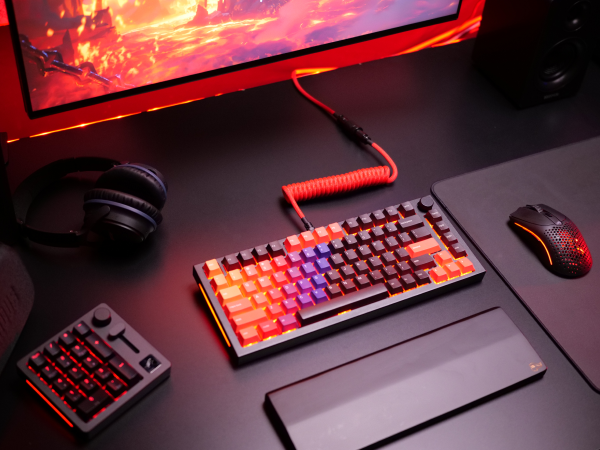
I have a Glorious GMMK3 Pro 75% keyboard, many of my day to day life operations and some of my gaming takes a number pad. I reluctantly order this, thinking it would all be cheap plastic. It's actually made out of very high quality aluminum! It's plu and play and easy to customize through the Glorious Core app on your PC pr laptop. You can connect wired, wirelessly, and through Bluetooth. All around great quality! (The keycaps are not the keys that originally come on it, they are aftermarket Glorious Keycaps).