We remain fully operational. Our teams are working around the clock to ensure your deliveries continue safely.

下载应用程序








🚀 Elevate your office game with speed, smarts, and seamless wireless printing!
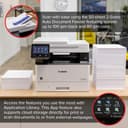
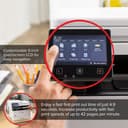
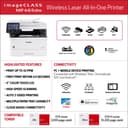
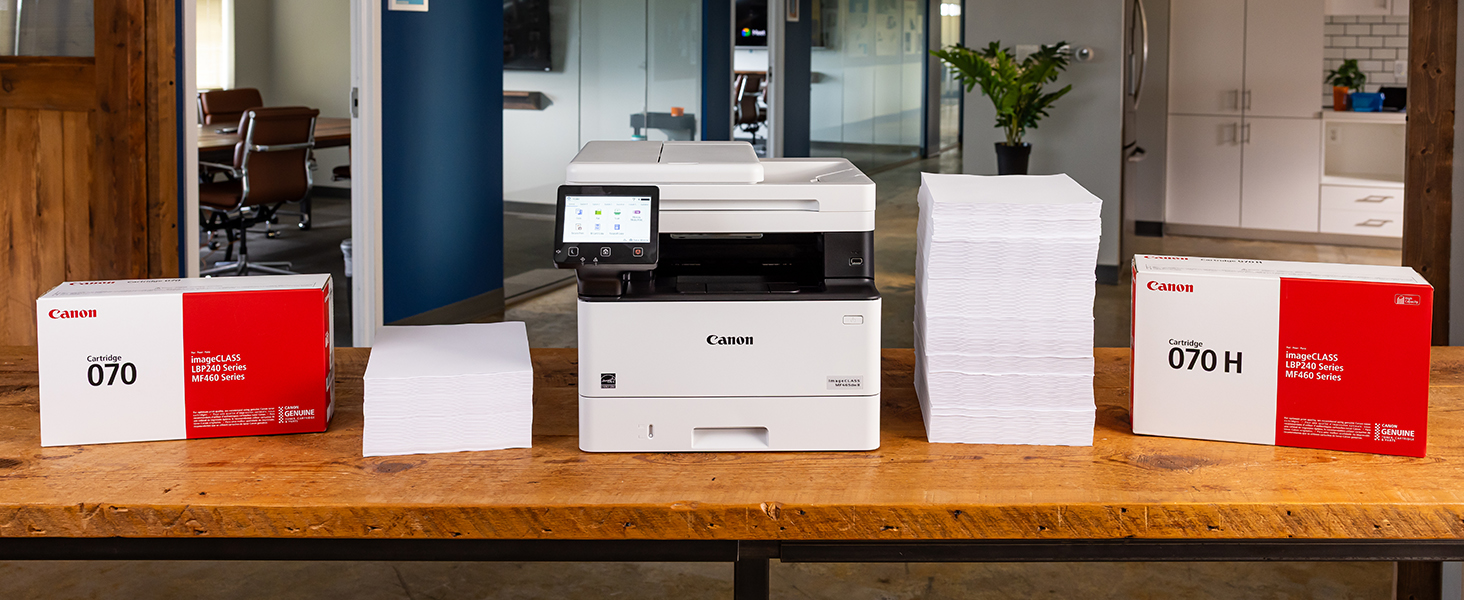
The Canon imageCLASS MF465dw is a monochrome all-in-one laser printer designed for small to medium businesses, delivering fast 42 ppm print speeds, automatic duplex printing, and a 50-sheet auto document feeder. Featuring a 5-inch color touchscreen and mobile device compatibility, it supports wireless and Ethernet connectivity. With expandable paper capacity up to 900 sheets and a 3-year limited warranty, it ensures reliable, high-quality black-and-white output with minimal downtime.





| ASIN | B0C87J71B1 |
| Additional Printer Functions | All In One |
| B&W Pages per Minute | 42 ppm |
| Best Sellers Rank | #24,800 in Office Products ( See Top 100 in Office Products ) #35 in Laser Computer Printers |
| Brand | Canon |
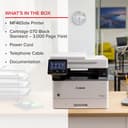
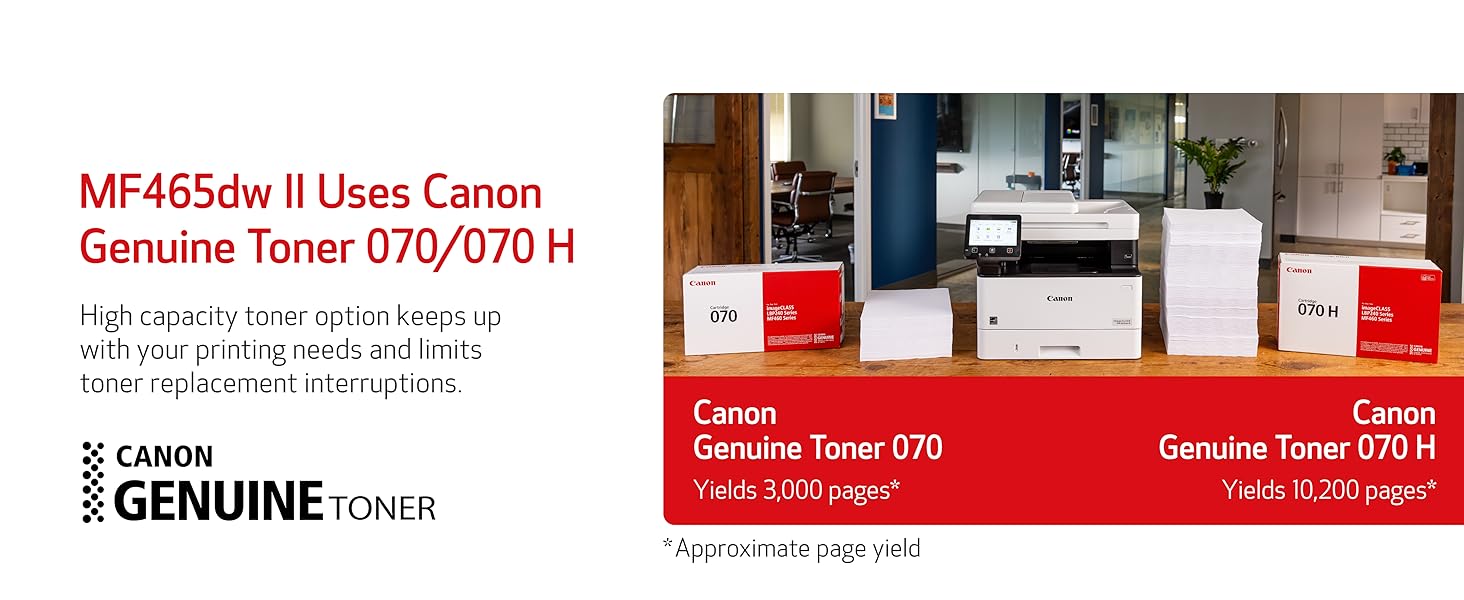
| Built-In Media | Cartridge 070 Black Standard, Approx. 3,000 Page Yield, MF465dw Product, Power Cord, Telephone Cable, User Software DVD-ROM & Documentation |
| Color | White |
| Compatible Cartridge | Canon Genuine Toner 070 Black, 070 Black H |
| Compatible Devices | Smartphones |
| Control Method | App |
| Controller Type | Amazon Alexa |
| Customer Reviews | 4.3 4.3 out of 5 stars (436) |
| Display Type | LCD |
| Dual-sided printing | Yes |
| Duplex | Automatic |
| EU Spare Part Availability Duration | 3 Years |
| Global Trade Identification Number | 00013803356885 |
| Hardware Interface | Ethernet, USB |
| Initial Page Print Time | 4.9 Seconds |
| Ink Color | Black |
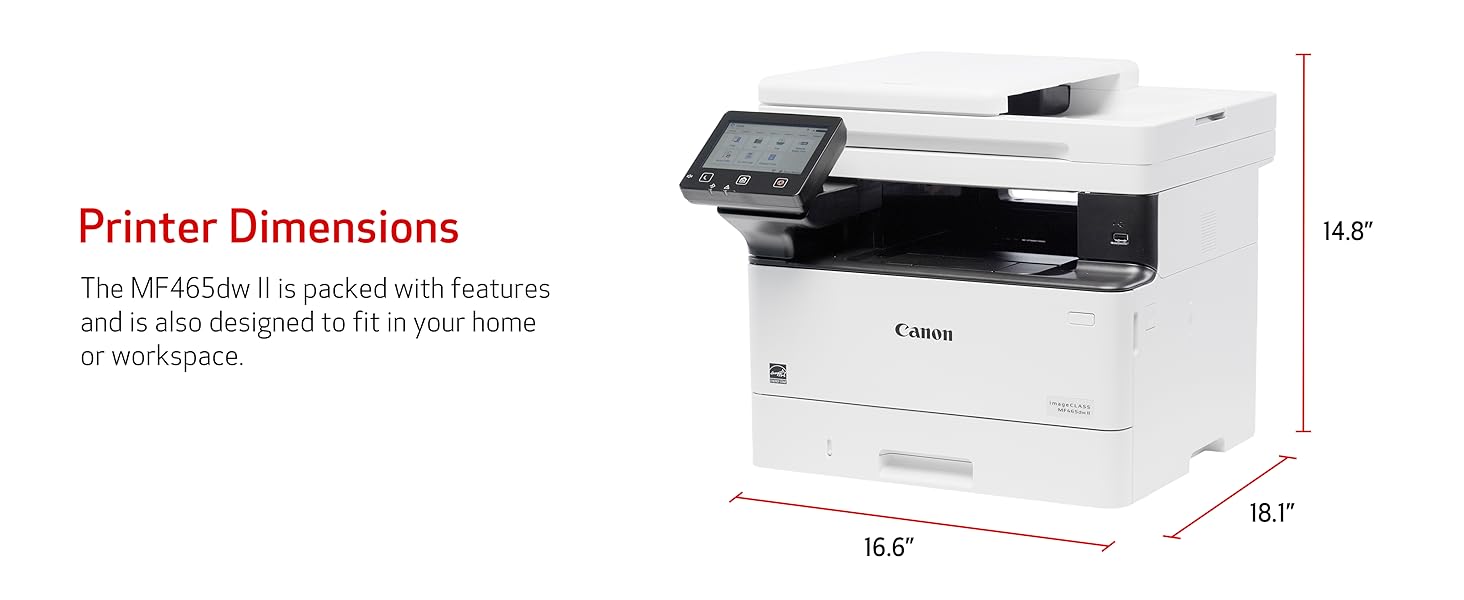
| Item Dimensions D x W x H | 18.1"D x 16.6"W x 14.8"H |
| Item Type Name | Laser Printer |
| Item Weight | 34.4 Pounds |
| Manufacturer | Canon |
| Maximum Copy Resolution Black and White | Up to 1200 x 1200 dpi |
| Maximum Copy Resolution Color | Up to 1200 x 1200 dpi |
| Maximum Copy Speed Black and White | 42 ppm |
| Maximum Media Size | 8.5 x 14 inch |
| Maximum Print Resolution Black and White | Up to 1200 x 1200 dpi Dots Per Inch |
| Maximum Sheet Capacity | 250 |
| Model Name | imageCLASS MF465dw |
| Model Number | 5951C005 |
| Model Series | imageCLASS MF |
| Number of Ethernet Ports | 1 |
| Number of Trays | 3 |
| Other Special Features of the Product | Auto-Duplex, Display Screen, ENERGY STAR Qualified, EPEAT Silver |
| Output sheet capacity | 250 |
| Paper Size | Standard / Optional Cassette: 4.1 x 5.8 to 8.5 x 14 Inches / Multipurpose Tray: 3 x 5 Inches to 8.5 x 14 Inches |
| Print media | Envelopes, Labels, Paper (plain), Unknown |
| Printer Connectivity Type | 10/100/1000 Base-T Ethernet (Network), USB, Wi-Fi 802.11b/g/n |
| Printer Output Type | Monochrome |
| Printer Type | Laser |
| Resolution | 1200 x 1200 |
| Scanner Type | Sheetfed |
| Specific Uses For Product | Office |
| Total USB 2.0 Ports | 1 |
| Total Usb Ports | 1 |
| UPC | 013803356885 |
| Unit Count | 1.0 Count |
| Warranty Description | 3 Year Limited Warranty |
| Warranty Type | Limited |
T**N
Nice printer/copier; works flawlessly
This unit replaced an over 10 year old Canon printer, whose paper intake finally failed. (No complaints there, that one served well over the years.) We have this unit connected via Ethernet and use it as copier/printer and scanner. So far it has worked flawlessly and - unlike with a recent Brother printer that I purchased for my mom - here the driver installation was smooth and went without a hitch. As with any network device that acts as a "server" (in the broadest sense), it is a good idea to set it to a fixed IP address on your network's DHCP server (usually your router) and you should do that BEFORE installing any drivers. This is how you do that: 1. Connect the device to your network and power it up. 2. Go to your router's management interface and check the IP address and the MAC address of this printer. 3. Add this device via its MAC address as a static IP address and save this new setting. Make sure that IP address is inside your subnet, but outside of the range of dynamic IP addresses. 4. Wait until this printer has picked up the IP address, you assigned it to. This make take a few hours, but you might be able to speed this up by turning off the router and this printer, then turning on the router again and - after a minute or two - turn on this printer. 5. Get the newest drivers and software from the website, don't bother with any included CD and install them in the sequence that the manual suggests. 6. You're ready to print and scan to your heart's content.
W**L
Easy Setup, Works Great!
I have 2 homes and spend 6 months per year in each. I got tired of returning to the other home only to find out my IJ printer once again has dried out from lack of use, so now I use a laser at each home and have no issues with turning them off for 6 months at a time. Love my Canon MF465dw! Great for printing, scanning and copying.
A**R
Best Printer/Scanner/Copier (and Fax, whatever that is) Available
I have had my only business for more than 20 years. For as long as I have been open, I have been using ImageClass printers (I think for the entire time). I generally rotate them around ever 3-4 years with a new one. I replaced my MF445dw with this MF465dw because I was getting streaking on my scans that I could not easily remove. I did not expect much difference - they look identical. I will tell you, however, that this new printer is meaningfully faster to start-up and print. It is nearly no time at all between sleeping and a completed print. Amazing for the price - really at any price, it is amazing. Despite the terrible set-up interface (definitely dates back to Windows 3.1), this is the printer you want to have as your everyday workhorse.
C**E
Great print quality! FAST!
For our small business, I have owned 2 Brother laser printers - one was monochrome and had good print quality but did poorly with photo type printing and it used to blow arc-fault circuit breakers when it woke up to print. Then I had a color Brother laser printer and it was slow, used up color cartridges even if I only printed in monochrome (!!). It's color performance was fine for graphics but poor for photo type printing. i finally gave up on Brother and bought the Canon MF465dw monochrome printer instead ... and all I can say is wow! Clearly the BEST print quality that I've had (pardon the pun!) ... crisp and clear text, and very nice photo type printing even when the source document had a color image in it! And fast? Super fast - even though all of our printing is duplex (2-sided) printing! Very happy with this printer! Another, not as minor as you'd think, feature that I love with this Canon printer is that it has anti-static static discharge gizmos in it ... if you print a large document and have to shuffle the pages to square things up ... it is very easy to do ... no static cling! (Can't say that about the other laser printers that I've owned). Our office is now completely a Canon printer office ... a G8700 for larger format 11x17 prints, a G7000 for beautiful color printing, and now the MF465dw for high-speed monochrome duplex printing! Only 4 stars instead of 5 because I don't yet know how hard it is to replace the cartridge and I don't know if the printer will remain clean, no 'trails' of toner on printed pages, after longer term usage (and how hard it may be to clean what needs to be cleaned). Definitely do recommend this printer to others!
C**S
Highly Recommended
I just purchased the Canon MF 465 printer to use in my home office. It was very easy to set up and get it to work. It prints very fast and the text is sharp. I downloaded and installed the firmware before I install the drivers on my computer. I don't know if this helped the install to go smoothly or not. I will update my experience with the machine as I use it more if I see any change in it.
M**P
Terrible Printer
This printer was a easy to set up but refused to print in color. There are 0 instructions online to help with issues other than very generic instructions that include unhelpful instructions. Ultimately we returned it due to the inability to get it to print color, despite settings being set to color (it took us forever to figure out how to turn off grayscale).
É**D
Super fast printer, scanner, copier and fax
A great and fast printer, scanner and copy machine plus fax. Prints super fast, even in duplex mode. Scanning works flawlessly, albeit with their proprietary mf scan utility whose user interface, although thorough, is a little bit primitive. A consumer reports recommended model. I'm very happy I purchased it.
R**?
Great machine and fast scanning
I scan pass gets both sides of the document.
N**R
Great one
ا**د
ماكينه ممتازه
D**K
Toner capacity is less, and cartridge is also expensive
I**H
The product received was faulty & damaged
N**N
Poor working