
下载应用程序






🚀 Print Fast, Print Smart, Print Future-Ready!
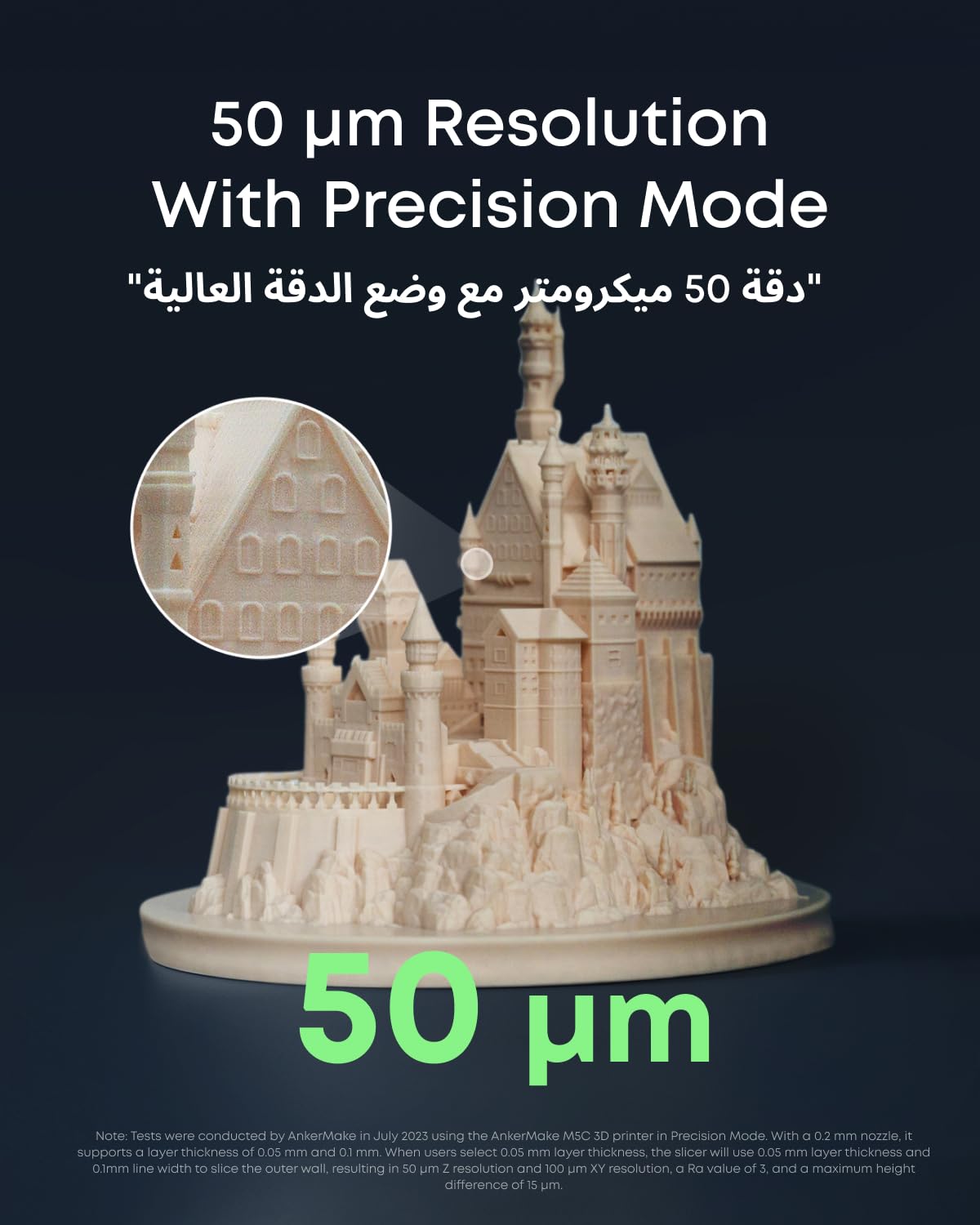
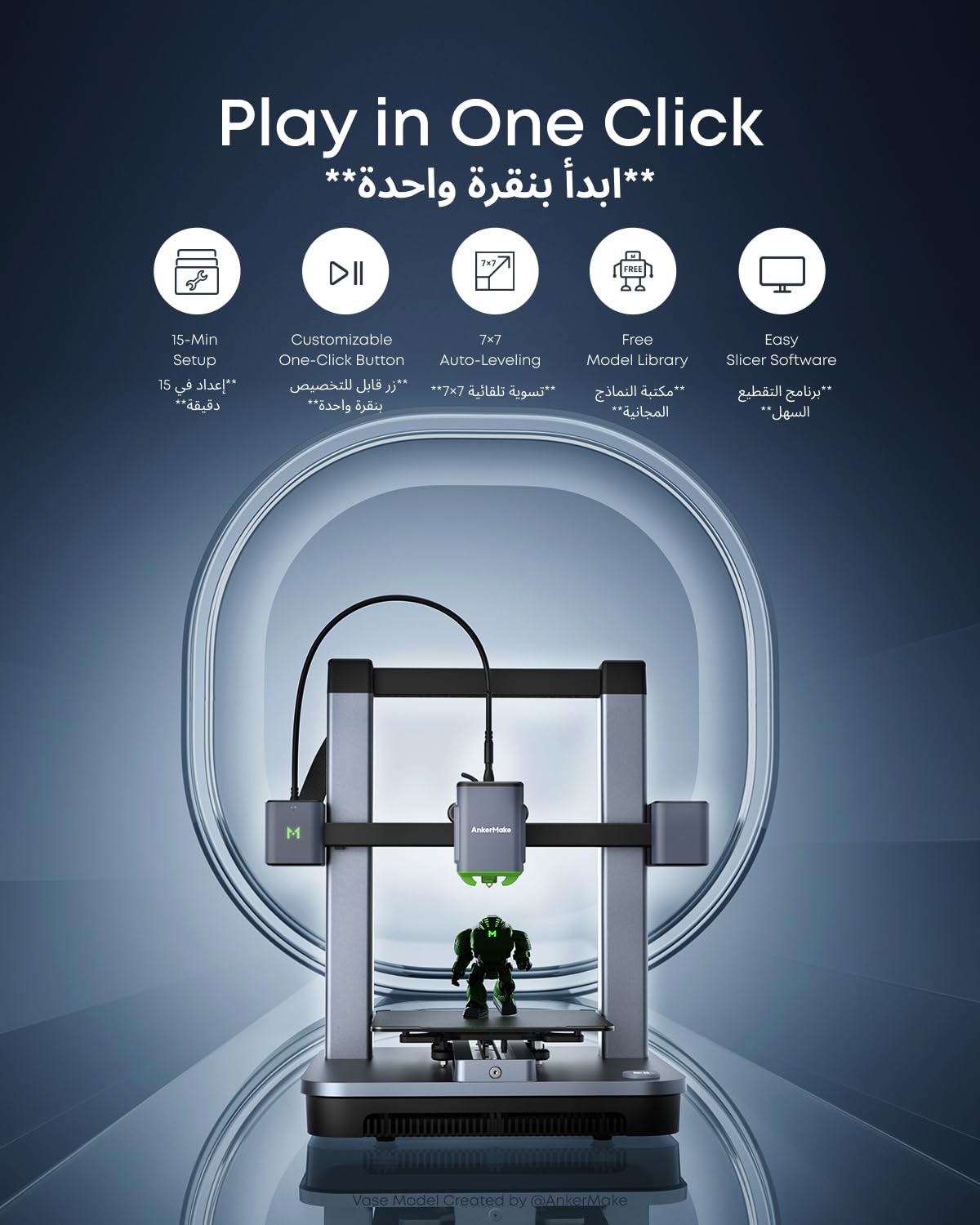
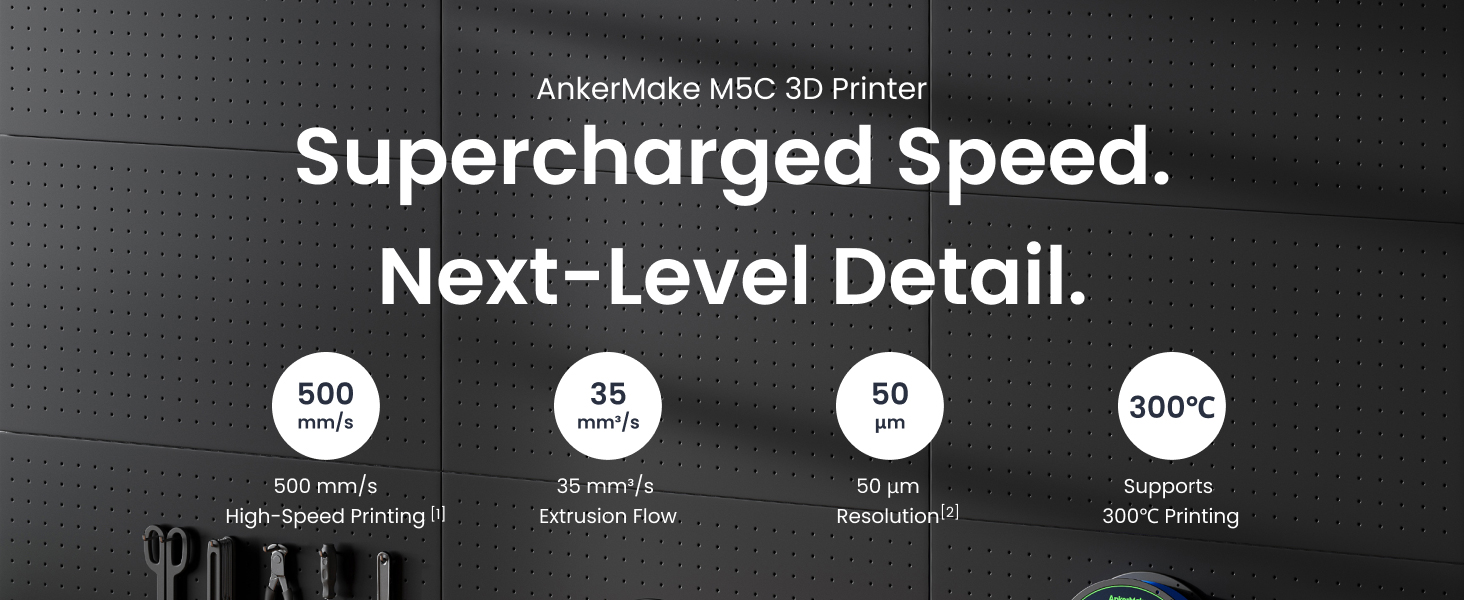
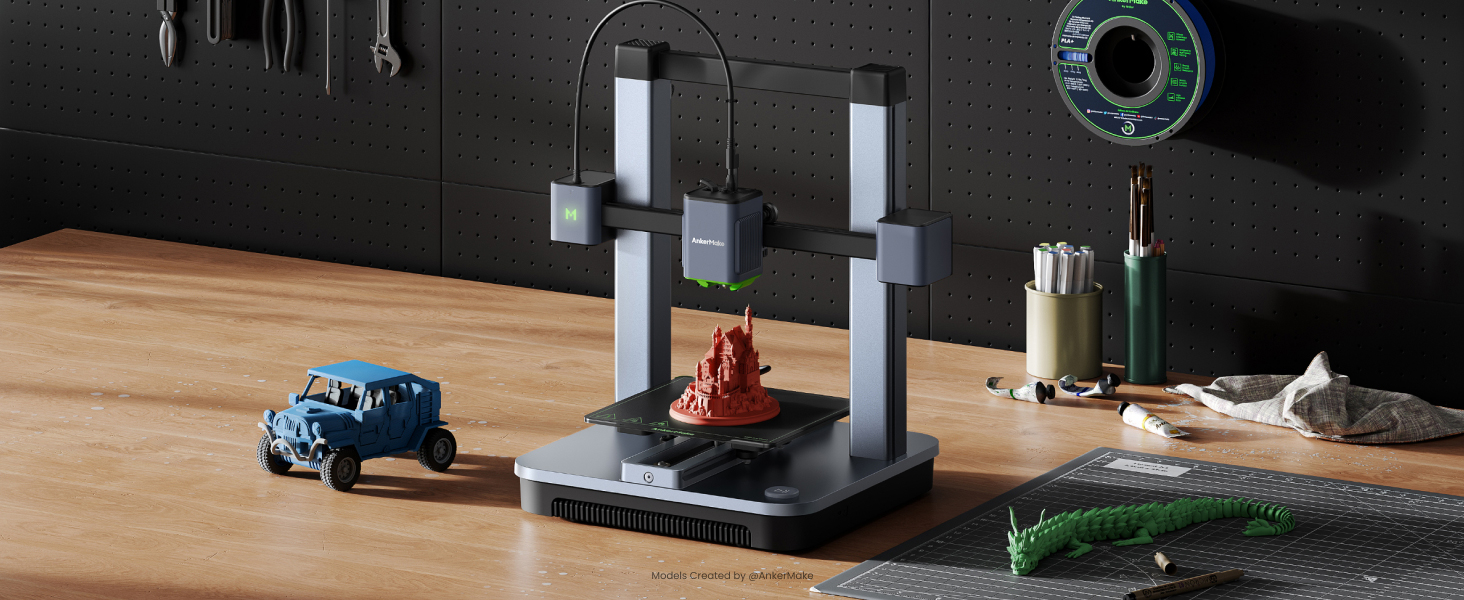
The AnkerMake M5C is a high-speed 3D printer featuring a 500 mm/s max print speed, an all-metal hotend capable of 300℃, and a 220×220×250 mm build volume. It offers advanced 49-point auto-leveling, Wi-Fi and Bluetooth connectivity for multi-device control, and durable components designed for long-term precision and reliability—ideal for both beginners and professionals aiming to accelerate their creative workflow.






| ASIN | B0C2HQHRNZ |
| Item model number | V81103C5 |
| Manufacturer | Anker |
| Product Dimensions | 46.6 x 37.4 x 46.7 cm; 12.8 kg |
A**R
Best Beginner 3D Printer with high end features.
Surprisingly good feature set for such a low price point. One of the fastest and most accurate printer but one of the cheapest as well. The print head can reach up to 300 deg. Print bed can each up to 100 degrees. Full metal hot end with magnetic textured steel print plate. Amazing build quality with Wi-Fi function and great mobile app. Many people say that the slicer is not good but don't listen to these comments as Anker make slicer is great and very beginner friendly. The printer has not failed a single print yet and I have printed very complex models since getting these printers. Surprisingly it has a very convenient feature to add pause in the slices after a specified layer to change the reel manually which is amazing and looks like quite unknown feature. High recommended for anyone looking to get into 3D printing.
M**D
Very beginner friendly and amazing quality
So as a person who never touched any 3d printer before, seeing your 3d models becoming into actual physical items seemed, very clear instructions, the Ankermake slicer tho is a bit weird tho, though some simple options seem to be missing. Anyway you can edit the model on most software like Blender, the printing speed is outstanding compared to other printers, 9/10 is not the best but is very awesome.
T**T
its good for beginners
its good for beginners, and good build, quality and essay to use
D**D
Easy to use & capable
Offers an effortless start into 3D printing. Even in fast mode print quality is good.
F**.
Very nice printer but no spare parts
It's a really good 3D printer—precise, durable, fast, and accurate. However, spare parts are not available. Once it needs maintenance, you can't get parts except for the nozzle and the hotend. So by the end you can’t repair it, it’s like you enjoy it for 6 months only !! Then you have to throw it. I want to add to this that not only the spare parts are not available, they have no proper customer service as well. update -- I posted this almost 4 months ago, and still I couldn't get the needed spare parts, the printer totally not functional well.
M**K
Wonderful printer
Works really well out of the box. Can print anything almost always perfectly. Very beginner friendly.
B**P
Great printer
Amazing printer, faster than what I was expecting. Very easy to setup.,
S**M
It’s good 3d printer I would recommend mothe than crealtey elder v3 ke
You need spare parts like wheels and nozzle replacements because if you get a clog say good bye for your nozzle I have them proplem for a month now and the parts are to high of cost I would recommend Bambi lab a1 mini
P**D
Cette imprimante est très bien, que ce soit votre première imprimante 3d ou pas il n'y a pas vraiment de raisons d'aller voir ailleurs à ce prix. - L'installation n'est pas un casse tête mais faire les réglages de paramètres d'impression sera inévitable et ne sera pas facile au début. - Le logiciel d'impression ankermake studio (slicer) est complet, vraiment pas besoin de chercher à utiliser PrusaSlicer ou Cura. - l'imprimante est précise et rapide, à moins de vouloir faire des petites figurines très particulières pas besoin d'utiliser la tête d'impression 0.2 mm fournie. PAR CONTRE : VOUS NE POUVEZ PAS PRENDRE N'IMPORTE QUEL FILAMENT ET ESPERER QUE TOUT FONCTIONNE DU PREMIER COUP. NE JAMAIS LAISSER LES PARAMÈTRES PAR DÉFAUT SI VOUS UTILISEZ UNE BOBINE PAS ANKERMAKE. LES CONSIGNES NE MENTIONNENT PAS NON PLUS L'OFFSET DE L'AXE Z QU'IL EST IMPÉRATIF DE REGLER POUR CHAQUE BOBINE UTILISÉE. CELA INFLUE SUR L'ADHÉSION DE LA PREMIÈRE COUCHE QUI PEUT TOUS SIMPLEMENT FAIRE QUE LA PIECE SE DECROCHE EN PLEINE IMPRESSION. Consignes pour débutants : mettre les réglages du slicer sur expert et régler les paramètres bobine : température tête et lit conseillé fournisseur, le plus important : ajuster la vitesse. Si c'est une bobine pas Cher (PLA par exemple) il faudra mettre les vitesse à 100 mm/s ou moin et l'accélération de même. Reglez l'offset dans l'appli en imprimant un modèle d'une couche de hauteur seulement. Regardez des vidéos et renseignez vous bien !!! Conseil de projet très cool pour confirmé : utilisez le logiciel meshroom gratuit pour reproduire en 3d n'importe quel objet de chez vous à l'aide de plus de 20 à 100 photos. Vous pouvez ensuite le réimprimer a l'échelle que vous voulez. Vous devrez certainement éditer le scan avec Autodesk meshmixer (gratuit).
I**I
ممتازه جدا، خلال ١٠ دقايق خلصت التركيب ، عشر دقايق ثانيه علشان تساوي السطح (auto leveling )، وتبدا طباعه شريتها من ثلاث ايام والى الان ما وقفت طباعه طول الفتره
C**N
È la mia prima stampante 3d e mi ha convinto, oltre che il prezzo, la sua semplicità di montaggio ed utilizzo. E poi è bella da vedere. Ho stampato con entrambi gli ugelli d la qualità finale dipende molto dalle plastiche utilizzate. Sono molto soddisfatto e la consiglio.
T**R
Because Carbon Fiber Filled Nylon Filament PA-CF needs around 300 C temperature, product nozzle is deteriorated. It is not easy to clean after. After a few prints, you have to change nozzle with new one. Producer company should remove this item PA-CF from this printer specification.
M**S
The best printer I never had. By now is working pretty well, I still have to learn a little more to use it. The app has not that much options, like for example to acelerate velocity.