We remain fully operational. Our teams are working around the clock to ensure your deliveries continue safely.

下载应用程序




Buy anything from 5,000+ international stores. One checkout price. No surprise fees. Join 2M+ shoppers on Desertcart.
Desertcart purchases this item on your behalf and handles shipping, customs, and support to Taiwan.
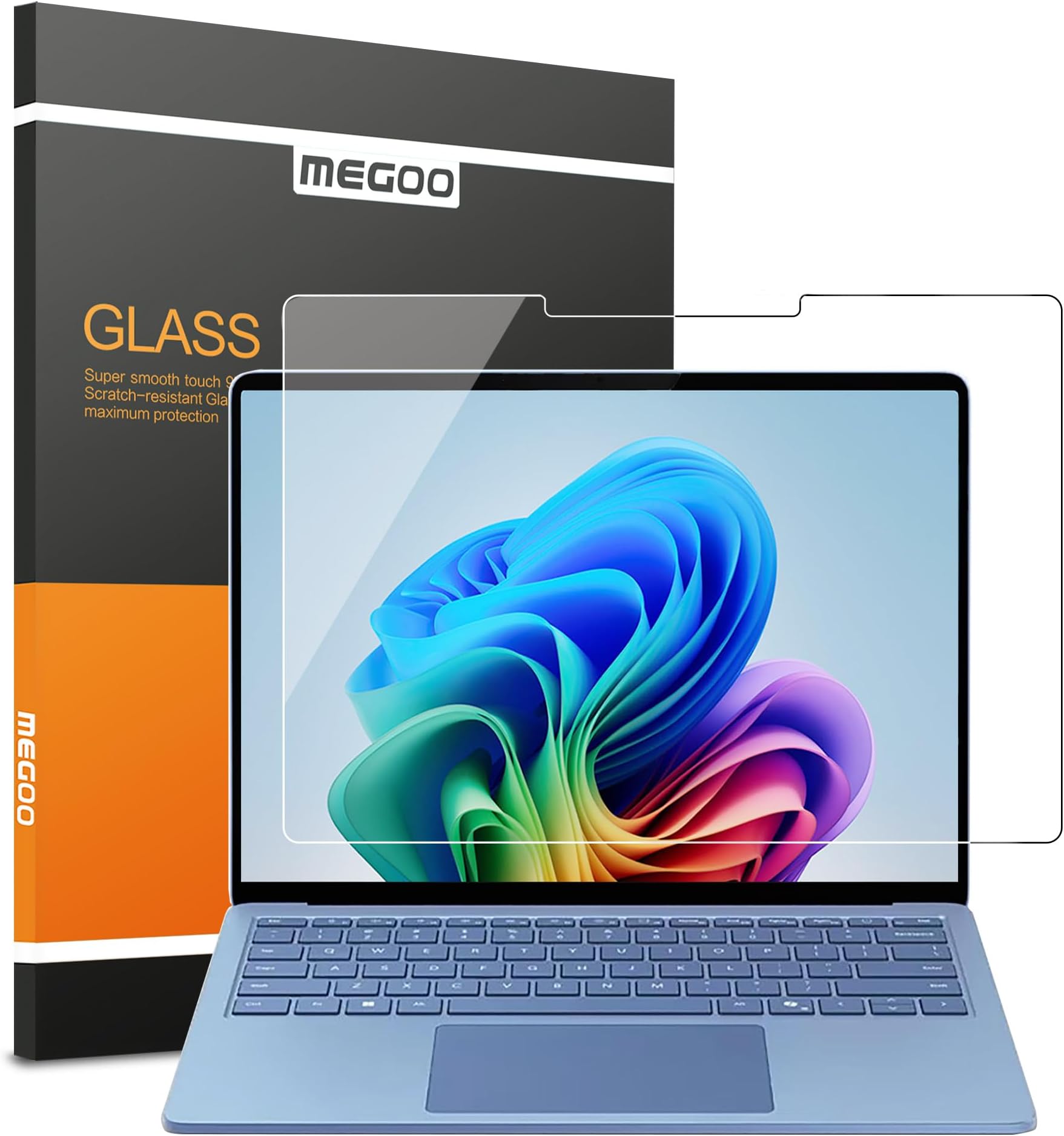
🛡️ Keep your Surface Laptop 7 flawless and touch-ready—because your work deserves the best!
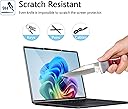
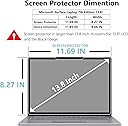
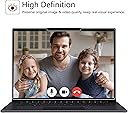
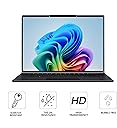
The MEGOO Tempered Glass Screen Protector is precision-engineered for the 2024 Microsoft Surface Laptop 7 (13.8 inch). Featuring 9H hardness, it offers robust scratch and drop resistance while maintaining ultra-clear HD display quality and high touch sensitivity. Its easy, bubble-free installation and keyboard fold-back protection make it an essential accessory for professionals who demand durability without compromising screen clarity or responsiveness.


| ASIN | B0D8L65MNY |
| Best Sellers Rank | #71,030 in Computers ( See Top 100 in Computers ) #277 in Laptop Screen Protectors |
| Brand Name | MEGOO |
| Clarity | 10 |
| Color | HDX Clear |
| Compatible Cellular Phone Models | Microsoft Surface |
| Compatible Devices | Laptop |
| Compatible Phone Models | Surface Laptop 7 13.8" 2024 |
| Customer Reviews | 4.3 4.3 out of 5 stars (90) |
| Finish Type | Glossy |
| Included Components | Screen Protectors *2 |
| Item Dimensions L x W | 34.7L x 25.4W centimeters |
| Item Hardness | 9H |
| Manufacturer | MEGOO |
| Material | Tempered Glass |
| Model Name | Surface Laptop 7 13.8 |
| Number of Items | 1 |
| Part Number | 01 |
| Screen Size | 13.8 Inches |
| Screen Surface Description | Glossy |
| Special Features | Anti-Shatter, High Definition Clarity, Rounded Edge |
| Unit Count | 1.0 Count |
Z**N
Die Folie sitzt auf dem Laptop sehr gut. Hat keine Katze und keine Folien und Der Touch funktioniert einwandfrei.
F**T
Fantastic product. Must have for your Surface Laptop.
K**P
Worked perfectly. This fits the 13.8'' model of the Surface Laptop 7. Follow the directions very carefully. Look up the instructional video for this exact screen protector on the Megoo YouTube channel. When you finally lay down the screen, if it doesn't stick and start spreading by itself, press gently on one corner to get the seal going. Do not press anywhere in the middle of the screen or you will create an air bubble. If you do have an air bubble after the screen seals, gently (but with necessary firmness), wipe the bubble slowly to the nearest edge. It may take quite a few wipes, but eventually, you should be able to wipe the bubble all the way out. Look at the screen from multiple angles and adjust a lamp if you have one to very carefully check for remaining airbubbles, however tiny, and press them out.
J**H
Easy to install. Keeps my surface pro clean and helps with privacy when using it in a public area (cafe etc)
A**N
Thick