


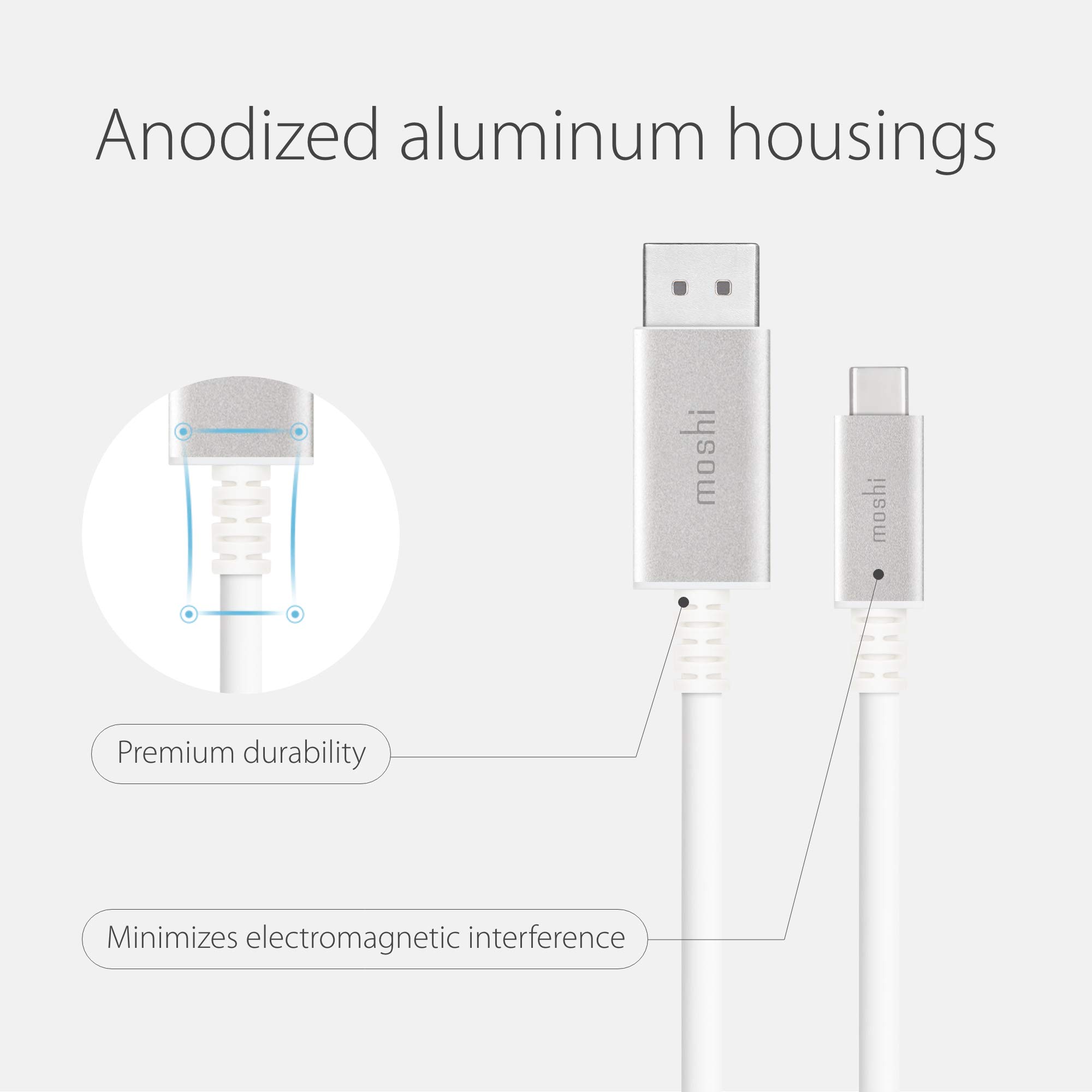
🚀 Elevate your display game with Moshi’s ultra-premium USB-C to DisplayPort cable!
The Moshi USB-C to DisplayPort cable delivers VESA-certified 5K resolution at 60Hz with 4:4:4 chroma subsampling, supporting HDR and multi-channel audio. Featuring a robust aluminum housing and tested for 32.4 Gbps data transfer via USB-C Alternate Mode, it ensures seamless bi-directional connectivity between USB-C/Thunderbolt 3 devices and DisplayPort monitors. Backed by a 10-year global warranty, this cable is engineered for professionals demanding top-tier performance and reliability.


| Brand | Moshi |
| Connector Type | Coaxial, USB Type C |
| Cable Type | USB |
| Compatible Devices | Laptops/Monitors with DisplayPort device Ensure Monitors Accept DisplayPort Signal, Laptops/Monitors with USB-C or Thunderbolt 3 device |
| Special Feature | Data Transfer |
| Recommended Uses For Product | Data Recovery |
| Color | white |
| Connector Gender | Male |
| Data Transfer Rate | 32.4 Gigabits Per Second |
| Shape | Round |
| Number of Pins | 24 |
| Frequency | 60 Hz |
| Unit Count | 1 Count |
| Item Weight | 3 Ounces |
| Model Name | Moshi - Câble USB-C vers DiplayPort |
| Specification Met | Certified By Vesa |
| Indoor/Outdoor Usage | Indoor |
| Number of Items | 1 |
| Outer Material | Aluminum |
| Manufacturer | Moshi |
| UPC | 810648015720 |
| Global Trade Identification Number | 04713057250200 |
| National Stock Number | 0 |
| Item model number | 99MO084102 |
| Item Weight | 3 ounces |
| Product Dimensions | 0.8 x 4.3 x 6.9 inches |
| Item Dimensions LxWxH | 0.8 x 4.3 x 6.9 inches |
| ASIN | B077S9DZGK |
| National Stock Number | 0 |
| Is Discontinued By Manufacturer | No |
| Date First Available | December 13, 2017 |
J**S
Does as intended
I needed to use a KVM switch with my Mac Pro and PC workstation and knew that the likelihood of being able to use my XDR with the KVM was low; until I came across this cable.The Mac has a thunderbolt 3 to DisplayPort cable running to the KVM and from there I use this cable to my XDR. Worked from the start. The only issues are the resolution maxes out below the XDR 6k ability and I wish the cable was a bit longer at 5 feet. But I know there are limitations in length with cables like this. 👍🏻
A**R
Wouldn't have bought them if the cheap ones worked
I bought a pair of these to replace a pair of cheaper cables that I purchased to run from my Surface Dock 2 to my two 27" monitors. The cheap ones didn't work well; kept losing connection due to poor fit, so I finally broke down and bought these, which are what are sold on the Microsoft site. At this price, you'd think they were made of spun gold, but if your time is important to you, just go ahead and bite the bullet. They work exactly as they should.
P**H
It works and it looks nice
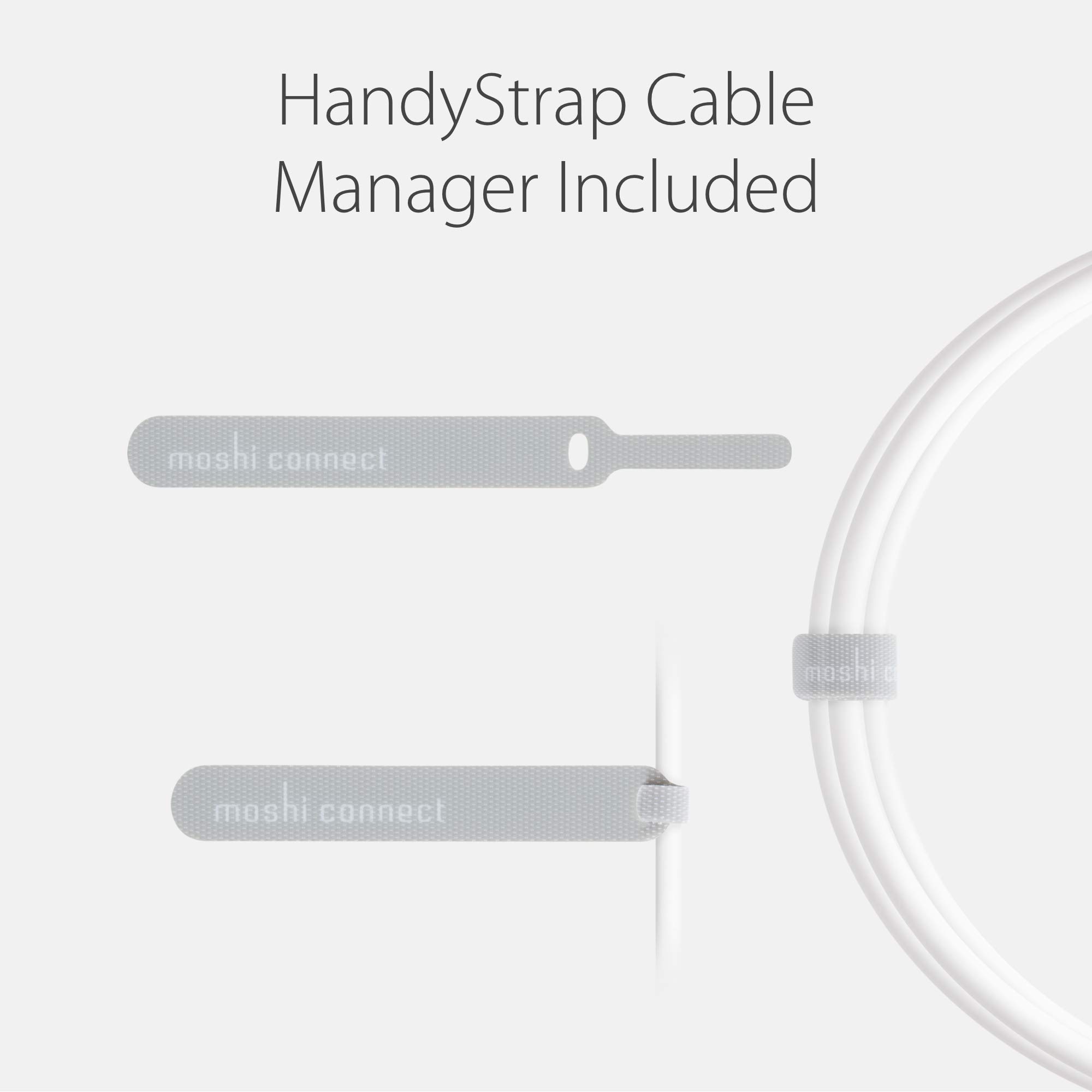
For one, before doing anything, it is always important to make sure you have a monitor that supports DP over USB-C/Thunderbolt 3 no matter what direction you are sending the signal. I know the description states this but sometimes we wonder if half the consumers out there (no offense of course) even read the description. We come to this conclusion since we field-test a lot of solutions that offer DP over USB-C/TB3 (many of them, incredibly nice 4K/5K hub solutions). However, one of the biggest complaints is things not working out when they connect things together. Ask them to list their gear and it's a no go in the specs.That being said, there are some products out there that do not work worth a horse's hairy backside. Thankfully, this wasn't one of them (at least for us). First thing we did was walk the package right over to one of the latest custom Macs we have here and tie it into a TB3 monitor (LG UltraFine 4K). Everything worked out just fine, although for some monitors, you may have to manually adjust the TB profile in the monitor settings to match the system's output (just an FYI). The monitor works great for TB3 to TB3 as well, so now we know it works well for both connection methods thanks to this cable.In other situations, we can absolutely see this cable being finicky with the brand of devices and what their specs are. Our first impression so far has been good, so that's a start. If we find differently with the rightly matched specs in other situations, we'll make sure to update.The only downside we ran into was the price. There are a lot of cheaper options out there. Of course, they don't all support "bi-direction", but with this price, some of those options you can buy one of each directional support cables and still come in less than this cable costs. So that needs to be worked on.Build quality is quite nice. The cable absolutely feels durable and long-lasting--from the wire to the ends. It even comes with a cable tie for easy storage--which we thought it was hilarious that the back of the box describes this velcro cable tie as a "HandyStrap Cable Manager" like it is some exclusive technology). We were surprised there wasn't a small "TM" next to it. That is just something that crossed our mind though and isn't really relevant.**If you have found our review helpful, please vote it as helpful below so we know. This helps us to provide quality feedback in the future.
M**L
Good cable for Mac with PC monitor
This works with my PC monitor and sends what I’m pretty sure is a 10 bit signal from a Vega 48 in my mac. Many other adapters and cables did not seem to in my case so if that’s what you need this is the cable. As a caveat, the monitor I’m sending signal to in this case is 8 bit + FRC so it isn’t true 10 bit but I have used test ramps in 10 bit apps that show up correctly.
B**M
Don't Waste Your Time or Money
Do NOT waste your time or money. This is a VERY expensive type-c cable and the bidirectional capabilities do not live up to what they promise. I followed all directions, my screen met the requirements, and my displayport was set up correctly. It did NOT do bidirectional output from my PC to the USB-C on my screen as they stated it would. It works perfectly going the other way, but not bidirectionally. Don't waste your time or money on this.To accomplish going from Displayport on my PC to my USB-C computer screen - I had 3 options - try this cable (didn't work as shared above), update my graphics card, or return my screen that I just purchased and get a different screen. I decided to return my screen and not do the USB-C, and get a screen with a Displayport.After doing a lot of reading, USB-C is not the one cable to rule them all, as industry originally promised. There are a lot of USB-C cables that either transmit data only, transmit power only, transmit video only - to be honest it is a complete mess. When I saw this cable had promised doing bidirectional video, I was pumped and was a quick, easy solution. NOPE. Doesn't work. Don't waste your money on this product.
A**A
Even supports 4K@144Hz when used with a M1 Mac Mini and an ASUS XG27UQ
The title says everything. It just works.Even though it's not an Apple product it has an Apple-like finish to it. Apple's website recommends this cable too even though this cable is routinely out-of-stock in the Apple Store. I have seen a lot of other 3rd party cables that seem to do the specified bare minimum but this cable seems to exceed expectations.The only glitch I've noticed is that the my M1 mac mini sleeps and loses connection to the monitor. The only way to restart the flow of signal from the mac mini to the monitor is by unplugging and replugging the cable. This is probably Mac mini's fault and may be fixed by changing the power settings to prevent the computer from going to sleep in the first place.
L**R
Worked for me
I have a 2019 Mac Pro. I removed the Apple MPX 580X and replaced it with an Aorus RX5700XT. So I removed the Macs Thunderbolt and replaced it with a GPU with a DisplayPort Output. My monitor is the Mac endorsed LG 24" monitor with only Thunderbolt (USB C) input. This card worked converting the DisplayPort signal to USB C. BUT, for some reason I lost my boot screen in the process.I would give a higher star rating, if the cable were not so darned expensive.
TrustPilot
1 个月前
1 个月前



