
下载应用程序



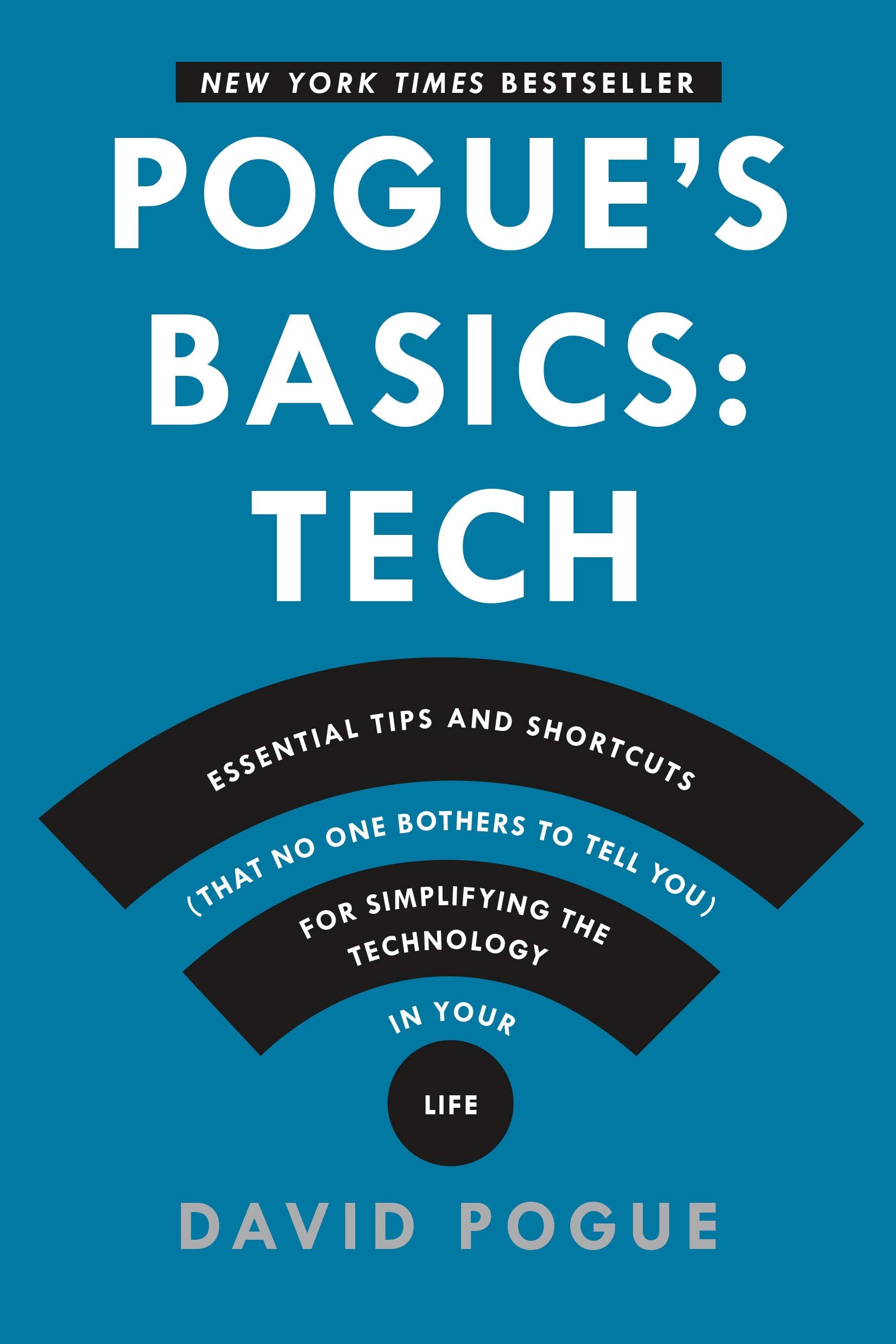
Pogue's Basics: Essential Tips and Shortcuts (That No One Bothers to Tell You) for Simplifying the Technology in Your Life [Pogue, David] on desertcart.com. *FREE* shipping on qualifying offers. Pogue's Basics: Essential Tips and Shortcuts (That No One Bothers to Tell You) for Simplifying the Technology in Your Life Review: Treasure chest of tech tips from David Pogue - I have been using a PC since 1993, so I have lots of experience with Windows, starting with Win 3.0. I don't consider myself a power user or a tech geek in any way, but I've learned a few things in my years working with Windows PCs. This book pointed out just how much I don't know about my PC and other electronic gadgets. This is not a book that I would read from cover to cover. I keep it next to my reading chair where I use my laptop. I pick it up every day or so, and start exploring, wondering what I will learn today. I particularly liked the section on Google Maps. I had no idea how powerful a tool Google Maps is before reading this book. I used it as a GPS program, taking me to places I had never been to before. I relied upon Google Maps when visiting my son in Charlotte this past weekend, using it to uncover restaurants we'd never visited before. I've also used to it explore Tampa, a city I hadn't visited before. We used it to map out a walking route, taking us to all the places we wanted to see while leaving the car parked in a central location. Now that my travels are done for a while, I'll dig in and try to find some new nuggets that will help me navigate my PC , tablet and phone more efficiently. Highly recommended for the "not so tech savvy" like me. Review: A tyro? A Renaissance man? A polymath genius for the layman? This smiling face is always worth listening to. - As a proponent of a "liberal education" (not a political position but an ideal defined by John Henry Newman), I've come to admire Pogue, who is the ultimate (sometimes consummate) collector and presenter of information about everything (is it possible that Apple products lead consumers to assume the role of "polymath know-it-alls" who are always ready, willing and able to pass on everything they know to us equally curious, if less industrious and productive, versions of Pogue himself?). If only he would write a book explaining how to program some of the multi-faceted musical keyboards that are collecting dust in my basement. He probably will. A final recommendation for this advisory to the confused consumer: Pogue would never write or deliver verbose, overblown syntax like the train-wrecks preceding this sentence (my only defense: at least it's grammatical). Many of us have come to trust Pogue for his ability to confront the frequently exasperating reality of the present over-digitalized millennium. In fact, "Pogue" himself has become a "brand" that stands for "plain but pleasant and practical prose" that's never private, privileged information but accessible to a public increasingly overwhelmed by parallel universes of: 1. the things in virtual reality ("bytes") and 2. the gadgetry (smart phones, computers, self-driving cars, etc.) that promise to expedite our labors in material reality but more often rob us of time that would better be used serving others (as Pogue does with his books reducing complexity to simpler terms promising to "empower" those of us who feel hopelessly overmatched. As for this book, it's exactly as advertised: a collection of tips and shortcuts making for diverting reading while sitting, for example, in the doctor's waiting room or standing in the immobile line for renewing license plates for your automobile. If you're like me--someone who relies on his mouse and disdains keyboard "short cuts" or who computes with no understanding of the purpose of the top row of small "F" keys on a computer--you'll find much clearly-explained, useful information in the book. And should you remember, perhaps, no more than a couple of tips, the book could easily repay your investment. (Frankly, I can't remember a single tip--but it's reassuring to know, simply, that they're there should I ever have need of them.) In the meantime, think of any topic you'd like to have explained. Then wait for Pogue to explain it--in book form or, perhaps, in a video. (I have many such topics--ranging from managing kitty litter boxes in multi-cat homes to learning how to use the Twitter feeds moving across the bottom of my Sony TV set. And I have yet to solve the "picture-in-picture" feature--which would at least give me something to do while watching with my wife a marathon day of "Undercover Boss." Or perhaps Pogue could empower me with a level of confidence and competence to use our Sony's or Time-Warner's remote control with the authoritative effectiveness that my wife exhibits. She can explain it to me, but somehow Pogue does so in a more friendly and inspiring manner, seasoned with a sense of humor that ranges from "dumb funny" to "serendipitously witty."
| Best Sellers Rank | #1,146,337 in Books ( See Top 100 in Books ) #2,908 in Internet & Social Media |
| Customer Reviews | 4.5 4.5 out of 5 stars (683) |
| Dimensions | 5.47 x 0.99 x 8.2 inches |
| ISBN-10 | 125005348X |
| ISBN-13 | 978-1250053480 |
| Item Weight | 1.08 pounds |
| Language | English |
| Print length | 368 pages |
| Publication date | December 9, 2014 |
| Publisher | Flatiron Books |
A**E
Treasure chest of tech tips from David Pogue
I have been using a PC since 1993, so I have lots of experience with Windows, starting with Win 3.0. I don't consider myself a power user or a tech geek in any way, but I've learned a few things in my years working with Windows PCs. This book pointed out just how much I don't know about my PC and other electronic gadgets. This is not a book that I would read from cover to cover. I keep it next to my reading chair where I use my laptop. I pick it up every day or so, and start exploring, wondering what I will learn today. I particularly liked the section on Google Maps. I had no idea how powerful a tool Google Maps is before reading this book. I used it as a GPS program, taking me to places I had never been to before. I relied upon Google Maps when visiting my son in Charlotte this past weekend, using it to uncover restaurants we'd never visited before. I've also used to it explore Tampa, a city I hadn't visited before. We used it to map out a walking route, taking us to all the places we wanted to see while leaving the car parked in a central location. Now that my travels are done for a while, I'll dig in and try to find some new nuggets that will help me navigate my PC , tablet and phone more efficiently. Highly recommended for the "not so tech savvy" like me.
S**L
A tyro? A Renaissance man? A polymath genius for the layman? This smiling face is always worth listening to.
As a proponent of a "liberal education" (not a political position but an ideal defined by John Henry Newman), I've come to admire Pogue, who is the ultimate (sometimes consummate) collector and presenter of information about everything (is it possible that Apple products lead consumers to assume the role of "polymath know-it-alls" who are always ready, willing and able to pass on everything they know to us equally curious, if less industrious and productive, versions of Pogue himself?). If only he would write a book explaining how to program some of the multi-faceted musical keyboards that are collecting dust in my basement. He probably will. A final recommendation for this advisory to the confused consumer: Pogue would never write or deliver verbose, overblown syntax like the train-wrecks preceding this sentence (my only defense: at least it's grammatical). Many of us have come to trust Pogue for his ability to confront the frequently exasperating reality of the present over-digitalized millennium. In fact, "Pogue" himself has become a "brand" that stands for "plain but pleasant and practical prose" that's never private, privileged information but accessible to a public increasingly overwhelmed by parallel universes of: 1. the things in virtual reality ("bytes") and 2. the gadgetry (smart phones, computers, self-driving cars, etc.) that promise to expedite our labors in material reality but more often rob us of time that would better be used serving others (as Pogue does with his books reducing complexity to simpler terms promising to "empower" those of us who feel hopelessly overmatched. As for this book, it's exactly as advertised: a collection of tips and shortcuts making for diverting reading while sitting, for example, in the doctor's waiting room or standing in the immobile line for renewing license plates for your automobile. If you're like me--someone who relies on his mouse and disdains keyboard "short cuts" or who computes with no understanding of the purpose of the top row of small "F" keys on a computer--you'll find much clearly-explained, useful information in the book. And should you remember, perhaps, no more than a couple of tips, the book could easily repay your investment. (Frankly, I can't remember a single tip--but it's reassuring to know, simply, that they're there should I ever have need of them.) In the meantime, think of any topic you'd like to have explained. Then wait for Pogue to explain it--in book form or, perhaps, in a video. (I have many such topics--ranging from managing kitty litter boxes in multi-cat homes to learning how to use the Twitter feeds moving across the bottom of my Sony TV set. And I have yet to solve the "picture-in-picture" feature--which would at least give me something to do while watching with my wife a marathon day of "Undercover Boss." Or perhaps Pogue could empower me with a level of confidence and competence to use our Sony's or Time-Warner's remote control with the authoritative effectiveness that my wife exhibits. She can explain it to me, but somehow Pogue does so in a more friendly and inspiring manner, seasoned with a sense of humor that ranges from "dumb funny" to "serendipitously witty."
S**L
Great Resource Books
David Pogue has written yet another great, basic book on technology. His books are filled with tips and tricks that help navigate you through the maze of technology. He writes in plain English, not using words that you have to look up in the dictionary. This book is a read-through that you'll keep as a reference. I do a read through and mark those tips with a highlighter and page marker. This book shares the shelf with other Pogue written books and I use them as a reference. 1) Pogue's Basics: Life 2) Pogue's Basics: Money Mr. Pogue's books are great to have on your bookshelf and if you don't have any of his books, you might want to make room.
A**A
An engaging, entertaining and emthathetic resource for newbies and techies alike
Even as I consider myself pretty technology proficient, there are enough interesting and helpful things in this book to keep me coming back to it. Not necessarily the type of book one sits down and reads cover to cover, but a great resource to visit over time. It's filled with the things that one would normally just pick up over time and mentally file away, but now in one handy dandy book. It would be a Godsend to anyone finding themselves having (or wanting) to become more comfortable with a variety modes - computers, phones - or even an experienced user such as myself. We tend to become very knowledgeable with things that we use regularly, but not everything: this book fills in the Not Everything situations, and does so in an engaging, entertaining and empathetic way.
K**R
So useful, and what a good read too!
I am so glad this fellow exists and takes the time to write books! I certainly did not already know all the tips, and was even happy when I did know one or two, which, as he says will happen, makes me feel good about myself. :-) The tips are valuable, and the book is organized sensibly. I have been just reading it straight through, although it could be used also easily as a reference book I suspect. I have not gone back to find all the useful items I have bookmarked, since I am so happy to just be reading it. His friendly cheerful writing style just makes you want to keep reading. Surely there is a tip you need (I would imagine more than one) in this entertaining book!
L**R
Insider Tips on Your Laptop
The book misquote readable and contains numerous "insider" tips on use of your laptop. Good feature is you can pick it up and learn something you did not know in a few minutes reading on the train or on a bus etc.. For example, learn when you do and do not need to type in an apostrophe.
M**T
Some great tips that I am now practising every day
H**P
Für wer sich in Englisch auskennt, ein sehr nützliches Buch. Habe vieles daraus gelernt über meinen Elektronikgeräten dass mann in keiner Gebrauchsanleitung findet.
M**O
Useful, mostly. Glad I bought it.
P**.
Ao invés de ler centenas de páginas de manuais e artigos, procure as informações sobre Software em um único lugar. Dicas do Windows 7, 8 e 8.1, Android, iPhone, McBook, Smartphone, ... Como utilizar o teclado de forma mais inteligente: os comandos mais usados e mais úteis. Vale a pena ler e guardar como referência futura :-) Well, just my 2 cents :-)
A**H
Great for those who don't know the shortcuts already. I knew them all so it was a waste of money for me.