Desertcart purchases this item on your behalf and handles shipping, customs, and support to Taiwan.
🚀 Elevate your display game with flawless 8K clarity and rock-solid connections!
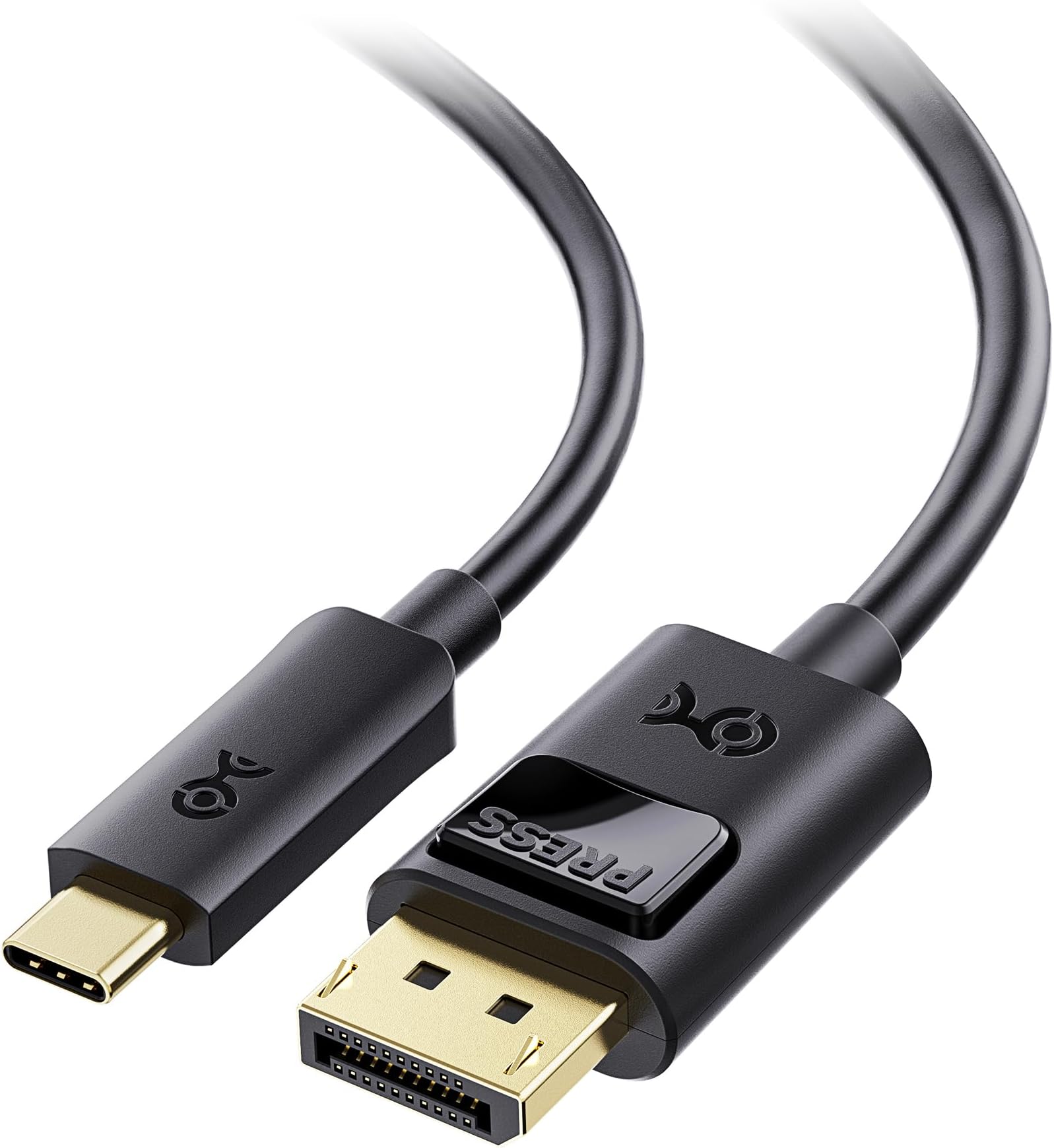
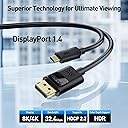
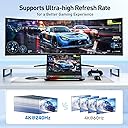
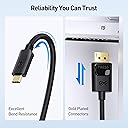
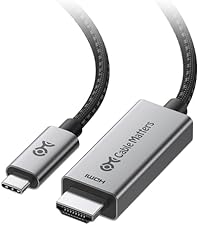
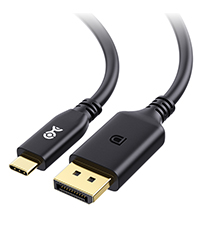
The Cable Matters USB C to DisplayPort 1.4 Cable delivers stunning 8K@60Hz and 4K@240Hz video output from USB-C or Thunderbolt 4/5 devices to DisplayPort monitors. Featuring secure locking latches, MST support for multiple monitors, and durable construction, it’s engineered for professionals and gamers demanding premium visual performance and reliable connectivity across a wide range of high-end laptops and displays.


| ASIN | B01J6DT070 |
| Best Sellers Rank | #15,900 in Computers ( See Top 100 in Computers ) #19 in Thunderbolt Cables |
| Brand | Cable Matters |
| Brand Name | Cable Matters |
| Cable Type | USB-C, Displayport |
| Cable type | USB-C , Displayport |
| Color | Black |
| Compatible Amazon Tablet Models | Amazon Fire HD 10 11th Generation |
| Compatible Devices | Devices with USB-C port and DisplayPort port, such as laptops, monitors, and possibly some docker stations |
| Compatible Phone Models | Iphone |
| Compatible devices | Devices with USB-C port and DisplayPort port, such as laptops, monitors, and possibly some docker stations Compatible devices Devices with USB-C port and DisplayPort port, such as laptops, monitors, and possibly some docker stations See more |
| Compatible phone models | Iphone |
| Connectivity Technology | USB |
| Connector Gender | Male-to-Male |
| Connector Type | Usb Type C, Displayport |
| Connector type | Usb Type C , Displayport |
| Customer Package Type | FFP |
| Customer Reviews | 4.6 out of 5 stars 4,736 Reviews |
| Data Transfer Rate | 1.5 Gigabits Per Second |
| Ethernet Cable Category | Cat 5 |
| Frequency | 60 Hz |
| Global Trade Identification Number | 00682017352923 |
| Indoor Outdoor Usage | Indoor |
| Item Length | 1.8 Meters |
| Item Shape | Round |
| Item Weight | 0.1 Pounds |
| Manufacturer | Cable Matters |
| Model | 201036-BLK-1.8m |
| Model Name | USB-C to DisplayPort Cable |
| Number of Items | 1 |
| Number of Pins | 44 |
| Other Special Features of the Product | Data Transfer, High Speed |
| Outer Material | Rubber or Plastic |
| Part Number | 201036-BLK-1.8m |
| Recommended Uses For Product | Connecting computers to monitors or projectors, high-resolution video output, audio output, daisy-chaining multiple monitors |
| Special features | Data Transfer , High Speed |
| Specification Met | Industry Standards |
| UPC | 682017352923 |
| Unit Count | 6 Meters |
| Wattage | 20 watts |
D**O
Great cable
Overall, it's a great cable. Thus, white connecting from RTX 4080 to LG Ultrafine 5k monitor, I got only 4k. So I have to return. But the quality is great!
J**Y
Quality with nice lock feature
I like these. They are quality built and I like how they lock into place. Took me. Second to realize there are buttons on them to release. That was / what the heck moment but I like the feature.
N**0
Ravi
Service client particulièrement réactif et produit d’une qualité exemplaire. Une recommandation sans réserve.
I**.
funciona perfectamente, incluso con Samsung Odyssey G7 27
Funciona perfectamente.. antes tenia conectado el portátil a la pantalla por hdmi.. y no me dejaba seleccionar más de 144hz.. pero ahora que lo tengo por el usb-c al displayport.. me seleccionado automáticamente los 240hz y funciona como debe. Hay comentarios en otros cables que dicen que no funcionan con el odyssey g7, no se si es por el cable, pero si que encontré que cambiando la configuración del monitor en: sistema -> modo pc/av -> displayport1 -> AV (originalmente estaba en PC), funciona. Por si le sirve a alguien de ayuda.
V**R
Funciona perfeitamente
Cabo funciona perfeitamente.
P**O
Connection issues - Resolved
UPDATED REVIEW Cable Matters sent me the HDMI version of this cable to try out. I am using it with my home monitor an 4k LG - so far so good with no connection issues and I am getting the same quality picture - although a bit more deep color using the default setting for HDMI2 port compared to the on the display port port. But it can be adjusted. I am now using the CM display port cable at work - with another LG 4k monitor - with no issues there as well. It connects each time. ORIGINAL REVIEW This is just a PSA. Connecting to an LG monitor and Macbook usb-c this cable sometimes will not show anything on the external monitor since LG does not recommend using a cable that converts one format to another. In this case LG only wants you to connect display port to display port. Otherwise they cannot guarantee that it will always work. I dont know if this is an issue with this particular cable or all display port to usbc cable, but most likely it is since I have the same setup at work (albeit older model LG, but same specs) and this issue happens with a different brand cable. The issue here I think is that the OS gets confused as to what's connected to the computer so the usbc port is displaying somewhere in a parallel monitor universe and something within the config needs to be reset. This happens when you wake up your computer from sleep or switching from one monitor to the next. At work, we constantly connect and disconnect monitors - when going to conference rooms and back to our desks. So this is really a setup that has to work 99.999% of the time. Otherwise it gets frustrating having to restart your computer. Your monitor is fine - its not broken. When connecting the LG Monitor > HDMI > Apple HDMI/usbc adapter > Macbook during the issue you will get a green screen with a fat cursor as pictured above. My coworker experiences this issue as well and he only uses the HDMI with adapter setup. So like I said its a PSA, converting from one connection type to another is not recommended.
Trustpilot
5 days ago
2 weeks ago