🎨 Elevate your digital canvas—where precision meets portability!
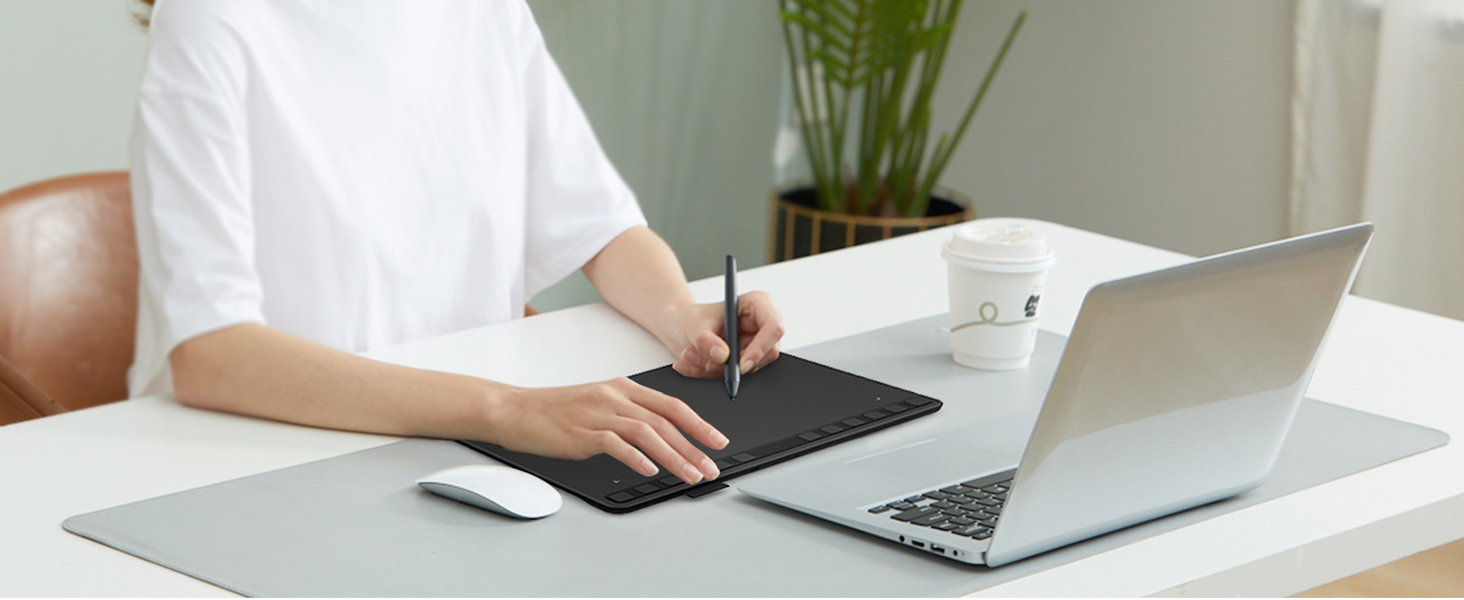
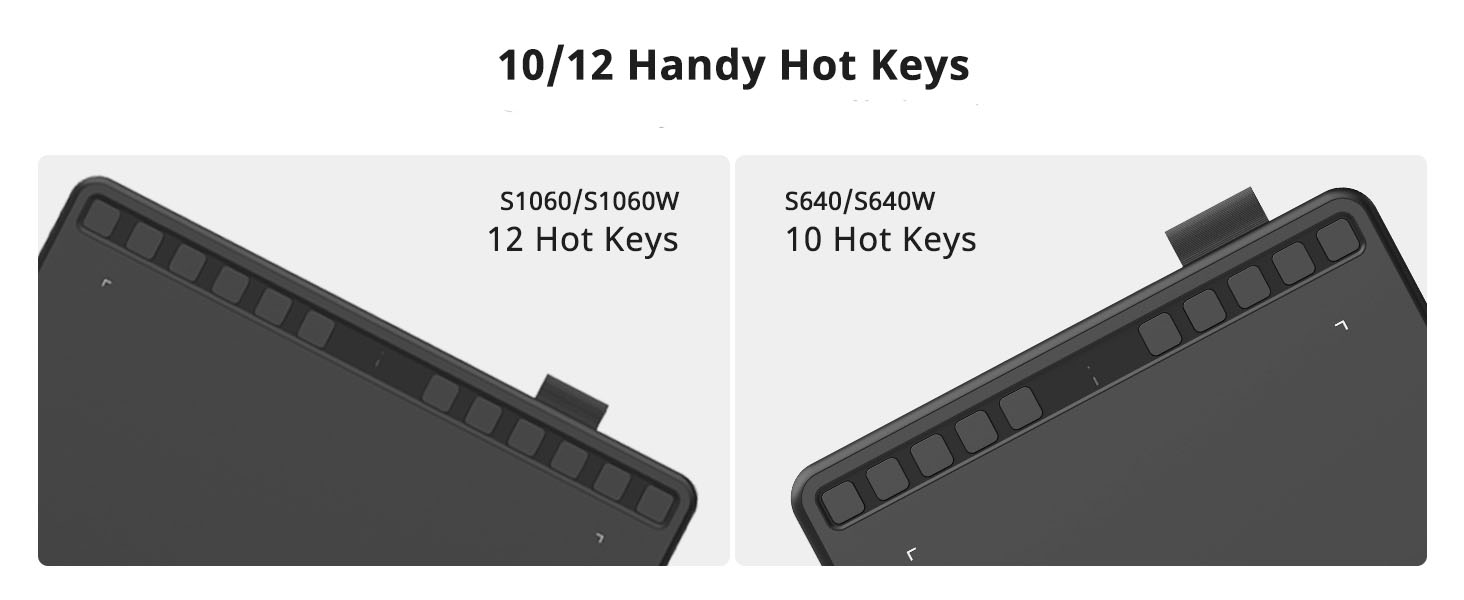
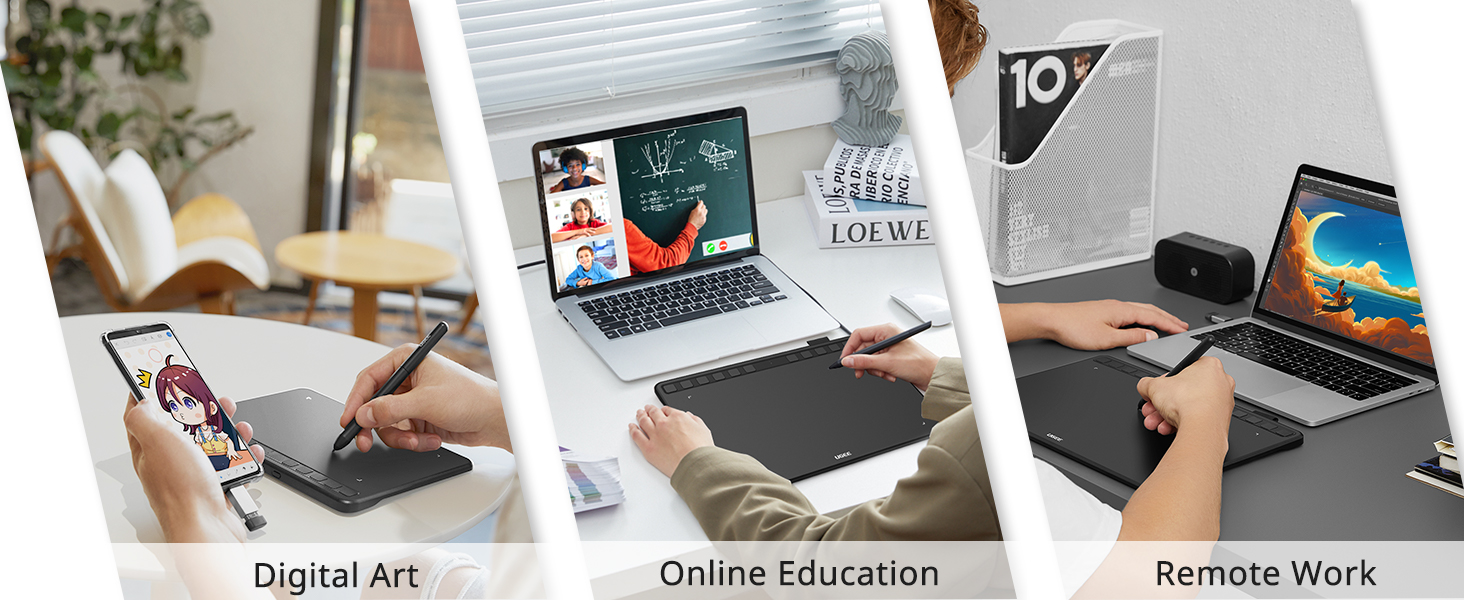
The UGEE S640 is a sleek, lightweight digital drawing tablet featuring 8192 levels of pressure sensitivity and 60° tilt function, equipped with 10 customizable express keys. Compatible across Mac, Windows, Linux, Chrome OS, and Android devices, it offers a natural paper-like texture for artists, students, and professionals seeking a versatile, eco-friendly creative tool.


| ASIN | B092VM5CVF |
| Best Sellers Rank | #108,805 in Arts, Crafts & Sewing ( See Top 100 in Arts, Crafts & Sewing ) #69 in Drawing Tables & Boards #159 in Computer Graphics Tablets |
| Customer Reviews | 4.4 4.4 out of 5 stars (5,309) |
| Date First Available | July 26, 2021 |
| Item Weight | 1.1 pounds |
| Item model number | S640 |
| Manufacturer | UGEE |
| Product Dimensions | 8.46 x 6.69 x 0.47 inches |
A**R
Drawing Tablet
Bought for my son. He loves using this drawing tablet. Works great!
A**Z
Still works great!
It does what it needs to do! It works amazing and feels really nice to write on. the pressure sensitivity works if u have the drives of course. I got this a while back but I think it was like not too expensive so I liked it. I know a lot of big name brand drawing tablets can be really high up there in price. I loved it. Still use it.
T**Y
Graphics Drawing Tablet
This has helped my grandson with his homeschooling homework
I**R
Perfect
Easy to work with, perfect product!
R**N
Shaken, not Broken Please.
This thing is pretty neat. I had fun with it for the 5 minutes I got to play with it before it would do whatever it wanted, with no regard for what I wanted to draw. I didn't even get to check out the buttons on the pad. Maybe someday I'll be able to find one that doesn't die so easily, but I doubt it. I doubt I can even get my money back. I'm starting to wonder JUST how much the postal people throw stuff around, because it seems like my packages either don't make it to me (after being told they were dropped off at the front door), or break shortly after I unwrap them. (2 of the items from this order have broke already). I sure hope people get their act together.
D**A
Driver Doesn't Work
The tablet itself works well enough, but I had issues with getting the driver to work. It's unfortunate because you need the driver to control pressure sensitivity and change what the buttons do.
A**N
Works Perfectly
Gift for my grandson anf he is loving the drawing tablet
A**M
Good for the price.
Works well for my usecase. Software is a bit buggy on Linux
T**T
Just install the app and follow the instructions, and it works perfectly. I tried it with Xournal++ and it handled everything smoothly. The pen pressure works great, and the buttons on top can be customized, but even without changing anything, it’s already excellent. I mainly use it for note-taking and it’s been amazing so far.
M**N
works very well, and there's so many customizable buttons i love it
S**N
This drawing pad is perfect, a bit om the small size but perfect for any artistic needs!
S**N
Oui,un bon article, parceque et éducatif
J**A
as someone new to digital this is a rlly good product to start with. i’ve had it for a few days and i think it’s easy to use and understand, the buttons(on the tablet and the pen) are actually more versatile and useful than i thought they would be as they help you access things you’d otherwise have to use your keyboard/mouse to do, and for it’s price the quality is very good. i’ve used a wacom once before and the quality is definitely different (and better tbh) and the overall feel is better, but i don’t think it’s fair to compare the two. this isn’t a wacom, you shouldn’t buy this expecting it to match the feel of when you’d use a wacom (or a more expensive tab). as i’ve only used a wacom once, i barely have room to properly compare the two, so i can easily say it’s an amazing tablet and it genuinely doesnt feel like im missing out on anything. if you do have something more expensive to compare it to, this is a fairly good one and completely worth the price, but probably won’t compare to and i’m guessing definitely won’t outshine it’s more expensive counterpart. it’s a good size and it’s portable, and it’s fairly easy to set up if you follow the instructions that come with it. everything you need to do is in the user manual, and when you go to download the ugee tablet app it’s a clean and easy experience. it has different options for different computers/desktops, i use a macbook air and everything i needed to download went smoothly and has been working great. i’ve seen a few people say the pen leaves scratches, and when i got mine i thought i had that problem as well- turns out i just didn’t peel off the protective layer lmao so make sure you do that. when it comes to the art i’m able to produce with this (i’m new to digital as i said) it’s easier to grasp than you’d think ( as someone who’s been doing traditional) it may take some getting used to to not look down at the tablet as you draw, and rather your computer screen, but once you do it’s fun to use. it’s like using a new medium so don’t be too hard on yourself. as long as you have the knowledge and skill you should be fine. it’ll just take some getting used to. the pen isn’t glitchy, and you’ll be able to achieve smooth lines with it (they get smoother when you adjust the stabilizer on whatever app you’re using) lastly, in my experience so far, i haven’t had to apply any extra pressure to get the pen to work. the normal amount of pressure you’d use for a pencil or pen should be fine for this as well.
Trustpilot
3 weeks ago
4 days ago