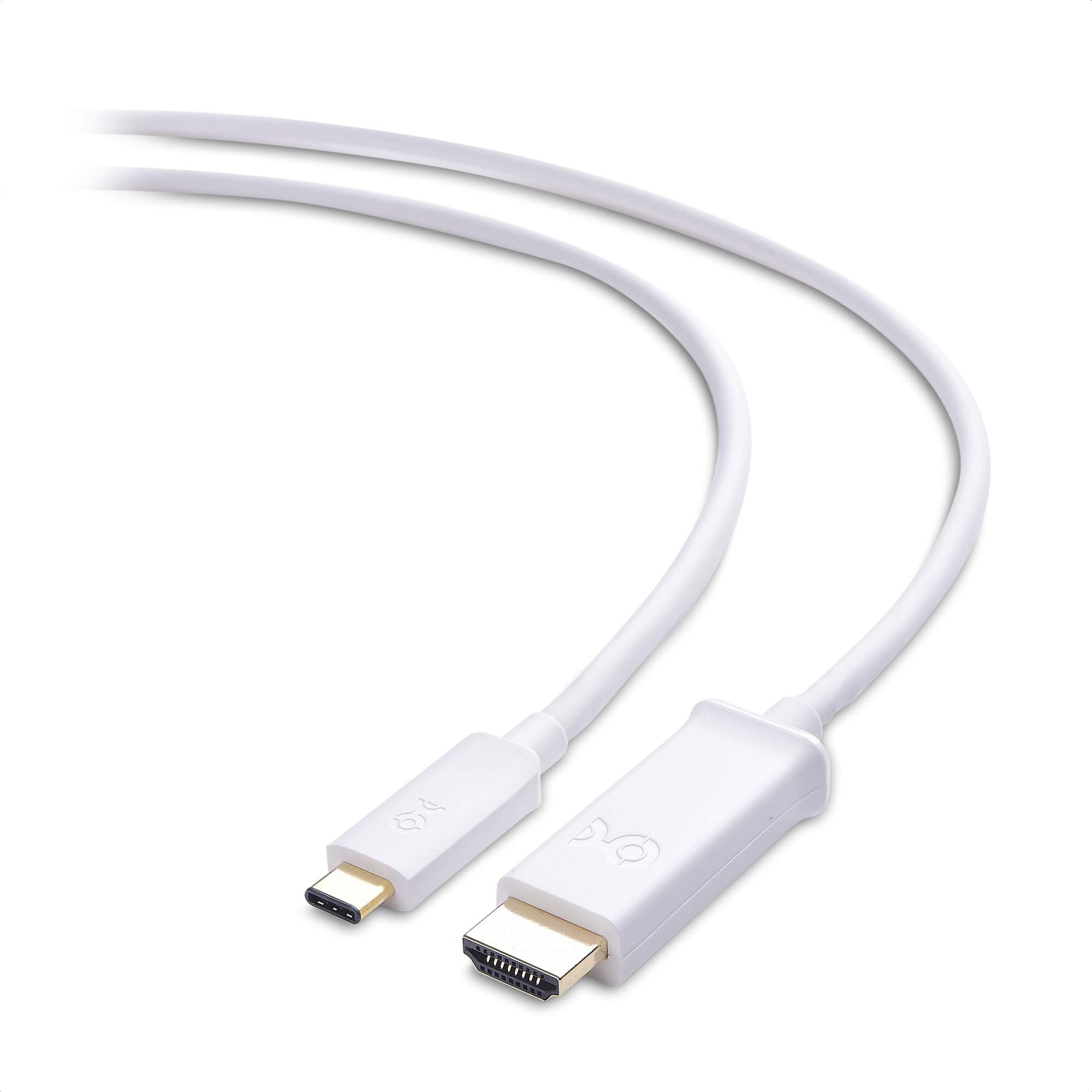
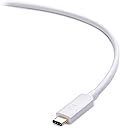

Cable MattersShort USB C to HDMI Cable, Supporting 4K 60Hz (USB-C to HDMI Cable) in White 3.3 ft - Thunderbolt 4/USB4 Compatible with iPhone 16/15 Pro Max Plus, MacBook Pro, Dell XPS 13, Surface Pro
Product ID: 54340109
Desertcart purchases this item on your behalf and handles shipping, customs, and support to Taiwan.
Cable MattersShort USB C to HDMI Cable, Supporting 4K 60Hz (USB-C to HDMI Cable) in White 3.3 ft - Thunderbolt 4/USB4 Compatible with iPhone 16/15 Pro Max Plus, MacBook Pro, Dell XPS 13, Surface Pro
L**A
Mac Users - this will drive your 4k tv/monitor @ 60Hz!!!
Don't hesitate! Buy!I bought this to get my 2017 MBP connected directly to 40" 4K TV from Samsung to use it as a computer monitor to replace my dual 1080P setup. I Fair warning I don't play games so 60HZ is sufficient for productivity sake. Emailing, data analysis, and creative work. It does allow you to drive 4K resolution @ 60HZ - as advertised. However, if you are Mac user, you will ned to do a few tweaks. Google: patch to enable 60HZ on MacBook Pro you will find a how to from 9to5mac. read through details, for the latest version of macOS you will need to get most current version of a patch. This is just recommendation, please proceed only at your own risk.
C**S
Works with my 2016 MacBook Pro and Samsung 65” 4K TV (UN65NU800D)!
Plugged it in and it went to 30Hz automatically. To get to 60Hz it took me a while to figure out how to get it to work with my Samsung TV. Requires first going into the Settings menus in the Samsung TV and turning on the HDMI UHD color option. This allows 60Hz. Restarted my MacBook + the TV. Then you have to go into MacOS display preferences, hold the option key while clicking on “Scaled”, click the “Low Resolution” check box which allows you to select refresh rate, then click 60Hz.
A**N
Delivers as expected and no dongles were needed to drive two 4k displays at 60hz off my 2018 MBP
I originally had many issues getting both displays to run at 60hz. In the end, it seemed that one of the cables was bad and would only drive 4k at 30hz no matter what I did. This was unfortunate because I was outside of the return window so I just ate it.Fast forward a few weeks and I was having other issues with the Macbook itself. Turns out I had a faulty power supply and was not getting the full 80w that it was supposed to deliver. Apple replaced it and this magically fixed the refresh rate issue. I was shocked. I will say though, the seller reached out to me and offered to replace the cable despite the return window being closed. So good on you guys, however, I will not need a replacement at this point.To anyone out there with a 2018 MBP, just know that it will not deliver 60hz at 4k if you're not on the appropriate PSU, regardless of the cable or dongle you're running (Displayport vs HDMI 2.0). So if you're having issues, start there, especially if you're powering the Mac off some alternative method.
R**R
Perfect Picture
I ordered this cable to connect my Samsung Galaxy S9+ to the HDMI port on my mother-in-laws television when we visit her. The cable works perfectly and is allowing me viewing access to all of my various streaming video services from my phone onto her television while visiting.
S**N
Finally, a true Working USB C to HDMI Cable
I've brought a off brand C to HDMI cable with audio issues (normal audio playback with mil sec pause/cut). End up brought this cable from Cable Matters to replace it, and working perfectly! I don't notice any latency on both graphic nor audio. The cable O.D is smaller than my old cable, and the jacket material feel flexible. No driver require just Plug & Play. Look no where for C to HDMI, this is the cable you want!
A**R
Works with Surface Pro 7 and Surface Dock 2!
I went through several USB-C to HDMI 2.0 cables. All of which had unreliable connections, which I found out was a common issue with the surface docks, i.e., the surface device detects the external monitors, but monitor receives no signal, or the surface screen turning on/off as if trying to connect to an external monitor.After days of research, the commonality I found in the cables people used with no issues are gold plated. Coincidence? I'm not sure. I've replaced my surface tablet, my surface dock 2, but the issues still persisted. Changed the cables, bam...everything works seamlessly and as intended.Right now my setup includes two external monitors connected DIRECTLY to the surface dock 2, and all I do to turn my 12.3" tablet into a desktop workstation is to merely connecting my surface pro 7 to the dock. Which is the entire purpose of paying $250 for the dam dock.Before using Cable Matters USB C to HDMI Cable (USB-C to HDMI Cable) Supporting 4K 60Hz, the only way for my to use two external monitors was to connect 1 monitor to the dock and the other directly to the surface pro 7's usb-c connection.PS: I updated all systems Softwares, even spent countless hours on the phone with Microsoft product support to make sure everything was in order, and was even told by them to exchange them since they were recently purchased. In hindsight, the returned products were probably not defective.
K**O
Very Happy With These Cables!!
I ordered USB-C to HDMI cables for our office - our new Dell laptops have Thunderbolt/USB-C ports only. We tried non-Dell docking stations for the HDMI monitor and USB 2/3 device connections. The docking station cable plugs didn't fit snugly into the USB-C port or USB devices like a Logitech Unifying Receiver didn't work. We ended up ordering bluetooth keyboard/mouse combos for all of the new PCs for about $95 per User. With these cables, the standard user desktop config cost about $115 per User. The cables were a great alternative for Users who only needed an HDMI connection for an external monitor. In comparison, I ordered Dell docking stations at $135 each for the secure PCs that require wired Ethernet - the "secure" Users also received the bluetooth keyboard/mouse combo for the office and one of these cables for their "work at home" days.
E**.
Fragile? But great customer service
I originally rated this cable a 1 star, because after accidentally bumping it while moving around some equipment it broke on me. That was my fault, but honestly the cable should have been more solidly built to not break so easily.Cable Matters reached out and offered to replace it, even though the damage was my fault. They sent me a new cable at no charge, and didn't even make me send back the original (I had already thrown it out).The new cable arrived and it is currently in use and working. We will see if, over the long haul, it holds up or not. I still question wether or not they are built solidly enough. We will see. Upping my rating to 4 stars for the time-being.
T**Y
Worked for a few days before issues started
The first 3 days the cable did as advertised.My Macbook Pro 16" was displaying on an LG 4k monitor at 2560x1440 @ 60Hz.Sometimes when the laptop is woken from sleep, the external display would show a darkened image of everything, requiring unplugging and replugging the cable back in.Soon however, as someone has said before, the display would not wake from when the laptop would sleep.Now a week later, the cable is unable to drive 60Hz any more.Tried all available ports and it just wouldn't kick it up to 60Hz.Not sure if it's a quality issue - the packaging it came in was fairly low cheap - but I will not be buying from Cable Matters in the future.
M**H
signal looses after sleep!
so I bought this cable for my MBP 15, It was working amazing until I tried to wake the laptop up and the signal was not being detected after wake up, so you have to unplug and replug.The build quality is really good for the price, but if you will keep the laptop connected to your monitor for a long time to use, even after sleep and wake up, it will not find a signal unless you unplug and replug.mine could be defective, not sure, let me know if you are having the same problem :) (by the way I tried with different monitors/TV)UPDATE!: received a replacement in just 3 days, works perfectly fine!
A**R
Type C to TV HDMI Easily
I purchased this product to connect my Huawei phone directly to my TV at the cottage. It works perfectly. I also connect my Huawei phone directly into the home projector to view movies on the wall. The price point is excellent too.
T**Y
Works ok but video quality sucks. would not recommend.
I purchased this months ago and forgot to review.I was using it to hook up my surface book 2 to my TV to watch Netflix because it doesn't have an HDMI port.It works but will flash black and then back to video every couple of minutes. Also, the video quality is very bad, looks like 360p or less which is significantly less than advertised 4K. Also the colours are more faded and bland.
M**K
Works as advertised
Bought this to use our projector with our phone. works great overall. the screen size on the projector is smaller due to the aspect ratio of the phone, but still works good. doesn't work with a nintendo switch because i believe you have to hook it up to the doc itself.
Trustpilot
2 months ago
2 weeks ago