🚀 Upgrade your connection, upgrade your status.
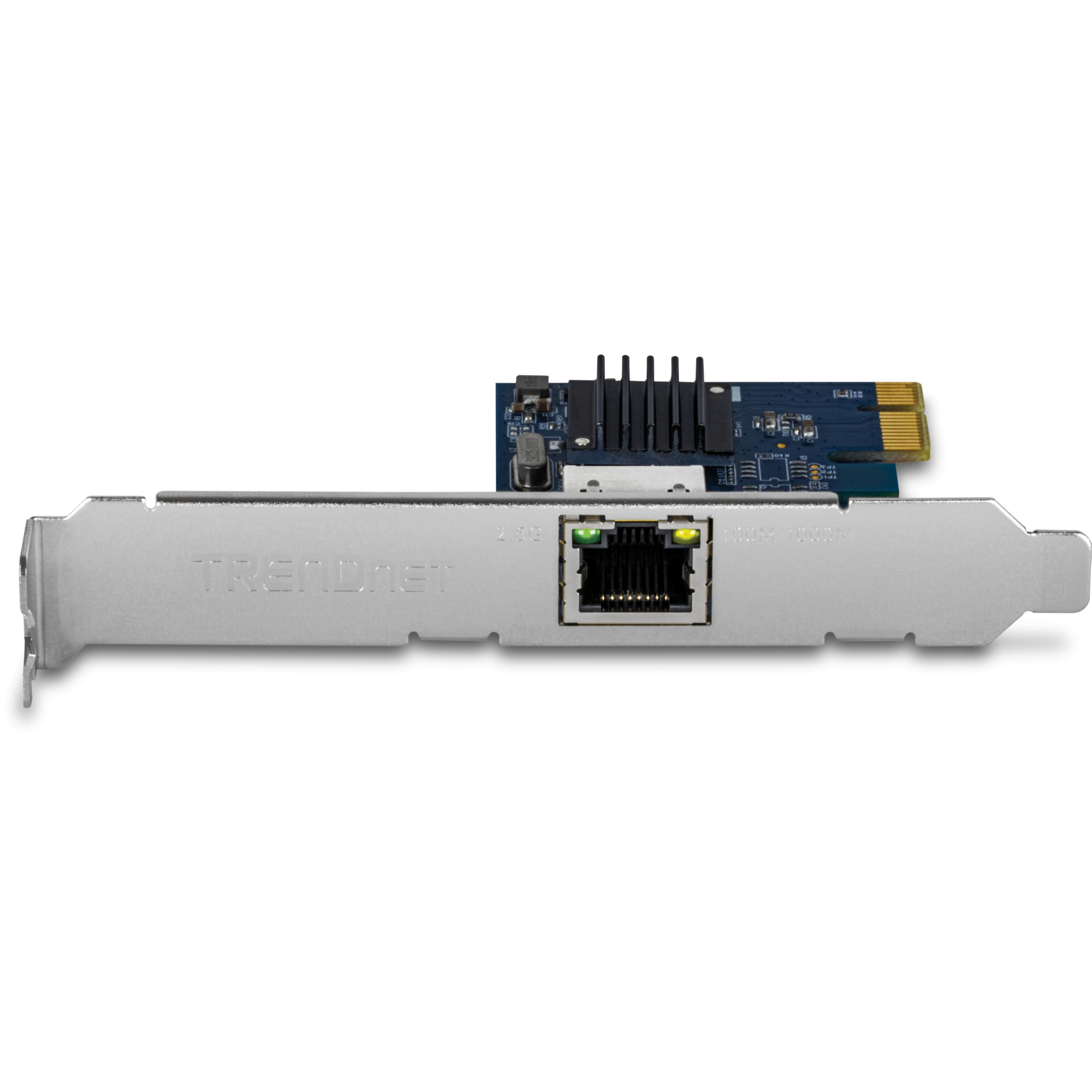
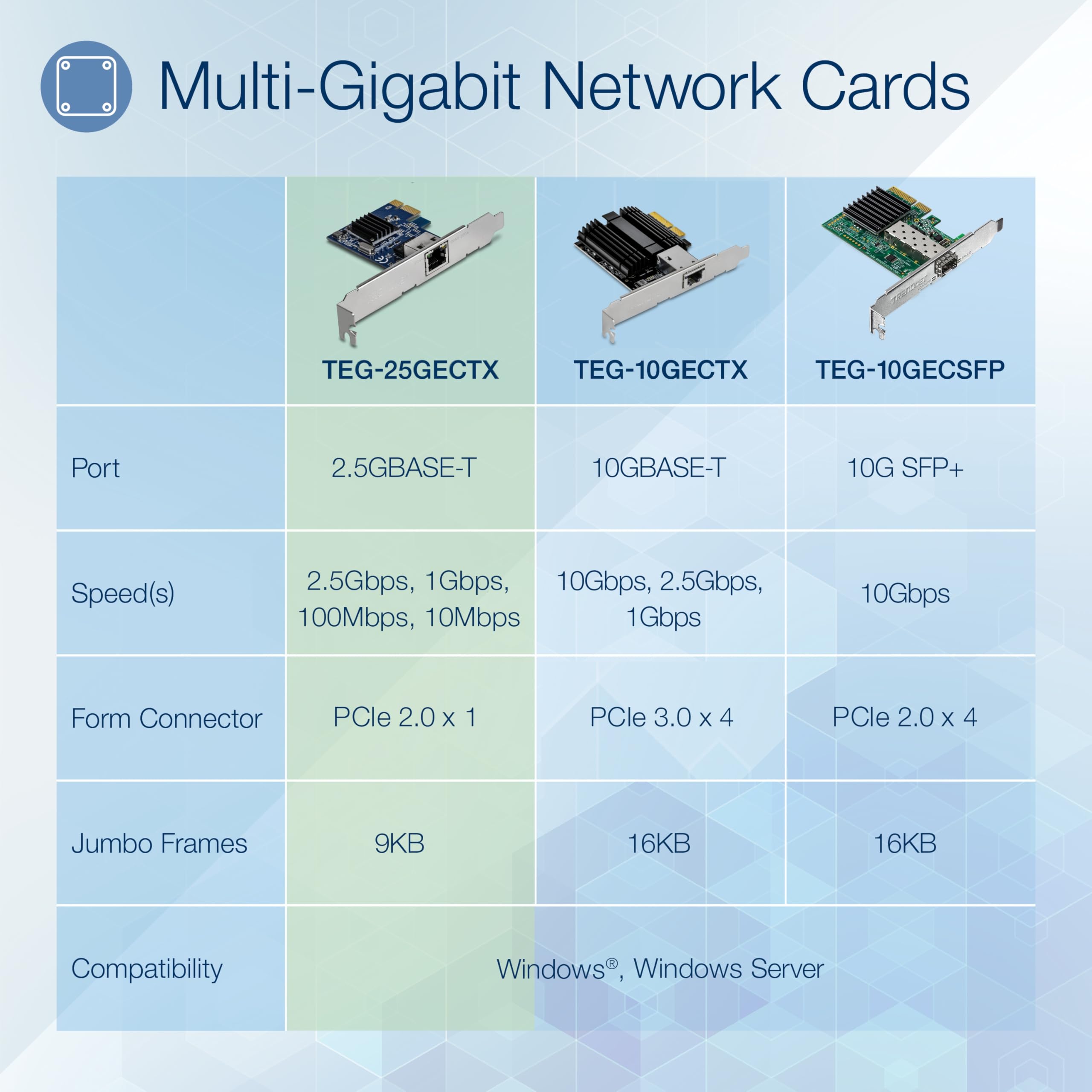
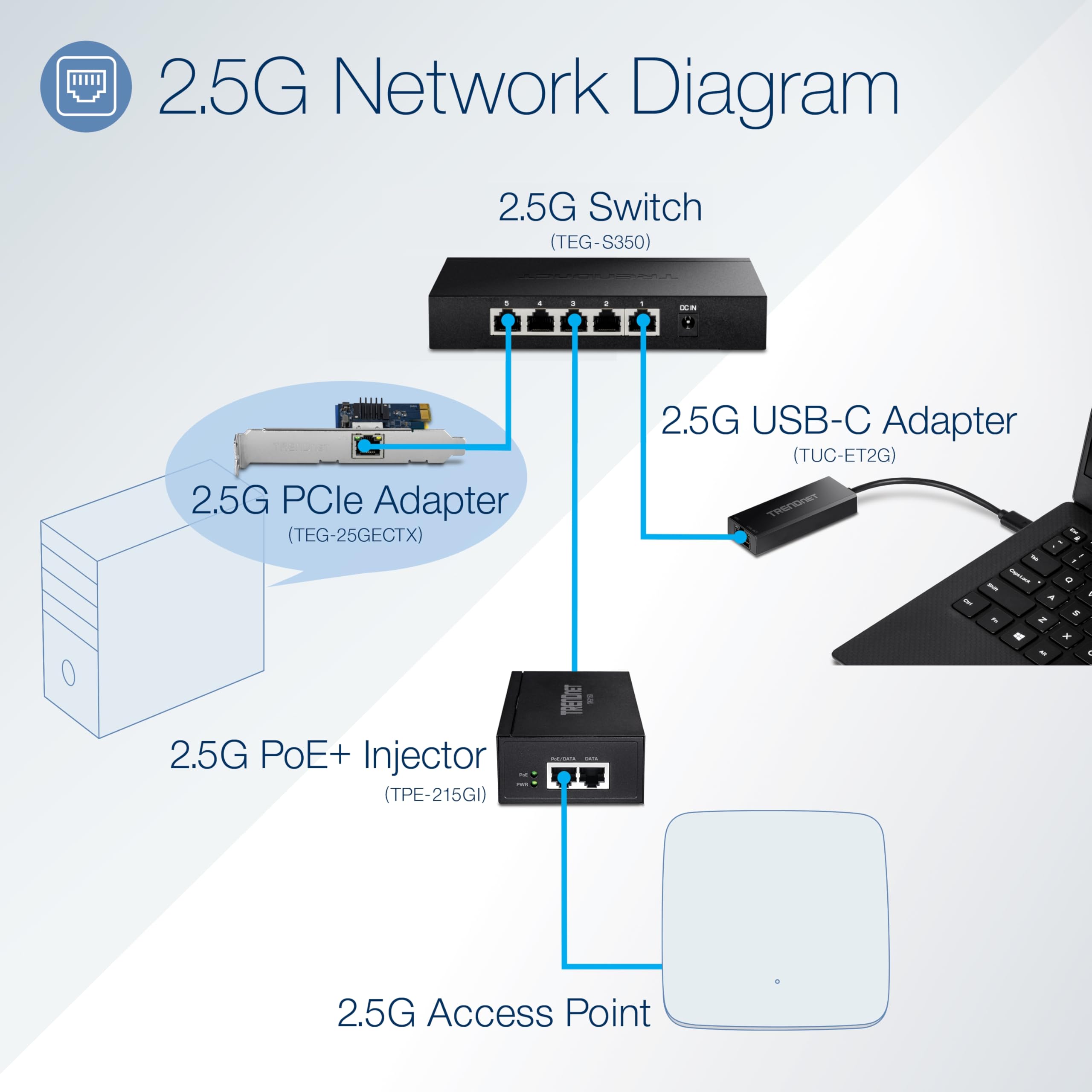
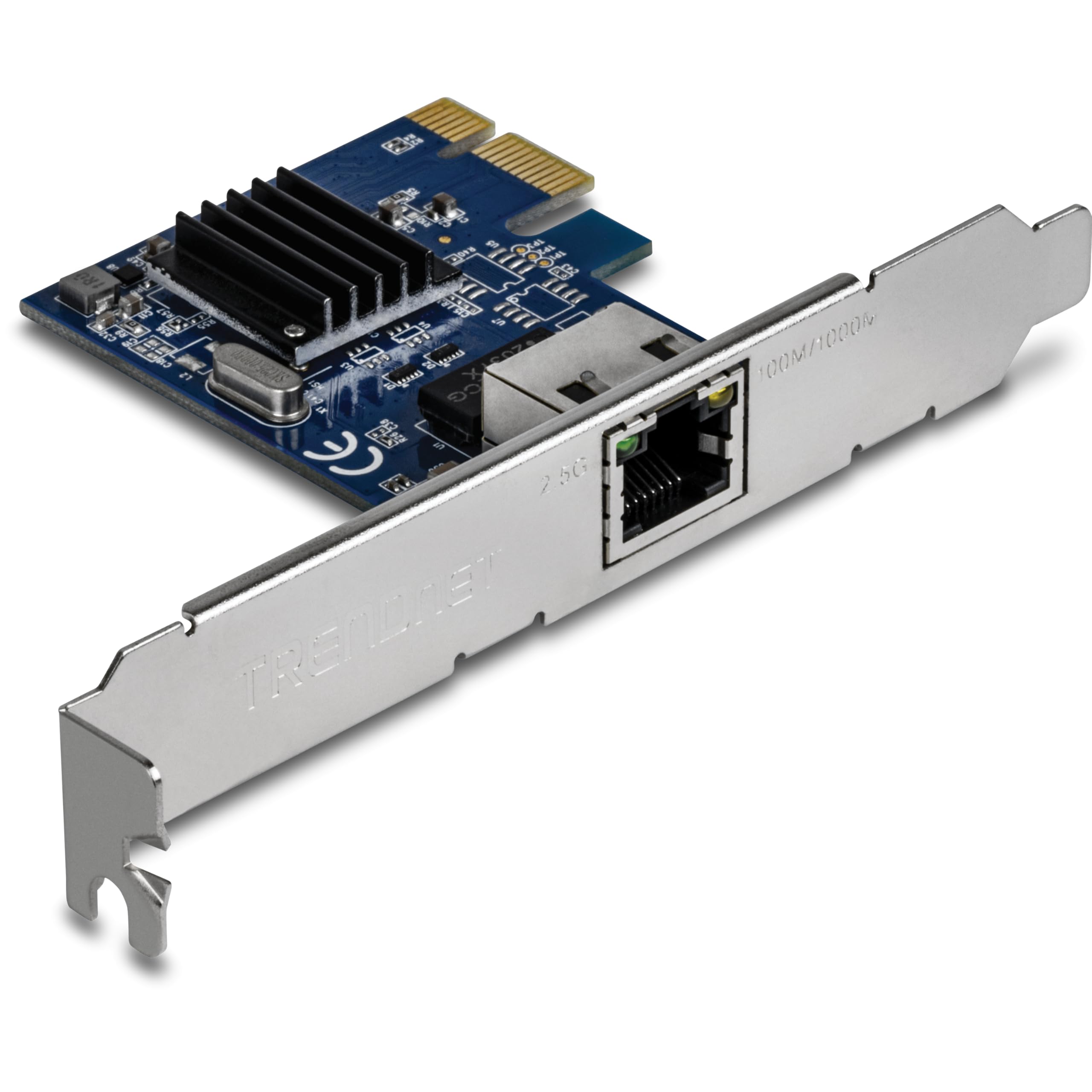
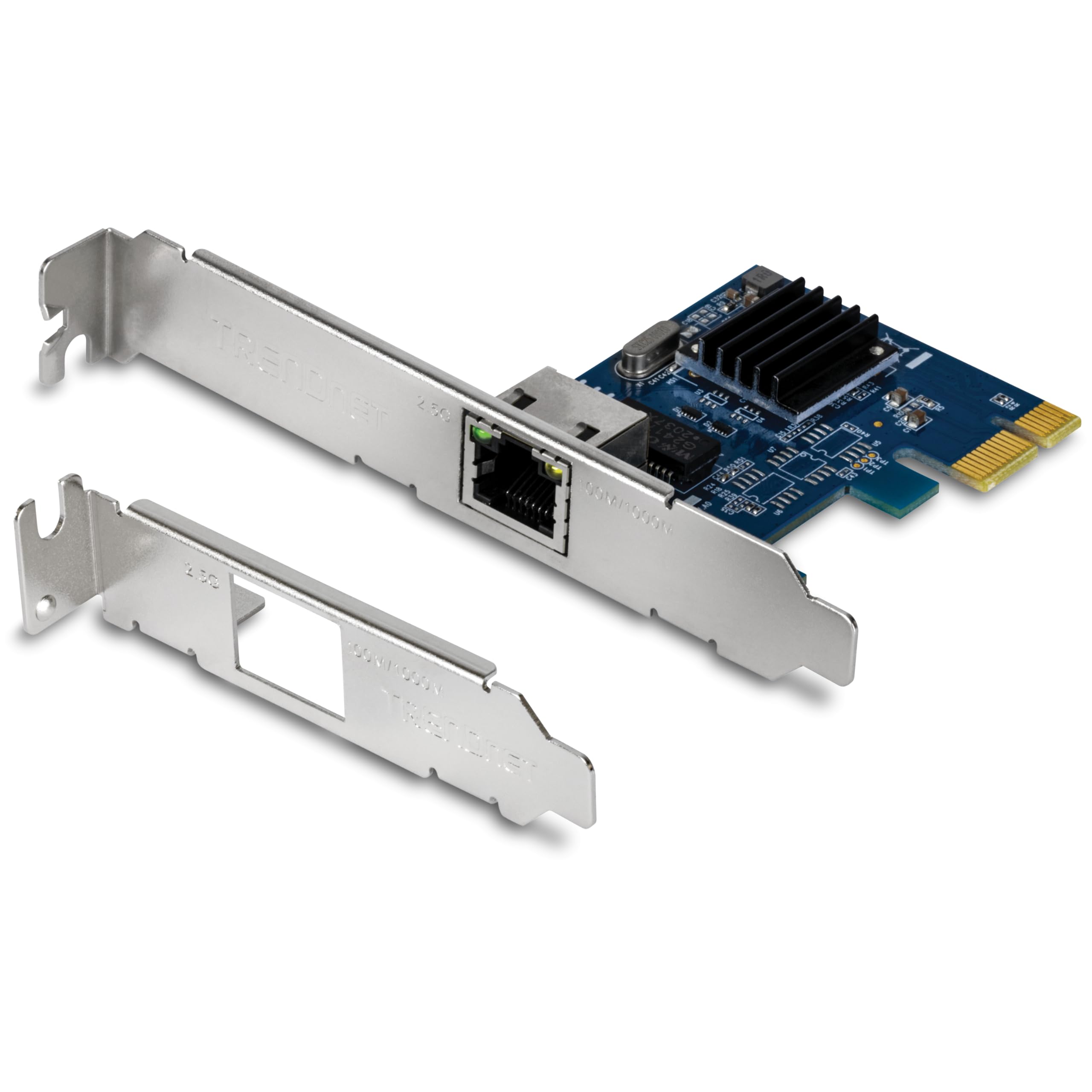
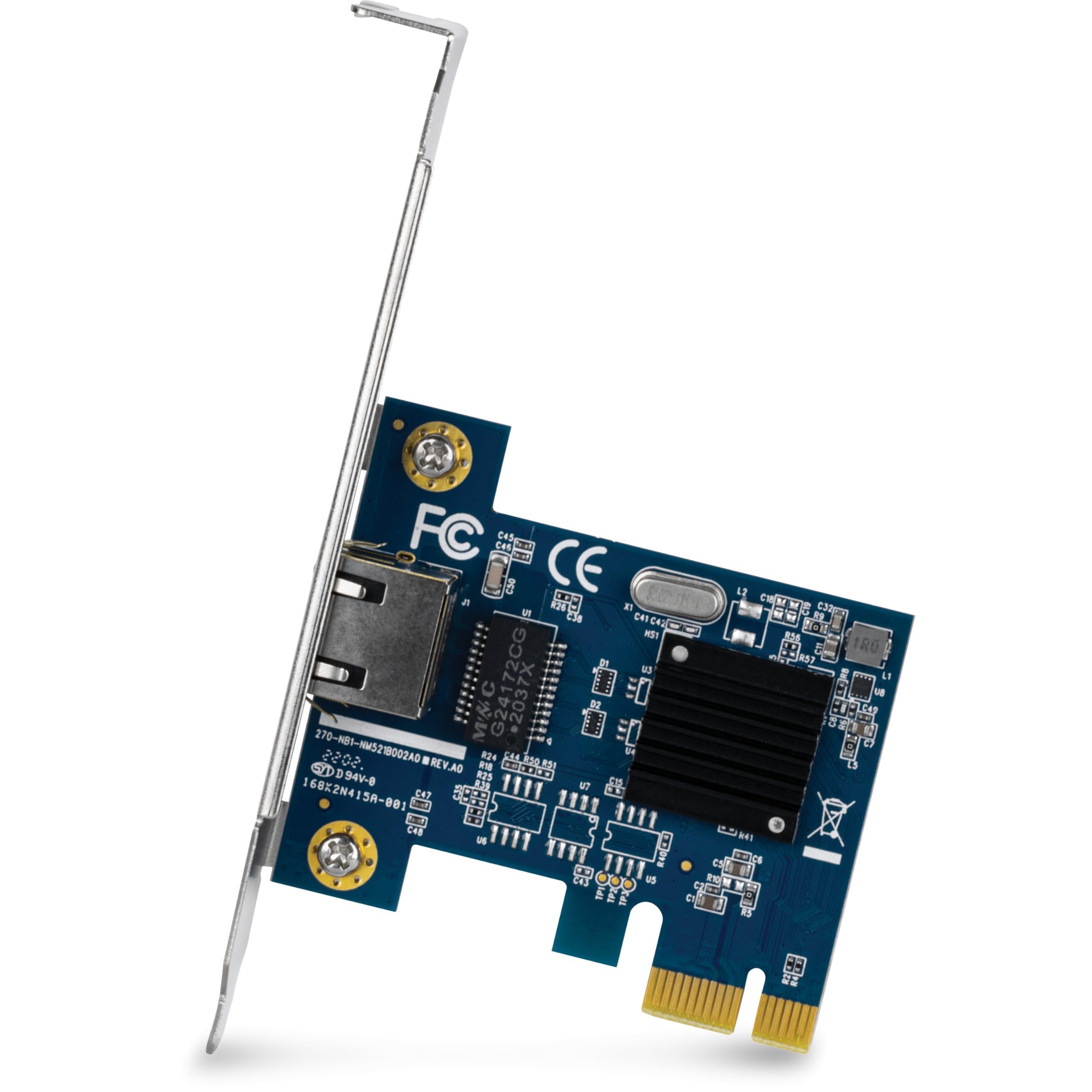
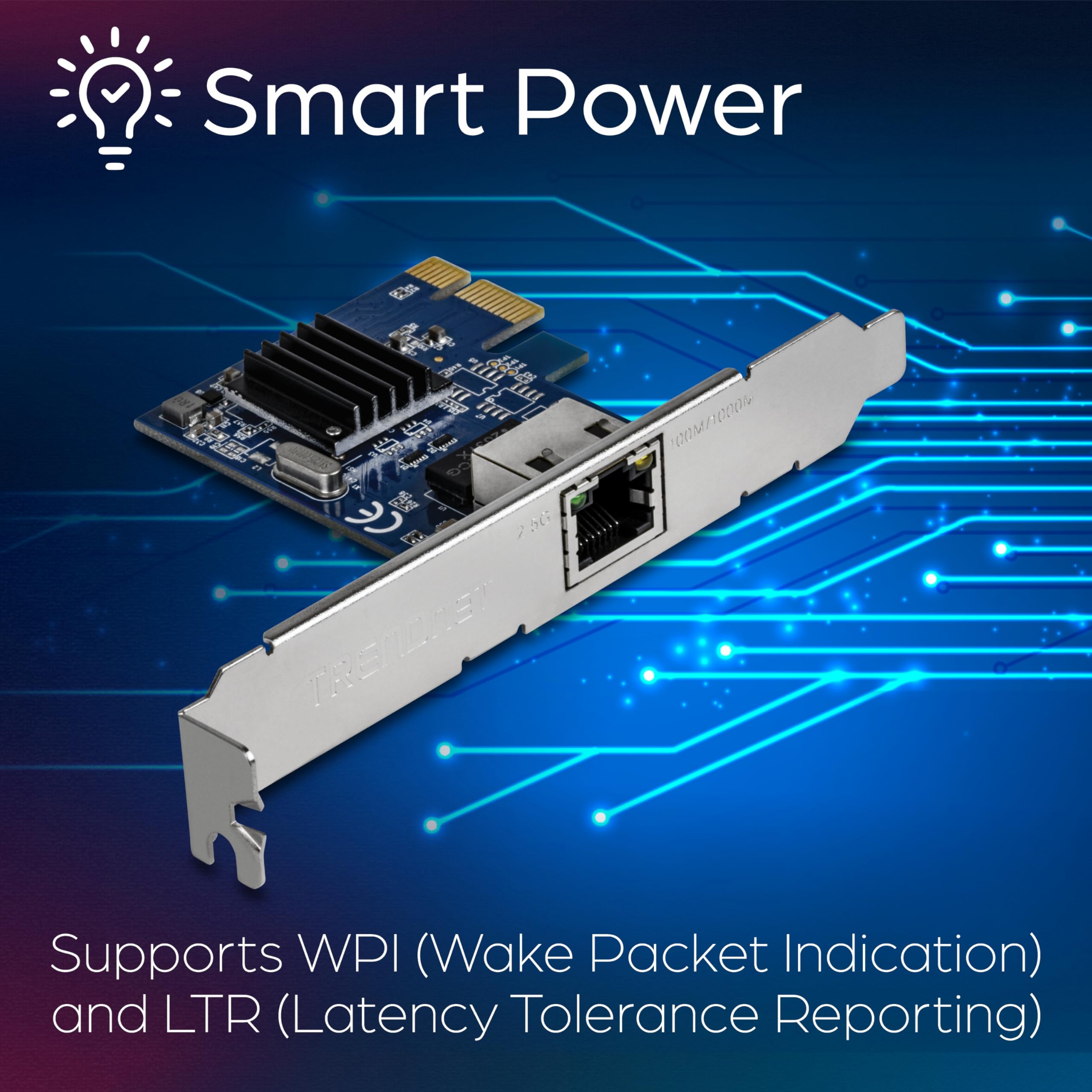
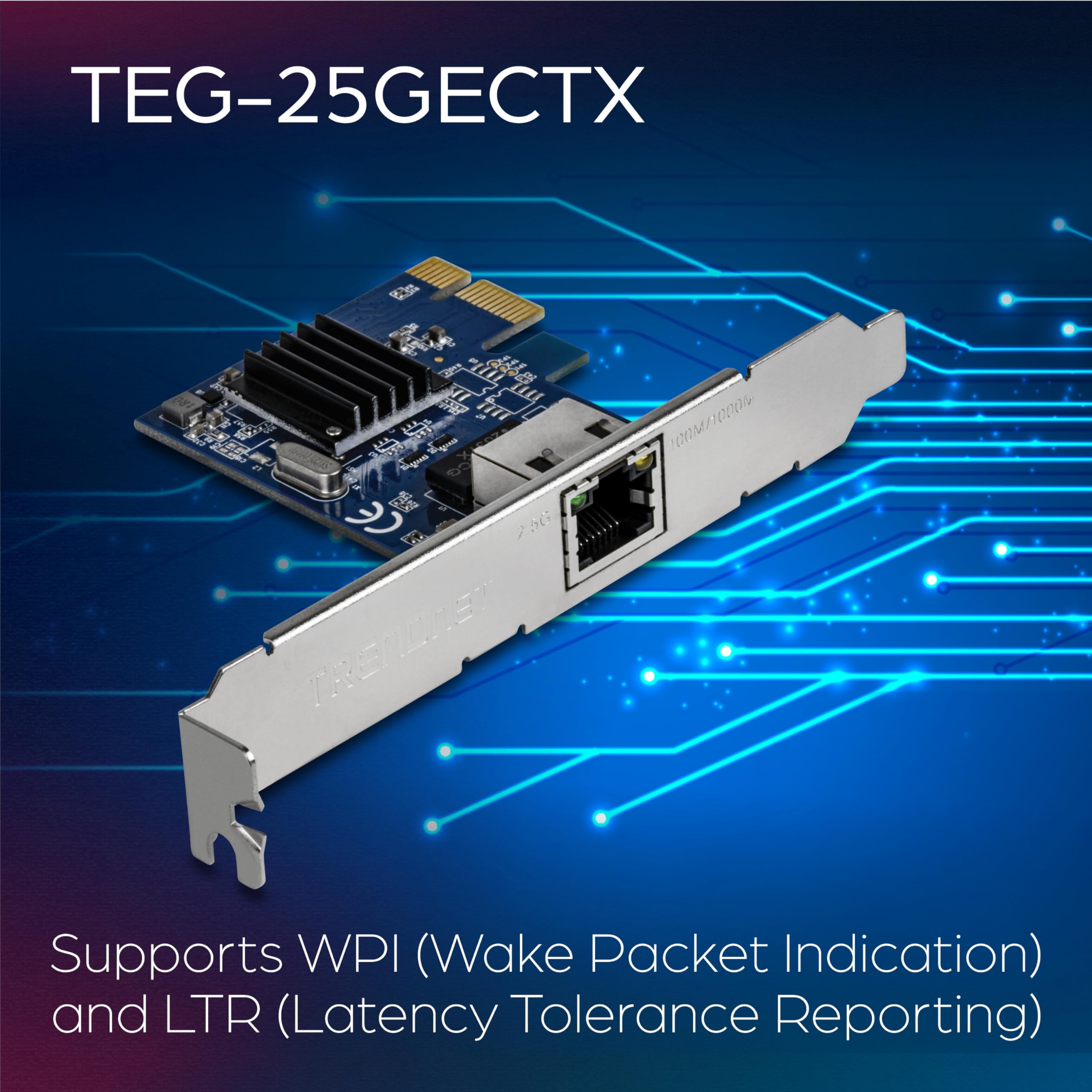
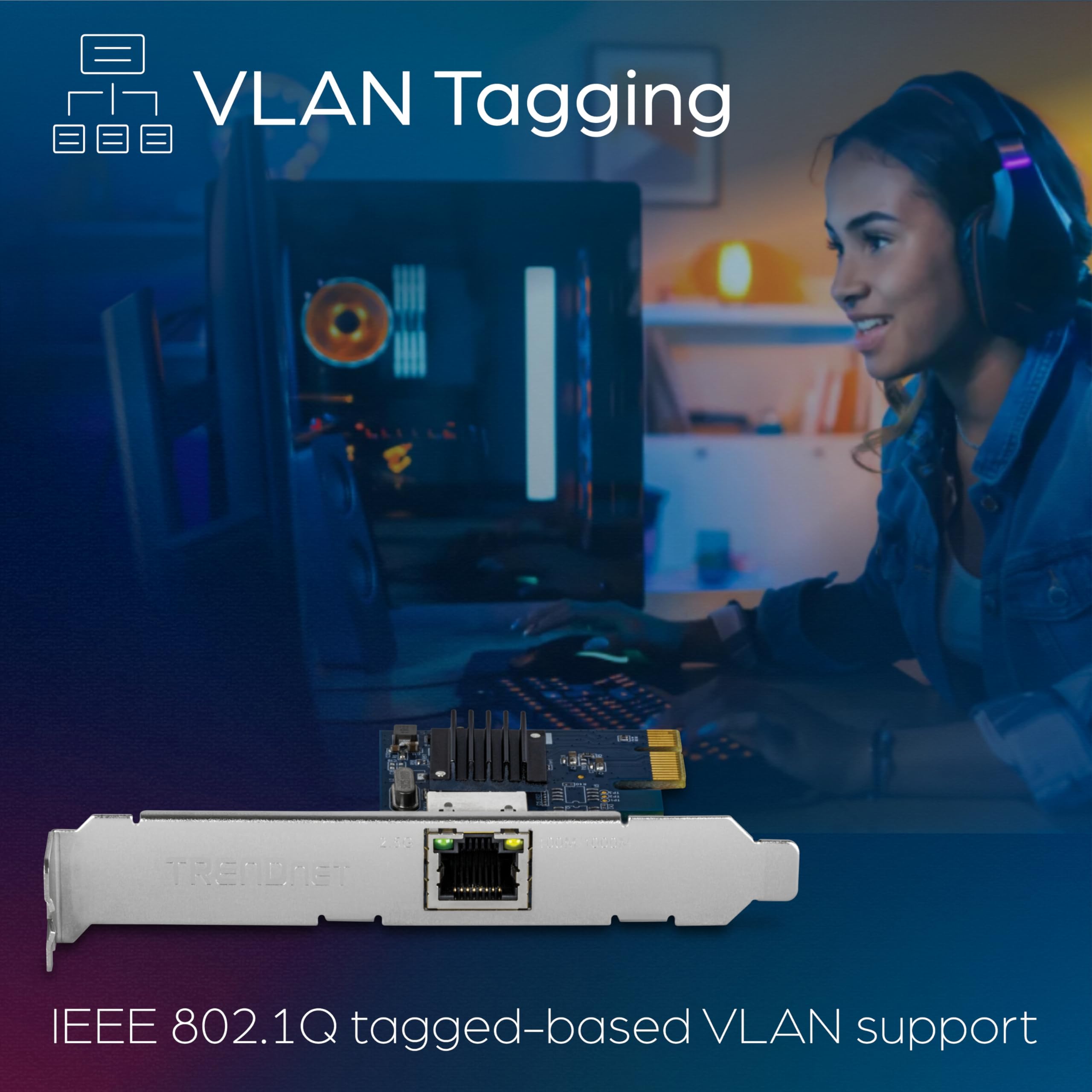
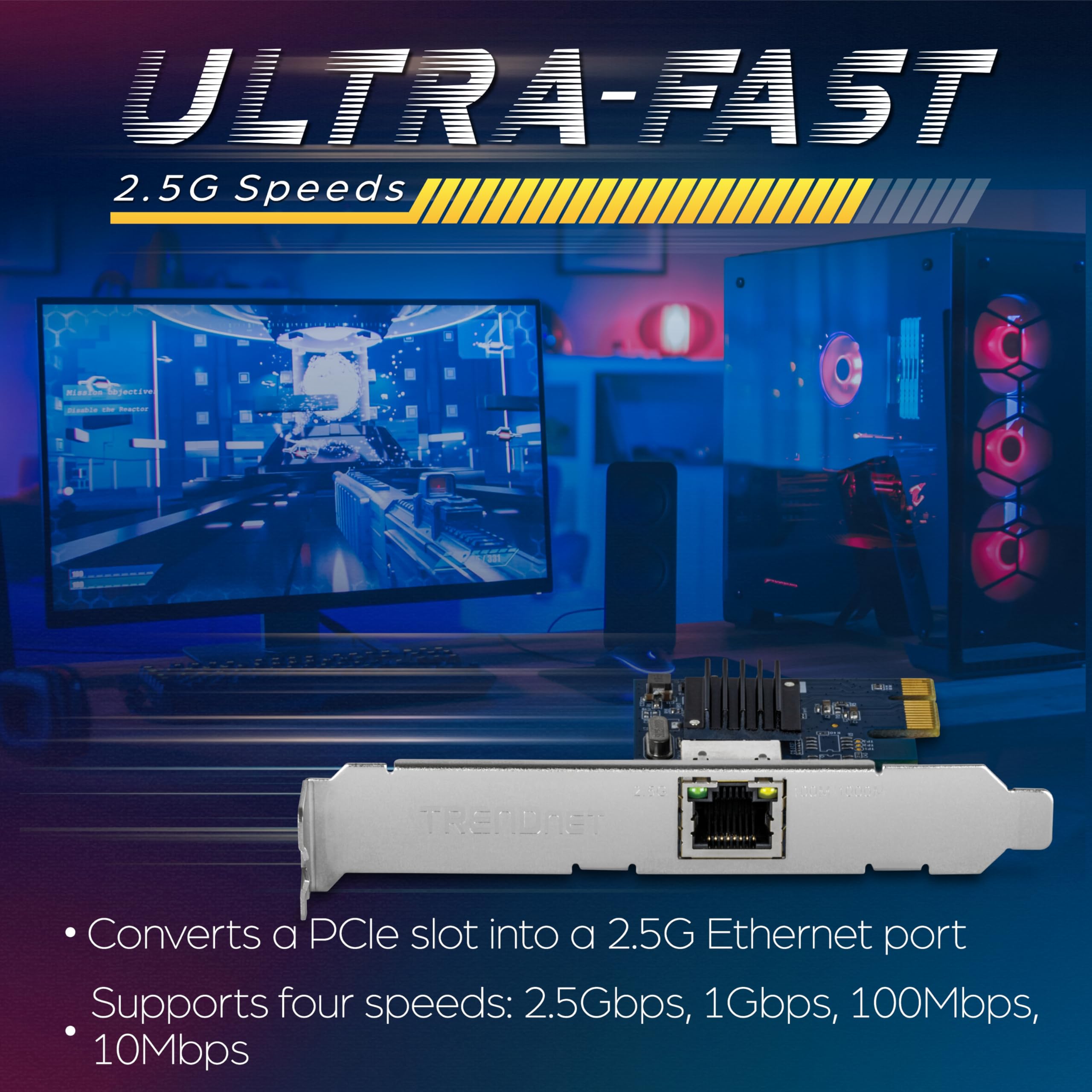
The TRENDnet TEG-25GECTX is a high-performance 2.5GBASE-T PCIe network adapter designed for professionals seeking ultra-fast, reliable Ethernet connectivity. Supporting speeds up to 2.5Gbps over standard Cat5e cables, it features jumbo frame and VLAN tagging for enhanced network efficiency. NDAA and TAA compliance make it ideal for government and enterprise environments. Backed by 3 years of manufacturer protection and versatile bracket options, this adapter future-proofs your desktop with PCIe 3.0 compatibility and robust tech support.


| ASIN | B07SNQ2NQ1 |
| Batteries | 1 A batteries required. |
| Best Sellers Rank | #30 in Internal Computer Networking Cards |
| Customer Reviews | 4.4 4.4 out of 5 stars (980) |
| Date First Available | May 31, 2019 |
| Is Discontinued By Manufacturer | No |
| Item Weight | 1.48 ounces |
| Item model number | TEG-25GECTX |
| Manufacturer | TRENDnet |
| Product Dimensions | 3.3 x 2.5 x 0.7 inches |
J**L
Essential to future proofing your system
I recently upgraded the network at my home. I ended up wiring all rooms to Cat8, and installed a Wifi 7 Mesh based on 2 Eero 7 Max routers. I know what people say: it's too fast, I'll never need it, etc. However, if I'm spending days in the attic pulling and fishing network cables all over the house, I'm going to install the latest standard wiring. This way, I don't have to worry about it again, probably for decades. This card was the second to last item that needed upgrading my entire network: my PC connection. The existing port maxed at 1GB. This card was the 4th card I purchased from Amazon, by the way. And it was the best outcome. 1st try was a much cheaper alternative. It supported 10/2.5/1gb speeds on paper. However, it started having temperature issues. The card would get so hot, it would start dropping the connection. I was worried about fire hazards as well. 2nd try was a more expensive alternative (the entire card was covered with a nice shiny red heatsink!). However, it only supported 10/1gb. Max 7 has 2.5gb ports as well. Why settle for slower? 3rd try was a generic card running on Intel chipset. It was advertised as 10/2.5/1, however, in reality, it was only 1000/100mb. The speed tests were obvious. My suggestion: go with this card. Excellent component overall. Here's a little review: 1. Good temperature distribution, heatsink is pretty large, and effective. 2. The drivers are available on the manufacturer's website. You don't need to keep searching into the depths of internet, like some intel models. 3. This card utilizes PCI Express 3.0. If you look at the market, overwhelming majority of cards are designed for 2.0 architecture. Being able to utilize 3.0 is an advantage. 4. Jumbo frames: I'm not big on this topic. If you are using NAS or Outbound VPN, I can see the advantage. My current router does not support it anyhow, but I checked the options, you can change the driver settings and utilize 16kb frames if that's what you'd like. 5. Price range.. Excellent hardware for this price point. 6. High and low profile brackets for different cases (not very useful, but thoughtful) Overall... The card works. I can get 1gb/2.5gb/10gb. The speed test result is attached for 2.5gb. I'll update the post once I receive the 10gb switch. PS: Little known issue with 10gb ports on routers and switches... Most hardware today, come with 2 ports that can support 10gb. Sounds great, right? However, the practice is a little bit different. Port 1, is used for input (from your modem) (in my case, my ISP, who can provide 8gb fiber input, so it's a must). Port 2, is used to connect your 2nd router for mesh purposes (this way, you have a 10gb backhaul, assuming you have the necessary wiring). Guess what? No port left for the PC or any other hardware. Therefore, until I buy a 10gb switch, and route the mesh through the switch, I won't be able to test 10gb on the PC. Seeing how this card handled 2.5gb, I have no reservations, I'm sure the card will outperform as I came to expect.
J**.
Great performance
Quick installation, good fitment performance is as advertised. Throughput speeds close to 2.5gbs. Paired with 2.5 gb trendnet switch. The nic runs well on 1gb switch as well.
M**C
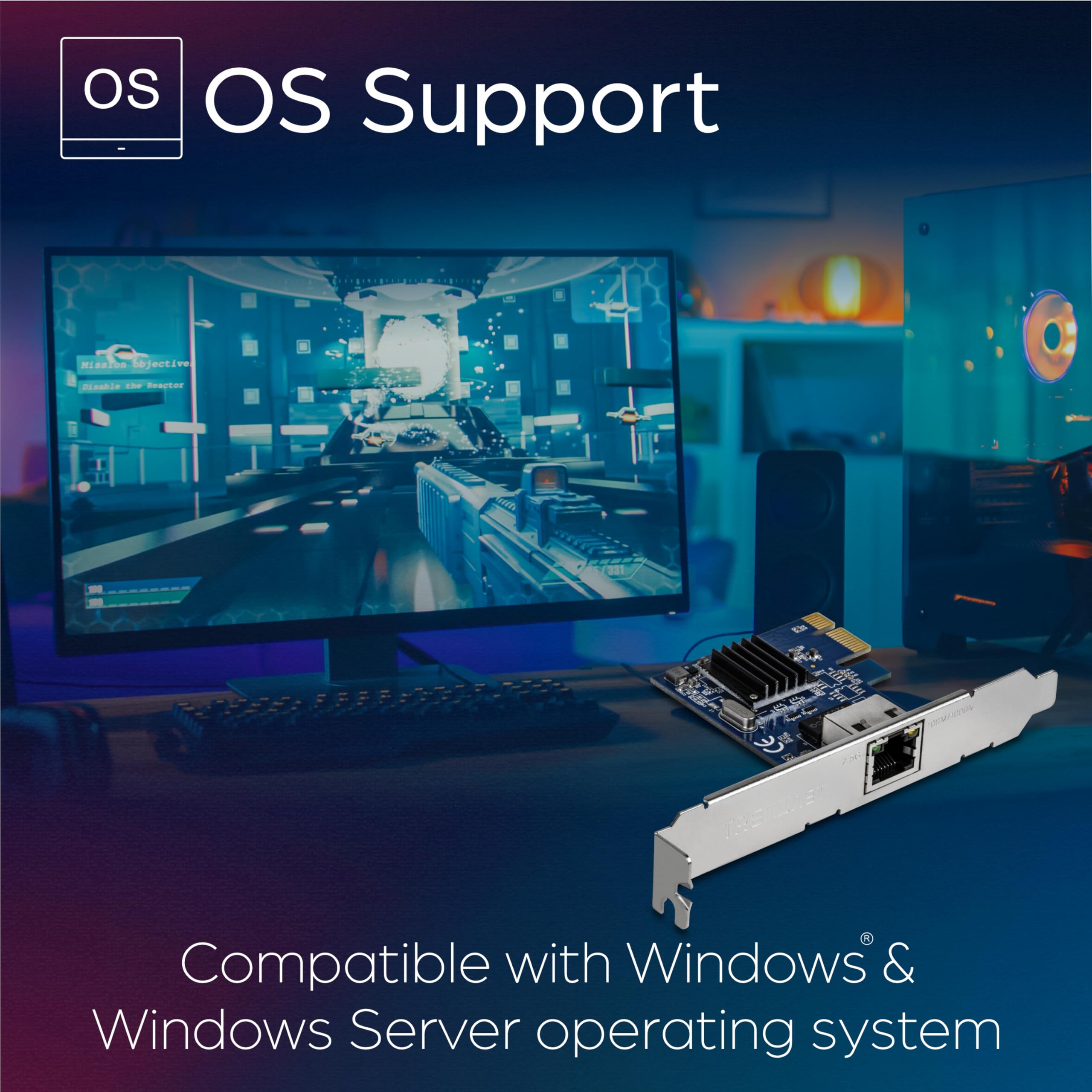
It works like a champ with Windows 11, Unlike the Intel X540 chipset.
I first bought an Intel X540 NIC for my Windows 11 PC. I was able to manually install drivers (which required research), but no matter how much I messed with the NIC settings, I was never able to achieve speeds higher than 3.3Gbps despite many sellers claiming it works (it works flawlessly with Linux, though). I am happy to report, however, that the Trendnet TEG-10GECTX works perfectly with Windows 11. It came with a driver disc, but since I don't have a CD ROM drive I just went to their website and downloaded the drivers. It's a great addition to my homelab, and I'm now able to enjoy my 5Gbps speeds. Would recommend.
R**N
Bought for a Zima Blade, works
Had to remove the high profile support bracket. Plugged it in, connected to my 10Gbe switch, also connected up the Gbe port. Logged on over the Gbe connection - assigned a static IP to the 10Gbe port ( ZimaOS even listed it as 10). Pulled the Gbe and connected over the 10Gbe. Worked fine. Ran Iperf3 to my NAS over the 10Gbe and got: [ ID] Interval Transfer Bitrate Retr [ 5] 0.00-10.00 sec 9.41 GBytes 8.08 Gbits/sec 49 sender [ 5] 0.00-10.00 sec 9.40 GBytes 8.08 Gbits/sec receiver Don't like the Retr number, we'll keep in testing and see what happens So for now it's a solid 4.5 - 4.7 ( I almost never give 5s things can always be improved) Shipping ( not under their control mostly) product box creased on one side, the shipping box and all the rest of the shipment was fine. Card fine as review shows.
C**T
Stable Drivers on Linux Host, Attains Rated Speed
Plug-and-play on my old linux server with pcie 2 slots. Paired with a couple trendnet TEG-GB10SR sfp+ modules and a trendnet 10G switch, iperf is reporting appropriate speeds. WOL works as expected. A very nice upgrade to keep my old hardware relevant. I can't speak to longevity, but temps have remained ~50C which is fine by me.
A**W
Worked out of the box on Linux with atlantic kernel module. Works with any SFP+.
T**S
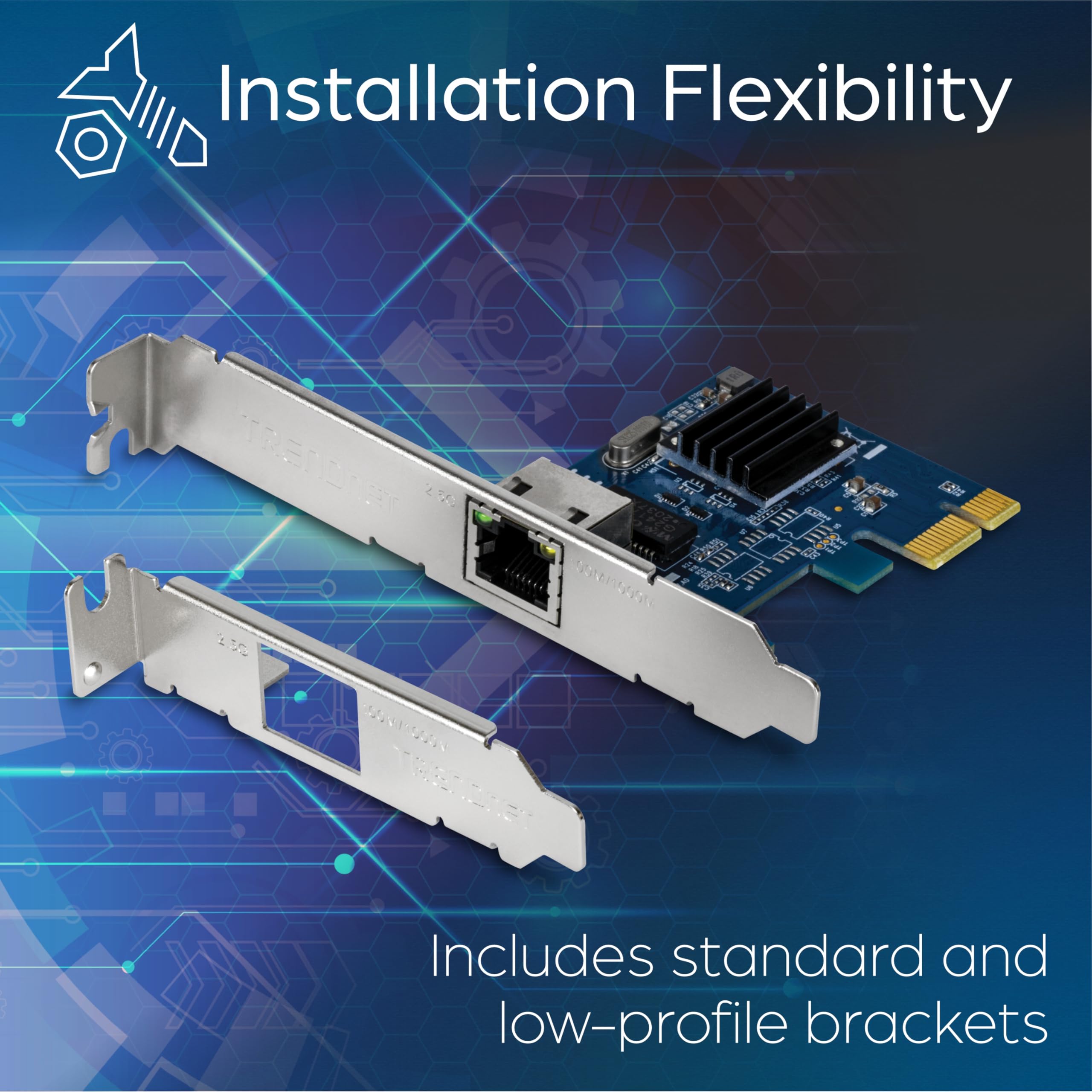
Arrived with full hight bracket mounted and half hight in the box. Easy swap. Works well in booth 2.5 Gbps and 10 Gbps mode. Pushes speed jus fine with iperf. Works well with 9k jumbo frames (could not test 16k since i have nothing at the other end that support it..)
A**R
Works great, Barely gets warm Only issue, is that I could not get ASPM to work, I did see another comment in a review saying it was supported, but I could not get it to work on my UbuntuServer or Truenas machine. (My X710-da2 works fine)
C**S
Stand Oktober wird Version 3.0 der Karte geliefert, mit dem AQC100-Chipsatz von ehemals Aquantia, jetzt Marvell. Über den Marvell-Treiber lässt sich auch die (Vanilla-)Firmware aktualisieren. Die Karte ist mit allen Modulen zurechtgekommen, die ich ausprobiert habe. Von DAC über 10GBase-T zu Duplex Multimode und BiDi Singlemode lief alles ohne Probleme. Den wirklichen Trumpf spielt die Karte aber bei der Energieeffizienz aus: Während der Chipsatz selbst schon sehr wenig Strom verbraucht, unterstützt die Karte ASPM - im Gegensatz zu den allgegenwärtigen X520 und ConnectX-3. Dadurch kann die CPU in die besonders sparsamen C-States wechseln, was in (un-)günstigen Fällen schonmal 10-15W gegenüber einer anderen Karte ausmacht. Gepaart mit der großartigen Kompatibiliät und der quasi nicht existenten Wärmeentwicklung ist die Karte ihren Preis mehr als wert.
M**S
Fungerar bra i Linux och ger full hastighet i 2.5Gbps.
Trustpilot
2 months ago
1 month ago



