We remain fully operational. Our teams are working around the clock to ensure your deliveries continue safely.

DOWNLOAD THE APP


Customer Services
Copyright © 2025 Desertcart Holdings Limited
DOWNLOAD THE APP

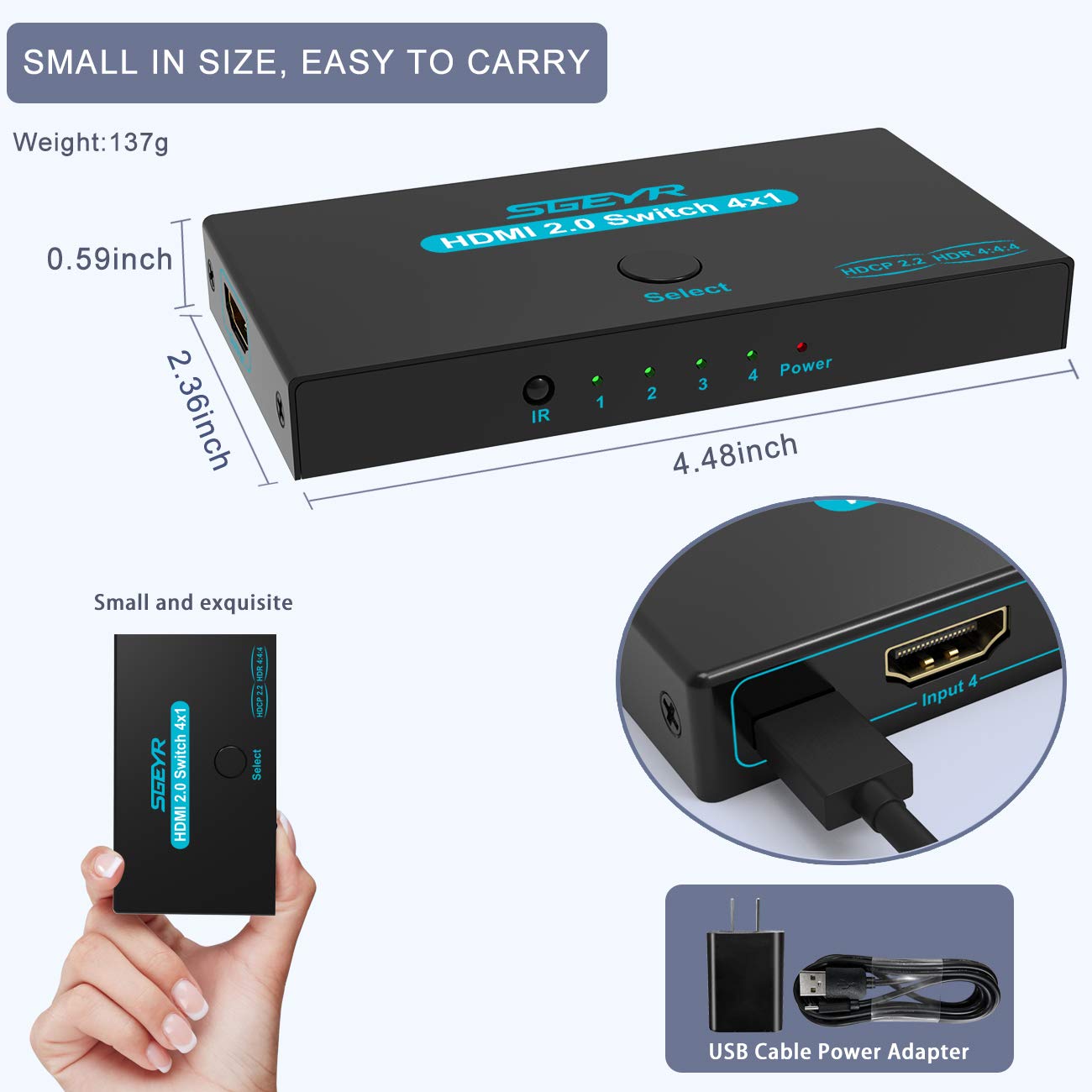

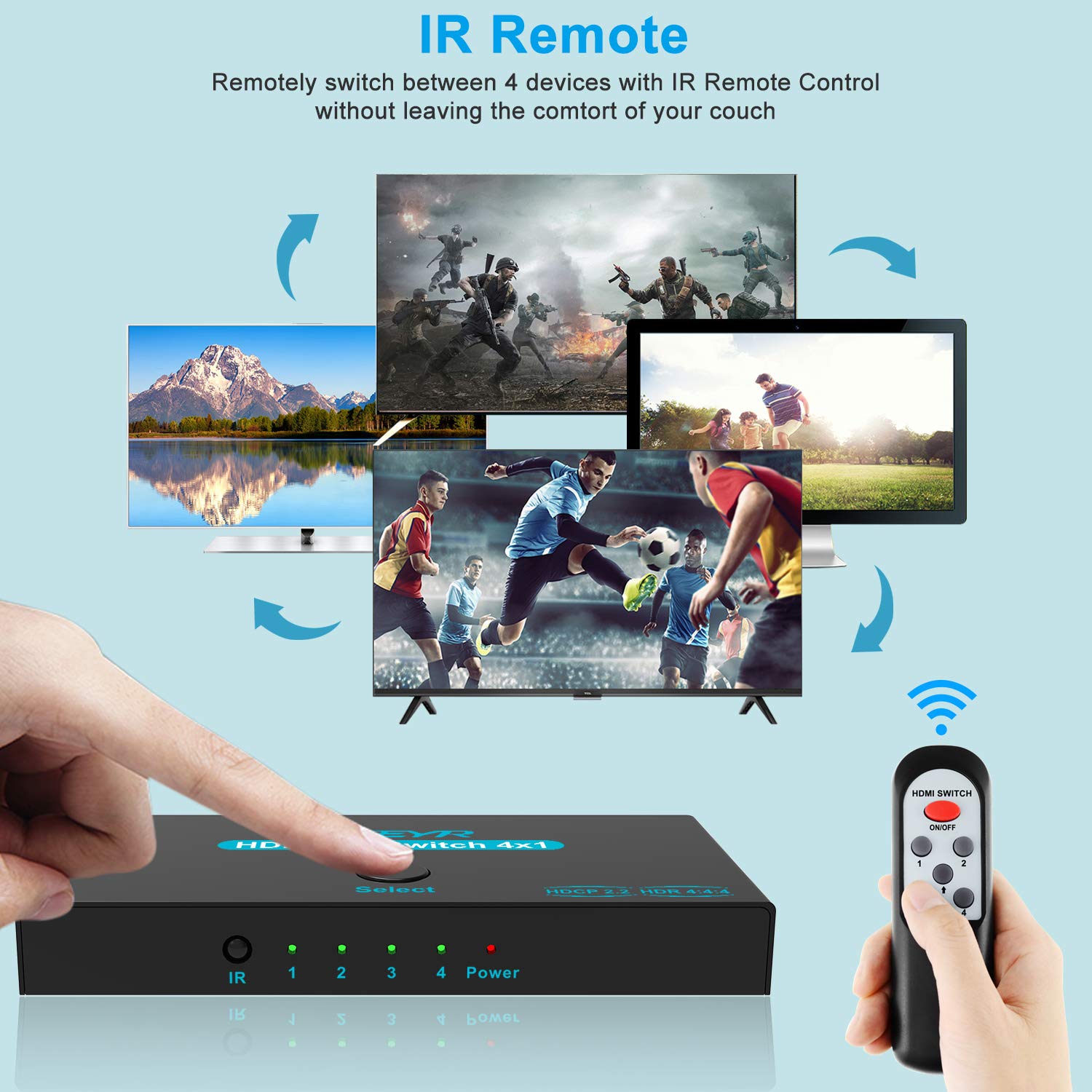
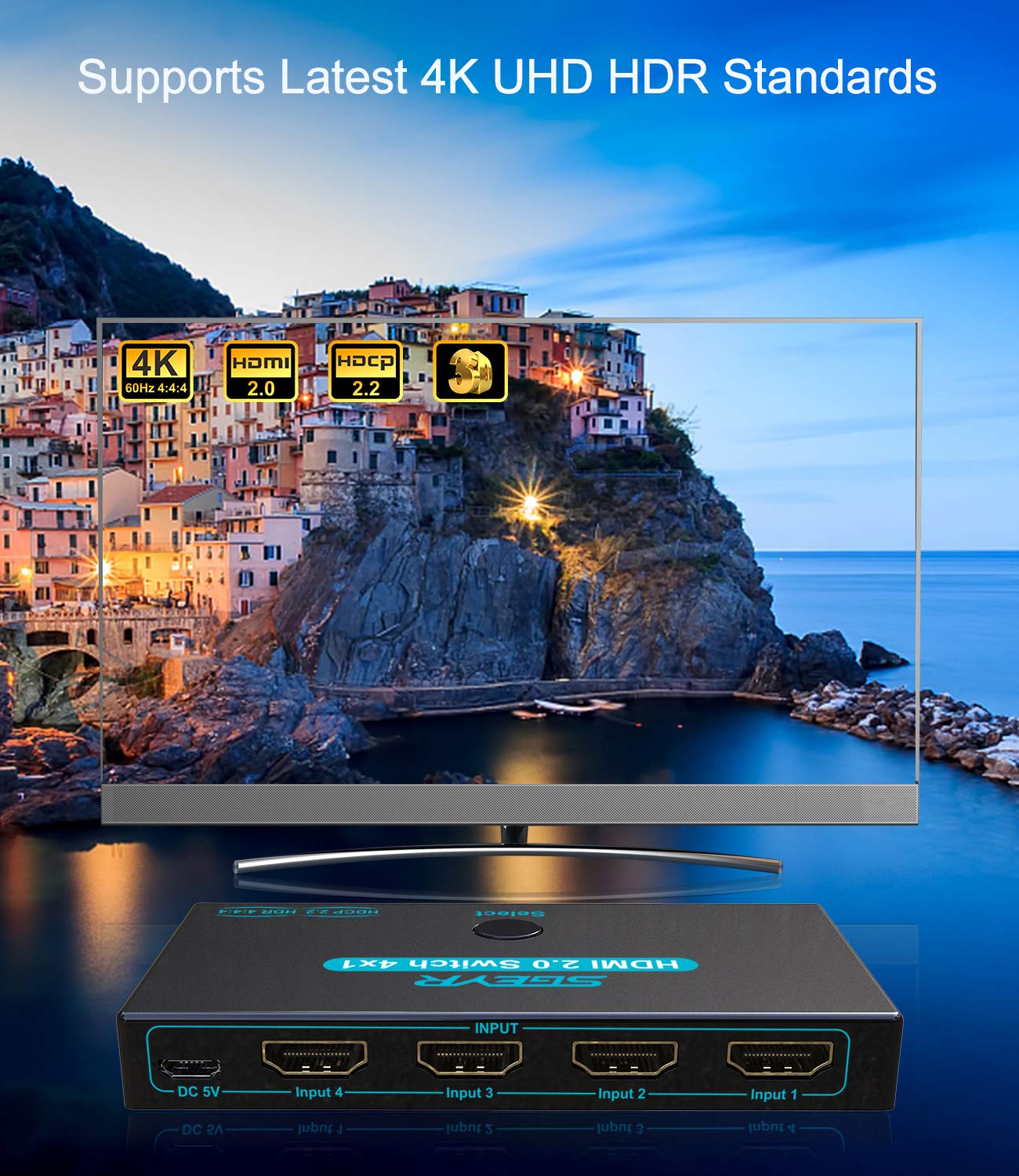
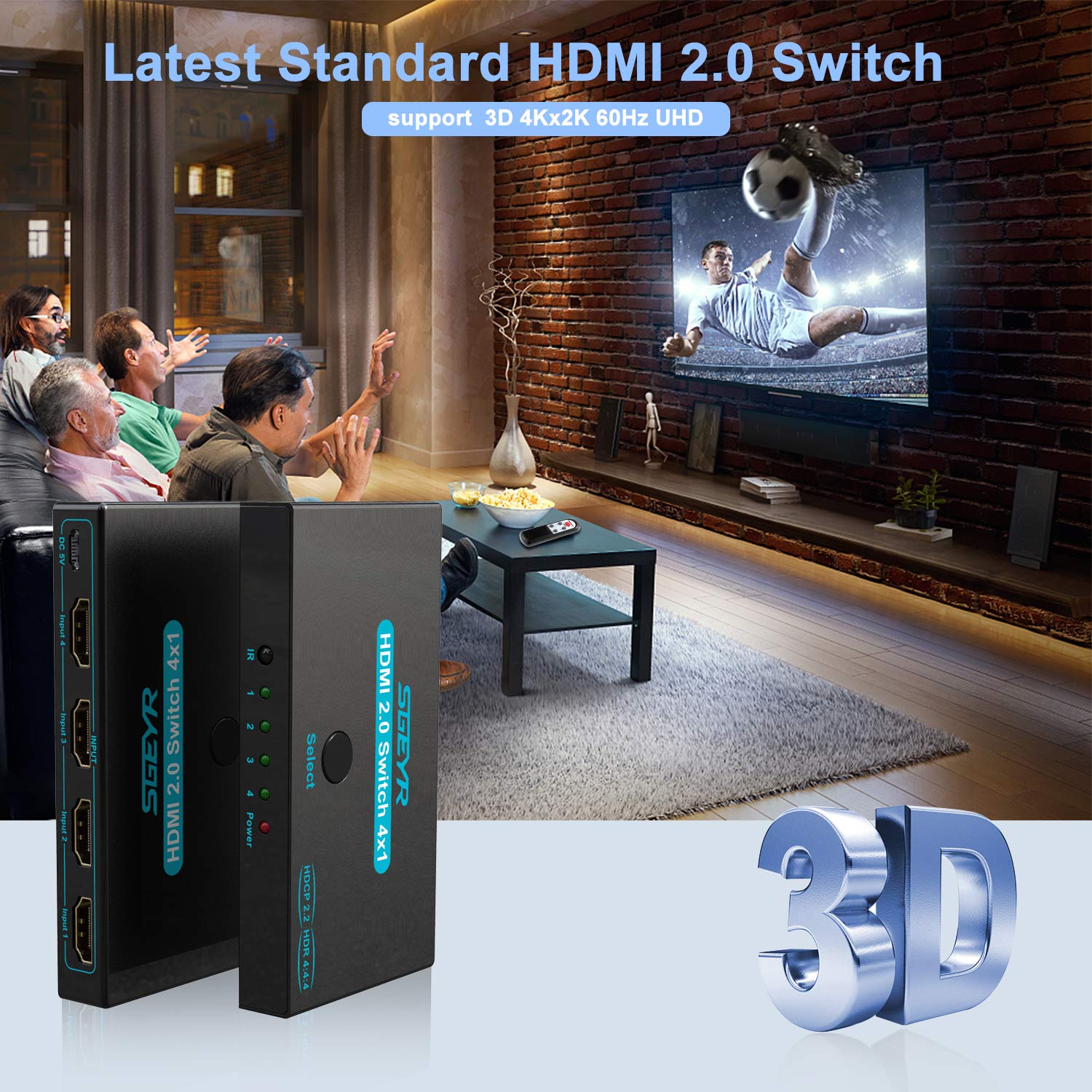

🎮 Switch Like a Pro — Never Miss a Moment in 4K!
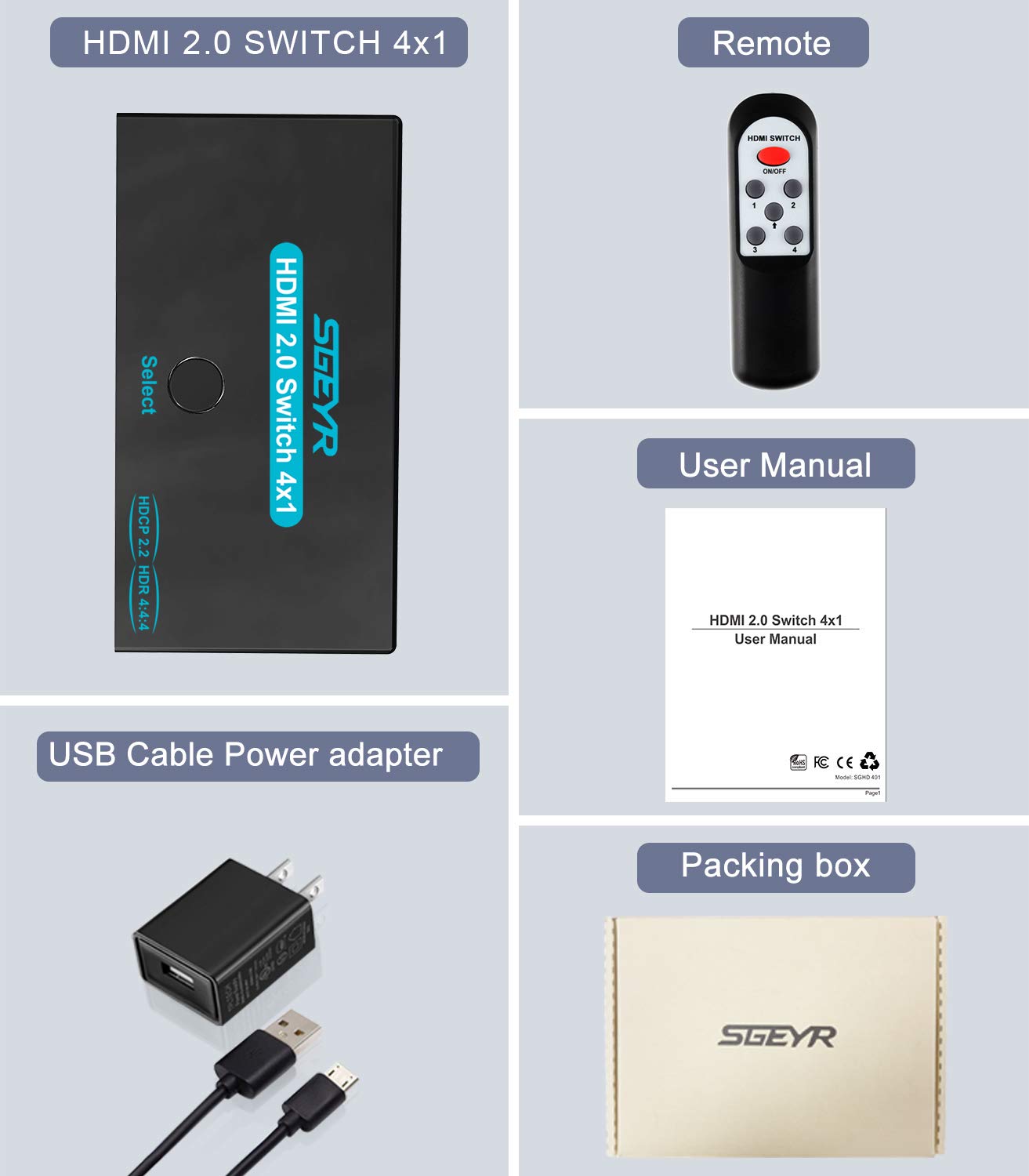
The SGEYR HDMI 2.0 Switch 4 Port is a premium metal-encased HDMI switcher that connects up to 4 HDMI devices to a single display. Supporting 4K@60Hz, HDR, 3D, and HDCP 2.2, it delivers ultra-high-definition video with zero lag via 18Gbps bandwidth. Compatible with a wide range of devices including gaming consoles and Blu-ray players, it’s the perfect solution for seamless multi-device management in home or office setups.


| ASIN | B089Q8F9RZ |
| Best Sellers Rank | #781 in Audio & Video Selector Boxes |
| Brand | SGEYR |
| Cable Type | HDMI |
| Color | Blue |
| Compatible Devices | DVD Player, Gaming Console, Projector, Television |
| Connector Type Used on Cable | HDMI |
| Customer Reviews | 4.2 4.2 out of 5 stars (1,210) |
| Item Dimensions D x W x H | 2.36"D x 4.48"W x 0.59"H |
| Manufacturer | SGEYR US |
| Number of Ports | 4 |
| Warranty Description | 1 year |
R**2
Works great, easy to use, good way to plug in additional devices into one screen
First thing I will say is this allows you to plug in five devices into one HDMI television and not the other way around. That being said this HDMI switch is relatively a good device to have IF you have more than three devices. For me I really like to have the extra ports as I have a few gaming stations. I really enjoy having this for my bed side computer station. I use a portable monitor and this is a great way to plug in my computer, ps4, and chromecast into this one mounted portable monitor. Please note that this will work with any TV that has an HDMI port on it from what I can tell. The one thing I really like about it is that it has a small remote to make it easier to switch between HDMI ports. The remote is very basic but you can at least power the device on and off while also switching between HDMI ports. The remote also has to be in line of sight in order to work with the HDMI switch. The remote runs on two AAA batteries which are not provided. The AAA batteries for last for quite sometimes considering you just turn the device on or switch ports. It has the four additional HDMI ports and they are numbered so you can know which one you are plugging into. Note that the MAIN HDMI ports is actually on the side as to not confuse the other ports. For the remote, you can either scroll through the channels or select the channel you want. There is a button on the device itself if you are close by so you can just adjust the HDMI port number on the device if needed. Be aware that the device will default to the first HDMI port that is active. Any time you power a device on it will switch to that port right away which can be a bit annoying but simple to just switch back. If you shut off the main device, it will switch to the next active one. It requires a power plugs (USB Power will work) to power it which I do recommend using. If you try to run it without it, it will either not work or shut off randomly as it tends to be a bit low on power. It does come with a power brick so you will not need to buy that if you do not have a usb port on your TV to plug it in. I recommend using the television usb if possible as it really does limit the amount of outlets you take up. I just use the USB port on my surge protector to plug it in. The picture quality does not seem to be changed at all or least I did not notice any changes. It provides my portable monitor the same quality if it was plugged into the monitor directly. I also do not see any sound quality loss. I am able to plug additional game consoles to my television which is awesome. I have multiple gaming consoles I wanted to plug into my portable without needing to switch it out all the time. It also does not come with an HDMI cable so you will need an additional HDMI cable from your TV to the switch. It can provide you up to four additional ports. The one down side of having ports on the end is that it is a bit harder to keep the cable management clean. I would recommend if possible to just tape the switch down to the surface to keep it from moving. The device is made of metal so it is sturdy. Overall this product works really well for me and works very well for 4K TVs. I am able to plug in more device into the portable monitor (ps4, computer, and chromecast). I usually just put it right on my window stand where I have a line of sight as you will not be able to change it otherwise. The device does not get super hot or anything when in use. It is pretty well built and made of aluminum I will say. There are also small LED light indicators to show what HDMI port you are currently on. What is nice is that it shows green for active. If there are no green lights the the the device is off. The remote is pretty nice. It runs on AAA batteries which is great. I do wish it provided the batteries but at least this remote will last for quite some time. It does not degrade the quality of sound or picture (from what I can tell).
K**1
Perfection!
I used to have a satellite dish and could never stream anything. Once we got Starlink I was in heaven and could finally stream! WOOHOO! I have an older TV in my bedroom and needed extra HDMI ports for my ROKU. This baby did the trick. It was so easy to install and works well. It has 4 different channels I can use. I am a happy girl!
P**0
So far so good
I previously had another switch like this but from a different brand. It lasted about a year before it started acting crazy and not sending signals to the television. I found this one and it seemed to have good reviews and was a decent price. I bought it in August of 2021 and it still seems to be working fine I even purchased another since my kids have so many consoles along with our Roku and whatnot plugged in to our television. We don't use the remotes so I can't speak to how well those are but they work great it switches to whatever item you power up automatically so you don't really even have to fool with it. Every once in a while when the kids turn two things on at once it gets confused and all you have to do is push the button on the top and it will switch to whichever electronic you want it on. I will update this if any problems arise but so far they're working great.
M**B
Excellent product, super easy to use
This product works great. We have an Xbox, Nintendo Switch, NES Classic, and Super NES Classic all going to this HDMI switch which is feeding one HDMI cord running through the wall to our 75" wall mounted flat screen. No unsightly cords showing, and only utilizes 1 hdmi port on the TV. Remote works as expected as well as the button on the device for switching ports, but we never have to use them. This device does a great job of automatically detecting which device is powered up and outputting HDMI and auto switches to that device seamlessly. Makes having all 4 gaming systems and switching back and forth seemless. Well worth the money and overall exactly what I was looking for and for a great price.
R**L
Simple and cheap
This unit is simple and cheap. I haven't had any issues where it didn't perform as expected. I don't have any UHD devices, so I can't speak about that, but I've had zero issues with any of the equipment that I have hooked up to it. Everything outputs to my projector just as you would expect. The remote is cheaply made, but there's also a button on the unit itself, so if the remote ever were to fail, the unit will still work. For the price you can't really expect more.
A**R
Bad Product
Works for video but absolutely no sound. I tried 6 different HDMI cords on 4 different devices and no sound output at all from anything. Every now and then it would just stop producing video as well for a few minutes then come back on again. Pass on this product.
T**S
Very cool, very handy tool reducing cord clutter on my desk
I was hoping I did not need the power cord for this device and for my setup, I didn't! Score! One less cable to contend with. I have a Windows PC (Windows 10) for work and a MacBook Pro (late model 2015) for play. I have both laptops on my desk and can toggle from work to play and back again as needed sharing my larger screen. My Samsung S24 Ultra supports DEX so I can drop my phone onto a wireless charger, plug in the Samsung USB-C to HDMI output, and plug this into my "SGEYR HDMI 2.0 Switch 4 Port, HDMI Switch Splitter" and can now toggle among Windows, Mac, or Android all at the push of a button. Super helpful. I purchased a bundle package which also came with a 2:1 splitter and it was just as well and also does not need a power supply based on my setup.
Trustpilot
1 month ago
1 month ago