We remain fully operational. Our teams are working around the clock to ensure your deliveries continue safely.

DOWNLOAD THE APP


Customer Services
Copyright © 2025 Desertcart Holdings Limited
DOWNLOAD THE APP
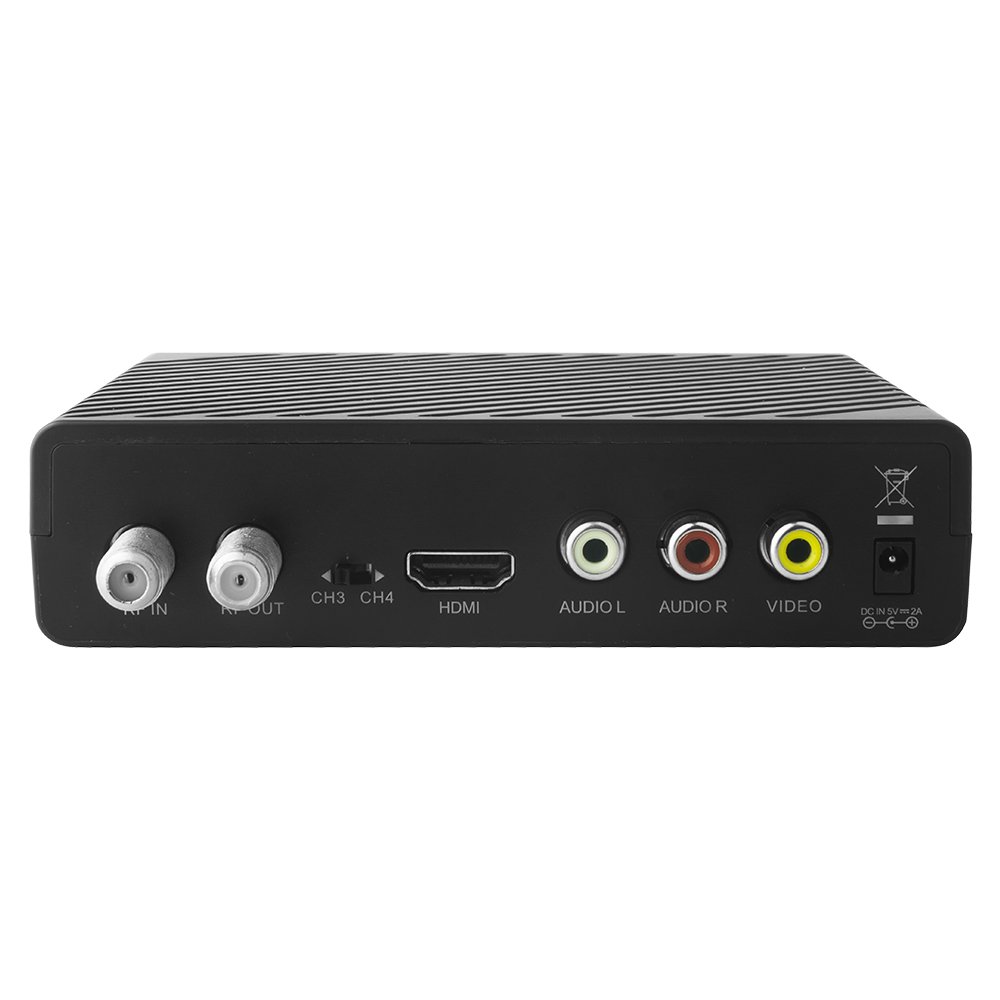


📡 Upgrade your TV game—cut the cord, keep the control!
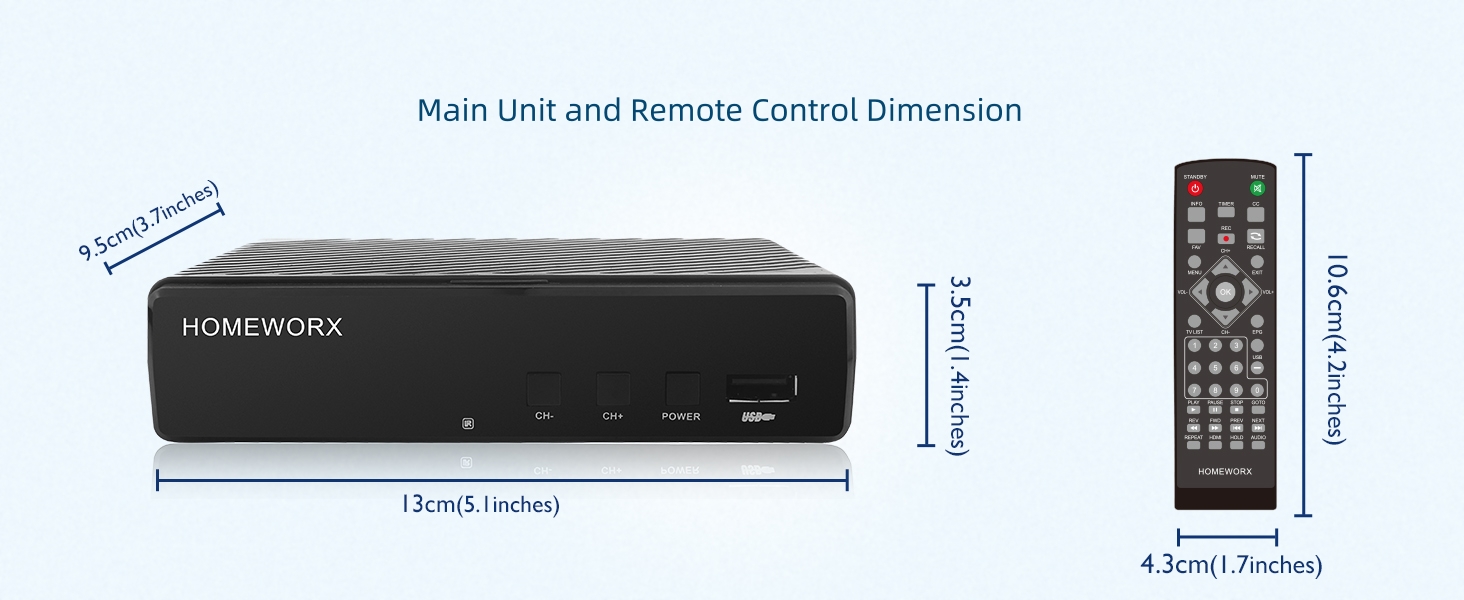
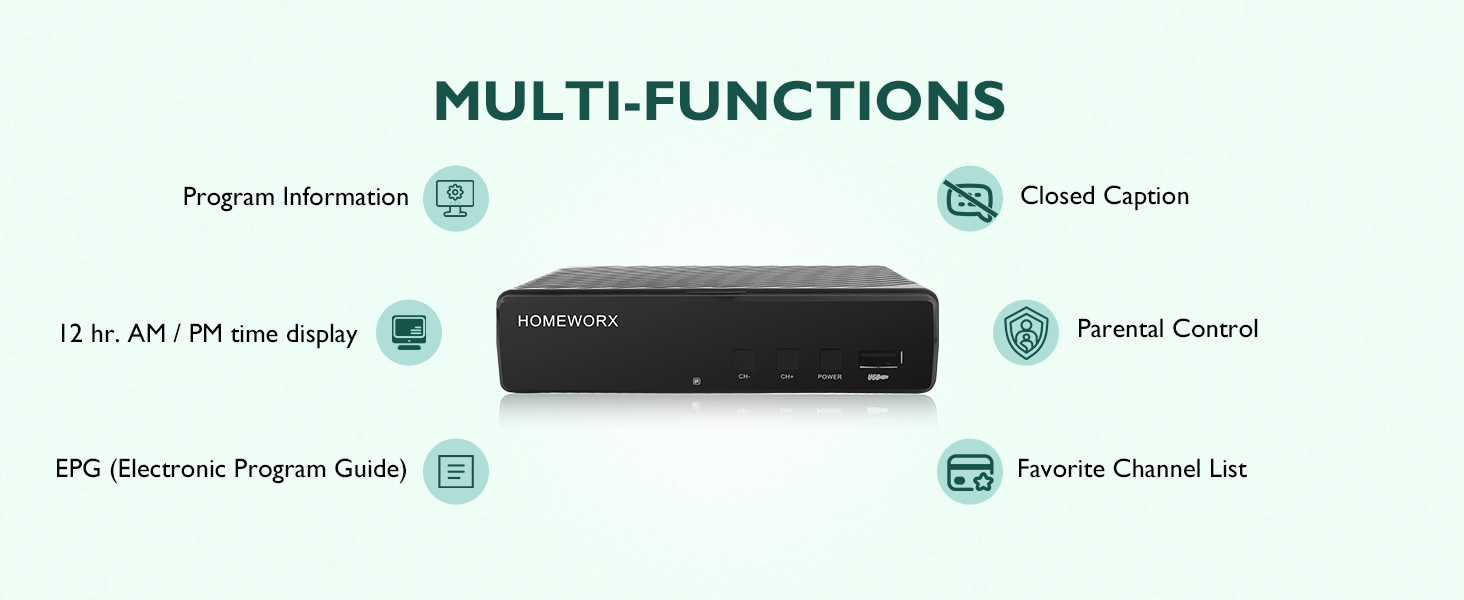
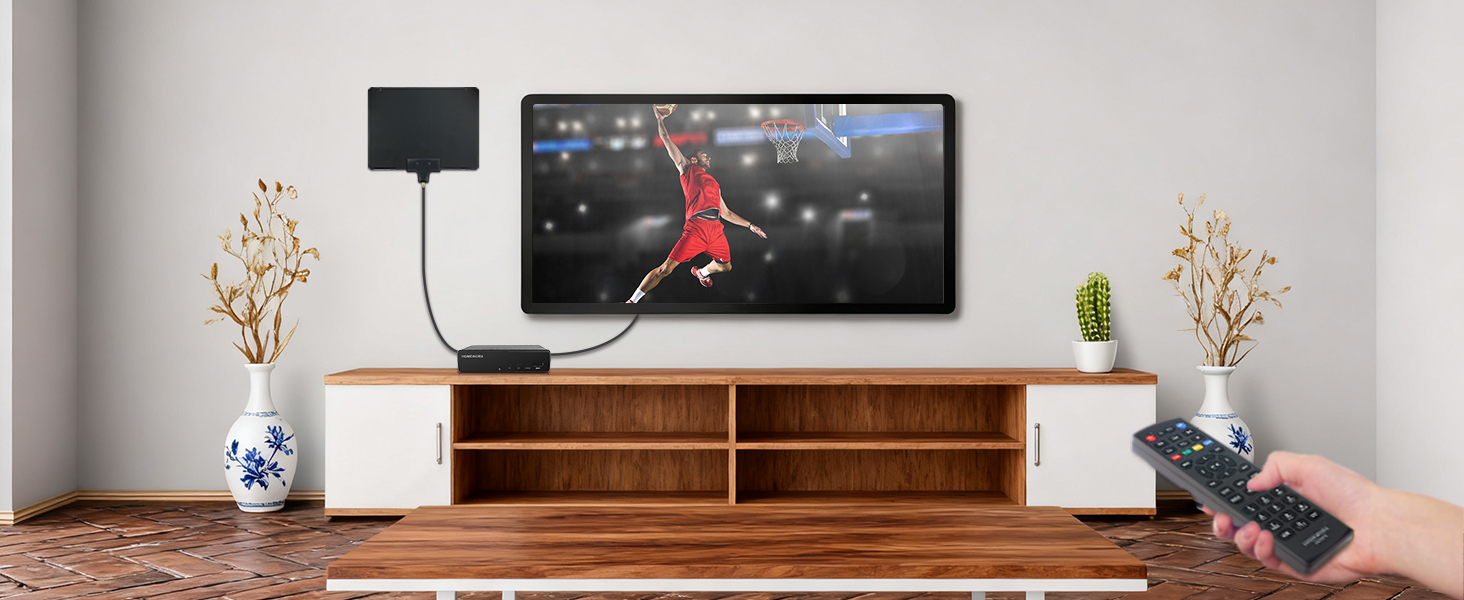
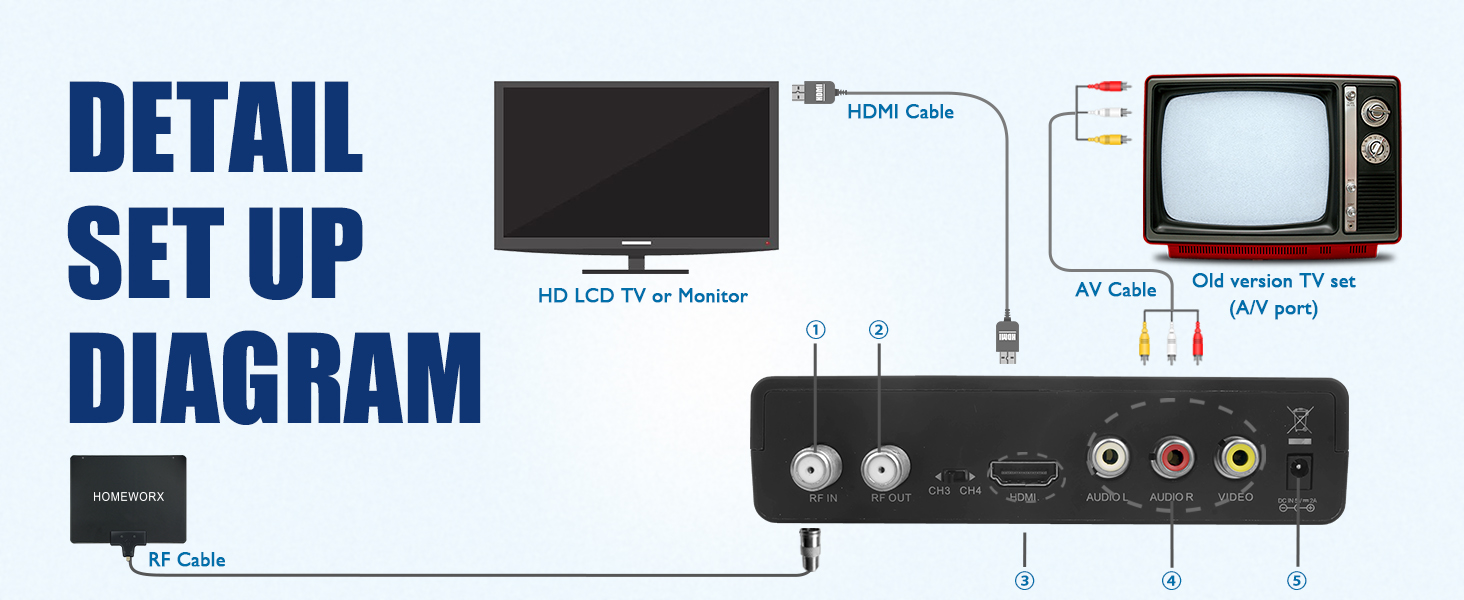
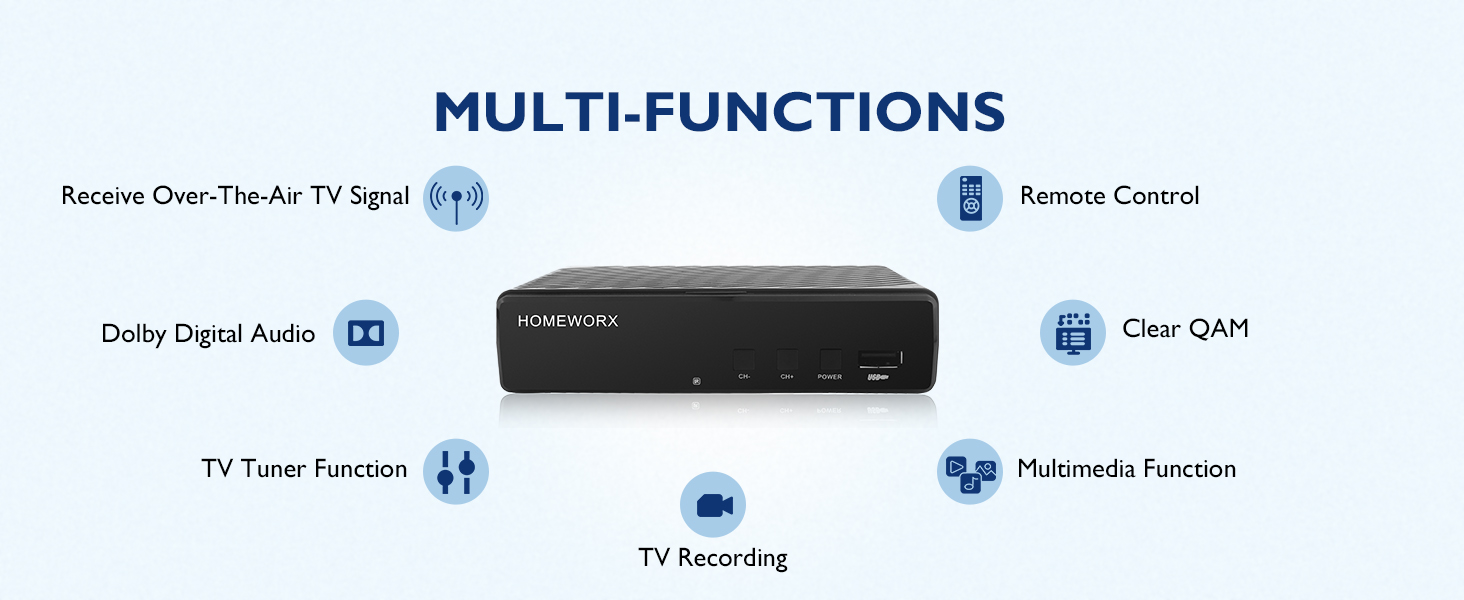
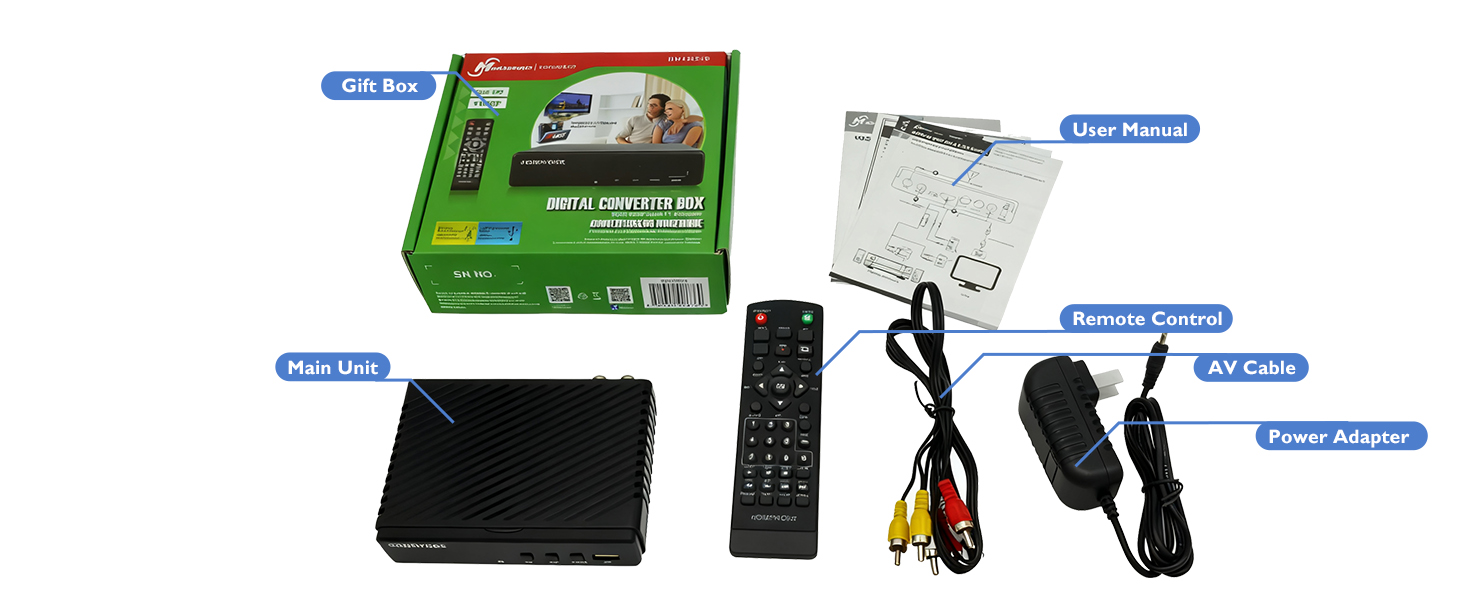
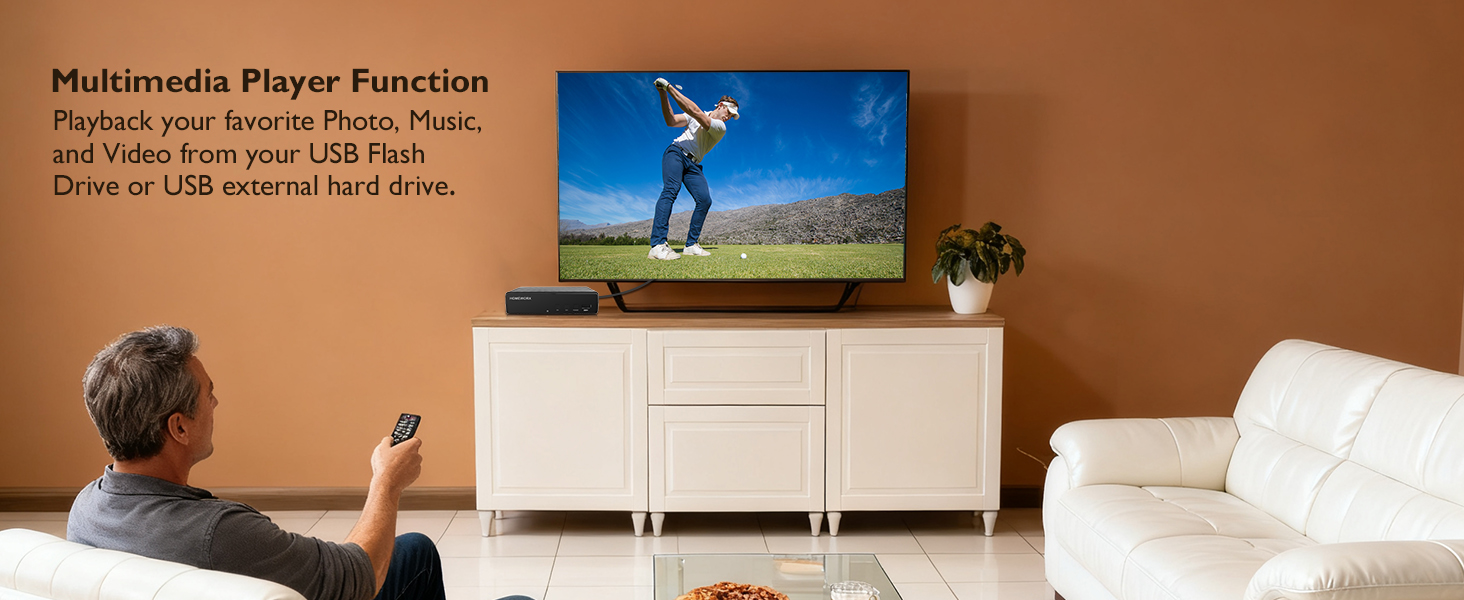
The Mediasonic HOMEWORX HW130STB is a versatile digital converter box that transforms Over-The-Air ATSC broadcasts into crisp 1080P HD signals for analog and digital TVs, projectors, and monitors. It supports real-time and scheduled DVR recording via USB hard drives up to 2TB, includes parental controls, closed captioning, and an electronic program guide. Designed for cord-cutters seeking reliable OTA access, it enhances your viewing experience with multimedia playback and user-friendly features, making it a must-have for modern home entertainment setups.

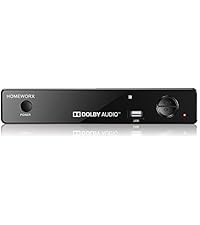
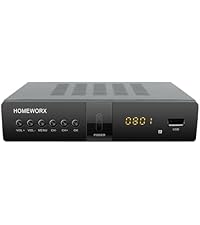
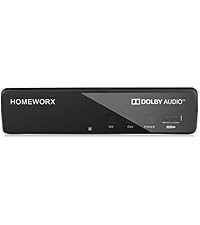
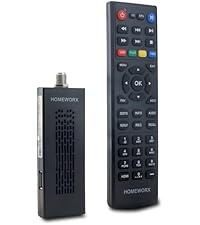
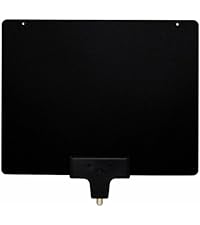
| ASIN | B01EW098XS |
| Guaranteed software updates until | unknown |
| Item model number | HW130STB |
| Product Dimensions | 12.7 x 3.81 x 10.16 cm; 131.54 g |
S**D
My new Mediasonic Homeworx replaced an older version of ATSC box that I bought directly from Shenzen on eBay several years ago. I really liked the old box until the flash memory stopped working. When new, the old box would let me create up to about nine DVR schedules. Then after about three years it went to zero. All the functions of the old box are still good, except for the DVR schedule. I am still using a second old version ATSC box where the DVR schedule capacity has gone from about 14 entries to four. I replaced the ATSC box with zero DVR schedule with a new Shenzen model. I expected it to be like the one it replaced. Instead the DVR schedule has an eleven day week and zero working flash memory to hold schedules. I am really hoping that the new Mediasonic will have better quality flash memory. Ask me in three years how the flash memory is holding up. Right now it looks very good. I have been using old model USB 1 Western Digital disk drives for DVR storage. They worked great on the old model ATSC box and work just as well on the new Mediasonic box. I assume that the new box will support USB 2, but have not tried it. The old boxes do not support USB 2. The old model Western Digital units arrived formatted as fat32. To use them for DVR storage I had to reformat them to NTFS. I suspect the reason thumb drives do not work is that they are formatted as fat32. I bet that after reformatting to NTFS, they would work. I noticed that the Mediasonic has a disk format feature in the menu. I did not need to use this, the USB 1 Western Digital drives transferred to the new box without a hitch. I had two boxes because I had two outdoor antenna. I’ve been experimenting. The first antenna has stopped working. I suspect it is because it is now pointing to the sky rather toward the horizon. I have it clamped to a plumbing vent that is now bent over after the last wind storm. I wanted two working ATSC boxes, one to watch while the other records or record different channels at the same time. I tried using the RF output on one box to the second box. That works, but there is significant signal attenuation especially when the first box in the series is working. I installed a Channel Master signal-splitter amplifier. Now both boxes get the same signal strength. I have two antenna on the roof on the same mount with a Wineguard signal combiner feeding a Channel Master antenna preamp. That feeds into the signal-splitter amplifier inside the house. All this gets me about 40-60 over the air channels depending on atmospheric conditions. The antenna mount once held a Direct TV satellite antenna. I’m thinking of another type of antenna to try. I might replace the antenna on the bent plumbing vent with something on a tower next to the house. We will see how much ambition I have. Some things to note. The Mediasonic menus are identical to the old ATSC box. The remote controllers have the same functions, but they are arranged very differently. With the two old model ATSC boxes, when I clicked the controller on/off button, one box would turn on and the other would turn off. That, I found, was a useful feature. I now have two separate controllers. I suspect, if I get another Mediasonic that this feature would return. I set my Mediasonic to the 24 hour clock. Please remember that it does not automatically switch between standard and day light time. I seem to get caught twice each year. The DVR scheduler assumes that a digit placed in one of the two hour slots means that a zero should be in the other. Why? The old model didn’t do this. I like that the Mediasonic DVR scheduler starts with the working channel. The old model did not do this. The old ATSC box DVR scheduler has an annoying bug. When more than two shows are scheduled to record where each starts on the same hour that the previous show ended, there is about a 20-30 second additional delay that adds up. This delay pushes the start time and end time forward by that amount. This means that after several iterations the start and stop times are out of sync with the shows being recorded. This is a real issue when recording one of those marathons where 10+ episodes are broadcast back to back. Making the stop time a minute earlier than the next start time seems to help. Except when the scheduler is turning on the unit before starting to record, then it turns off on the ending minute and back on at the starting minute. Fortunately there tends to be a lot of advertising between each iteration to absorb the slop in the time. I haven’t used the Mediasonic enough yet to check this on the new model. I noticed that the Mediasonic initial boot goes a lot faster than the old ATSC boxes. Otherwise there is no difference. -- It is now official: The bug described above is present in the Mediasonic. Here is instructions to reformat a thumb or disk drive to NTFS: Put the following in a Windows Shortcut Target: %windir%\system32\cmd.exe Start in: %HOMEDRIVE%%HOMEPATH% Use the following commands in the Microsoft Command Prompt Type "DiskPart" in the command prompt. Type "List Disk” (make note of the disk number of the target USB drive). Type "Select Disk X”, where X is the target USB drive noted above. Type "Clean”. Type "Create Partition Primary”. Type "format FS=NTFS”. Type "Active”. Type "Assign". Type "list volume". Type "Exit" Be real careful with this. As soon as you type “clean” the target disk is wiped clean. If you want to get rid of a disk drive and hide your data, use the above procedure. I suspect a well-equipped forensic lab can still get at your data, but not easily. The format can take a long time. A 1TB disk drive can take 8+ hours to format. Like those Western Digital disks noted above.
F**K
Delivery of converter box was reliable (On time and in good condition). Apparently, it did not work so I contacted seller. They responded quickly and carried and sorted out the issue without fuss (refund).
D**S
It works well, and as some have observed, hardens back to the first plain Jane VCRs of the 80s. Can't give the user interface or remote 5 stars: interface has some major clunky points, and the remote is tiny, and apparently underpowered, since it only works reliably when pointed directly at the device. On the plus side, I dropped my satellite subscription, and therefore the integrated PVR capability in my receiver. Since most of my content comes from the 'net, I couldn't justify the monthly costs of satellite any longer, and my antenna provides great reception, but I have missed the ability to record live TV. I considered the new generation of networked PVRs, and while they're promising, and have features the Mediasonic unit does not, they were still pricier than I wanted for my pretty infrequent recording. As a backup when I feel I might not stay awake long enough to watch something, the Mediasonic is great, and for $40 plus tax, the price was perfect. The added bonus - which I had not known about before buying it - is that its recording format (MTS) is natively recognized by Kodi, which I use as my primary media player software. Rather than having to convert the MTS recording to another format, I simply unplugged the external hard drive, plugged it into the android box in the room where I wanted to watch TV, and Kodi played it flawlessly. Although the Mediasonic tuner isn't quite as sensitive as my aging Pioneer TV, it's been quite adequate so far. Above all, the price was right. (The only reason I didn't give full marks for picture quality is some intermittent video "noise" I'm monitoring: the first time, a restart solved the issue, but I'm hoping it won't be a regular occurrence.)
A**X
No cumplió su cometido
W**E
I tried to get this to work with two different antennas with different ranges. The first one I tried has a range of 150 miles and there are at least two over the area within range of this antenna. The first tower I located is 137 miles away due west of me in Williams Lake, British Columbia and the second tower is 67 miles away southwest from me between Woking and Sexsmith Alberta. Ran a channel scan and nothing was detected. Connected a second antenna that has 380+ mile range, ran two channel scan and nothing was detected on both scans and scanned quicker than the first antenna I used. The other thing I found annoying is that the instructions indicated that in the setup there was an option to select over-the-air signal but there was no such option. In the end I could not get any channels for television or music. In the end I put in a request to get a return for this tv tuner and a refund which they gave me. As such I cannot recommend this television tuner.
Trustpilot
5 days ago
2 months ago