Desert Online General Trading LLC
Dubai, United Arab Emirates
Desert Online General Trading LLC
Dubai, United Arab Emirates
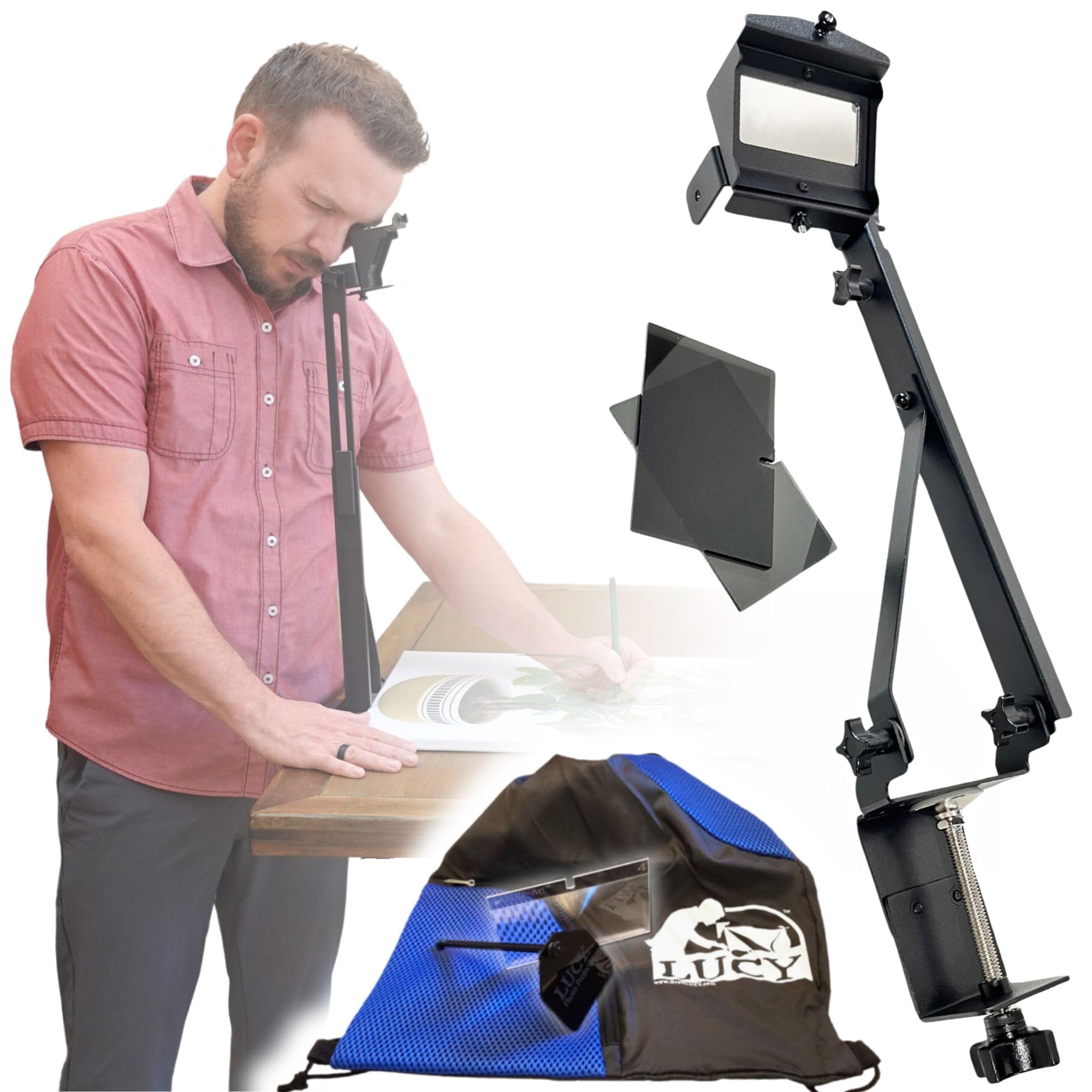


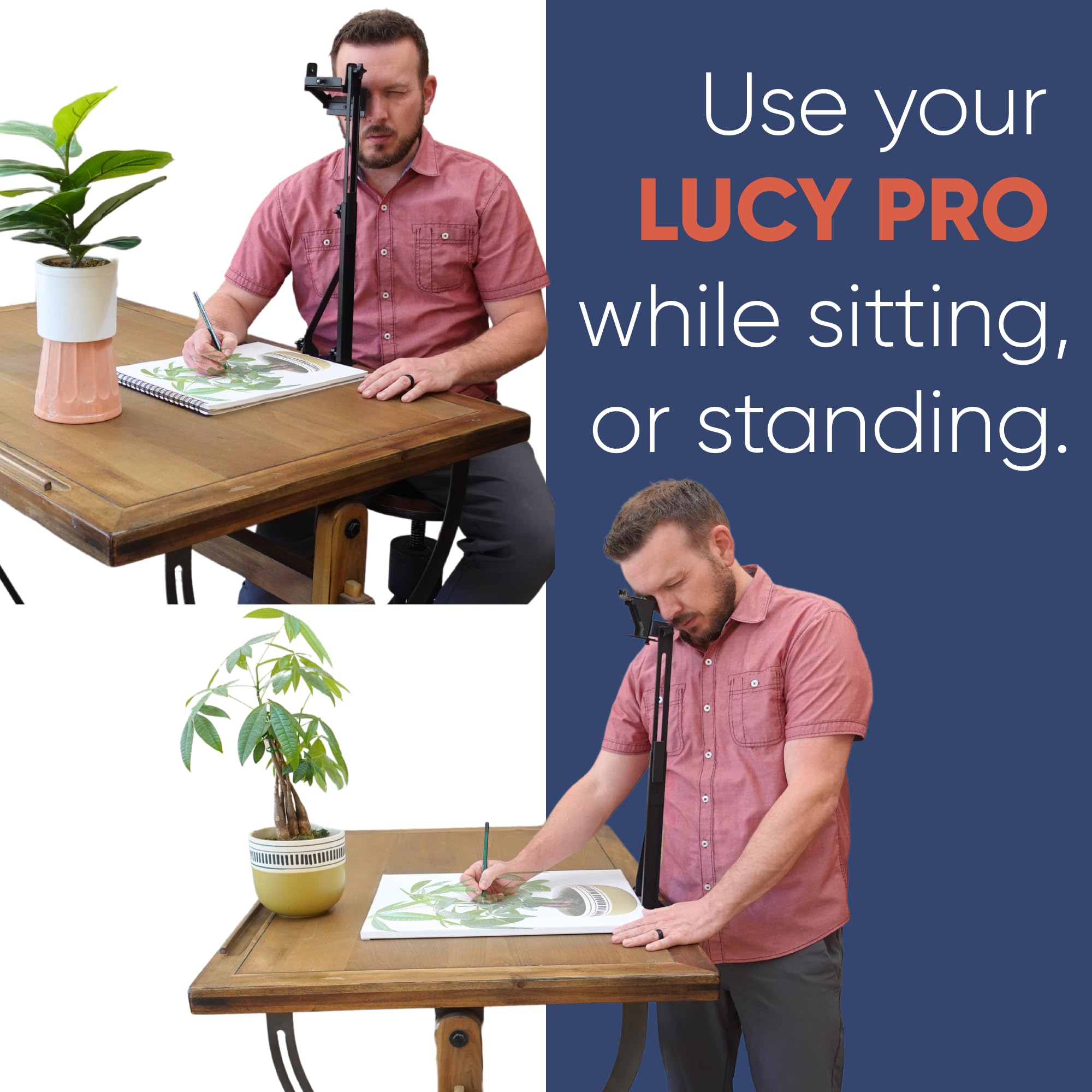

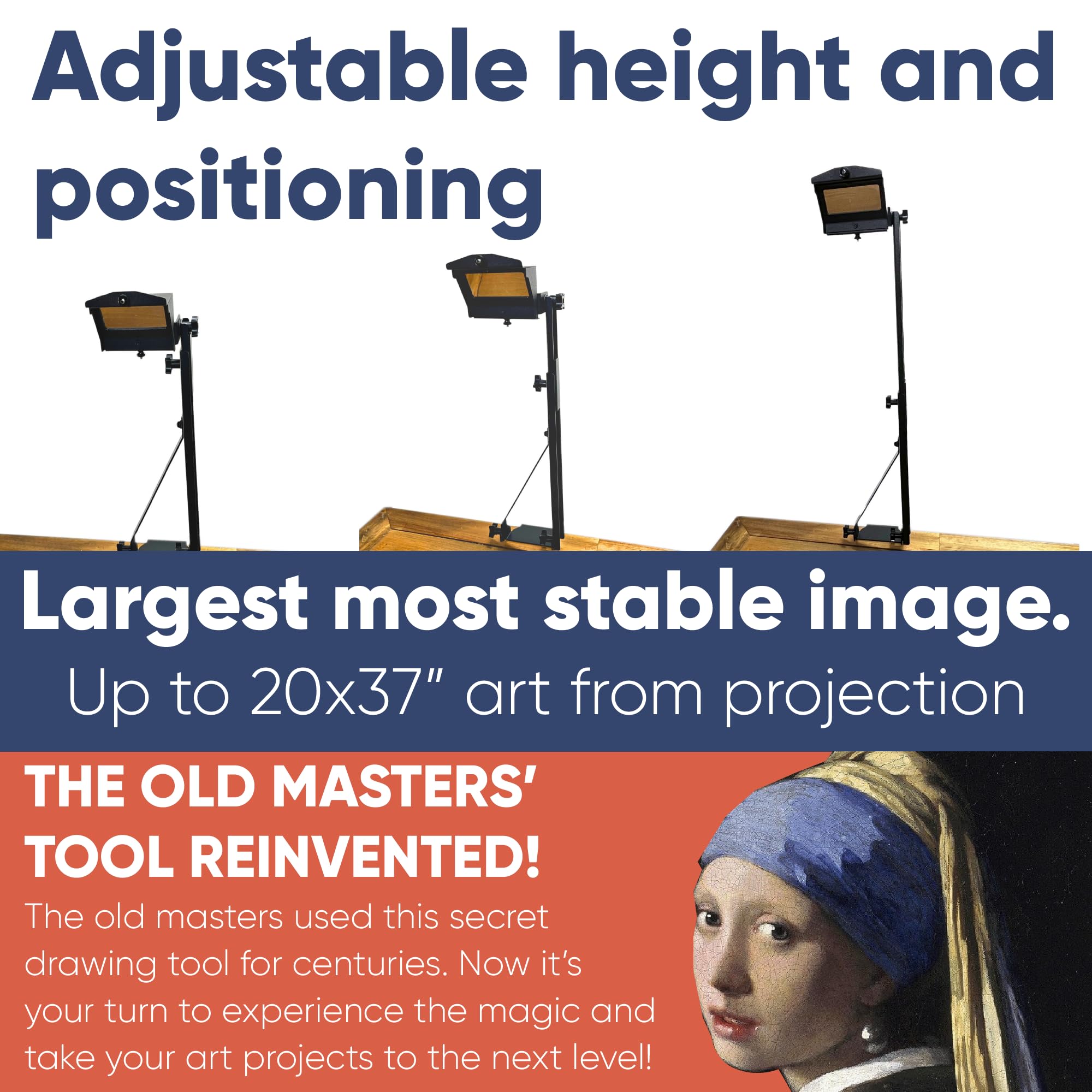
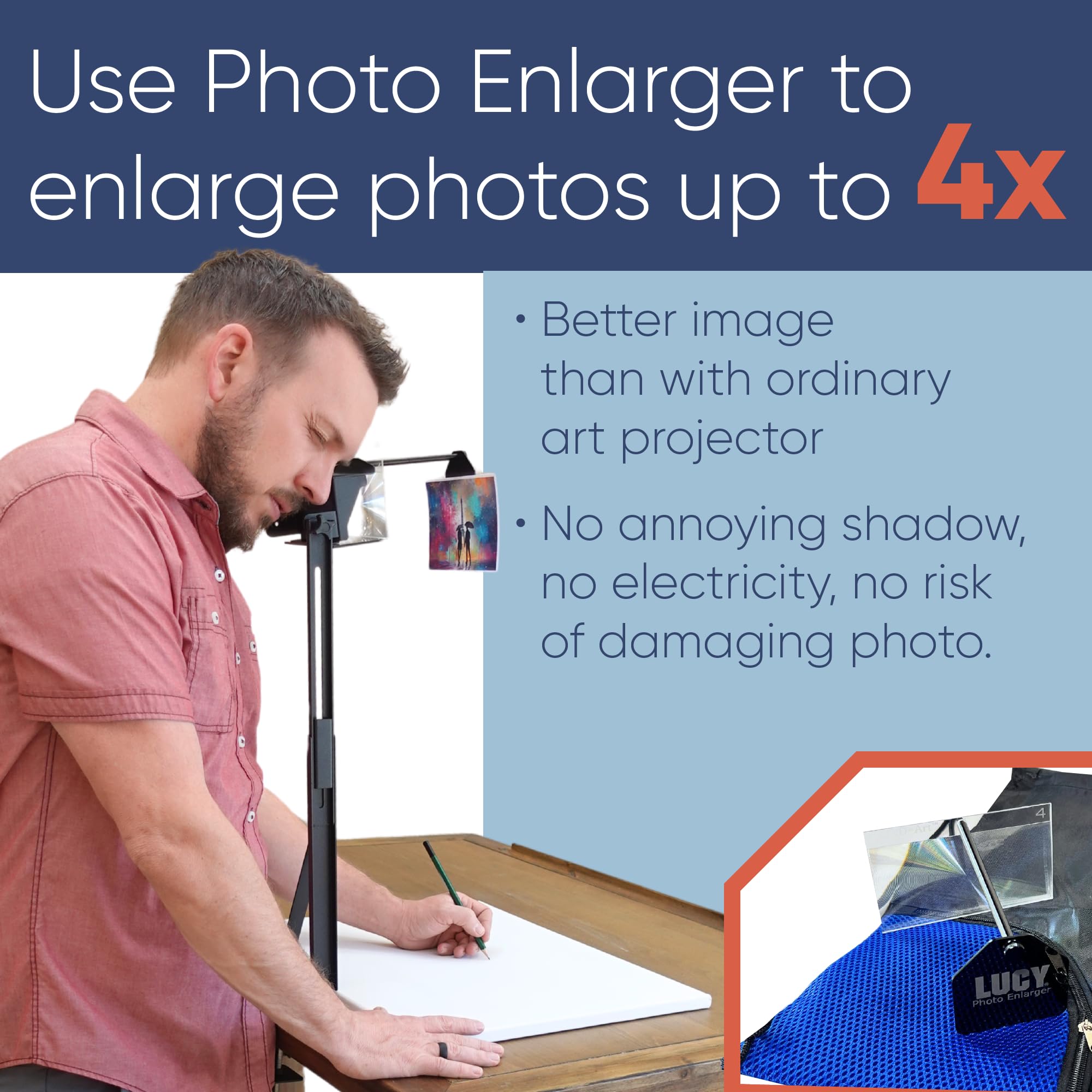
🎨 Elevate your art game with LUCYpro—where creativity meets innovation!
The LUCYpro Drawing Tool is a revolutionary artistic aid that allows users to project and enlarge images for drawing and painting. With a maximum image size of 20 x 37 inches and 4x magnification capabilities, this USA-made tool is designed for artists of all levels, providing versatility and ease of use without the need for electricity or dark environments. It comes with a convenient carrying bag and a one-year warranty, ensuring quality and portability.


R**0
An Art Tool
My Lucy arrived two hours ago and I’m already using it to start a drawing from a photo. Here are some things to keep in mind. The Lucy is a tool. Just like your pencil, your eraser, or your easel, a Lucy is one of the tools you can use to create art. The user has to have a level of drawing ability or the willingness to learn how to draw. This means you will need practice to improve your drawing skills. There is no magic inside of a Lucy. A Lucy will not turn you into a sketch artist. Think of a Lucy as a tool that helps with image proportions and correct image placement on paper.An adequate light source is required. The Lucy does not have a built in light. The user will need to make sure to create adequate light in the work space. The amount of light and the position of the light are both very important when using a Lucy. Please scan the QR code and watch all of the videos. It’s true there are very few instructions included in the packaging. The packaging directions take the user to FREE instructional videos. These videos are instructions on the use of the Lucy. No log in required. No purchase required. Just scroll down the page to get all of the instructions on how to use a Lucy.Have fun. Make mistakes. Keep practicing.
M**L
Don't waste your money
Good concept.Poor quality, not functional.Poor image quality.Extremely over priced.
K**E
Great idea in theory.
Seems like a great concept, but I have not been able to make it work as shown. Didn’t come with enough instructions and when I’ve contacted the manufacturer, they don’t reply. so it has been sitting in a closet, unused.
P**L
Works very well but very short of instructions
It just arrived and I was able to assemble the main part of the LUCY, plus brightness filter but didn't know what to do with the photo enlarger. The instructions are VERY basic. Nevertheless I was able to setup a quick test of the unit with a picture I want to draw and was able to get it sketched to paper quickly. I will have to futz around and watch videos to figure out how to get the image larger on the paper (the photo enlarger is not an option for transferring a large image or object to paper). I really like the unit and am keen to give it a go "for real" with some portrait images. I do not understand the problems some people post here, or the difficulty they've had, as it works very nicely, and without problems, for me. I'm at my dining room table with just the overhead light, nothing special, and it projects a very clear image. The image brightening filter does exactly that to a good degree. I'm glad I bought this and will definitely be using it. Worth the money. Again, you WILL need to watch a few instructional videos on YouTube to get it all figured out and optimized.
S**M
Gets the Job Done
Easy to assemble. Requires some time to position everything perfectly, so you'll want to trace it all in one fell swoop to avoid having to recreate the positioning should you have to stow it away. You'll have to crane your neck a bit, but it definitely beats having to lean over a table for an hour drawing a freehand outline. I'm also pleased at how compact it is as it arrives in a small box with a cloth bag that can be used for storage.
S**T
It is good and it is fun.
I like it. It is better to use a dark ink and a well lit surface to work on. In this case I used pencil first, then ink and it worked pretty well too. I haven't tried enlarging since I'm mostly used to my sketchbook. But it works well if you can get used to recalibrating your paper or the arm itself every few minutes. This will not make you an instant realistic photo drawer but it helps to get proportions right. I wouldn't be able to draw this bird if it wasn't for this. Give it a try, if you feel like using a tool to make your process more fun or just faster.P. S.I think proping your paper up 45° or so will make it better on a smaller paper. But don't quote me on that.
S**N
Does not work
Couldn’t wait to get this. Disappointed. Does not work. Tons of instructions but disappointing piece of nothing. Spent over an hour to try to use it with no results.
P**P
Surprisingly easy to use
I bought this to be able to trace a picture from my laptop down to paper so that I can experiment with ink and water color. Its the perfect height for a laptop or monitor. You have to play with the lighting of either your laptop or your room to get the brightness just right on the paper in front of you. It takes some getting used to and I find you need to mark your boundaries on the paper so that if you move, you can re-align where your image needs to be. Much cheaper than buying a projector and it doesn't need power.
Trustpilot
2 months ago
1 month ago