

Desert Online General Trading LLC
Warehouse # 7, 4th Street, Umm Ramool, Dubai, 30183, Dubai
Desert Online General Trading LLC
Warehouse # 7, 4th Street, Umm Ramool, Dubai, 30183, Dubai



✨ Elevate Your Workspace with Magic! ✨
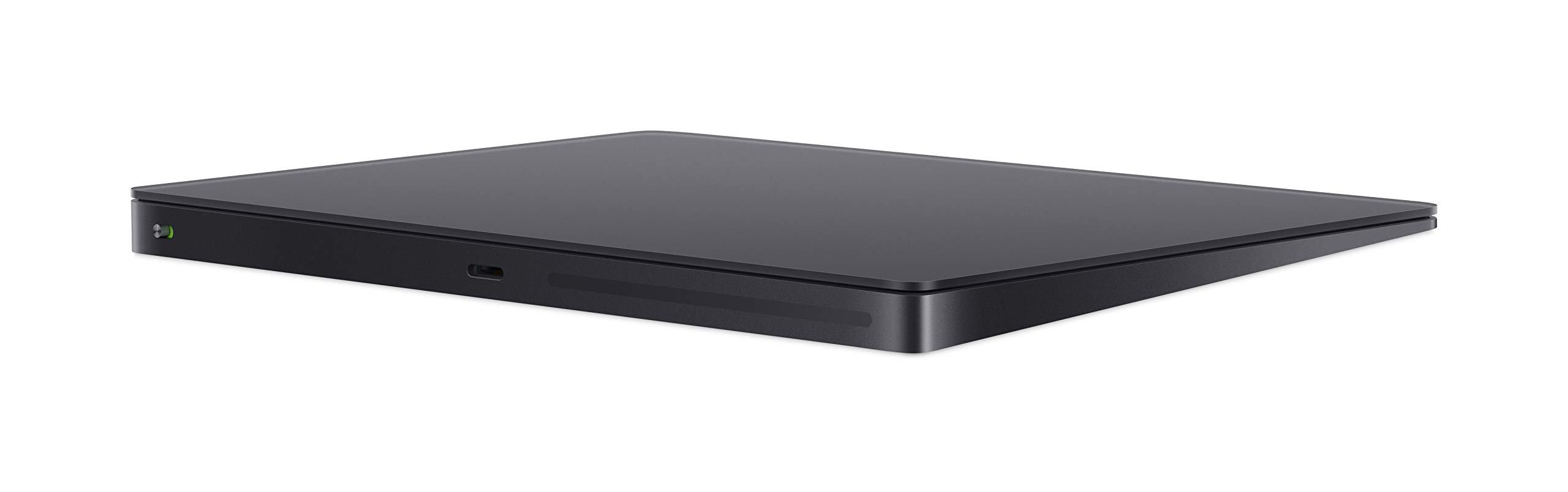
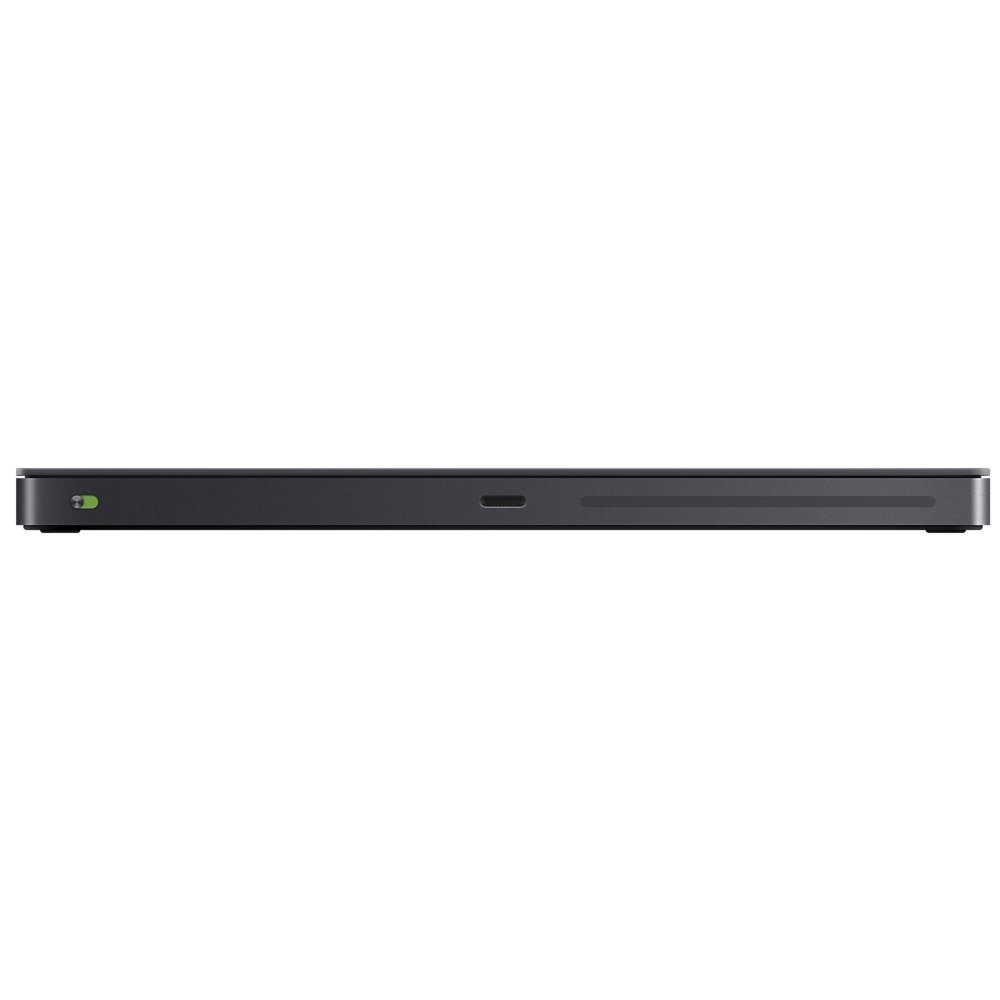
The Apple Magic Trackpad 2 in Space Grey combines cutting-edge Force Touch technology with a sleek, larger surface area, offering seamless connectivity and a rechargeable battery that lasts over a month, making it the perfect accessory for any Mac user.
| Brand | Apple |
| Product Dimensions | 17.4 x 12.8 x 2 cm; 231.33 g |
| Batteries | 1 A batteries required. (included) |
| Item model number | MRMF2Z/A |
| Manufacturer | Apple |
| Series | Mac Accessories AB |
| Colour | Space Grey |
| Processor Brand | Intel |
| Processor Type | A Series A8 |
| Memory Technology | DDR3 |
| Hard Disk Description | Flash Memory Solid State |
| Hard Drive Interface | Solid State |
| Graphics Card Description | Dedicated |
| Graphics RAM Type | DDR3 SDRAM |
| Graphics Card Interface | PCI Express |
| Wireless Type | Bluetooth |
| Power Source | Battery Powered |
| Hardware Platform | PC |
| Operating System | Mac OS X 10.2 |
| Are Batteries Included | Yes |
| Lithium Battery Energy Content | 7.65 Kilowatt Hours |
| Lithium Battery Packaging | Batteries contained in equipment |
| Lithium Battery Voltage | 3.8 Volts |
| Lithium Battery Weight | 1 g |
| Number Of Lithium Ion Cells | 1 |
| Item Weight | 231 g |
| Guaranteed software updates until | unknown |
M**.
Incredible sensitivity, fantastic for a big screen and works on WINDOWS
I purchased this after trying an alternative, cheaper touchpad -which I had to return because of lack of sensitivity for a large screen, among other things.THIS one, however, I am in awe of it, sensitivity is phenomenal and I can get across my 32" screen with ease, tap and slide all feather light and incredibly sensitive. The cursor and even the scroll slows down exactly and precisely at the speed of your touch which means you can "land" accurately and at high speed -better than the mouse. Multi-finger functions are really handy and customisable.I paid the cringing £30 extra for the grey (why??) as just couldn't have a white one. It is also wireless -I only plugged in in the pic because desktop is not bluetooth compatible atm.I found that for Windows, if you want the proper settings and the taps to work properly (and still have a mouse plugged in), you need to download Magic Trackpad Utilities which is free for 28 days after which there is an annual fee (not a lot).I bought this because of strain on my fingers from using the mouse and it is perfect because only very light touch is required.
R**S
It just works... beautifully!
It's trivially simple to set up - you just turn it on and it connects to MacBook wirelessly, and away you go.Saves me having to lean forward to reach the MacBook which is up on a standing desk, and has the convenience I can place it anywhere. Works just like the touchpad on the MacBook , and comes with charger cable.
E**H
Super
As with Apple products, aesthetically pleasing, intuitive and superb quality.
I**E
Sadly even for this price it’s fantastic
It’s a tilted slab of grey solid aluminium. It doesn’t physically move, the perceived click is a very clever trick by built in vibration. It’s rechargeable via a lightning (sigh - not USB C) cable. If you’re a dedicated mouse user it will take a lot of relearning but the gestures alone make it worth that, and after 2-3 weeks text selection and right clicking will start to come naturally. If your a Mac laptop keyboard user you will have less issue adjusting but if you don’t position it below the middle of the keyboard you will need to adjust to its new location. On a Mac it’s accuracy, and speed moving around a large screen are superb. Much less wrist stain and physical movement. As a very amateur photographer I think I prefer this to a mouse, especially with pinch to zoom. So who should buy this? If you have a large desk with plenty of mousing space, no wrist strain and never used a trackpad before, I’d save your money. If you have limited desk space, wrist strain and/or used track pads before then it’s an excellent choice and will completely replace a mouse with the not inconsiderable benefit of gestures.
D**.
A great addition to your MacBook/imac
I have been using this to enable a more natural position when working/studying. It is not always needed but in some situations having the extra trackpad is the difference between fatigue and none fatigue.As a product, like anything made by Apple, it is obvious from the initial meeting of the product that it is of quality material and craftsmanship. I have owned it 3 weeks now and still have not charged it so I guess the battery life is great! I wish it came with its own soft pouch however as I have to slot it in the same case as my MacBook. I have had to find an alternative soft pouch to prevent damage.All in all, I’m happy with the purchase.
R**M
The best trackpad there is
There's not much more to say, it just is. I *do* wish the "space grey" version wasn't so much more expensive than the otherwise identical white version, but that I bought it anyway just exposes me as a bit of a style victim.By the way, these things work out of the box on Linux too now, as long as you're all up to date. Using it with my Ubuntu 19.04 laptop with no fiddling whatsoever. (To keep it simple, compatible with a version 5 kernel or later.) Not the plug-in-to-pair functionality you get with Macs, you need to pair it in the normal way, or just use it as a USB device (which is easier, especially if you're switching between using it on a linux machine and a mac as I am).What is now getting silly: It comes with a (black) USB-A to Lightning cable, for charging (and pairing with a Mac). Seeing as there are now *no* Mac laptops with USB-A sockets, only USB-C/Thunderbolt3, you will need some kind of adapter. Didn't slow me down as I already have a Thunderbolt 3 dock and I just plugged it into that, but worth noting: It's not rational for Apple to still be using USB-A leads on devices that will so often need to connect to machines with only USB-C sockets.NB: Cat noses interfere with the functionality of this device, as illustrated in the photo (with the previous white version I had before this one and immediately regretted not having after selling it).
M**Y
An Expensive Alternative
I bought the trackpad as my hands are too big for the MagicMouse. It’s an expensive alternative but if you can afford it, one should consider getting it.I can connect to my MacBook Pro or my iPad if needed. I decided to combine my MacBook Pro with a new setup (external Bluetooth keyboard, extra monitor and trackpad) and I’m unsure how I coped before. With the combination of the new setup, I’m now able to control my MacBook more comfortably but it does come at a cost.If you wish to save your money for more important things then a getting Logitech mouse may be wiser.
H**L
Changed my work life
One of the best things about a mac is the touchpad, however for those of us that prefer to use an external screen the options are limited. I have been using a number of high end logitech mice for years on windows and Mac and they are great however you lose a lot of the clever functionality and native capabilities of a mac when using an external mouse.In the end I tried both the apple magic mouse 2 and the Apple trackpad and personally I have found the trackpad really is the best product if you are doing anything such as diagraming or switch windows a lot.
Trustpilot
1 month ago
2 months ago