

Desert Online General Trading LLC
Dubai, United Arab Emirates
Desert Online General Trading LLC
Dubai, United Arab Emirates

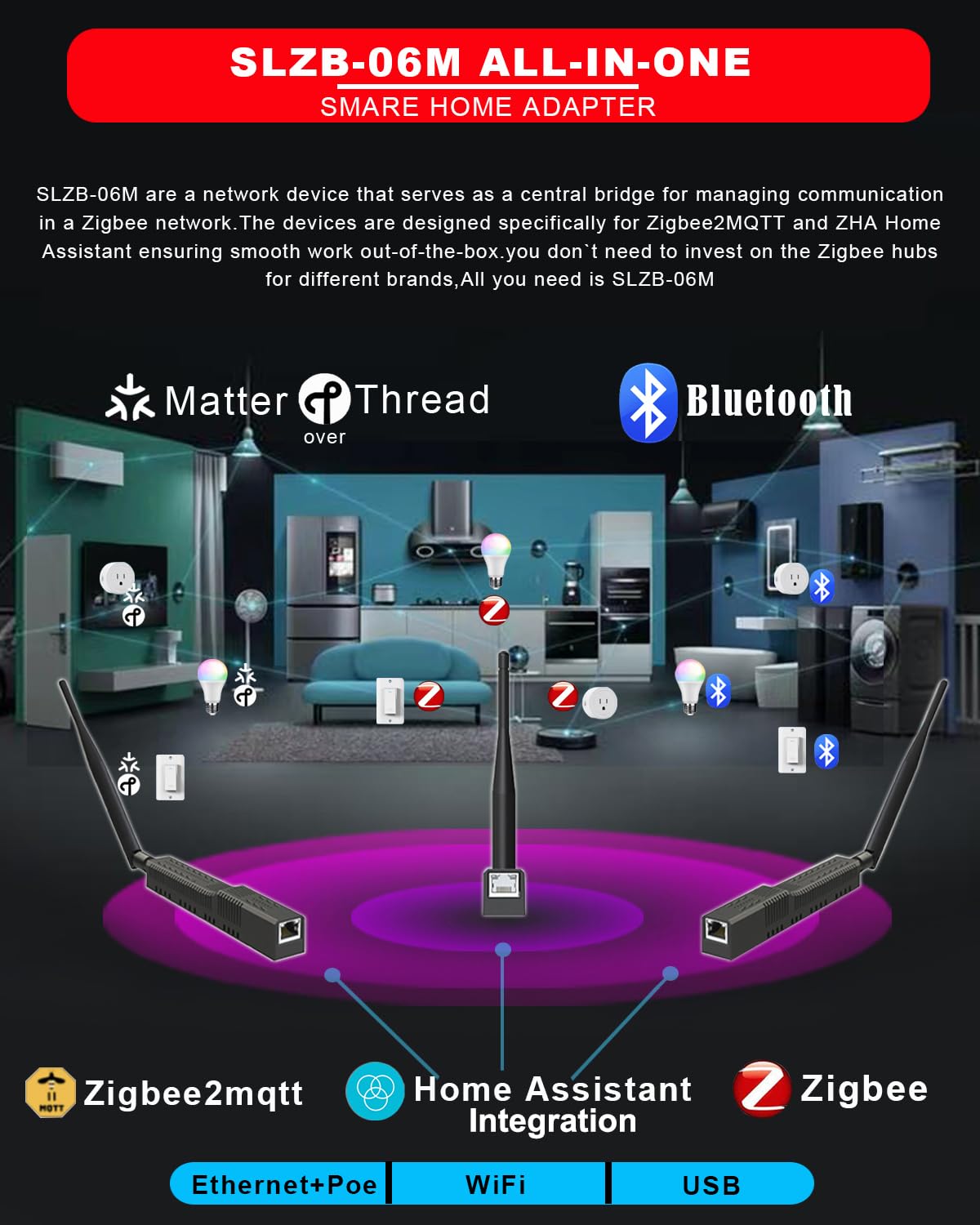


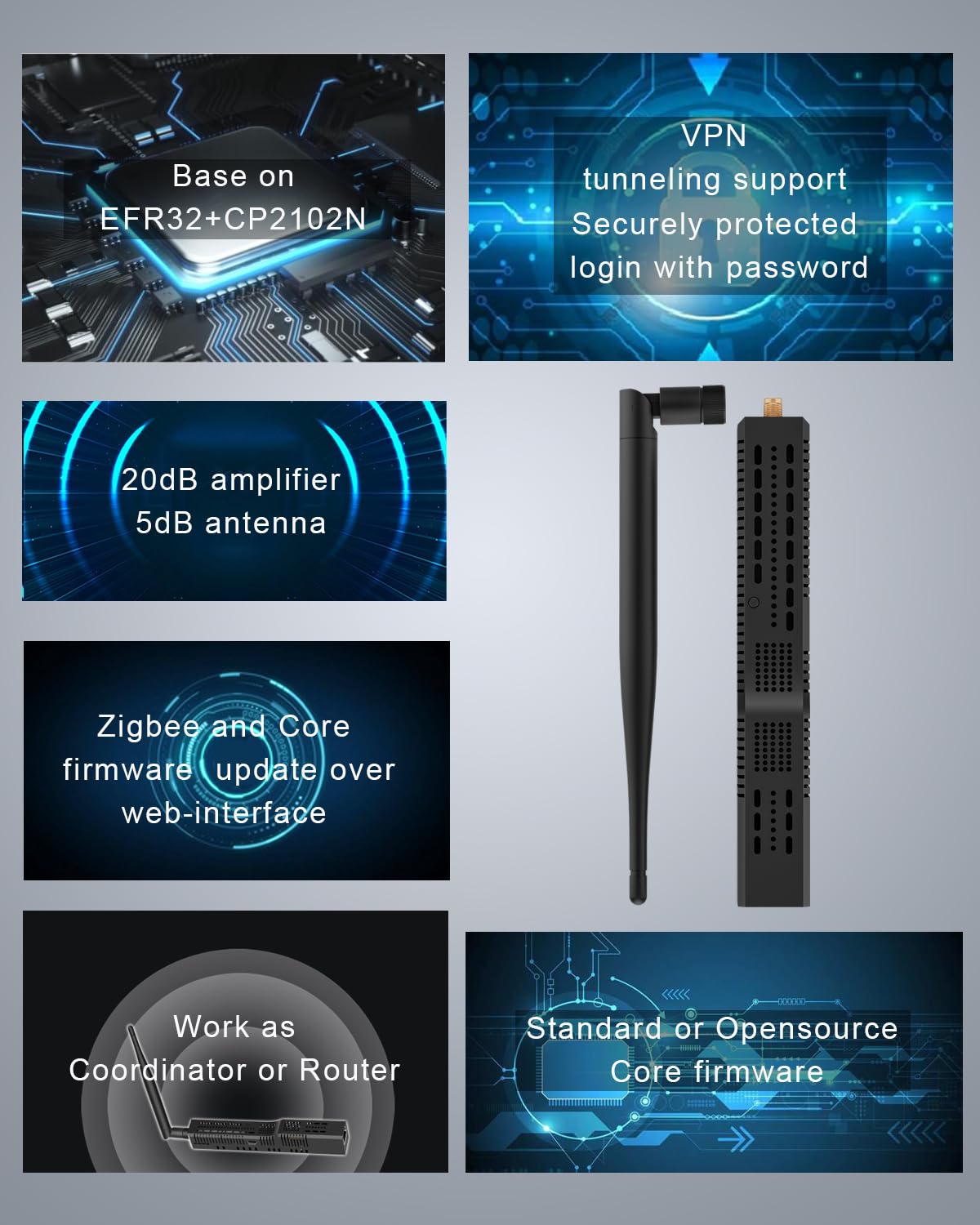
🚀 Elevate your smart home game with the ultimate Zigbee gateway!
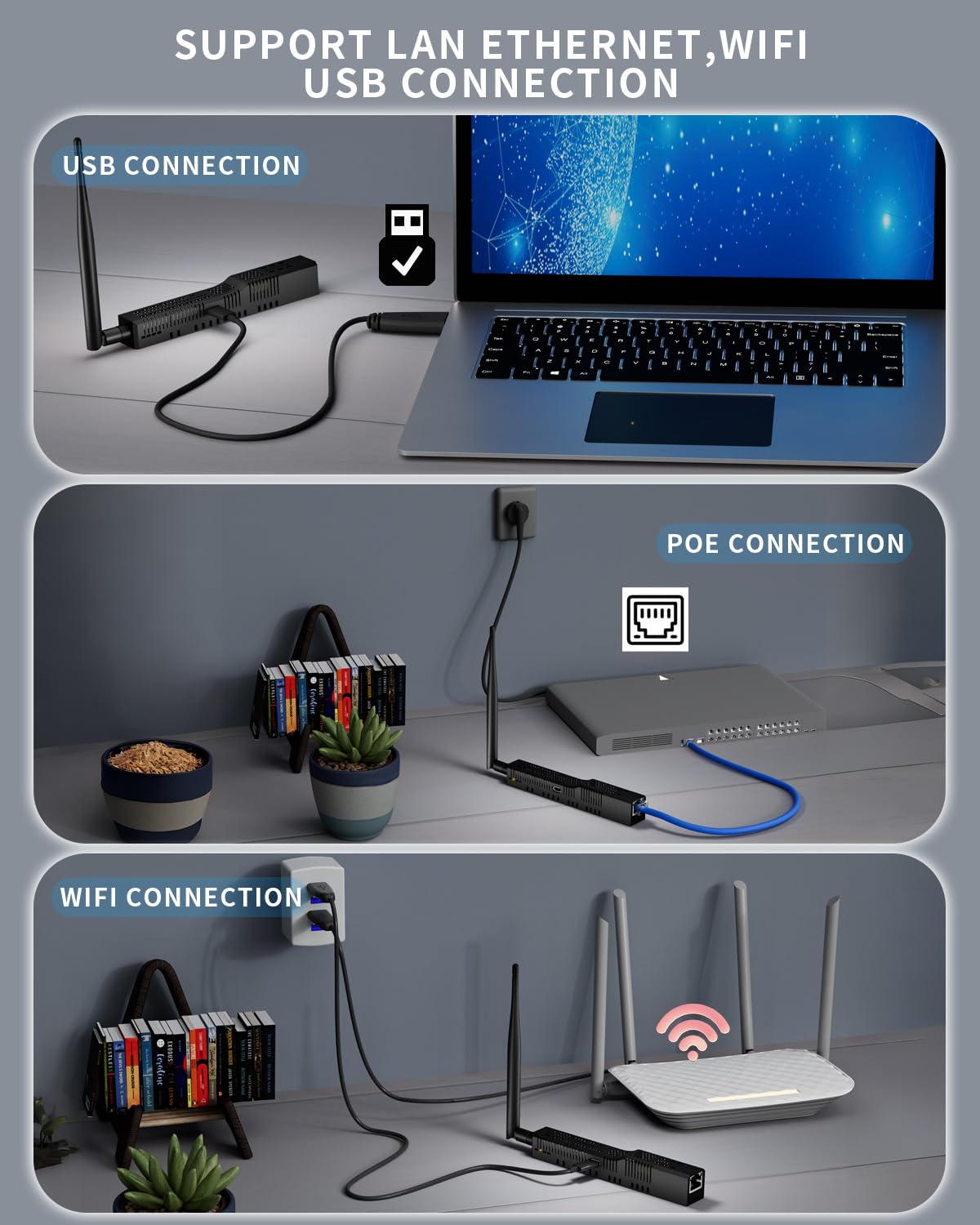
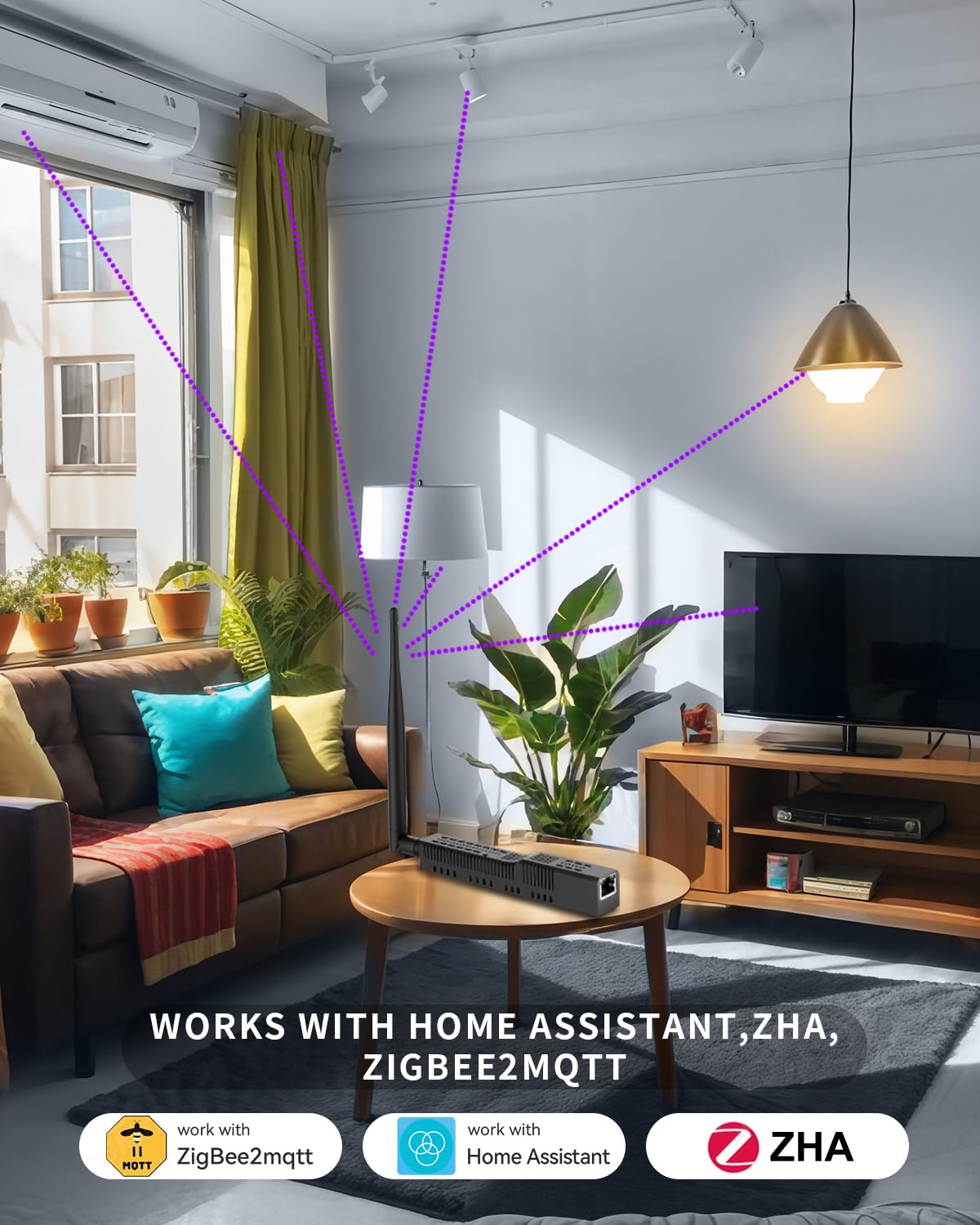
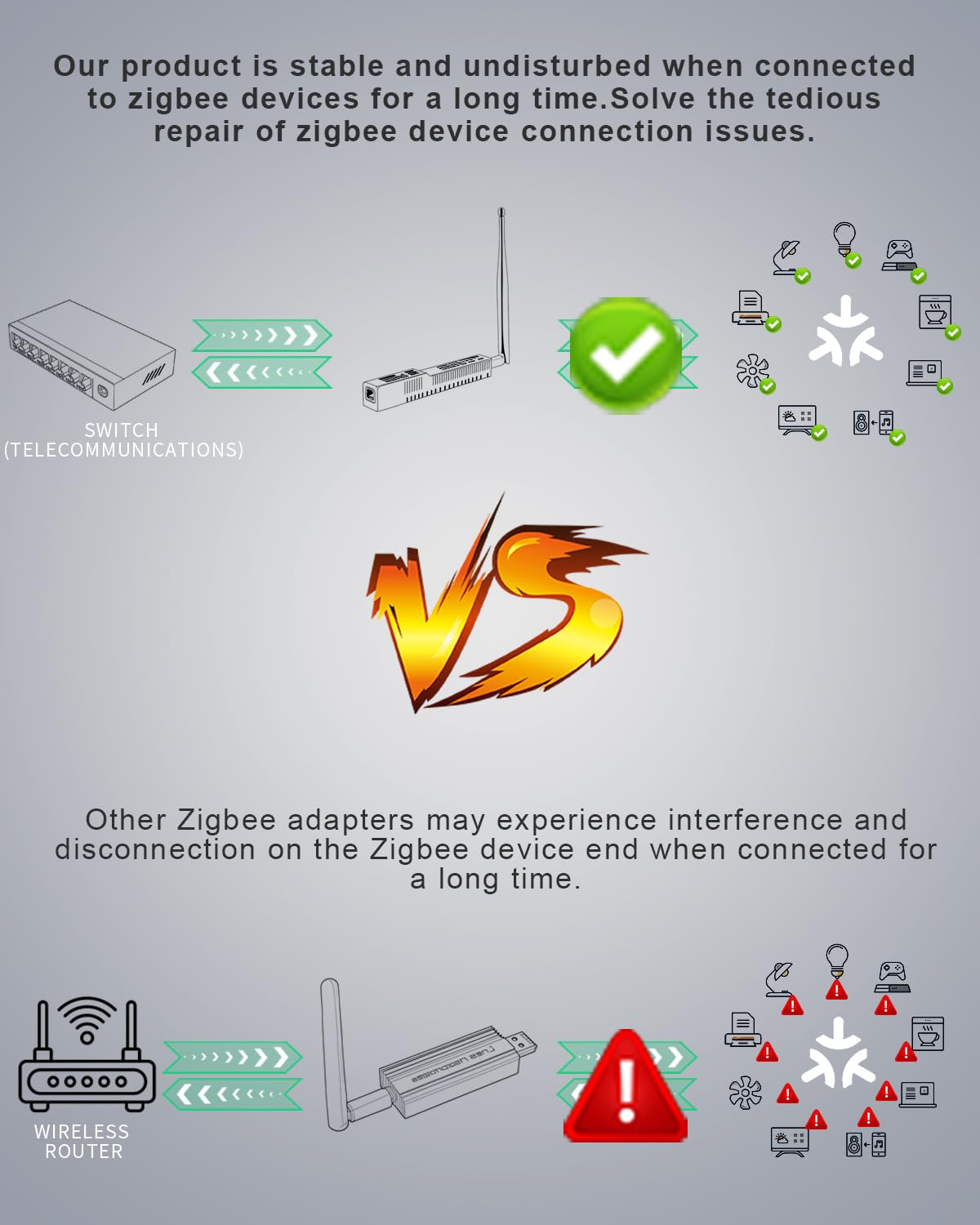
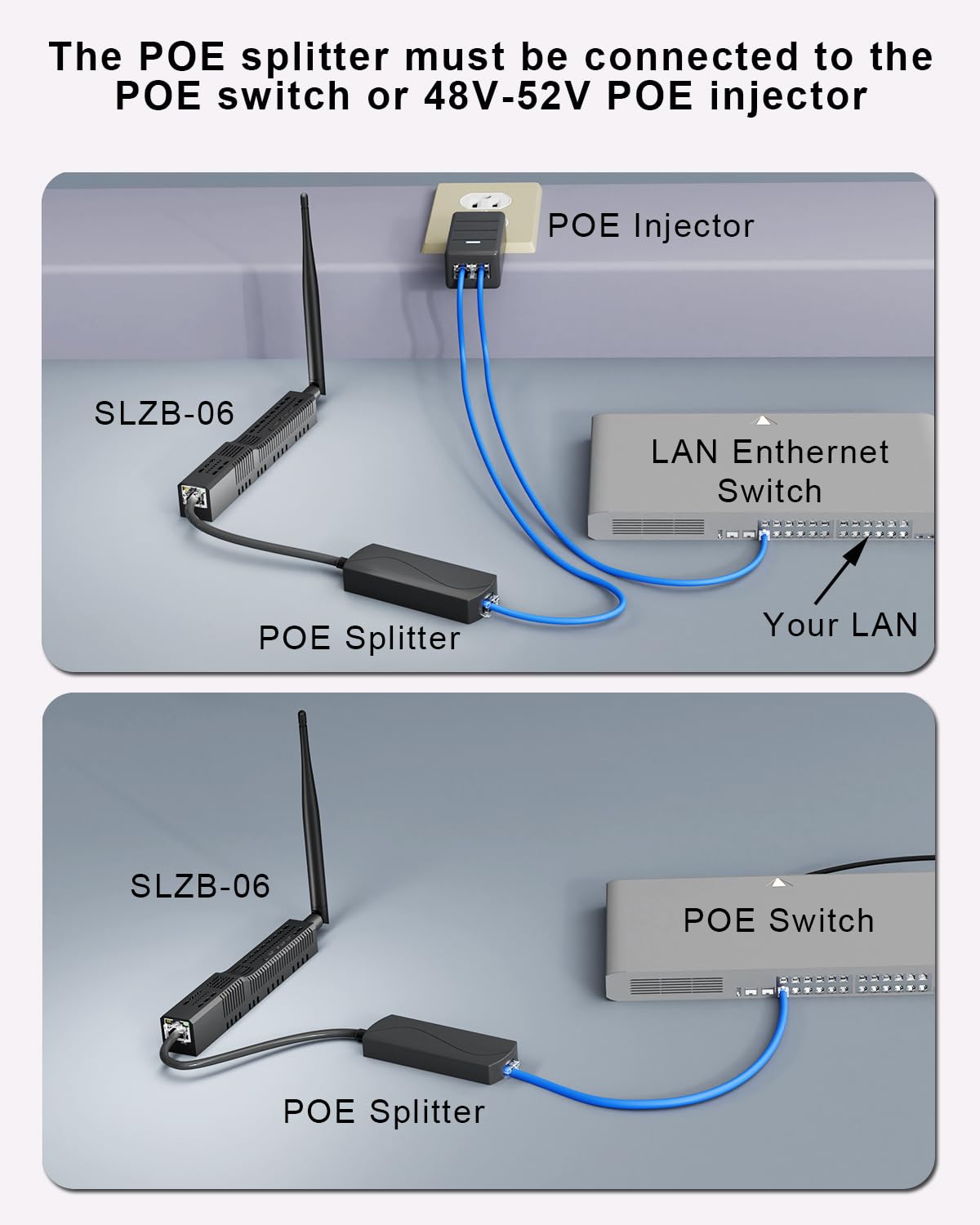
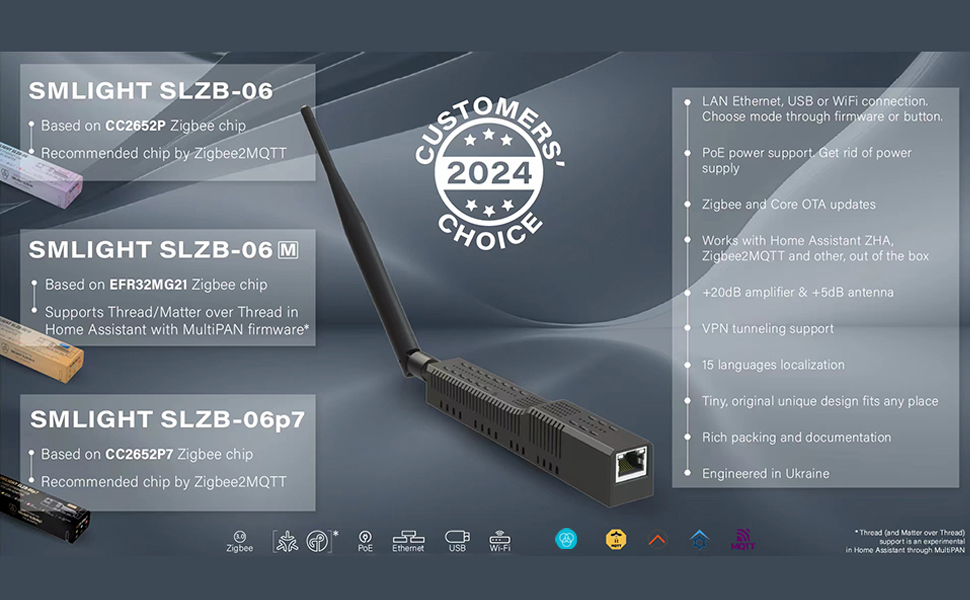
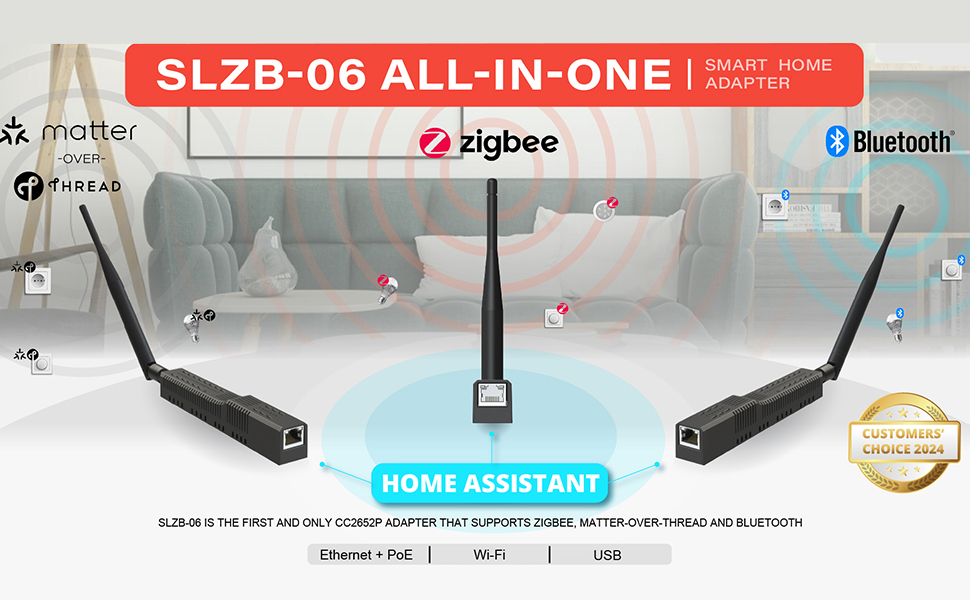
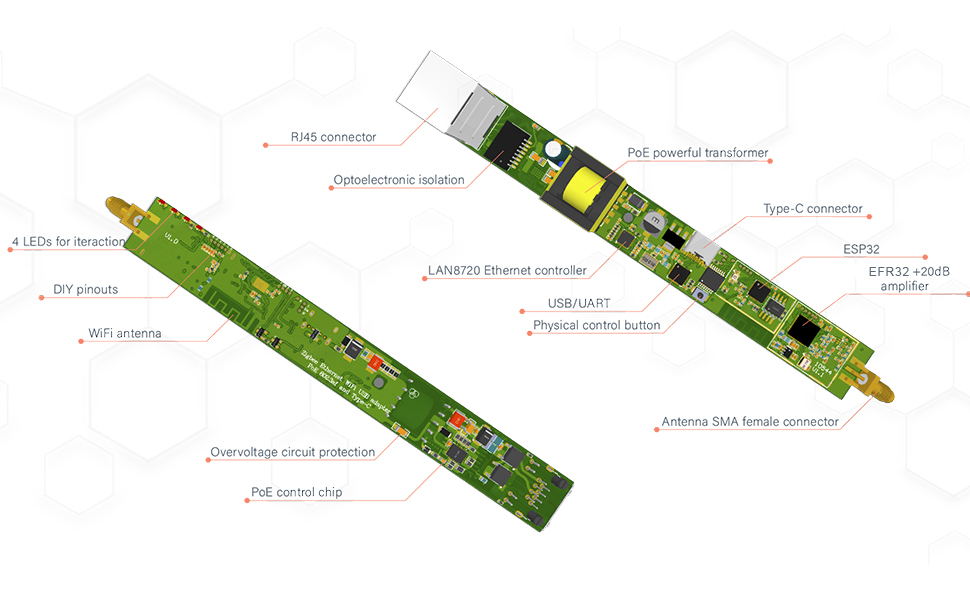
The SMLIGHT SLZB-06M is a powerful Zigbee 3.0 gateway and coordinator featuring a +20dB signal amplifier and +5dB antenna for extended coverage. It supports three connection methods—Ethernet, USB, and WiFi—and dual power options via PoE or USB-C. Designed for seamless integration with Home Assistant, Zigbee2MQTT, and ZHA, it enables scalable smart home networks with unlimited coordinators and experimental Matter-over-Thread support.

B**N
Great little powerhouse
Easy to figure out and set up. The coverage is great and all my smart devices/repeaters get good signal. I use this for home assistant where you can visualize the zigbee map as well. I may even get another to handle my thread devices
P**R
Using for zigbee devices and love it
Had this over a year now. Works as advertised and has a pretty long range. First time setup can be confusing without documentation. Otherwise, will buy again if I had too. The value in being either a zigbee coordinator, router, or matter hub is massive. Allows for lots of different connections (eth, wifi, etc..).
A**R
Took a bit, but works perfectly once set up
I'm super dumb, so here are the steps to get this to work BEFORE getting to the video part:1. Flash the device with the most recent firmware using the flasher site. Plug in the USB between the device and a computer with a Chromium-based browser and use the flashing site (https://smlight.tech/flasher). Just pick the most recent one and let it do its thing.2. Flash Thread RCP to the device. This was the frustrating part. The instructions (https://smlight.tech/manual/slzb-06/guide/thread-matter/thread-slzb-06m.html) are kinda incorrect?First: I couldn't find any info on how to access the web interface, but here's how you do it: connect to the SLZB-06M wifi and connect your browser to 192.168.1.1.Then follow the instruction steps 1-6 to set/ensure the device is in USB mode. Then skip step 7, do step 8, skip 9-10. Then follow the rest of the steps.Then you can mostly follow the steps in the video in the Amazon listing up until it requires an Android phone.Once on-boarded, it's been working perfectly with my Home Assistant, so highly recommend for Matter/Thread once it's up and running.
T**5
perfect for HA
Perfect for Home Assistant, no effort to install.
T**H
Excellent
Works just as described. Perfect companion for Home Assistant
Y**K
Horrible
If it worked as described it would be a great item. However, it does not work at all and if you watch the video from the company they tell you that this is an experimental item and you use it on your own. Even if it worked for some time, you risk losing all your configurations/automation when it stops. I would steer clear of this brand.
M**H
Great Zigbee Coordinator
Awesome, works exactly as described.
H**D
Works with Home Assistant
Works with Home Assistant. I plugged it in to my network and HA detected it and added the integration.
Trustpilot
1 day ago
2 days ago