Desert Online General Trading LLC
Dubai, United Arab Emirates
Desert Online General Trading LLC
Dubai, United Arab Emirates
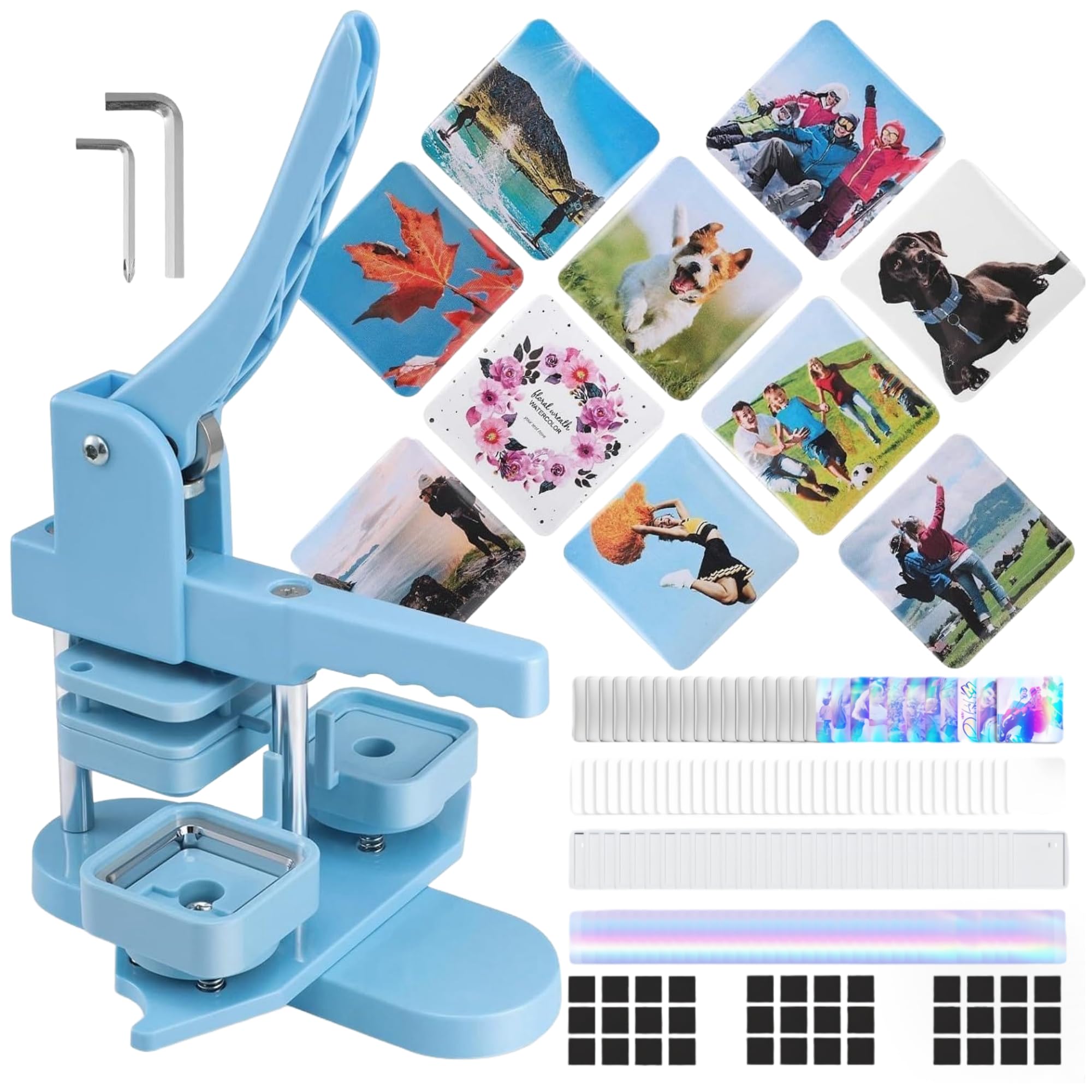


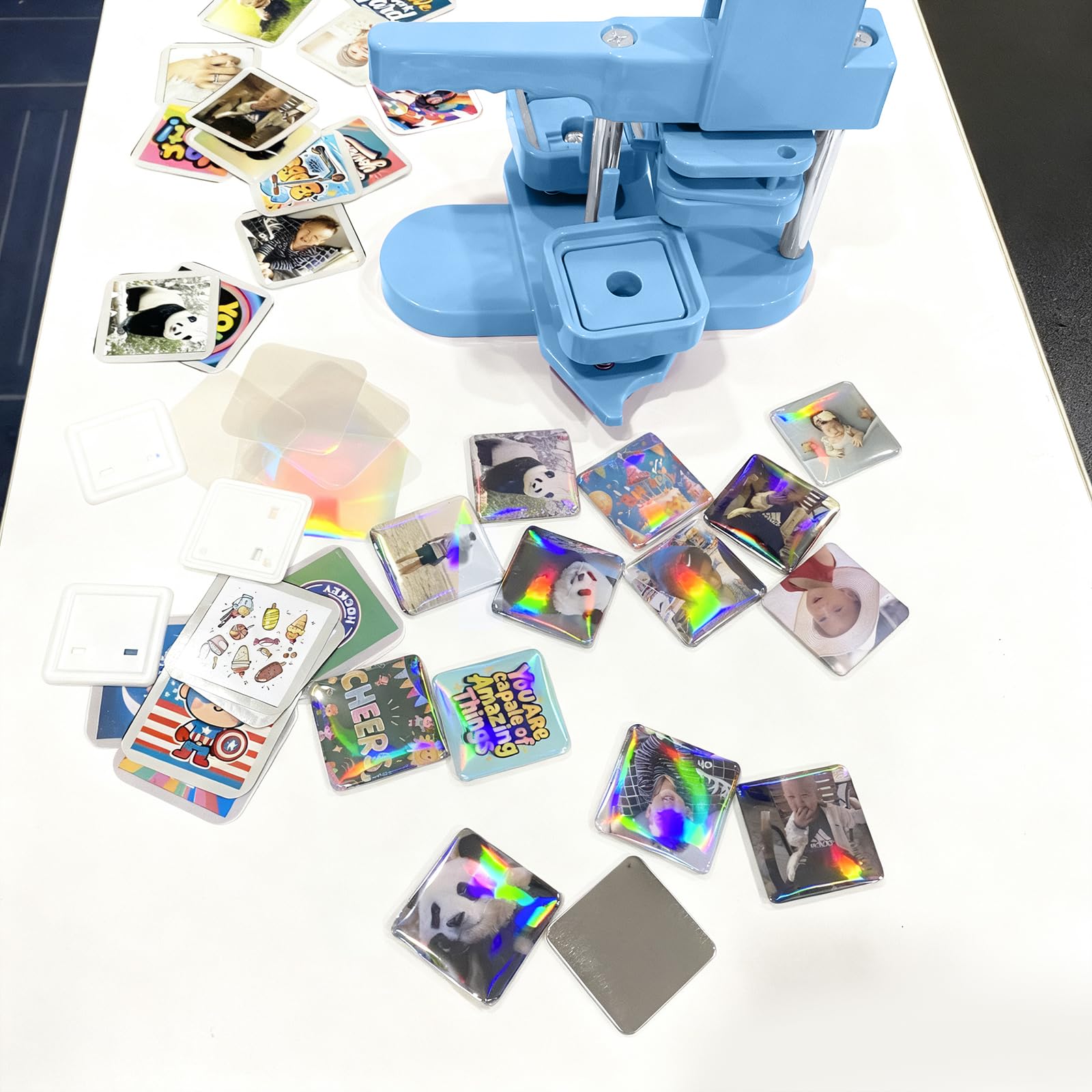

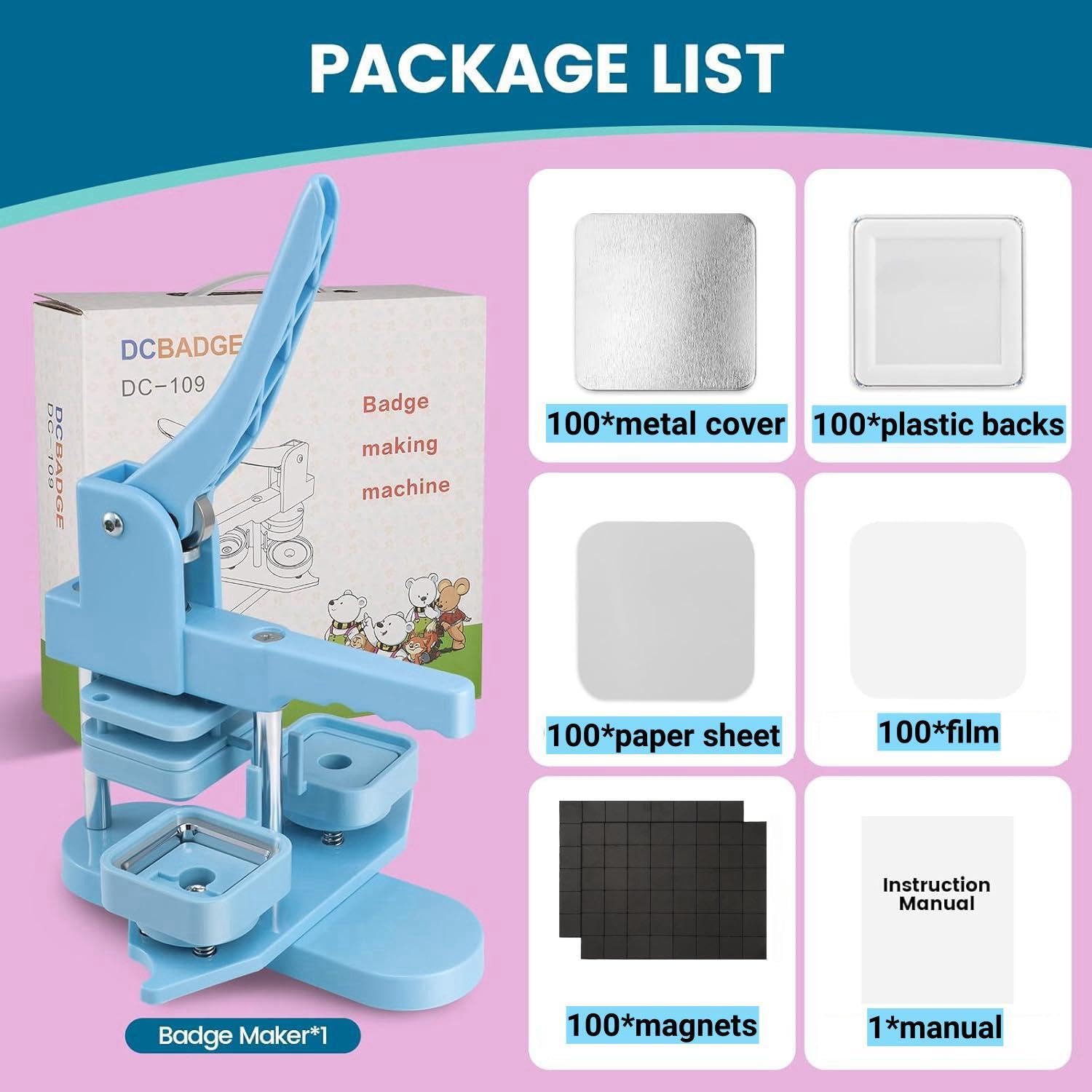


✨ Turn your memories into magnetic masterpieces! ✨
This Square Photo Magnet Button Maker Kit features a 2'' x 2'' button press machine with 100 complete magnet sets, including metal covers and holographic films. Designed for easy, durable, and professional-quality creation of personalized fridge magnets, it’s perfect for home, school, or small business projects that demand a dazzling, modern touch.


A**.
It is WORTH IT!
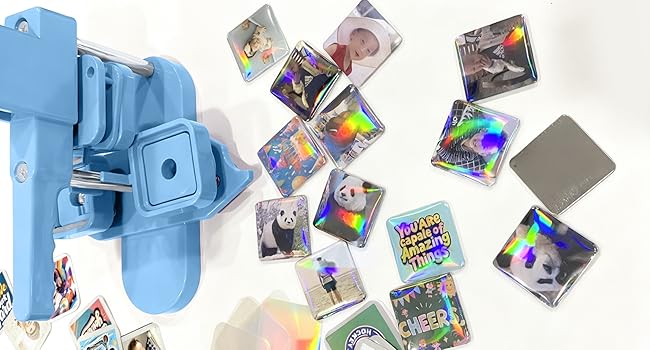
I ordered this button/magnet maker to make magnets from home. I was a little skeptical about the price when others are upwards of $200.00, but I said I'd give it a try for the price. Let me say I am 100% happy with my purchase. It was easy to use, and it made the cuteset magnets. I also reached out to Customer Service to get the Canva template and their response was less than 24 hours and they sent me the Canva link and some helpful tips for making the magnets and buttons. I will say the Canva template was very easyto use. Again I can not stress how HAPPY I am with this purchase. See the pictures of the magnets I made.
A**E
DO NOT WASTE YOUR TIME !
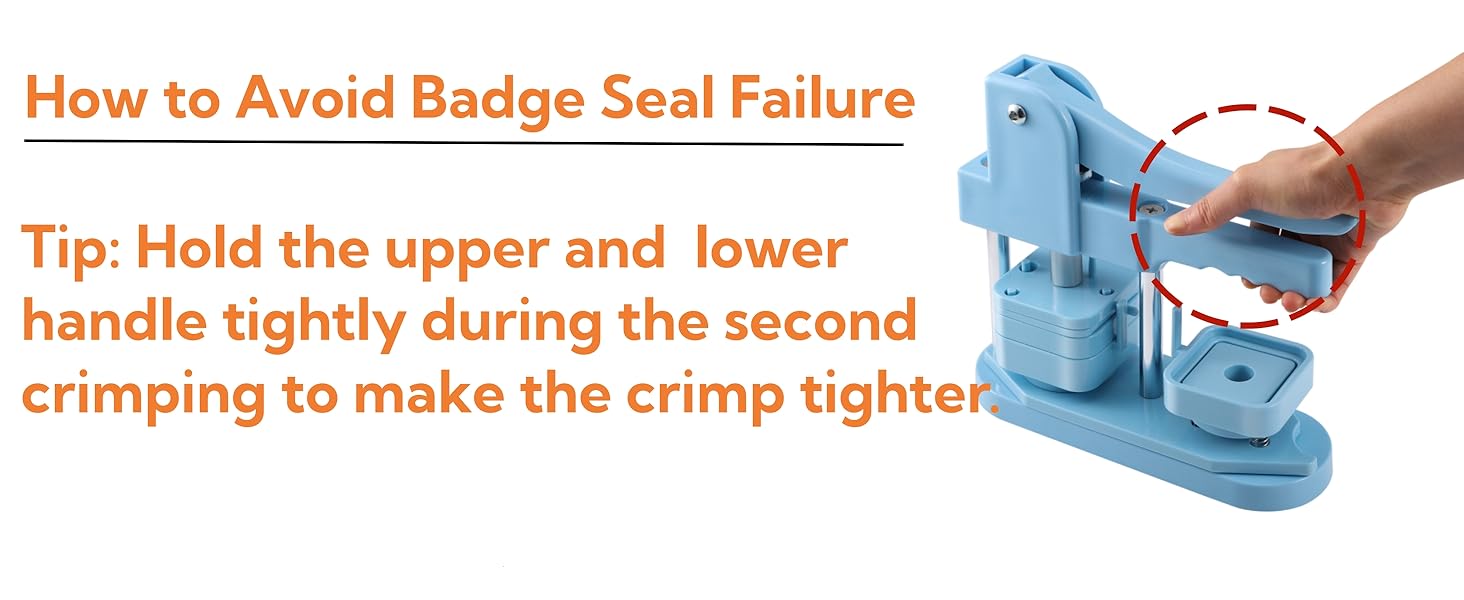
Product is defective all together. It came without instructions but following the simple sheet & video on here, the product still doesn’t work. The amount of force needed for the front and back to clamp is beyond excessive (and very much pain inducing) and still doesn’t guarantee the pieces to be secure.I troubleshooted all ways I could think of and still only 2 of around 15 attempts produced pins (but still not of an acceptable quality). The white sheets it came with are useless bc any thing thicker than 1 plain sheet of paper will not fit between the mylar, by time you add the back piece, so you can’t even use photo paper. The joints became unaligned around the 10th attempt. Worst part: If the pin doesn’t press together, the metal, picture & mylar automatically have to be discarded to make another attempt because the edges would already be dented in. If you proceed, expect for 2/3rd of the materials it came with to have be thrown away from failed attempts. I’m experienced in & self taught with countless crafts and hobbies but this one is an ABSOLUTE waste of time, money & is beyond disappointing. I should have listened to the other poor reviews! Maybe a better quality one is decent but regardless, I should be able to make more than 2 pins for $70.
K**Y
Great magnet machine
This machine was a delight to use. I used it today to make a magnetic calendar for my refrigerator. I reached out to the seller to have the 2x2 Canva template emailed to me. Once I figured out how to use the template I had no issues printing the template, cutting out the squares and making the magnets. Very easy to use.Thanks again for exceptional customer service and a great product.
A**R
Make sure to use only one of the clear covers. It's very easy to have them stick together.
I'm making more bad than good. When they come out right they are really cute!
B**N
Great for making special gifts.
Been having a blast making Magnets. My disable son would go to the Library to make these type of Round buttons. Now he can make them at home.Only problem is that sometimes, the top plastic piece doesn't always seat properly so you have to redo the magnet.
B**S
Good for homemade gifts
Just need to make your pictures the right size and it works great. I used 2.4 inches and it works great! Nice for easy and fast last minute birthday gifts. Not to much space taking and seems strong for the material it's made out of.
S**E
Great button maker for home use but follow these directions to make your life easy!
This button maker was really great for home / craft users. I specifically wanted the square button maker, because I wanted it to be really easy to go from print to button and I was not disappointed.A few tips to help:1) Definitely view the video to watch how the machine works -- once you see it, it becomes pretty easy.2) You really DON'T need to do the "trimming" step to make rounded corners! I made a bunch of photo buttons by just using google slides: First, I cropped/sized the photos into exact 2.1" x 2.1" squares, and then lined them up so that all the edges are touching (this allowed me to print 20 photo squares on a regular piece of letter paper). Make sure to line them up so they are all touching with no spaces in between the columns or rows. Then I quickly cut out the squares so I had a pile of photo squares. These squares fit perfectly within the rounded corner template, so when I pressed the buttons the photos still took up the entire button. To make the squares fit in the button -- line it up against the mylar covering and NOT directly on the metal / button machine -- there is a little bit of static between the paper and the mylar so you can center it every time. If you try to center the paper on the metal back / button machine it will keep floating around when you put the mylar covering on top and be really frustrating. Trimming rounded corners is totally unnecessary if you follow these directions and I saved so much time this way. (That being said if you email the company, they will send you a canva template if you want.)3) Be REALLY precise when you are taking a piece of mylar covering from the pile -- make sure you ONLY take 1 piece per button, otherwise you'll get a bad button (and end up missing mylar for your last few buttons.) The pieces of mylar in the pile often stick together, so if your piece feels a little thick definitely double check if you have 1 or 2 pieces.
R**M
Don't waste your money
I wasted about 20 pieces of supplies because this was not working the way it states it should. I followed the QR code instructions that this cam with (which is some YouTube video that is just awful). I was only able to get ONE magnet that was perfect. The instructions are horrible. I would love my money back, but I wasted so many supplies on this stupid thing that I probably can't return it.
Trustpilot
3 weeks ago
2 weeks ago