
DOWNLOAD THE APP


Customer Services
Copyright © 2025 Desertcart Holdings Limited
DOWNLOAD THE APP
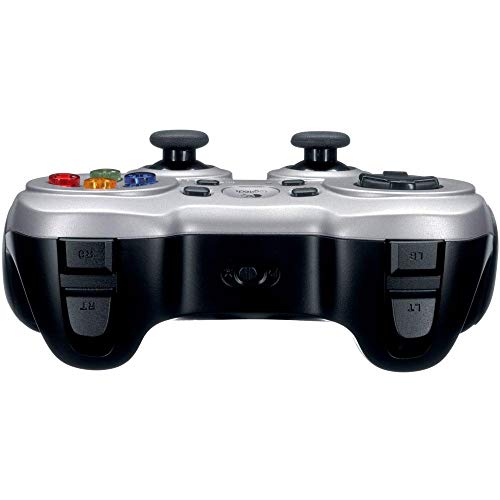

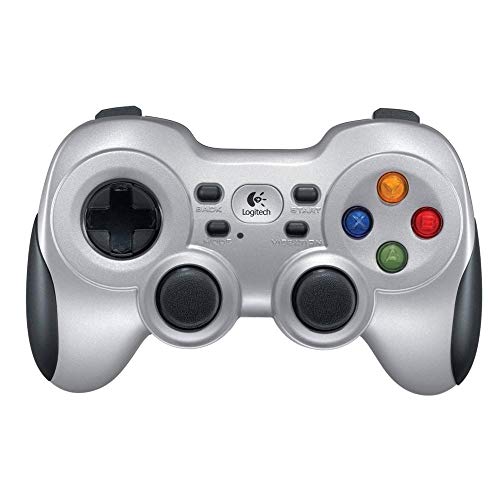
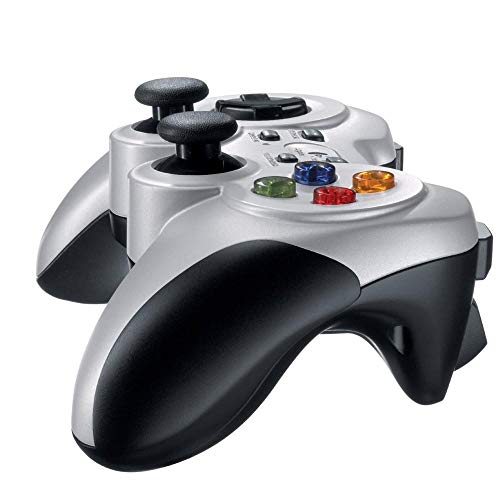

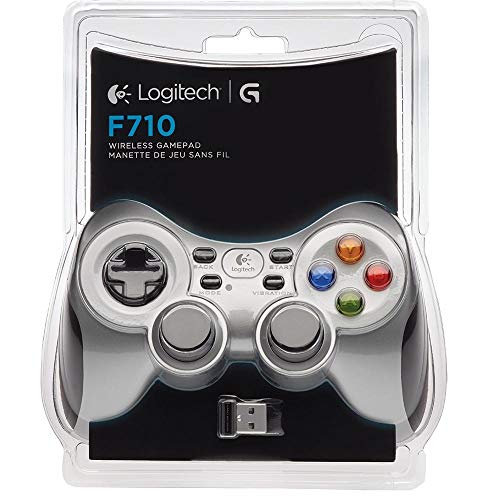


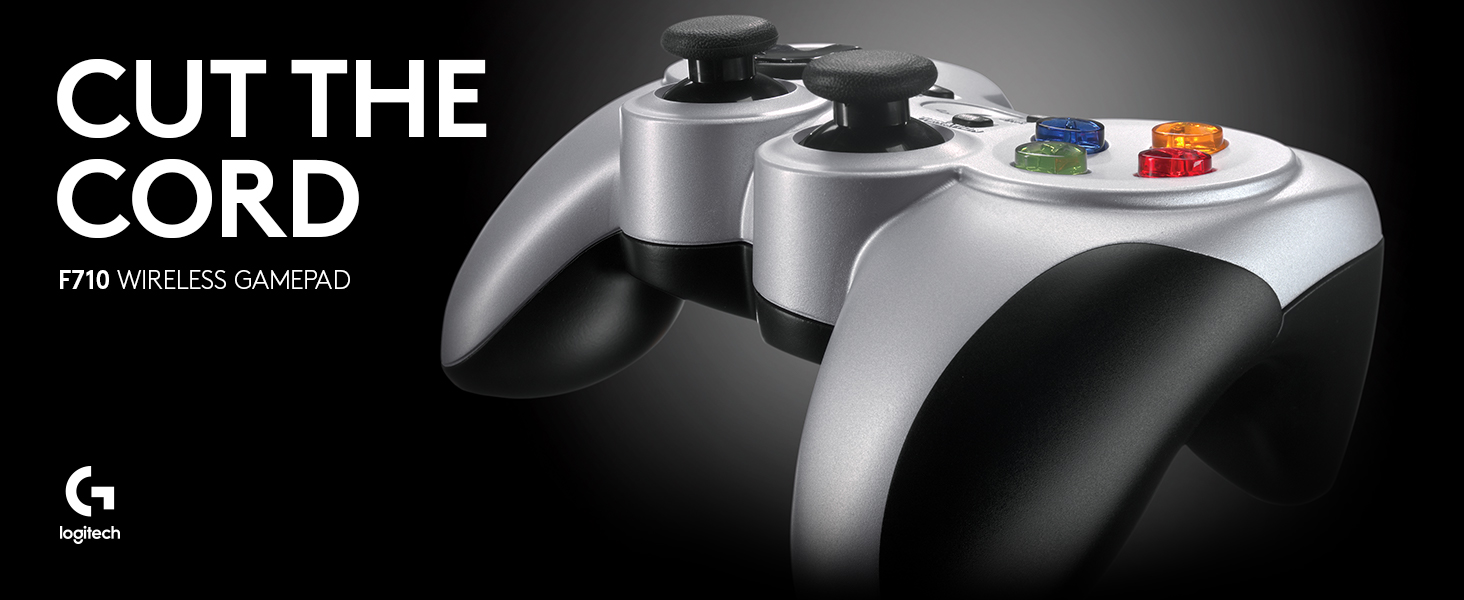
🎮 Level up your game with wireless freedom and pro comfort!
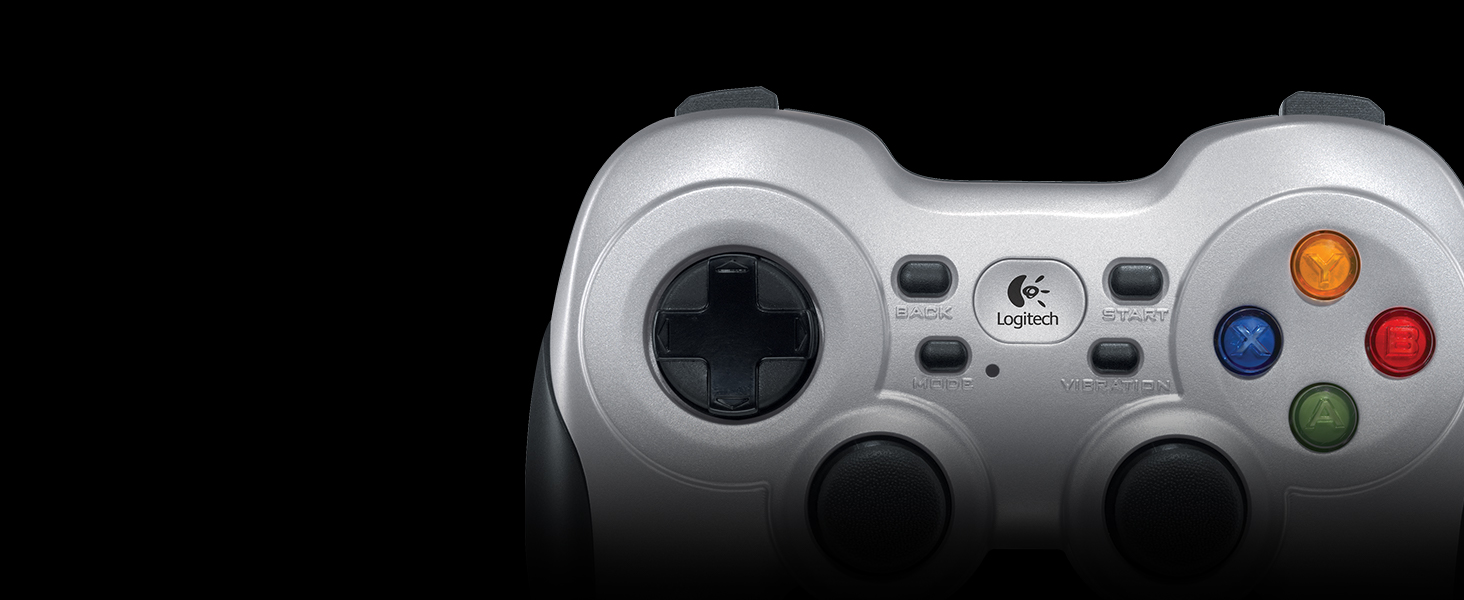
The Logitech F710 is a lightweight, wireless game controller featuring 2.4 GHz connectivity and powered by 2 included AA batteries. Designed for comfortable extended use, it supports multiple platforms and has earned a solid 4.1-star rating from over 4,600 users.



| ASIN | B0041RR0TW |
| Batteries | 2 AA batteries required. (included) |
| Customer reviews | 4.1 4.1 out of 5 stars (4,644) |
| Is discontinued by manufacturer | No |
| Item model number | 940-000117 |
| Language | English |
| Product Dimensions | 16.79 x 7.9 x 19.99 cm; 290 g |
B**N
i love it
Great!
K**S
but I do warn new purchasers that the wireless connectivity is not great at all
I've been using the controller for a little over a month now and it keeps randomly losing connection. Often it loses inputs or just gets stuck at for example left or right. I cannot return this any longer (i have gone past the 1 month return leeway), but I do warn new purchasers that the wireless connectivity is not great at all. I have tried new batteries and several different usb ports on my home set-up but the same issues arise.
N**A
Not for a frustrated gamer.
I'm an angry gamer. I tend to get a tad annoyed at the games. The first thing that has to bare the brunt of this anger is the controller... This requires the controller has high build quality. Using the controller at first was good. It did what it needed to. However upon my first angry outrage, the case broke. Not a simple break either. The side needed a glue-gun to hold it in position again. The extended section for the screws had come away entirely. The second outburst was it. This broke the left-analogue stick (it is just a random quivering mess now) and the digital down no longer works. Even though, with some testing of the board, they are actually still sending signals to the chip. Whilst having the thing open, I noticed that the build quality really is poor. Some of the parts even look hand-soldered, where I'd expect plugged-in components. A daughter-board soldered onto the main-board, which could've been the downfall of the entire thing... but I'm hypothesising. It really was a nice controller but it isn't for someone like me that will treat it badly.
R**M
Lo usó principalmente para jugar con emuladores de videojuegos hasta la sexta generación de consolas en una laptop con Kubuntu 20.04. El sistema operativo lo reconoció de inmediato en ambas funciones (direct input y Xinput). Los botones se sienten duros al principio, pero inmediatamente te acostumbras, los botones laterales hacen click al presionarlos y los gatillos se sienten bien. El control direccional es preciso y los controles análogos son como los de las consolas de Sony. La vibración va desde suave a muy intensa dependiendo del juego y como lo configures con los distintos emuladores. Se siente pesado por las baterías AA que utiliza, pero con el tiempo te olvidas de ello. El diseño es muy ergonómico, se ve que está diseñado para las partidas largas. Los plásticos son buenos, me se ha caído un par de veces y sólo ha sido el puro susto. Recomiendo que el conector inalámbrico esté siempre "visible" para el control, si es posible, usar la extensión USB que viene incluido para mejor recepción. me siento a 2 metros de mi laptop que está conectado a la televisión y el lag es casi nulo, durante varias horas de juego al día se desconecta una o dos veces por un segundo. Un detalle positivo es que puedes guardar el conector USB dentro del compartimiento de las baterías. Llevo semanas con el control y aún las baterías con las que vinieron con el dispositivo siguen funcionando. Este dispositivo es de lo mejor que he probado, sólo superado por los controles originales del Xbox y PS4. Incluso funciona sin problemas en un PS3 (modo D-input) y en juegos con un teléfono android (debes usar un adaptador OTG).
J**.
Great product for retro to modest level gaming (at least). Gameplay functions are just as perfect as a well tuned wired controller (you would never know you were using wireless - unless you happened to see there's no cable!). It is a bit heavier which I like. Based on my experience with lighter (wired) joysticks, this adds durability without compromising feel. Two things though. First, I would highly recommend using the included USB three foot extension cable to distance the wireless dongle from any usb ports. I put mine on top of my computer tower now, with a direct line of sight to the controller. Before when I had mine plugged into a front usb port, I had occasional (but very unsettling) dysfunction but now I have zero interference. The second thing is for W10 (and probably 11) users. You may run into a problem like I did where the computer might inexplicably drop the driver files for the device and no longer recognize it in a functional form (typically after startup / reboot). To correct this I went through the "Update Driver" procedure (from Device Manager). Basically you want to select to set the device to the "X Box 360 Wireless Controller" device drivers that are native to Windows (not a misnomer here, I do mean X Box... drivers for this Logitech product). This is done by manually selecting the driver files to install rather than have Windows search for the "Best Drivers...". For me (W10), this has 99% fixed Windows from rejecting the device (only 1 drop in about 40 reboots). My research indicates Logitech does not have any updated drivers for the F710 so I don't think they are going to be much help, at least from a software basis. To conclude, I'm sure there are better wireless pc controllers out there but I doubt very many will be as affordable as this one. This is a really good 'retro to mid' level gaming wireless controller for budget conscious consumers.
N**S
Is the PS3's pad too small for you and too much of a hassle to set up with your PC? Don't like where the left analog stick is placed on the 360? Or maybe you're just a hardcore PC gamer like myself and don't own a 360. Well then this is the perfect controller for you. Set up takes mere seconds. Plug bluetooth receiver into USB port of your choice, allow Windows to recognize new device and install drivers. That's it, no need to bother with the packaged disc and software. IMO Logitech did a fantastic job of identifying the strengths and weaknesses of the two console controllers, and incorporating and improving upon those strengths into their own design. For me the strengths of the 360 pad are its grip (for the six fingers you're not using) and its triggers, which were clearly designed for a better shooter experience. Sony on the other hand has kept the DualShock design over the years, perhaps with other genres in mind such as fighters, action, and RPG's. IMO the layout of their pad is highlighted by the close proximity and symmetry of its analog sticks. I find this to be a more comfortable and natural feel, as opposed to the 360's awkwardly angled sticks. As for the D-pads of the two controllers, I can't honestly say I have a preference either way. The F710 combines and improves the aforementioned strengths of the console controllers. The Logitech pad features an Xbox-like ergonomic grip and "trigger" like shoulder buttons that feel less springy than the 360's, and are equal in width to its bumper buttons. I believe it's this equal width of the two top buttons which results in a perfect feel for your index fingers to rest in between. As for the analog sticks, the F710 features the symmetric layout of the DualShock with one key iteration. The sticks feature a flat top as opposed to the inclined and rounded top of the PS3's pad. This seems to really keep your thumbs firmly in place, where as I've noticed my thumbs frequently slipping off of the DualShock's sticks. For any serious PC gamer, choosing the Logitech F710 to pair with your TV and Steam Big Picture should be an easy decision.
L**I
Controle muito bom, rápido e de boa empunhadura. Baixo consumo e carga de pilhas que duram bastante. É super resistente e durável.
I**Z
Por la facilidad al instalar y al jugar tan sencillo
Trustpilot
3 days ago
2 months ago